
This page is not an official page of the app or its developer, but an independent editorial publication created for informational and commentary purposes. Unless expressly stated otherwise, neither the app nor its developer is affiliated with, endorsed by, sponsored by, authorized by, or otherwise officially connected with MWM, Apple, Google Play, the app publisher, or the app's developer, and nothing on this page implies that the app was developed using MWM's services. Any trademarks, logos, screenshots, and other content remain the property of their respective owners.

Playlisty for Apple Music
Switch from Spotify or YouTube with pinpoint accuracy and zero monthly fees. Join 290,000+ users who demand total control over their music library and high-quality metadata.
Downloads
290K+User Rating
Total Ratings
1K+Publisher
Category
MusicLocales
1Latest Version
3.35Size
26.8 MBFirst Released
Nov 28, 2019Master Your Music Migration
Stop settling for missing tracks and bad matches. Playlisty gives power users the precision and automation needed to build a perfect Apple Music library without the subscription fatigue.
Unmatched Matching Precision
Review and amend matches before saving. Ensure every track in your library has the highest audio quality and correct metadata every time.
No Monthly Subscriptions
Experience professional-grade tools with a simple one-off fee. Unlock unlimited transfers and Pro features without adding another recurring cost to your bill.
The following screenshots and description are sourced directly from the app's official store listing and are the property of the app developer.
App Store
Screenshots
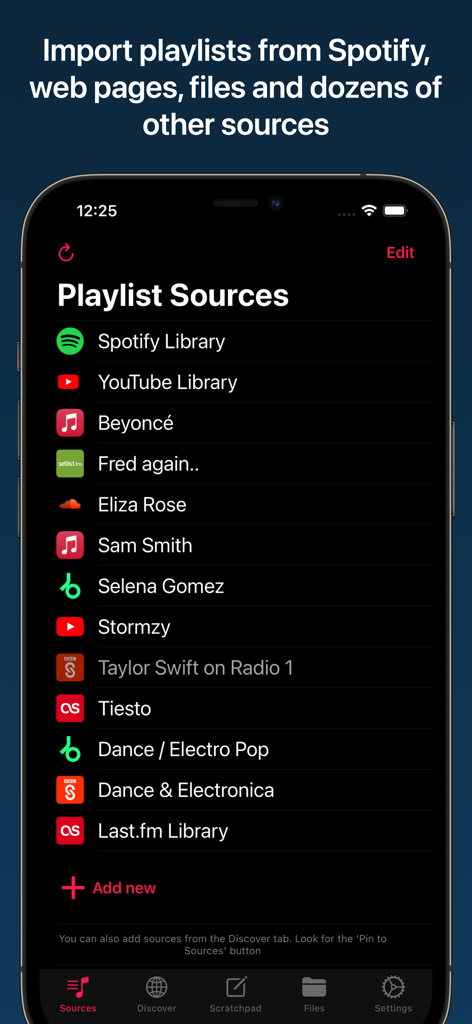
Interface of the Playlisty app showing a list of playlist sources including Spotify and YouTube for importing to Apple Music.
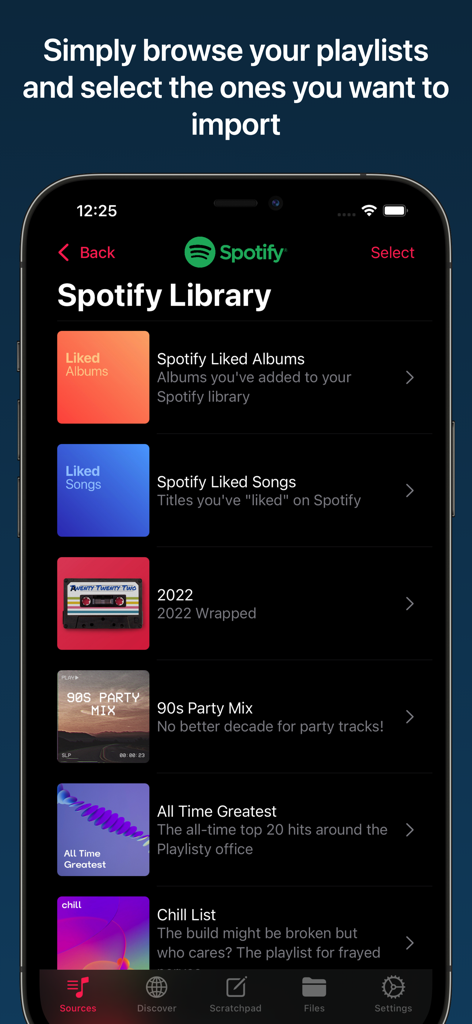
A mobile interface showing a list of Spotify playlists ready to be imported into Apple Music.
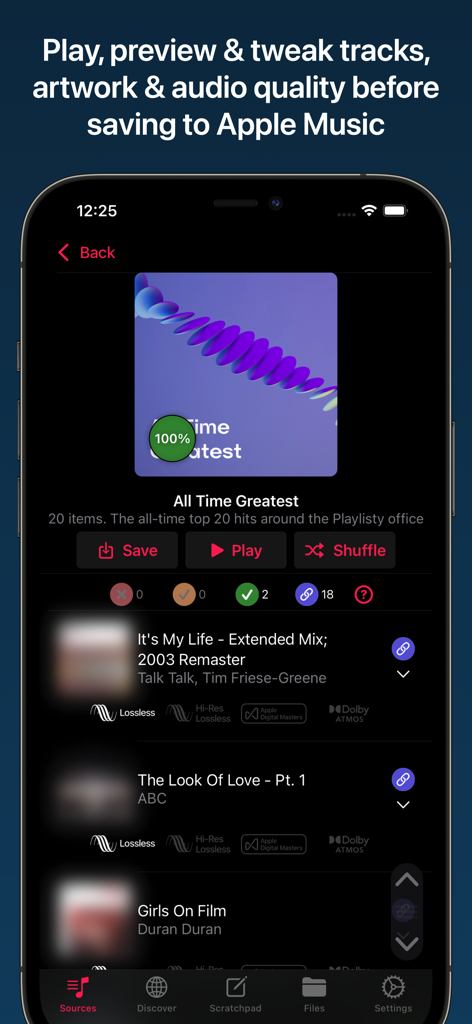
Previewing tracks and audio quality in Playlisty for Apple Music.
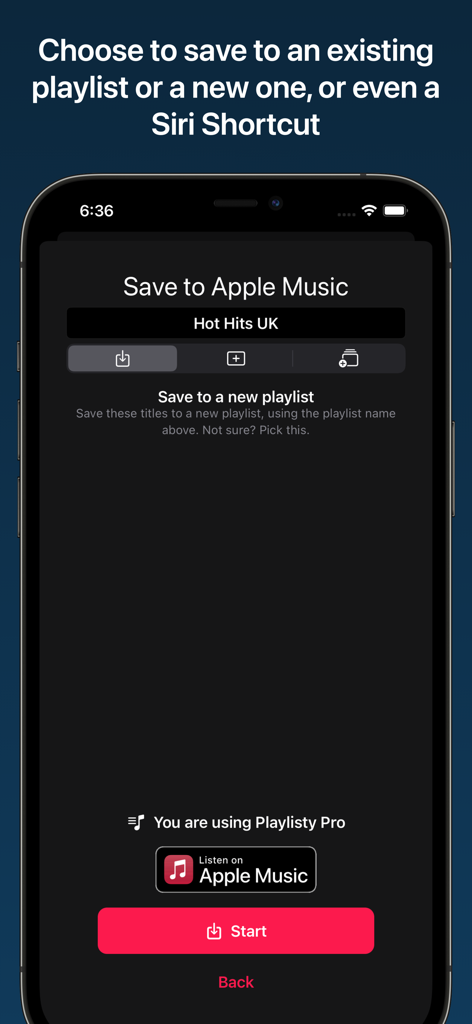
Screenshot showing the Playlisty app interface for saving a playlist to Apple Music or a Siri Shortcut.
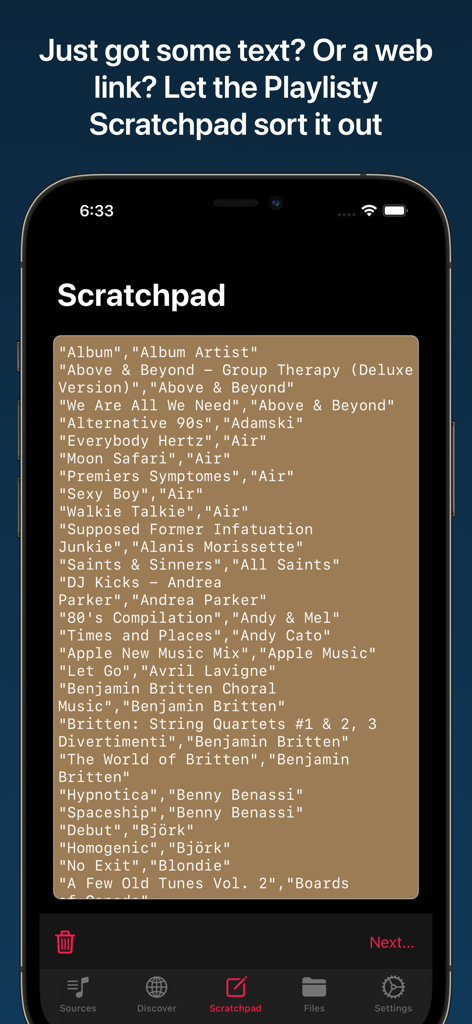
A smartphone screen showing the Playlisty Scratchpad feature used to import text or web links into Apple Music playlists.
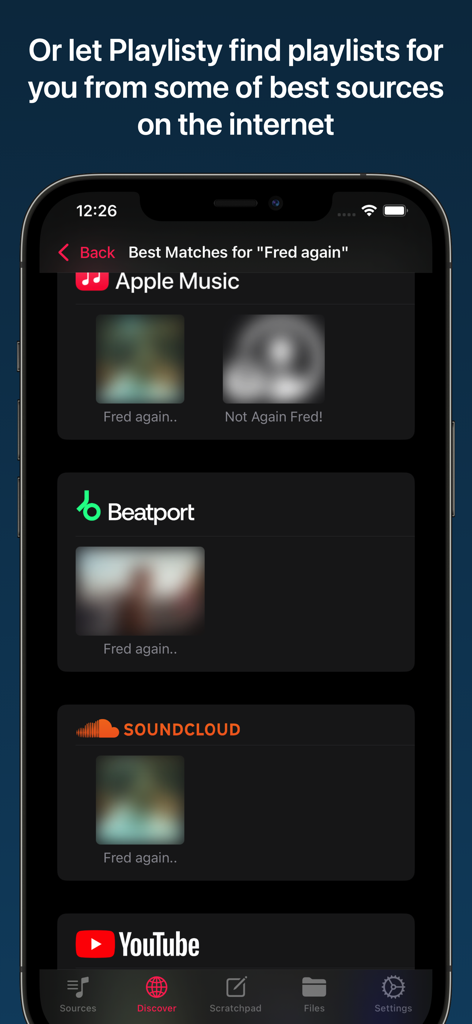
Playlisty app showing playlist search results from multiple sources like SoundCloud, YouTube, and Beatport for artist Fred again.
Description
Download
More Like This
Apps with similar features and user experience

SongShift
SongShift, LLC

TuneMySong
亮 何

TuneShift
建新 李

Playlist Transfer for My Music
Virals Dijital Hizmetler Anonim Sirketi

Transfer Music
DANIIL VOIDILOV, IE

FreeYourMusic
Hernas OU

Music transfer & stats: Swapy
Maryana Yurieva

Youtify + for Spotify Premium
KISSAPP, S.L.
Playlisty for Spotify
Obdura Ltd
This page is not an official page of the app or its developer, but an independent editorial publication created for informational and commentary purposes. Unless expressly stated otherwise, neither the app nor its developer is affiliated with, endorsed by, sponsored by, authorized by, or otherwise officially connected with MWM, Apple, Google Play, the app publisher, or the app's developer, and nothing on this page implies that the app was developed using MWM's services. Any trademarks, logos, screenshots, and other content remain the property of their respective owners.