
MX-Q
Empower Tribe Innovations DE GmbH

Take full command of your stage sound on Midas and Behringer digital mixers. Dial in the perfect in-ear or wedge mix instantly with customizable MCAs, so you can stop worrying about the soundboard and focus on your performance.
Publisher
Category
MusicDownloads
552K+User Rating
Total Ratings
300Locales
1Discover the interface used by 552K+ users.
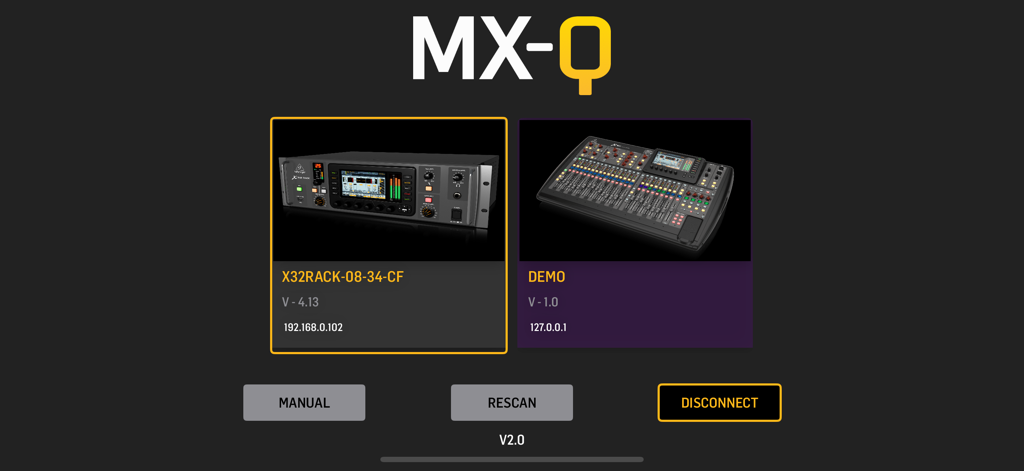
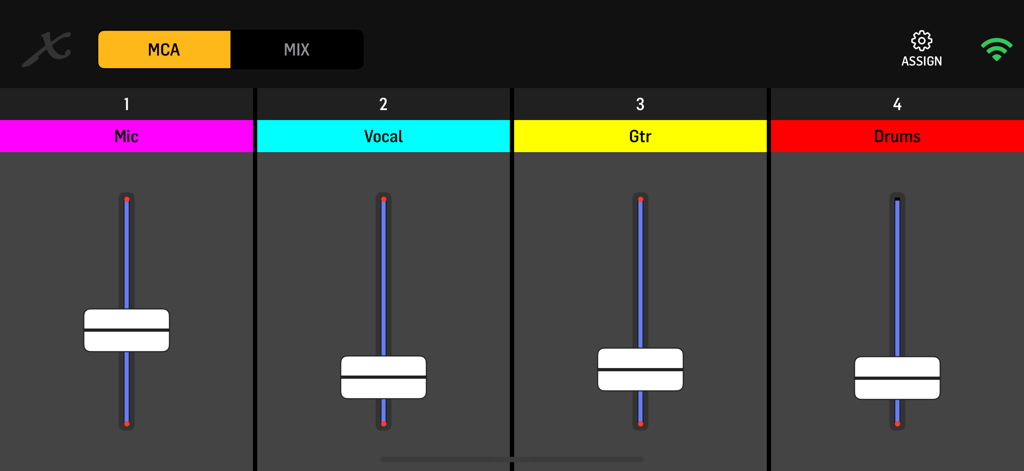
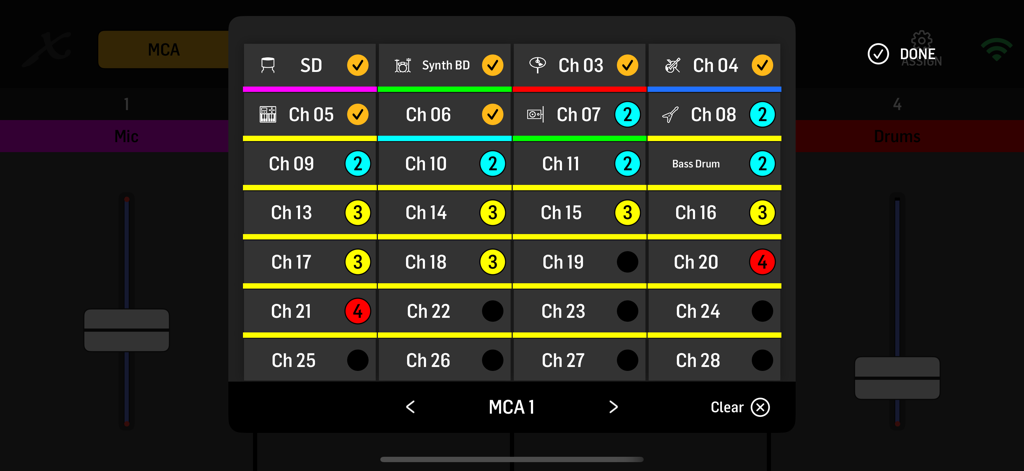
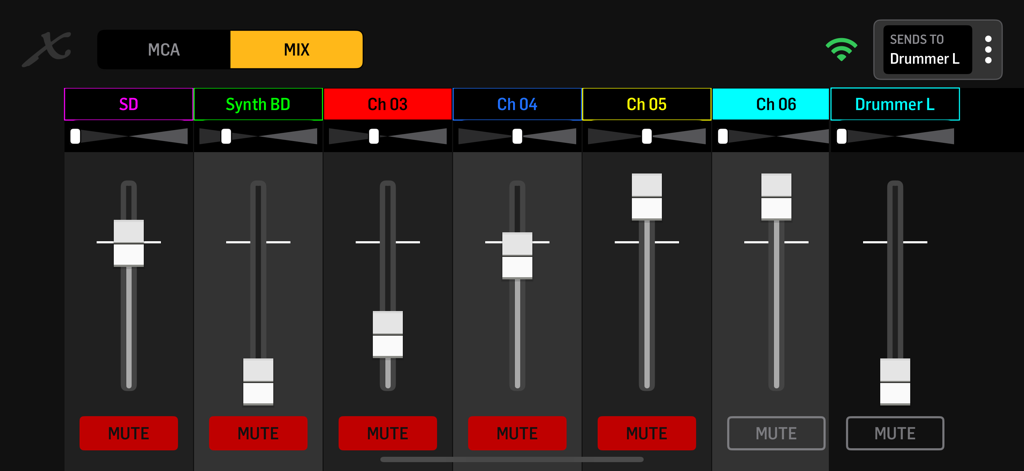
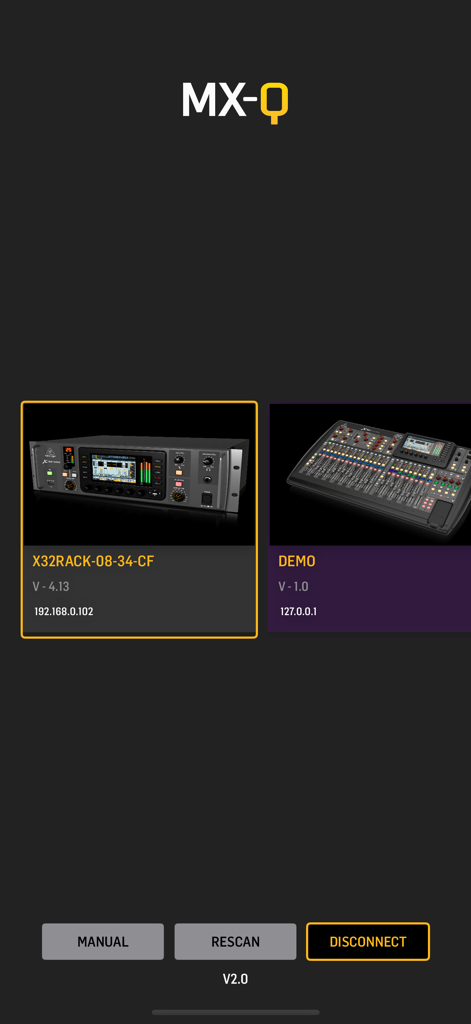
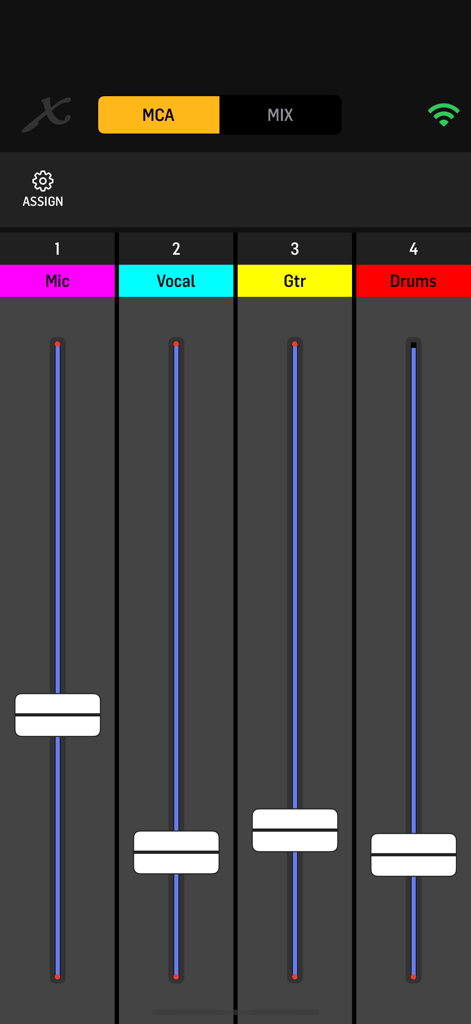
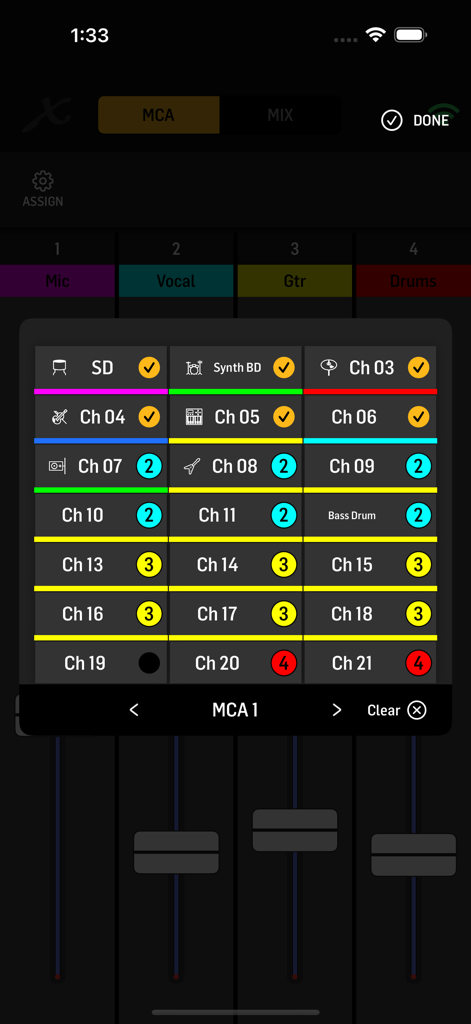
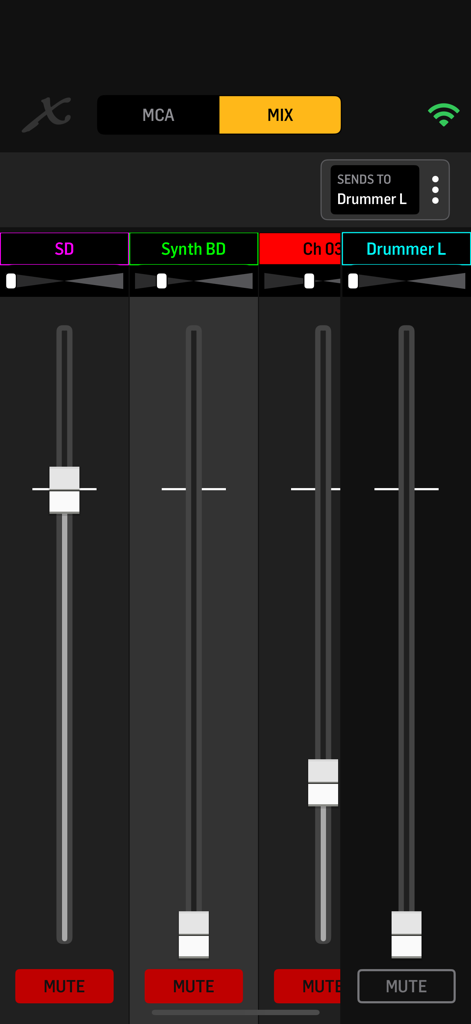
The tools that make this app stand out, trusted by 552K+ users.
Group drums, vocals, or guitars into one of 4 custom MCAs to adjust your whole mix with a single swipe during your set.
Full control over stereo sends and panning ensures you get the clarity and depth required for professional IEM performance.
Fast, reliable connectivity for Midas and Behringer mixers with a flexible UI that supports portrait or landscape mounting.
Insights from user reviews.
Sentiment Score
Summary
The recent update, often referred to as version 2.0 or 2.1, has led to overwhelmingly negative user feedback, drastically diminishing the app's functionality and usability for many. Users report critical issues such as the app failing to prevent screen locking, frequent disconnections requiring manual IP re-entry, and a significant loss of essential features like VU meters and MCA group filtering. While some acknowledge a cleaner visual design in the new user interface, this aesthetic improvement is consistently overshadowed by a clunky user experience, poor scrolling, and a lack of intuitive controls, prompting numerous requests for a reversion to the previous version or a search for alternative solutions.
Common Themes
Everything you need to know about MX-Q.
Description
Latest Version
2.1
Size
16.8 MB
First Released
Jul 21, 2019
Join over 550,000 musicians and worship leaders taking full control of their stage sound. Download MX-Q today for the ultimate personal monitoring experience on Midas and Behringer digital mixers.
Everything you need to know about MX-Q
The MX-Q app allows musicians and creators to control their personal monitor mix directly from a mobile device. It supports Midas M32/M-AIR and Behringer X32/X-AIR audio mixers.
MX-Q is compatible with Behringer X32 and X AIR series mixers, as well as Midas M32 and M AIR series mixers. Your mobile device and mixer must share the same Wi-Fi network.
Yes, MX-Q allows users to virtually group channels into four customizable MCAs (Mix Control Associations). These MCAs can be populated independently in every app instance for easy adjustments.
Yes, MX-Q offers individual volume and panorama remote control for all input channel sends to aux-buses. It also controls Mono and Stereo Bus sends and panning for precise adjustments.
Yes, MX-Q supports both portrait and landscape screen orientations. This feature provides flexible viewing and control options for users during live performances or studio sessions.
MX-Q is perfect for musicians who need full control of their in-ear or wedge mix, bands requiring fast personal monitoring, and for use in rehearsal spaces, churches, and touring setups.
To connect, ensure your mobile device and the mixer are on the same Wi-Fi network. The MX-Q app automatically detects compatible mixers, allowing selection from the initial screen.
Apps with similar features and user experience

Hexler LLC

Adam Tow

Blackout Lighting Console LLC

Apple Inc.

Imaginando Lda

Trent Barclay

Mixing Station GmbH

Hexler LLC

Jam Origin ApS
App information, icons, screenshots, and descriptions displayed on this page are sourced from the Apple App Store and are the property of their respective developers. Download estimates and rankings are based on MWM's proprietary models and may not reflect actual figures. This page is provided for informational and analytical purposes only.
Believe this page infringes your intellectual property? File a dispute