
This page is not an official page of the app or its developer, but an independent editorial publication created for informational and commentary purposes. Unless expressly stated otherwise, neither the app nor its developer is affiliated with, endorsed by, sponsored by, authorized by, or otherwise officially connected with MWM, Apple, Google Play, the app publisher, or the app's developer, and nothing on this page implies that the app was developed using MWM's services. Any trademarks, logos, screenshots, and other content remain the property of their respective owners.

Mixing Station
Take total command of your audio workflow with a fully customizable, brand-agnostic interface for X32, Midas, Allen & Heath, and more. One unified UI to master every console in your rack.
Downloads
536K+User Rating
Total Ratings
700Publisher
Category
UtilitiesLocales
1Latest Version
V2.7.0Size
121.6 MBFirst Released
Jan 5, 2019Master Every Mix with Professional Precision
Ditch the fragmented manufacturer apps. Mixing Station provides a unified, pro-grade remote control experience for the world's leading digital consoles, allowing you to focus on the sound, not the software.
Universal Console Control
Switch between Behringer, Midas, Allen & Heath, and Yamaha consoles without relearning the software. Maintain your muscle memory across every venue.
Fully Customizable Layouts
Strip away the clutter. Design custom layers and channel strips so your most critical faders and DCAs are exactly where you need them during a show.
Frequently Asked Questions
Everything you need to know about Mixing Station
What is Mixing Station?
Mixing Station is an application designed to remote control digital mixers from various manufacturers through a unified user interface, providing comprehensive control over mixing functions.
What digital mixers does Mixing Station support?
Mixing Station supports numerous digital mixers, including Behringer X32/M32, XAir/MR, WING; Midas HD96; A&H dLive, Avantis, GLD, iLive, CQ, SQ, Qu; PreSonus StudioLive3; Soundcraft Si, Vi, Ui; Mackie DL32S/16S DL32R DL1608; Yamaha DM3/DM7/TF; and TASCAM Sonicview.
Can I test the Mixing Station app without a license?
Yes, users can fully test the Mixing Station app without purchasing a license. This allows complete evaluation of its features and functionality before any commitment.
What are the key features of the Mixing Station app?
Mixing Station offers features like customizable UI, unlimited DCAs, Re-Gain, RTA overlays, channel linking, gain reduction history, peak hold, MIDI support, high contrast mode, popgroups, routing matrix, mix copy, mixer independent presets, FX presets, feedback detection, and a community sharing feature.
Does Mixing Station function as a DAW or play audio?
No, Mixing Station does not play any audio and does not function as a Digital Audio Workstation (DAW). It is exclusively designed for remote controlling digital mixers.
Can users customize the user interface in Mixing Station?
Yes, Mixing Station provides a fully customizable UI. Users can tailor layers, layouts, channel strips, and the app's theme to suit their preferences and workflow for optimal control.
Does Mixing Station offer RTA (Real-Time Analyzer) functionality?
Yes, Mixing Station includes RTA overlays. This feature allows users to visualize audio frequency responses in real-time directly within the app interface for precise adjustments.
Does Mixing Station have a feedback detection feature?
Yes, Mixing Station includes a feedback detection feature. This assists users in identifying and eliminating audio feedback, specifically useful for ringing out wedges during live sound applications.
Does Mixing Station support MIDI control?
Yes, Mixing Station provides MIDI support for external control. This functionality enables the app to interface with external MIDI devices, enhancing control over various mixer functions.
Can users share presets and themes within Mixing Station?
Yes, Mixing Station features a community function. This allows users to share presets, themes, and other custom configurations with other users, fostering collaboration and resource sharing.
Does Mixing Station offer a high contrast mode for outdoor use?
Yes, Mixing Station includes a high contrast mode. This feature enhances screen visibility and usability, making the app more effective for outdoor usage and bright environments.
The following screenshots and description are sourced directly from the app's official store listing and are the property of the app developer.
App Store
Screenshots
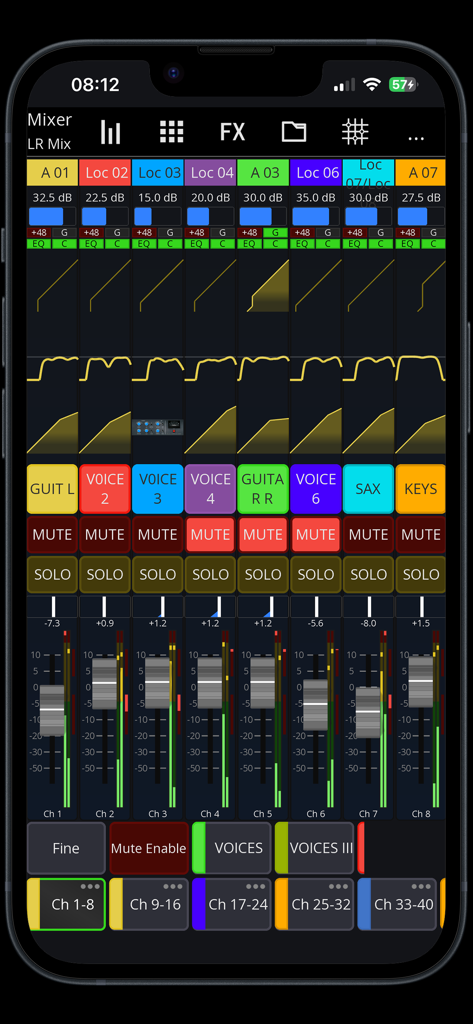
Mixing Station app interface showing digital audio mixer channels and faders
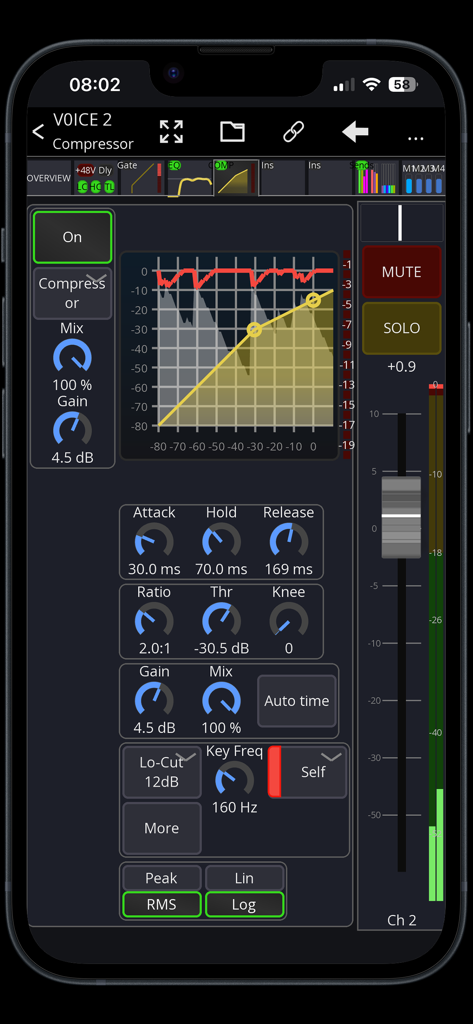
Digital mixer compressor settings interface on a mobile device showing audio gain and dynamics controls
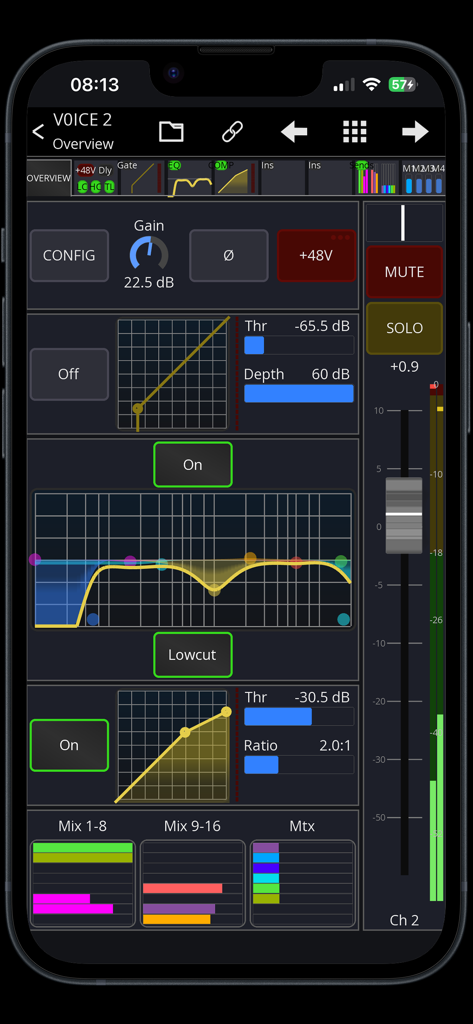
Mixing Station mobile interface showing a voice channel overview with EQ compression and fader controls
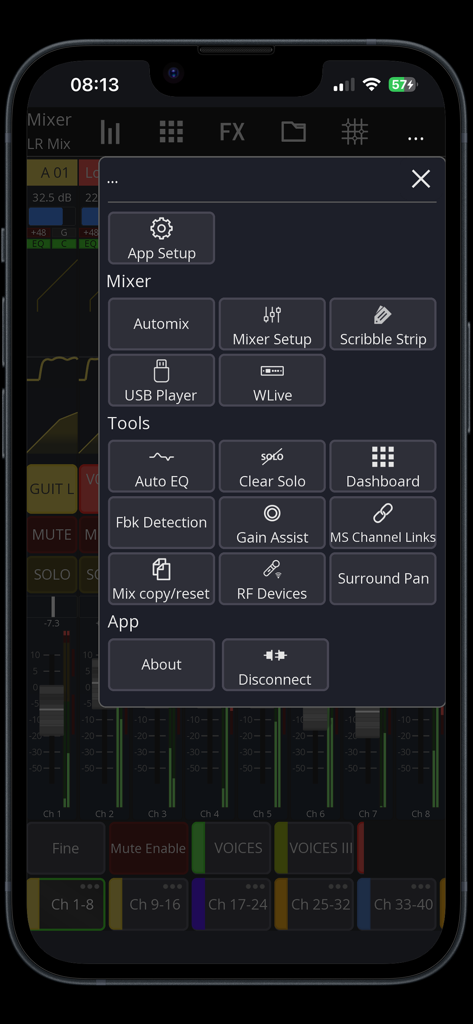
Mixing Station app interface showing the tools and mixer setup menu over the audio console view.
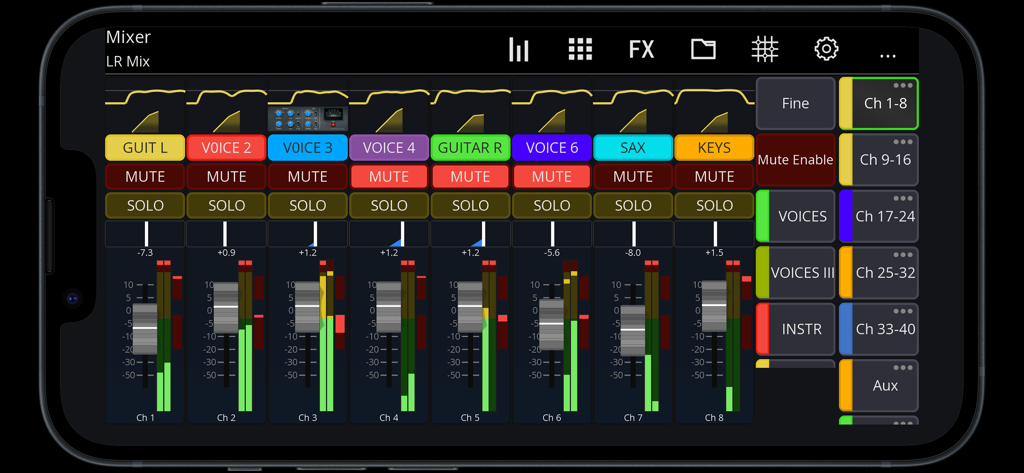
Digital mixer interface with faders and channel controls in the Mixing Station app
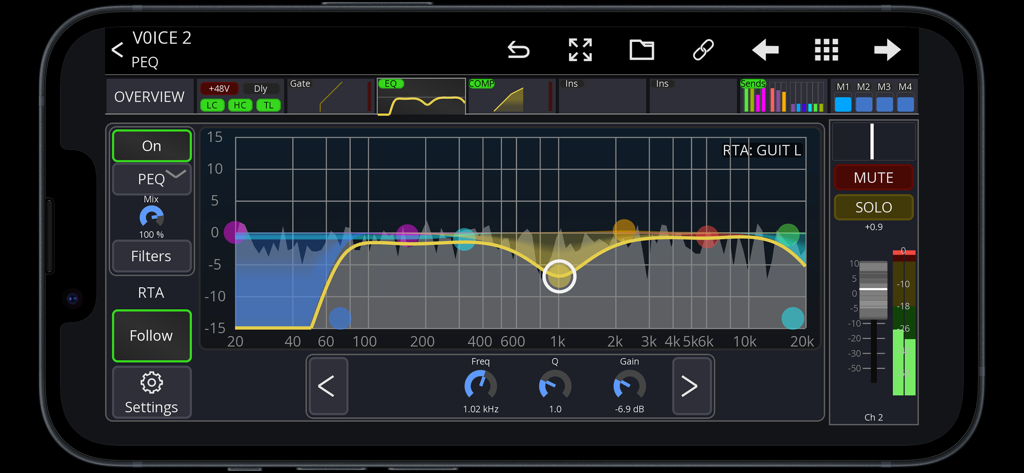
Mixing Station app displaying parametric equalizer settings and real-time analyzer on a smartphone screen
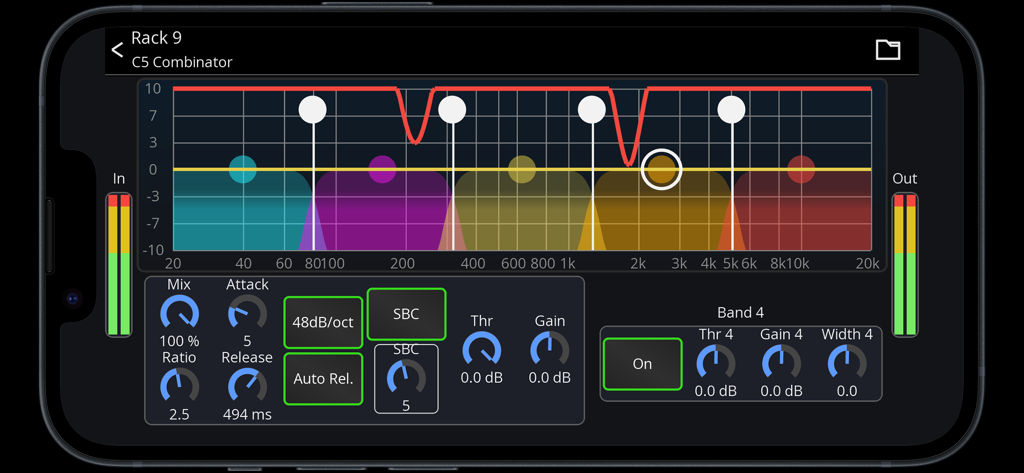
Professional audio multiband compressor interface in the Mixing Station mobile app showing frequency bands and compression settings.
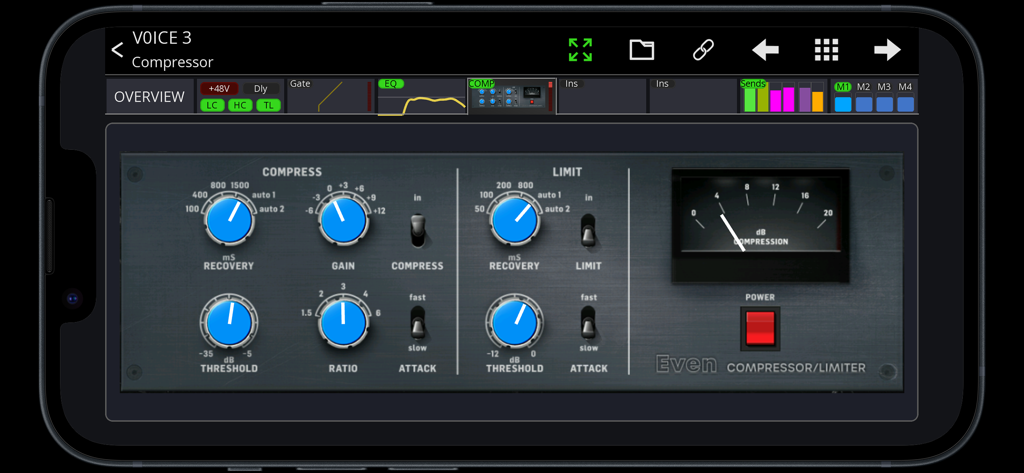
Digital audio compressor and limiter interface on the Mixing Station mobile app
Description
Download
More Like This
Apps with similar features and user experience

TouchOSC
Hexler LLC

MixEffect (Trial & Pro Unlock)
Adam Tow

Blackout Lighting Console
Blackout Lighting Console LLC

Logic Remote
Apple Inc.

LK - Ableton & Midi Controller
Imaginando Lda

Eos Remote
Trent Barclay

TouchOSC Mk1
Hexler LLC

MIDI Guitar
Jam Origin ApS
QLab Remote
Figure 53, LLC
This page is not an official page of the app or its developer, but an independent editorial publication created for informational and commentary purposes. Unless expressly stated otherwise, neither the app nor its developer is affiliated with, endorsed by, sponsored by, authorized by, or otherwise officially connected with MWM, Apple, Google Play, the app publisher, or the app's developer, and nothing on this page implies that the app was developed using MWM's services. Any trademarks, logos, screenshots, and other content remain the property of their respective owners.