
This page is not an official page of the app or its developer, but an independent editorial publication created for informational and commentary purposes. Unless expressly stated otherwise, neither the app nor its developer is affiliated with, endorsed by, sponsored by, authorized by, or otherwise officially connected with MWM, Apple, Google Play, the app publisher, or the app's developer, and nothing on this page implies that the app was developed using MWM's services. Any trademarks, logos, screenshots, and other content remain the property of their respective owners.

MixEffect (Trial & Pro Unlock)
Unleash your live production with animated SuperSource transitions, Video Follows Audio, and powerful Shortcuts automation—all from a mobile interface designed for pros.
Downloads
19K+User Rating
Total Ratings
200Publisher
Category
Photo & VideoLocales
5Latest Version
2.3.0Size
108.2 MBFirst Released
May 6, 2021Advanced Production Control
Elevate your live broadcasts with the most powerful, subscription-free interface for Blackmagic ATEM switchers, designed for the mobile professional.
Total Studio Mobility
Break free from your desk. Control your switcher, audio levels, and media pool from your iPad or iPhone with touch-optimized layouts designed for high-pressure live environments.
Pro-Level SuperSource
Master complex layouts with ease. Automatically animate transitions and use intuitive drag-and-drop tools to create high-end visual compositions that rival major TV networks.
The following screenshots and description are sourced directly from the app's official store listing and are the property of the app developer.
App Store
Screenshots
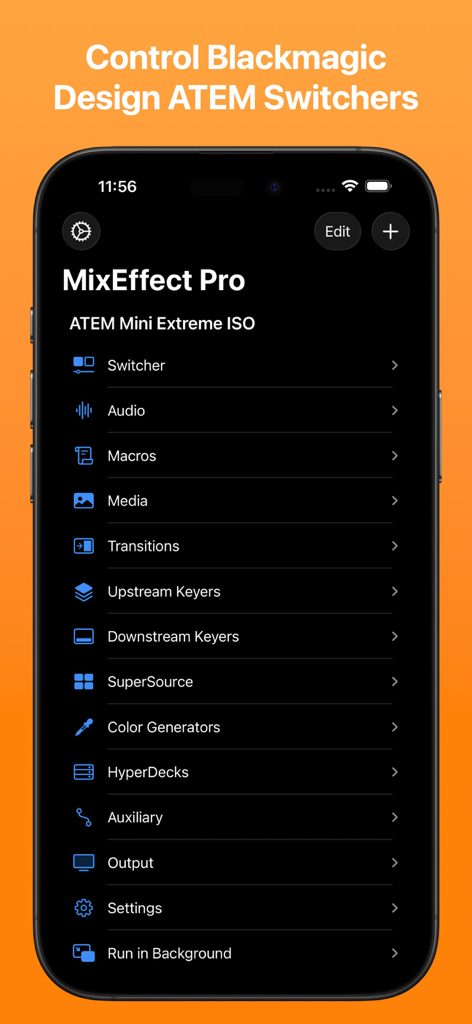
MixEffect Pro mobile app menu showing control options for Blackmagic Design ATEM switchers
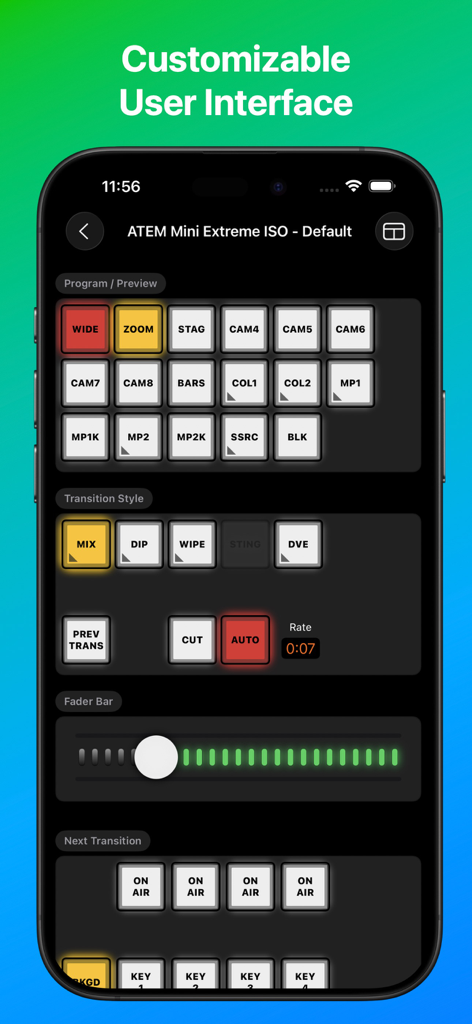
MixEffect app interface on a smartphone showing professional video switcher controls for ATEM Mini
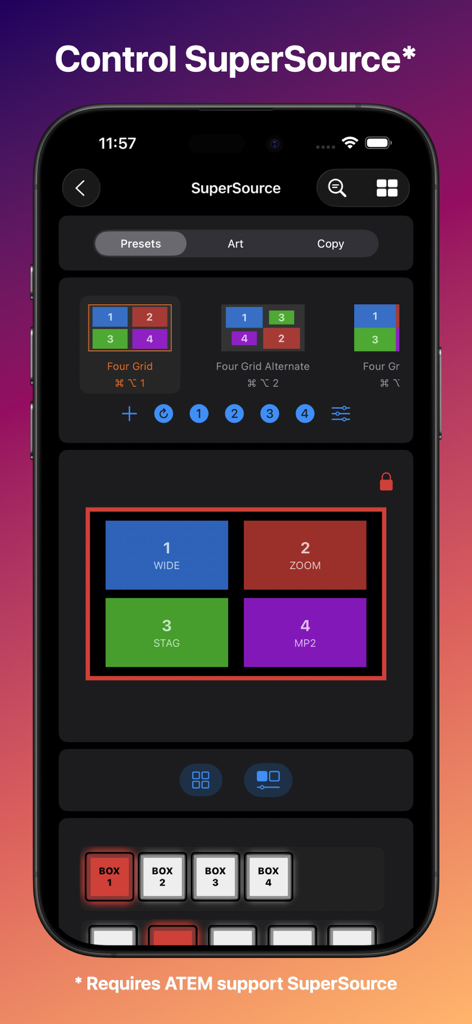
MixEffect app interface on an iPhone displaying SuperSource layout options and controls for Blackmagic ATEM switchers.
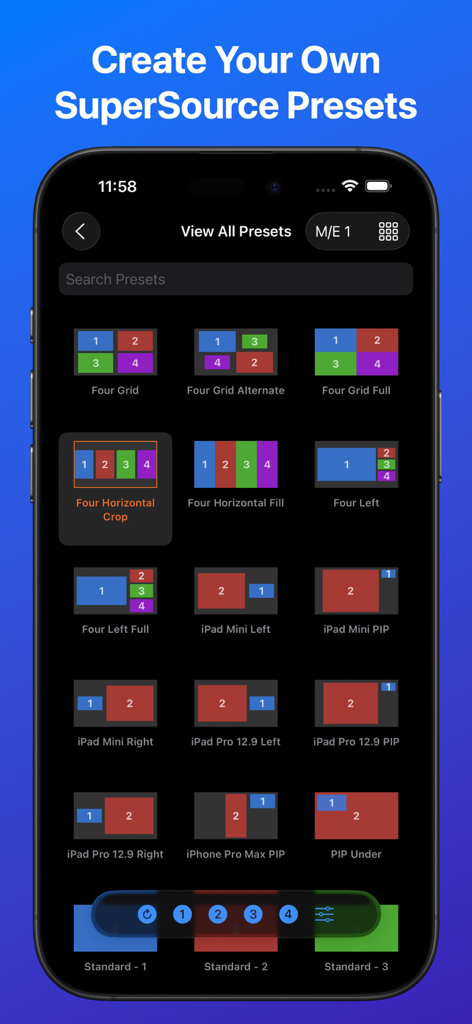
iPhone screenshot of MixEffect app showing a library of SuperSource video layout presets for Blackmagic ATEM switchers
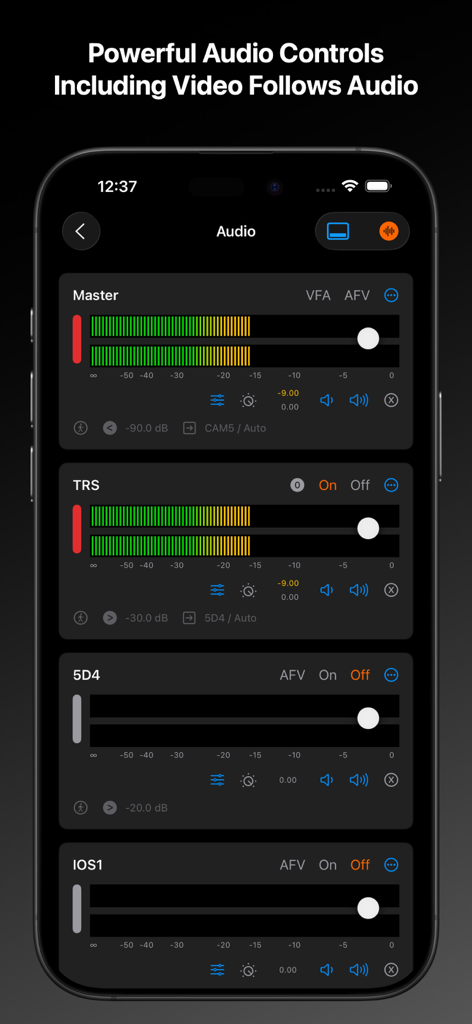
MixEffect app interface showing professional audio control panels for ATEM switchers on an iPhone
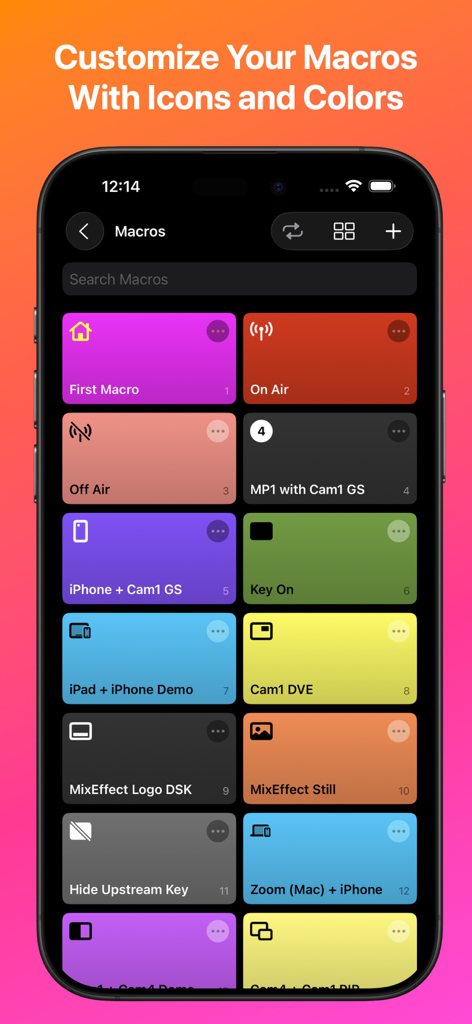
MixEffect mobile app showing a customizable grid of macro buttons with distinct colors and icons
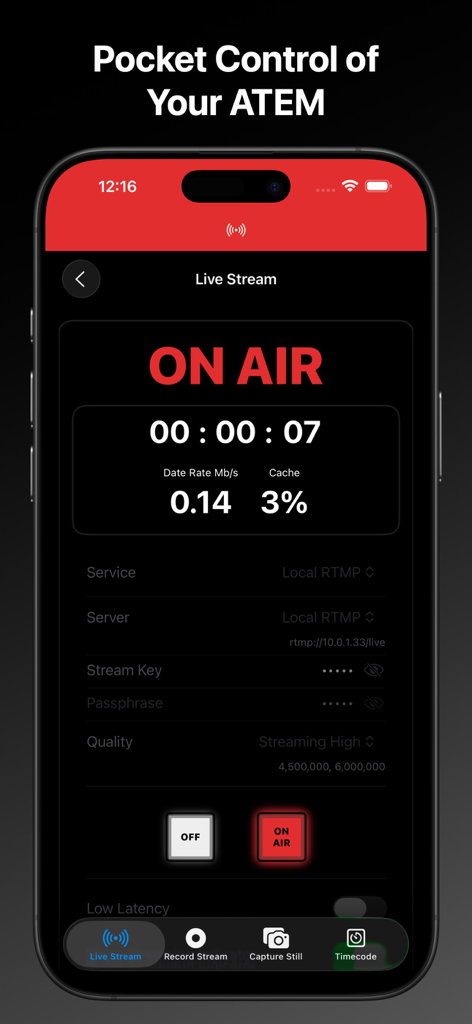
MixEffect mobile app interface showing a live stream on air status with technical data and switcher controls
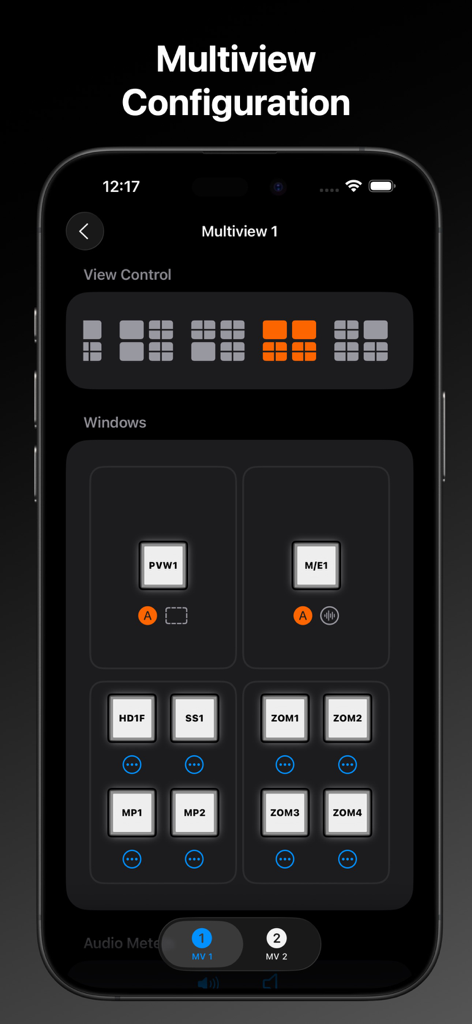
MixEffect app on iPhone showing the multiview configuration screen with selectable layout grids and video source assignments.
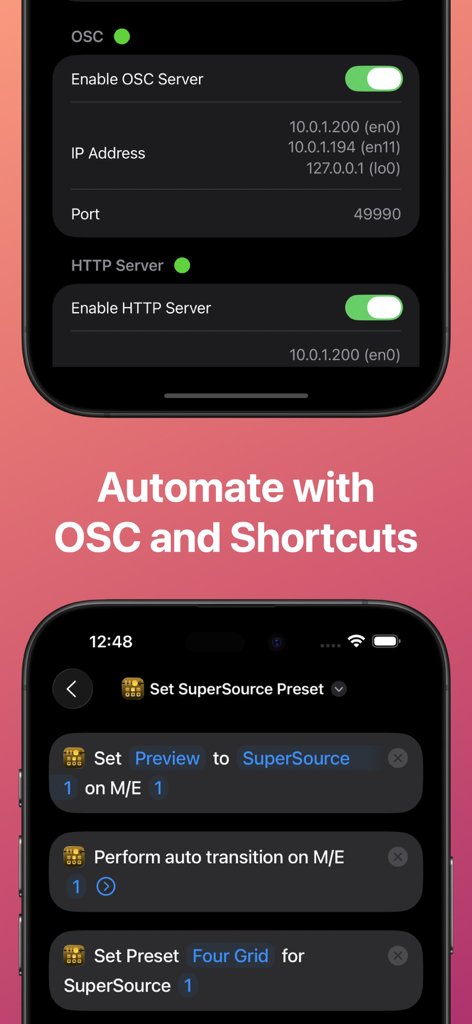
MixEffect app interface showing OSC and HTTP server settings and integration with iOS Shortcuts for automating video production workflows.
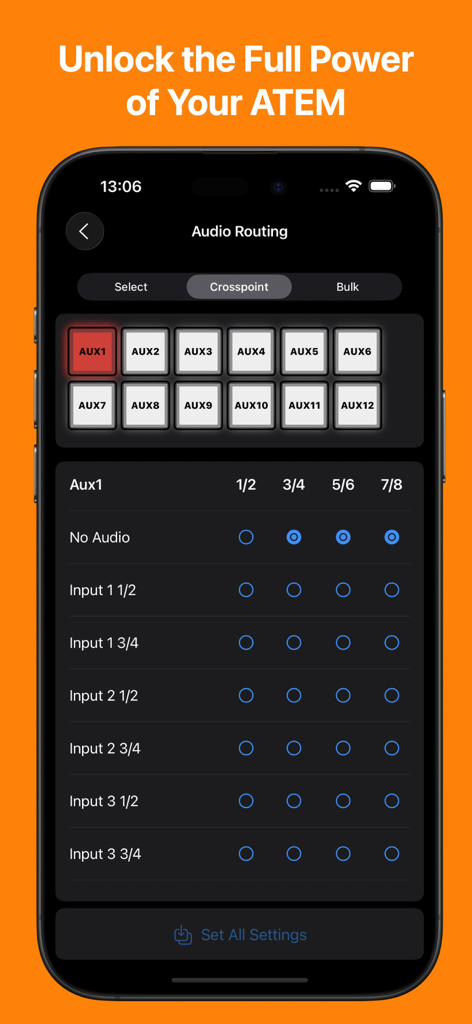
MixEffect app interface on an iPhone showing the audio routing matrix for a Blackmagic ATEM switcher
Description
Download
More Like This
Apps with similar features and user experience

TouchOSC
Hexler LLC

Blackout Lighting Console
Blackout Lighting Console LLC

Logic Remote
Apple Inc.

LK - Ableton & Midi Controller
Imaginando Lda

Eos Remote
Trent Barclay

Mixing Station
Mixing Station GmbH

TouchOSC Mk1
Hexler LLC

MIDI Guitar
Jam Origin ApS

QLab Remote
Figure 53, LLC
This page is not an official page of the app or its developer, but an independent editorial publication created for informational and commentary purposes. Unless expressly stated otherwise, neither the app nor its developer is affiliated with, endorsed by, sponsored by, authorized by, or otherwise officially connected with MWM, Apple, Google Play, the app publisher, or the app's developer, and nothing on this page implies that the app was developed using MWM's services. Any trademarks, logos, screenshots, and other content remain the property of their respective owners.