
This page is not an official page of the app or its developer, but an independent editorial publication created for informational and commentary purposes. Unless expressly stated otherwise, neither the app nor its developer is affiliated with, endorsed by, sponsored by, authorized by, or otherwise officially connected with MWM, Apple, Google Play, the app publisher, or the app's developer, and nothing on this page implies that the app was developed using MWM's services. Any trademarks, logos, screenshots, and other content remain the property of their respective owners.


LK - Ableton & Midi Controller
Break free from the mouse and keyboard. Transform your mobile device into a powerful, modular controller for Ableton Live and MIDI gear, featuring high-performance sequencing, expressive MPE, and seamless wireless connectivity.
Downloads
353K+User Rating
Total Ratings
2K+Publisher
Category
MusicLocales
-Latest Version
1.14.1Size
111.1 MBFirst Released
Mar 4, 2015Professional Control. Zero Cables.
Transform your tablet into the ultimate MIDI command center. LK bridges the gap between your desktop DAW and your fingertips, providing a modular suite of tools designed for the modern prosumer producer.
Deep Ableton Live Integration
Command your Session View with a powerful matrix that mirrors your project. Launch clips, mix tracks, and edit patterns without ever touching your mouse.
Custom Tactile Interfaces
Replace expensive hardware with assignable faders, knobs, and X/Y pads. Create your perfect workflow to control any MIDI software or external gear via USB or Wi-Fi.
The following screenshots and description are sourced directly from the app's official store listing and are the property of the app developer.
App Store
Screenshots
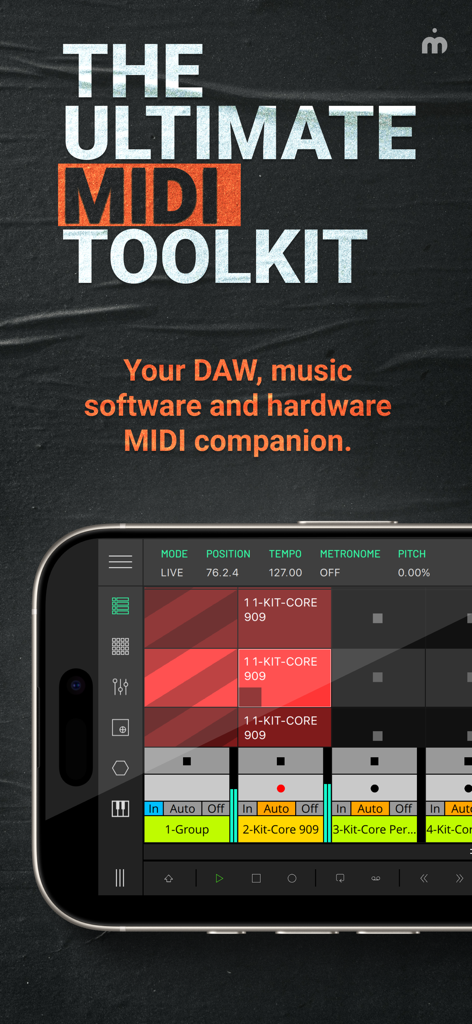
LK app interface on a smartphone showing the MIDI matrix and control settings
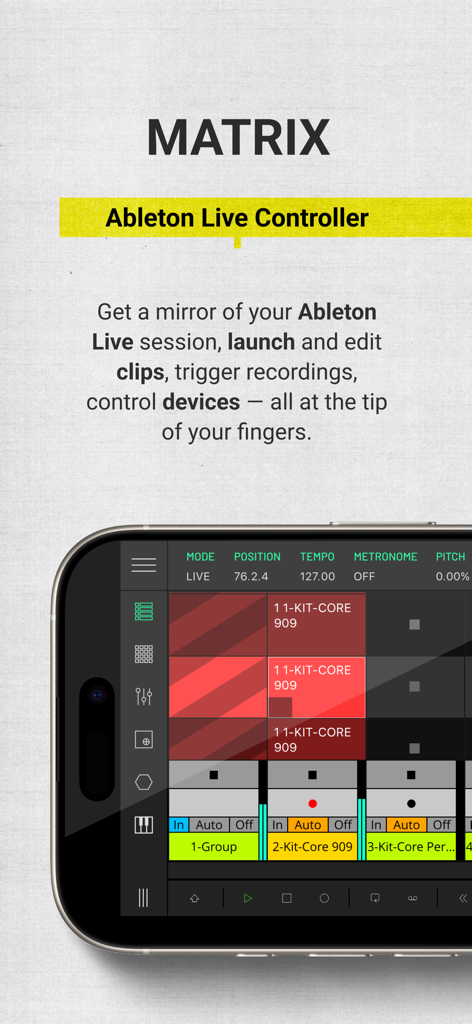
Interface of the LK app Matrix module showing a grid for launching Ableton Live clips on a smartphone.
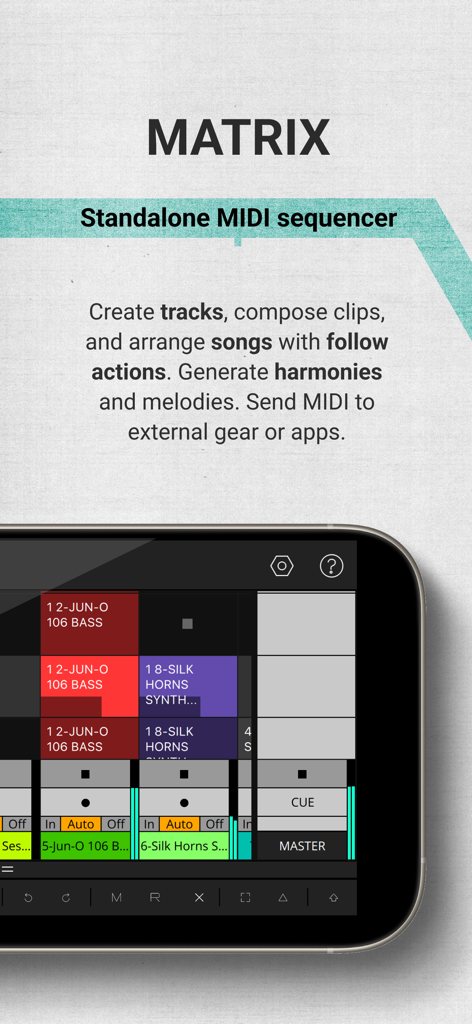
LK app Matrix module interface for standalone MIDI sequencing and clip launching
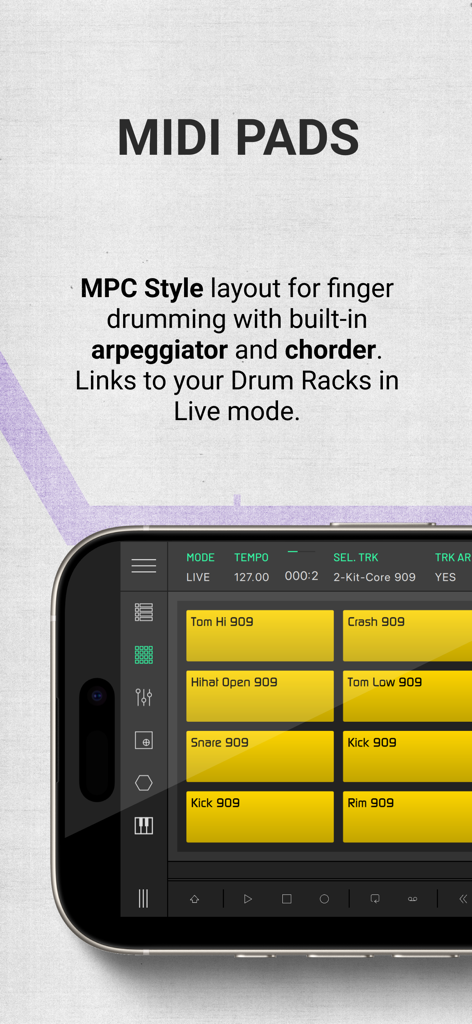
LK app MIDI pads module with MPC style layout for finger drumming
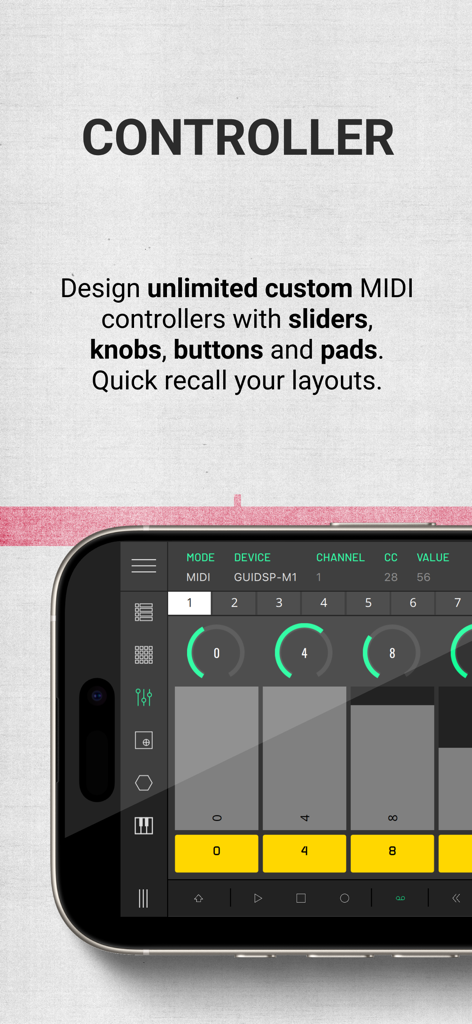
Smartphone screen displaying the LK app custom MIDI controller interface with virtual knobs and sliders
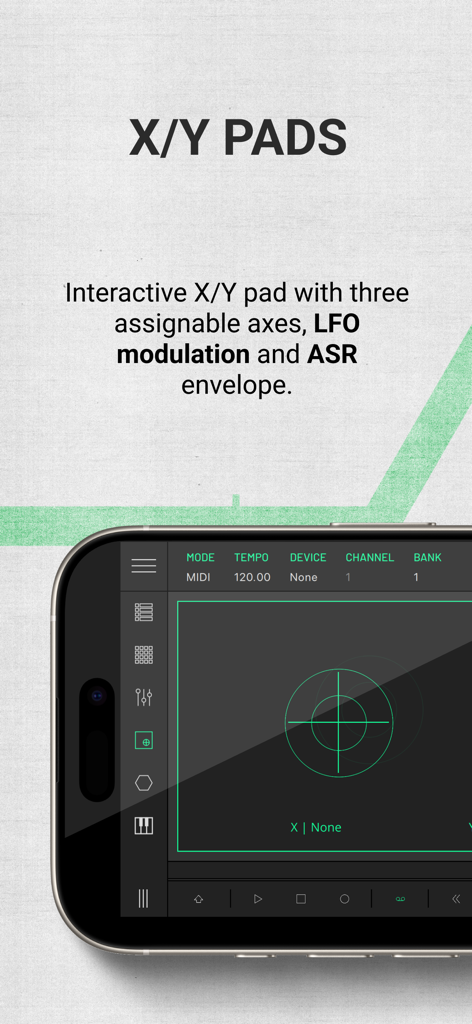
Interactive X/Y pads module in the LK MIDI controller app
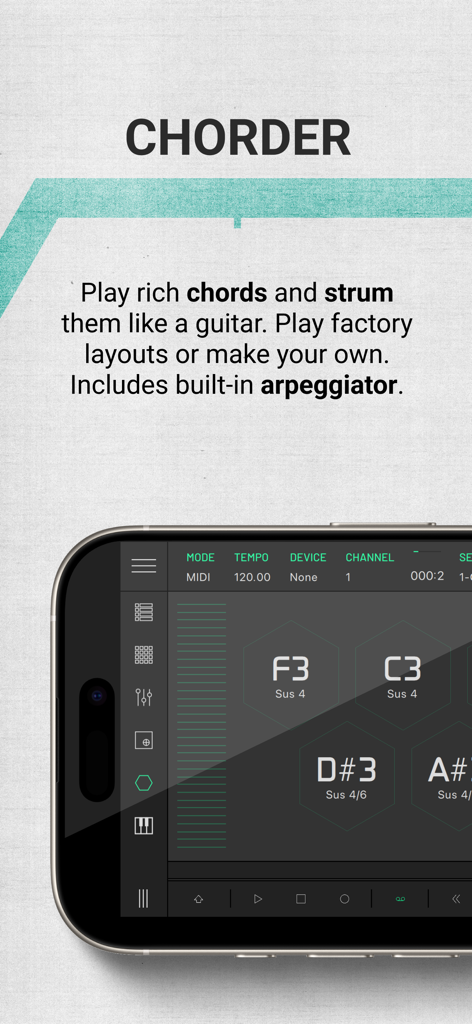
LK app Chorder module interface showing hexagonal pads for playing and strumming musical chords on a mobile device
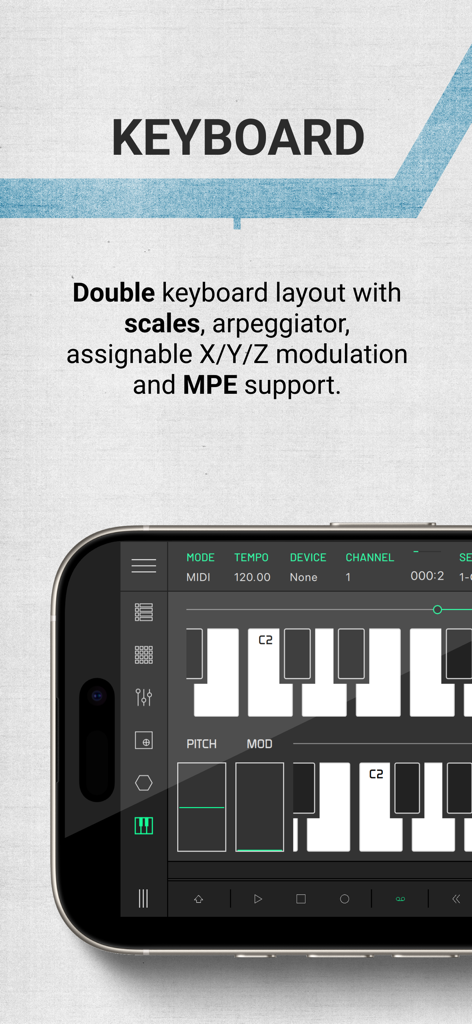
LK app interface showing a double keyboard layout with modulation controls and MPE support for electronic music production.
Description
Download
More Like This
Apps with similar features and user experience

TouchOSC
Hexler LLC

MixEffect (Trial & Pro Unlock)
Adam Tow

Blackout Lighting Console
Blackout Lighting Console LLC

Logic Remote
Apple Inc.

Eos Remote
Trent Barclay

Mixing Station
Mixing Station GmbH

TouchOSC Mk1
Hexler LLC

MIDI Guitar
Jam Origin ApS

QLab Remote
Figure 53, LLC
This page is not an official page of the app or its developer, but an independent editorial publication created for informational and commentary purposes. Unless expressly stated otherwise, neither the app nor its developer is affiliated with, endorsed by, sponsored by, authorized by, or otherwise officially connected with MWM, Apple, Google Play, the app publisher, or the app's developer, and nothing on this page implies that the app was developed using MWM's services. Any trademarks, logos, screenshots, and other content remain the property of their respective owners.