
This page is not an official page of the app or its developer, but an independent editorial publication created for informational and commentary purposes. Unless expressly stated otherwise, neither the app nor its developer is affiliated with, endorsed by, sponsored by, authorized by, or otherwise officially connected with MWM, Apple, Google Play, the app publisher, or the app's developer, and nothing on this page implies that the app was developed using MWM's services. Any trademarks, logos, screenshots, and other content remain the property of their respective owners.

QLab Remote
The official iOS companion for QLab. Tweak audio levels from the front row, adjust video geometry from the stage, and flag cues in real-time without being tethered to the booth.
Downloads
19K+User Rating
Total Ratings
100Publisher
Category
UtilitiesLocales
1Latest Version
5.5.4Size
13.4 MBFirst Released
May 8, 2013Untether Your Creative Workflow
The official companion app designed for pros to manage, edit, and monitor QLab workspaces directly from the stage or the sweet spot in the house.
Precision Design from Anywhere
Get out of the booth and adjust audio levels from the front row or tweak video geometry while standing on stage. Hear and see exactly what the audience does.
Real-Time Sync & Safety
Experience instant updates between your Mac and iOS device. Use Read-Only Mode to follow along during live performances without the risk of accidental cue triggers.
The following screenshots and description are sourced directly from the app's official store listing and are the property of the app developer.
App Store
Screenshots
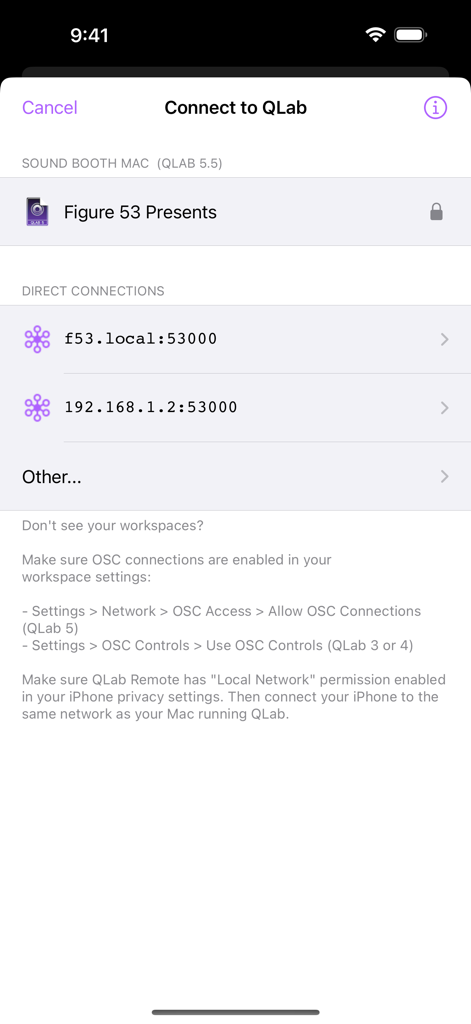
The connection screen of the QLab Remote app showing available workspaces and network address options.
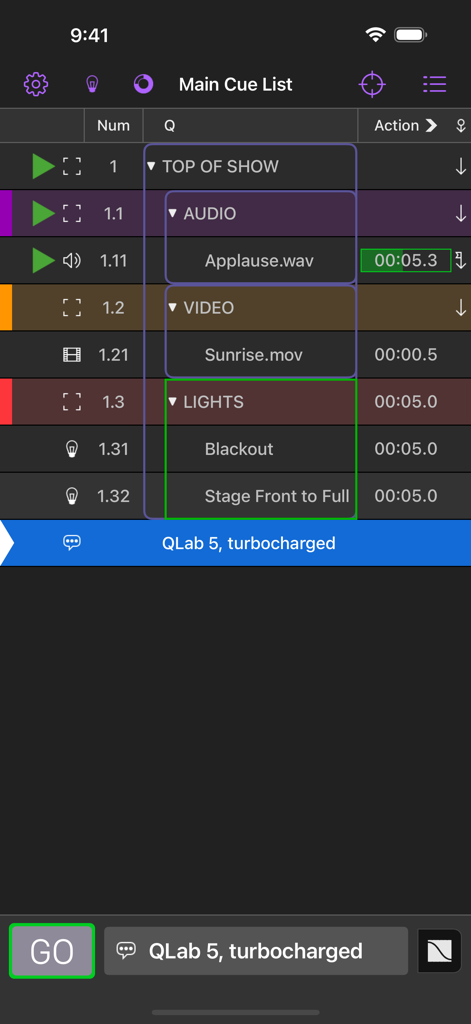
The main cue list interface in the QLab Remote app for iPhone featuring audio video and light cues
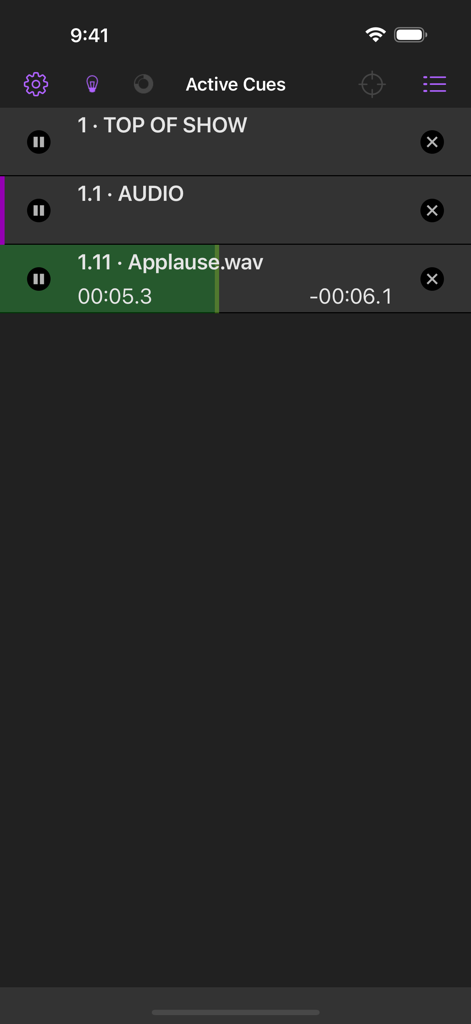
QLab Remote app interface displaying active show control cues and audio playback progress
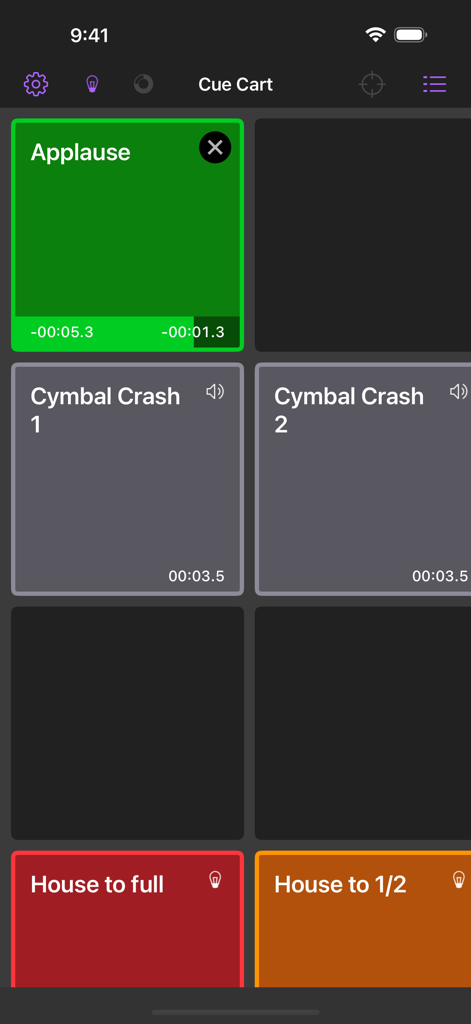
QLab Remote app interface showing a cue cart with buttons for triggering sound effects like applause and lighting cues for house lights.
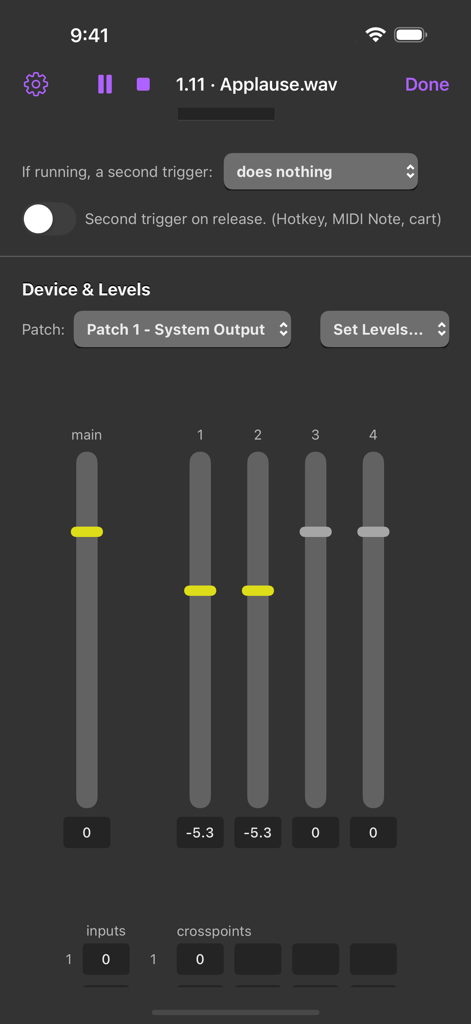
Interface of the QLab Remote app displaying audio mixing sliders and level adjustments for a live show cue
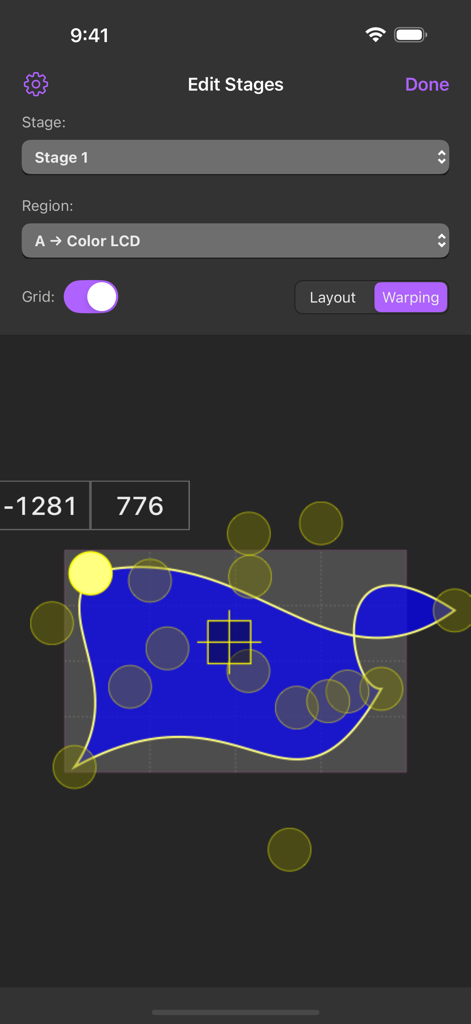
QLab Remote app interface for video warping and stage geometry editing
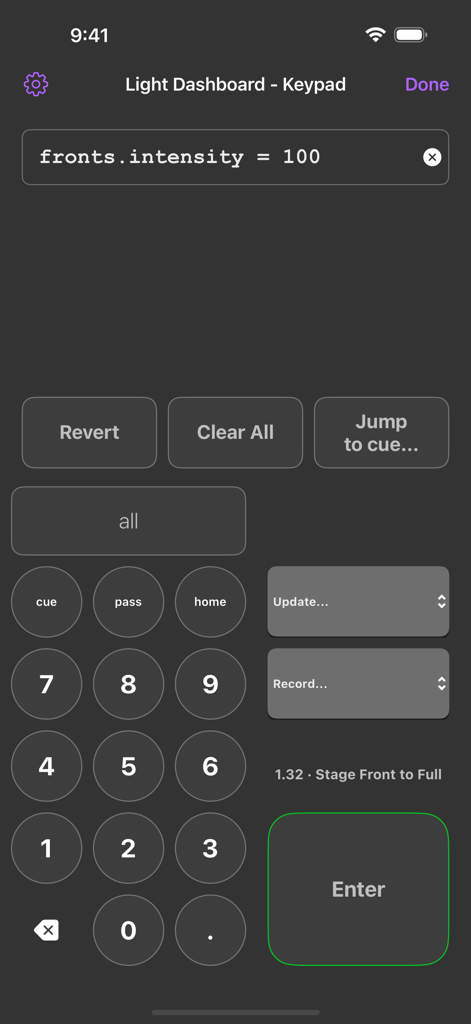
QLab Remote app interface showing the Light Dashboard Keypad for theatre lighting control
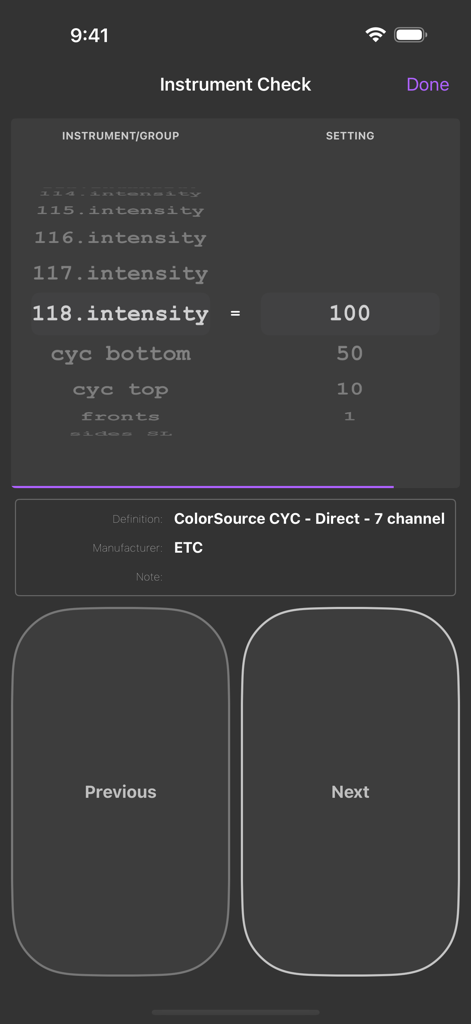
Instrument check screen in QLab Remote showing lighting intensity levels and ETC hardware settings
Description
Download
More Like This
Apps with similar features and user experience

TouchOSC
Hexler LLC

MixEffect (Trial & Pro Unlock)
Adam Tow

Blackout Lighting Console
Blackout Lighting Console LLC

Logic Remote
Apple Inc.

LK - Ableton & Midi Controller
Imaginando Lda

Eos Remote
Trent Barclay

Mixing Station
Mixing Station GmbH

TouchOSC Mk1
Hexler LLC

MIDI Guitar
Jam Origin ApS
This page is not an official page of the app or its developer, but an independent editorial publication created for informational and commentary purposes. Unless expressly stated otherwise, neither the app nor its developer is affiliated with, endorsed by, sponsored by, authorized by, or otherwise officially connected with MWM, Apple, Google Play, the app publisher, or the app's developer, and nothing on this page implies that the app was developed using MWM's services. Any trademarks, logos, screenshots, and other content remain the property of their respective owners.