
This page is not an official page of the app or its developer, but an independent editorial publication created for informational and commentary purposes. Unless expressly stated otherwise, neither the app nor its developer is affiliated with, endorsed by, sponsored by, authorized by, or otherwise officially connected with MWM, Apple, Google Play, the app publisher, or the app's developer, and nothing on this page implies that the app was developed using MWM's services. Any trademarks, logos, screenshots, and other content remain the property of their respective owners.

Eos Remote
Stop walking back to the console and start solving problems on stage. Gain full mobile access to virtual encoders, magic sheets, and custom layouts—all for the price of a coffee.
Downloads
900User Rating
Total Ratings
100Publisher
Category
UtilitiesLocales
1Latest Version
2.18Size
6.6 MBFirst Released
Jan 9, 2020Command the Stage with Professional Precision
Built for programmers and riggers who demand efficiency. Eos Remote brings the full power of the console to your pocket, eliminating the back-and-forth so you can focus on the art.
End the Booth-to-Stage Sprint
Use Virtual Encoders and Lamp Controls to troubleshoot and focus directly from the stage floor. Save hours of setup time and never miss a coffee break again.
Precision Color Selection
Match hues perfectly with the built-in Gel Library and Color Picker. Adjust palettes in real-time while standing under the light for instant visual feedback.
The following screenshots and description are sourced directly from the app's official store listing and are the property of the app developer.
App Store
Screenshots
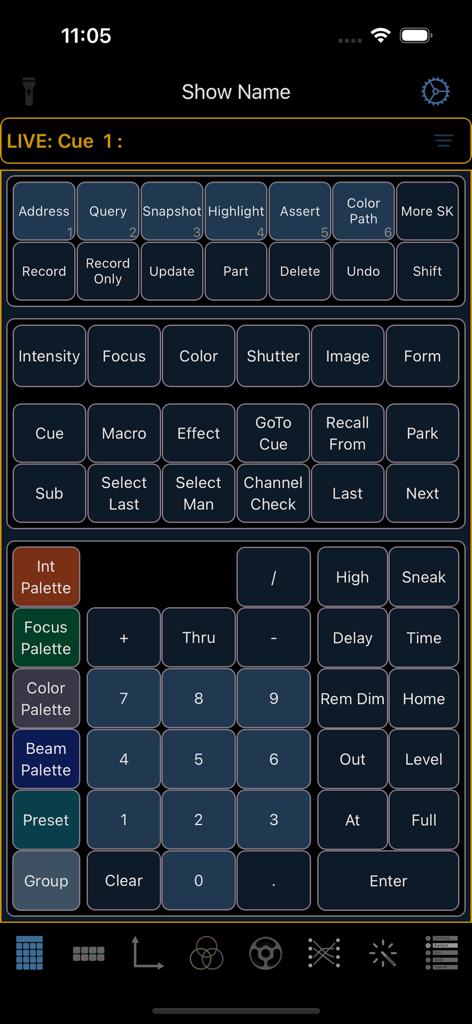
Virtual lighting console keypad and command buttons in the Eos Remote app interface
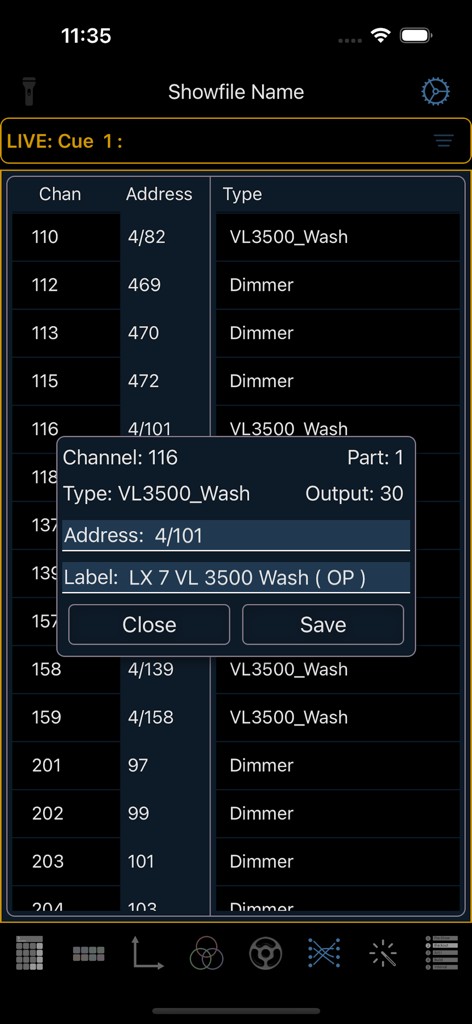
Screenshot of the Eos Remote app showing a fixture patch list and a channel details edit window
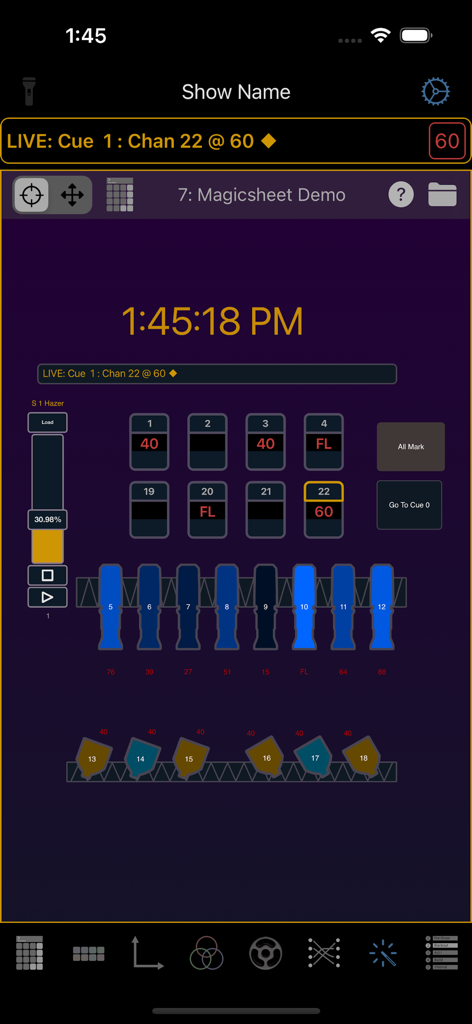
Magic Sheet view in the Eos Remote app showing lighting channel levels and fixture icons
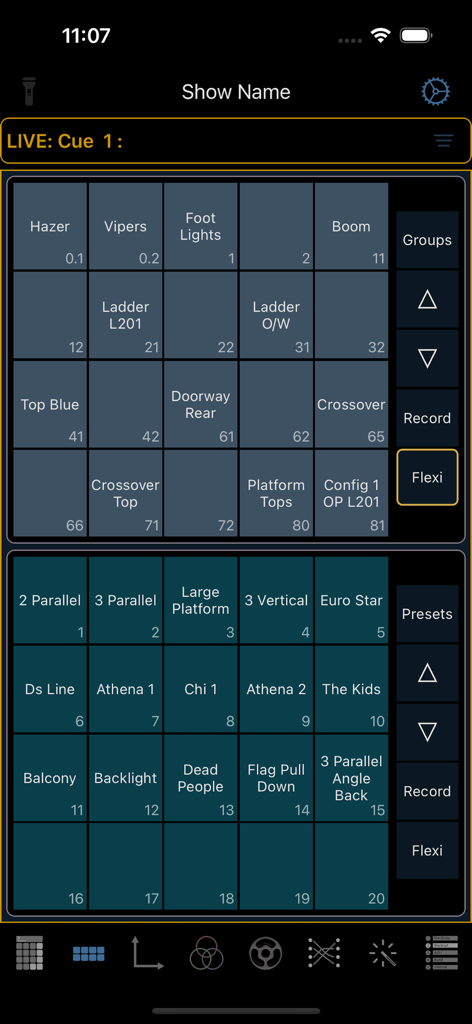
Interface of Eos Remote app showing direct select buttons for theatre lighting groups and presets.
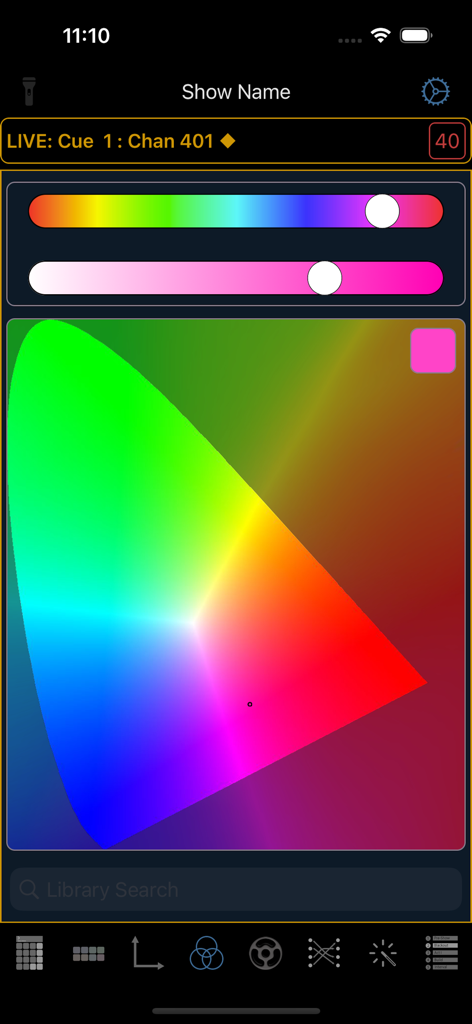
Eos Remote app color picker interface featuring a chromaticity diagram and lighting control sliders
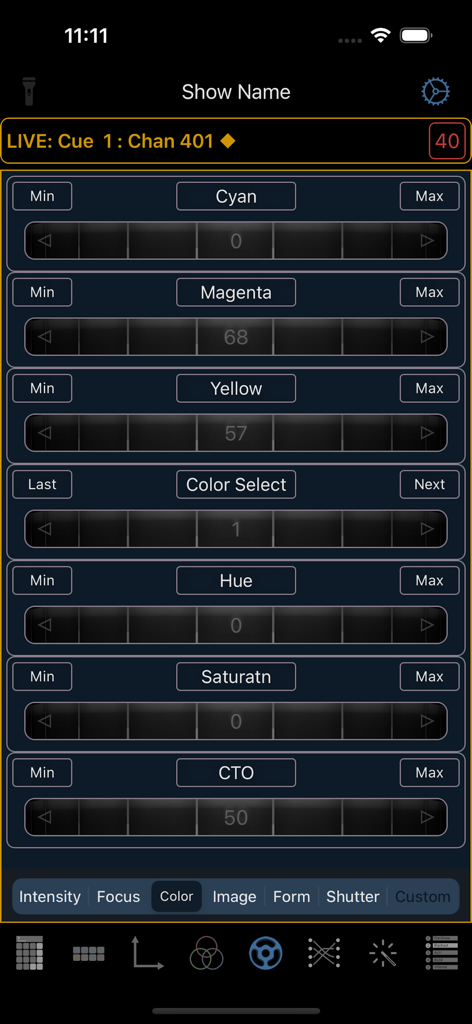
Interface showing virtual color encoders for CMY and HSL controls in the Eos Remote app.
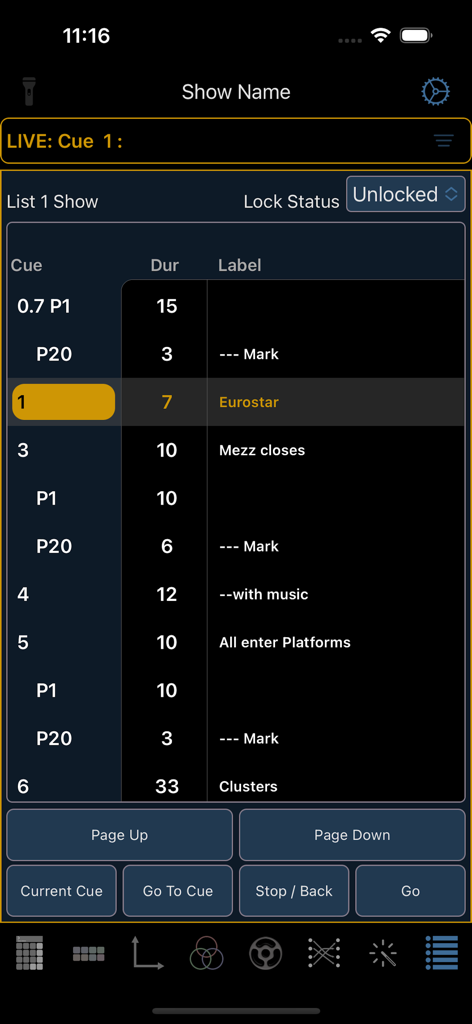
Eos Remote app displaying a lighting cue list with playback controls.
Description
Download
More Like This
Apps with similar features and user experience

TouchOSC
Hexler LLC

MixEffect (Trial & Pro Unlock)
Adam Tow

Blackout Lighting Console
Blackout Lighting Console LLC

Logic Remote
Apple Inc.

LK - Ableton & Midi Controller
Imaginando Lda

Mixing Station
Mixing Station GmbH

TouchOSC Mk1
Hexler LLC

MIDI Guitar
Jam Origin ApS

QLab Remote
Figure 53, LLC
This page is not an official page of the app or its developer, but an independent editorial publication created for informational and commentary purposes. Unless expressly stated otherwise, neither the app nor its developer is affiliated with, endorsed by, sponsored by, authorized by, or otherwise officially connected with MWM, Apple, Google Play, the app publisher, or the app's developer, and nothing on this page implies that the app was developed using MWM's services. Any trademarks, logos, screenshots, and other content remain the property of their respective owners.