
This page is not an official page of the app or its developer, but an independent editorial publication created for informational and commentary purposes. Unless expressly stated otherwise, neither the app nor its developer is affiliated with, endorsed by, sponsored by, authorized by, or otherwise officially connected with MWM, Apple, Google Play, the app publisher, or the app's developer, and nothing on this page implies that the app was developed using MWM's services. Any trademarks, logos, screenshots, and other content remain the property of their respective owners.

Blackout Lighting Console
Harness the power of an industry-standard Art-Net/sACN console on your iPad. Access 44,000+ fixture profiles and a high-performance effects engine built for Gaffers and Designers who demand reliability and mobility.
Downloads
3K+User Rating
Total Ratings
100Publisher
Category
ProductivityLocales
1Latest Version
2.4.9Size
275.8 MBFirst Released
Nov 23, 2019Built for the Modern Production Pro
Blackout brings elite DMX control to your iPad, giving Gaffers and LDs the agility to design, patch, and execute complex looks in real-time.
44,000+ Fixture Profiles
Access the industry-leading Carallon database to control any professional light on the truck instantly and accurately.
Dynamic Effects Engine
Build complex intensity chases and color loops on the fly without the overhead or setup time of a massive console.
The following screenshots and description are sourced directly from the app's official store listing and are the property of the app developer.
App Store
Screenshots
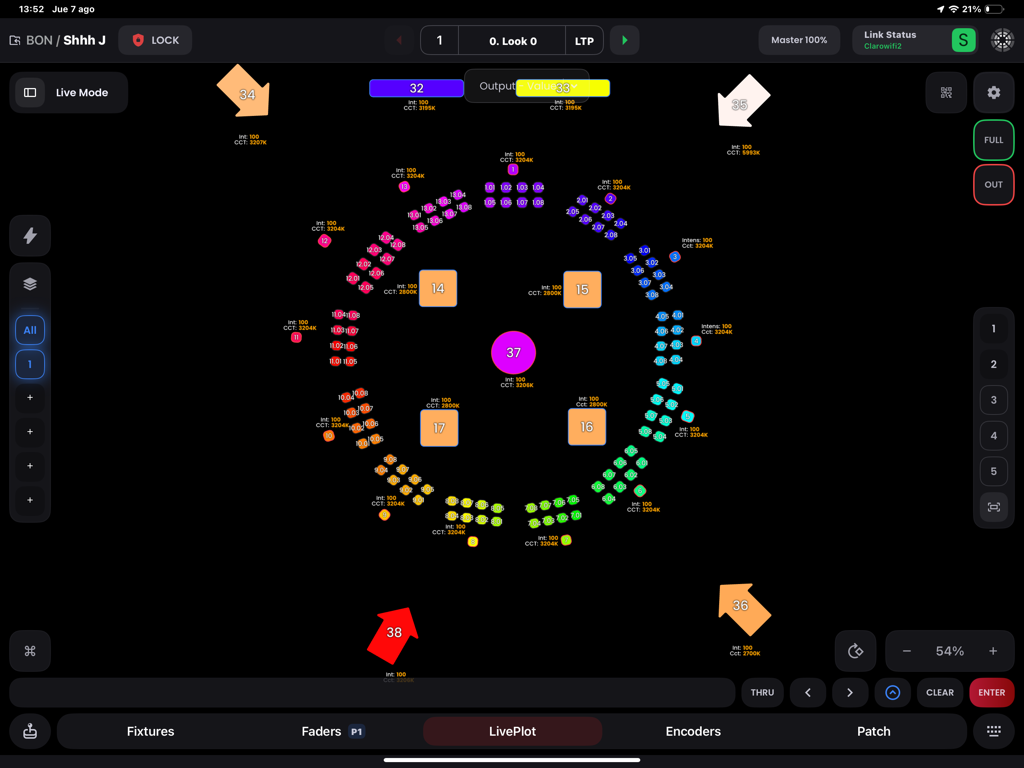
LivePlot interface of the Blackout Lighting Console app showing a visual arrangement of lighting fixtures
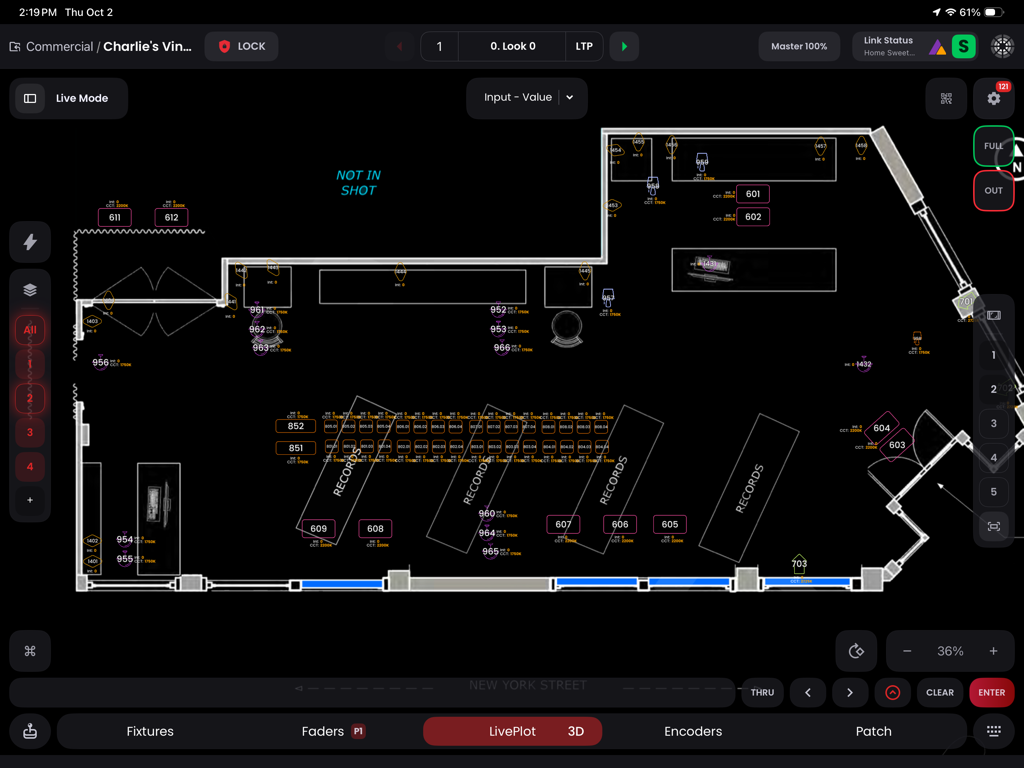
A professional 2D floor plan view in the Blackout Lighting Console app showing lighting fixture placements and IDs on a set.
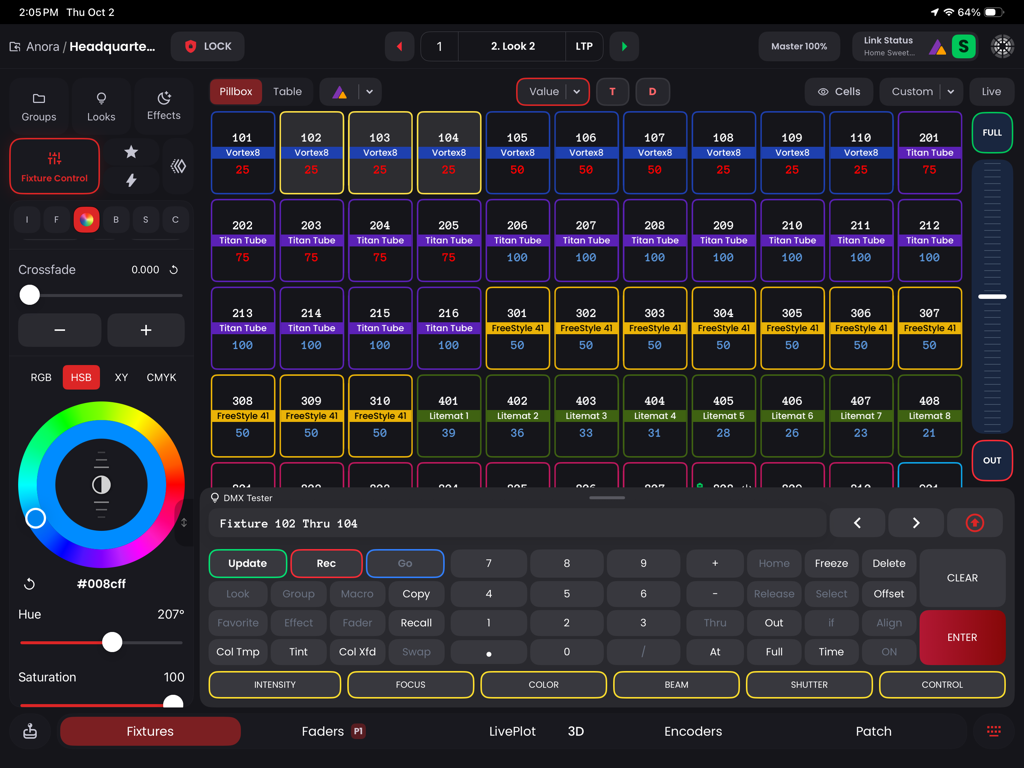
Blackout Lighting Console DMX control interface with fixture grid and color picker
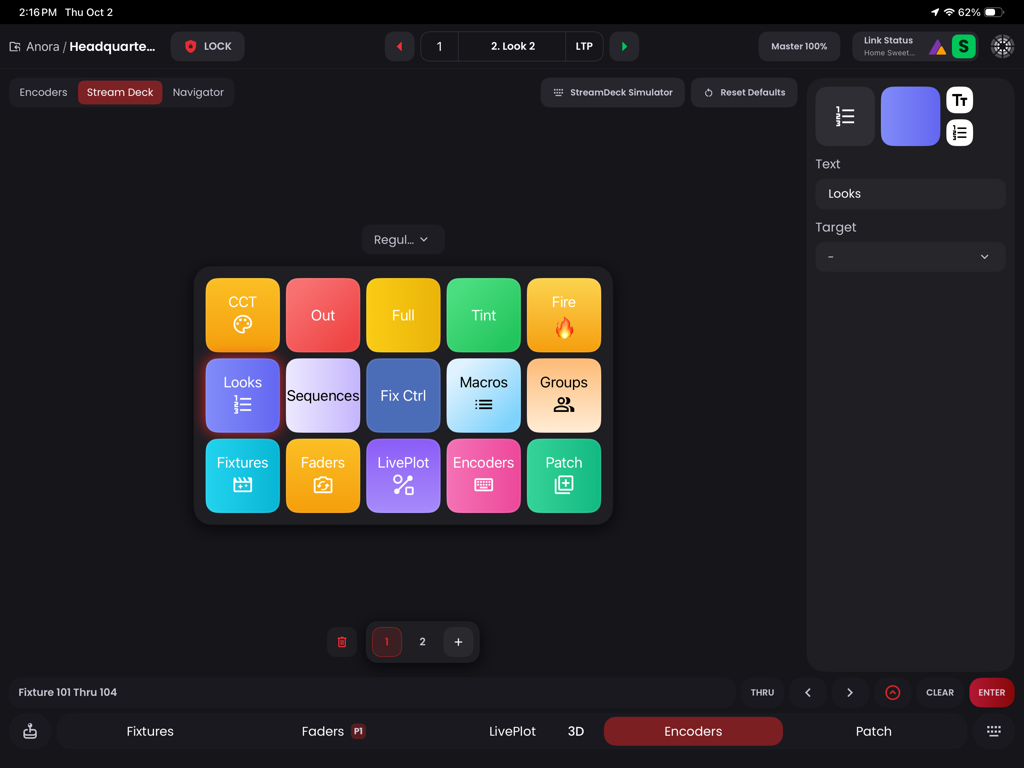
Stream Deck simulator showing a grid of lighting control shortcut buttons on an iPad
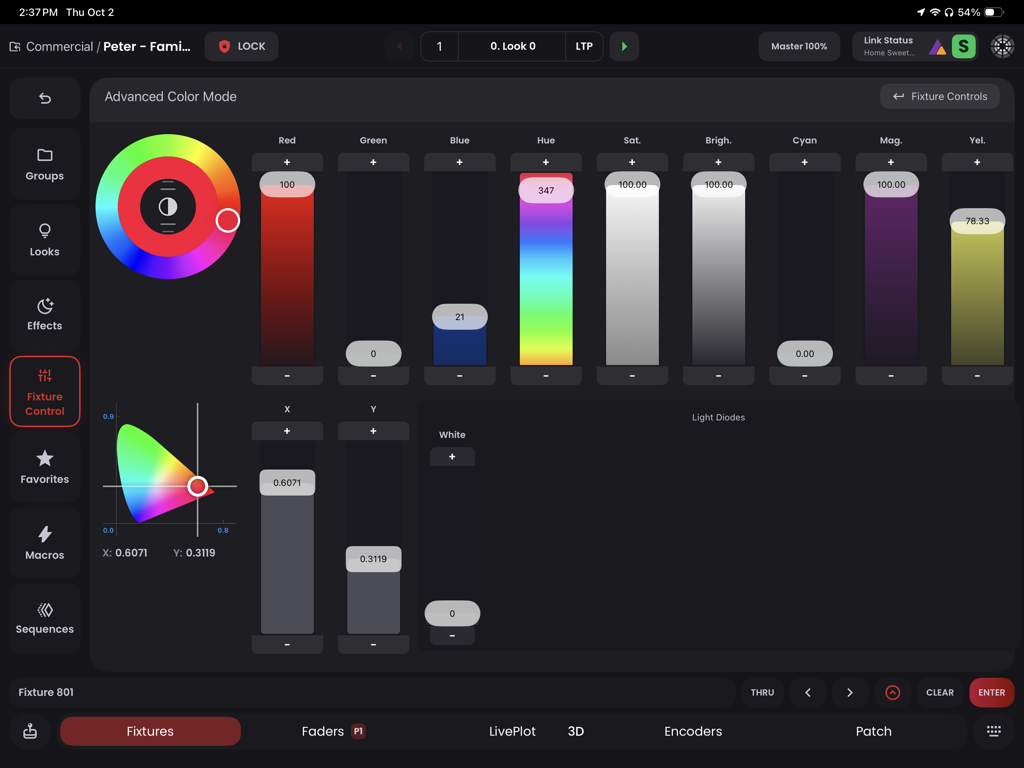
Advanced color control interface in Blackout Lighting Console showing color wheels and sliders for professional lighting fixtures
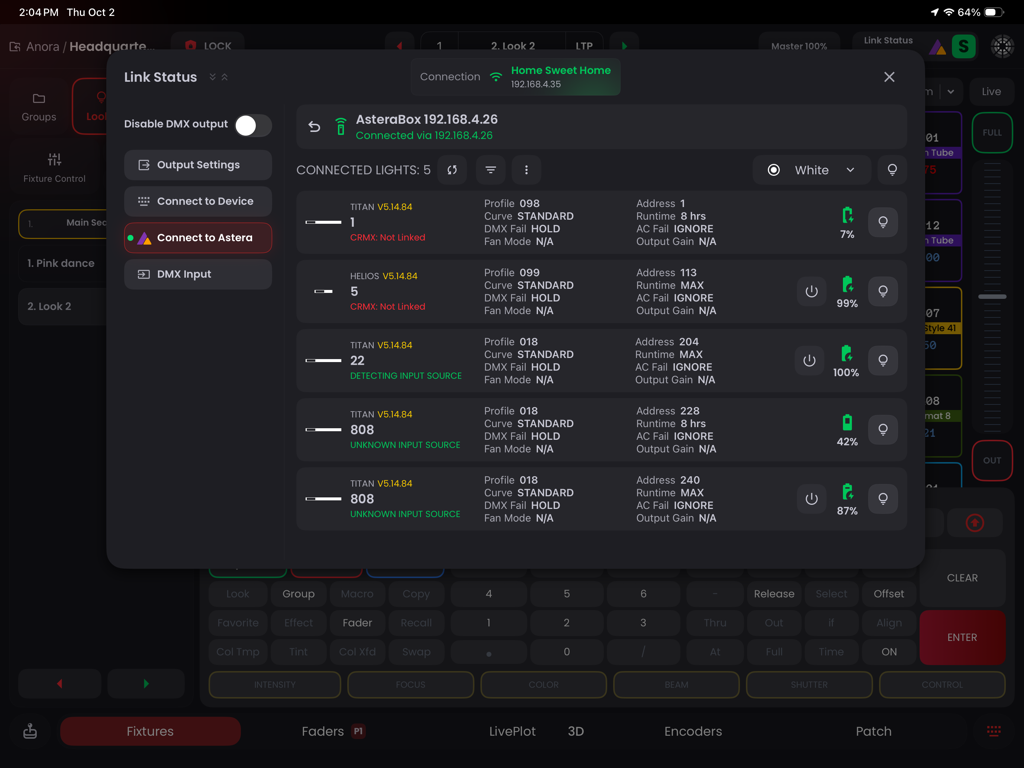
Blackout app Link Status screen monitoring connected Astera lighting fixtures and battery levels.
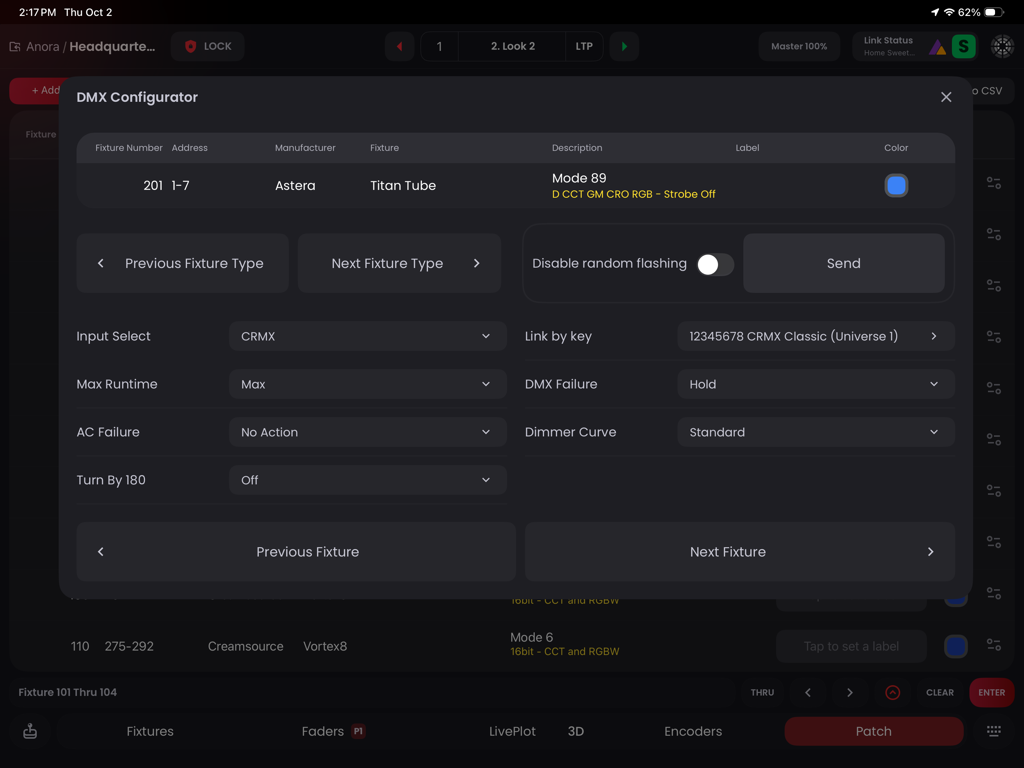
Blackout Lighting Console DMX Configurator interface showing settings for an Astera Titan Tube fixture on an iPad
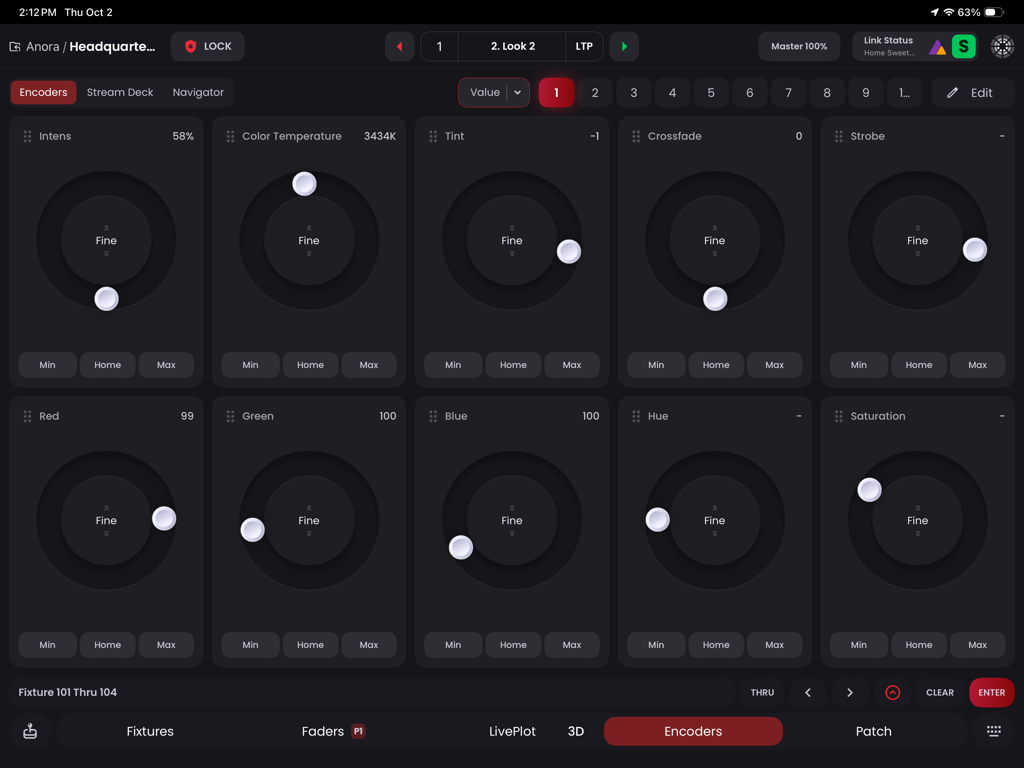
Interface of the Blackout Lighting Console app on iPad featuring circular encoder dials for controlling professional lighting fixtures
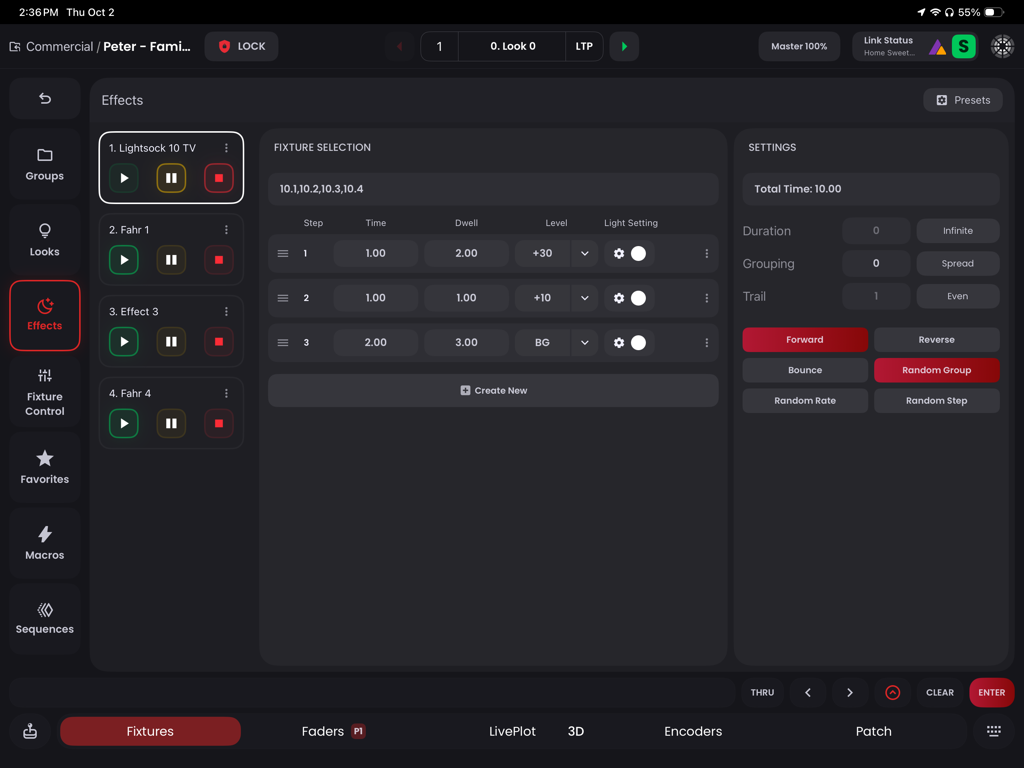
Effects programming interface in the Blackout Lighting Console app showing step-by-step lighting controls and fixture settings
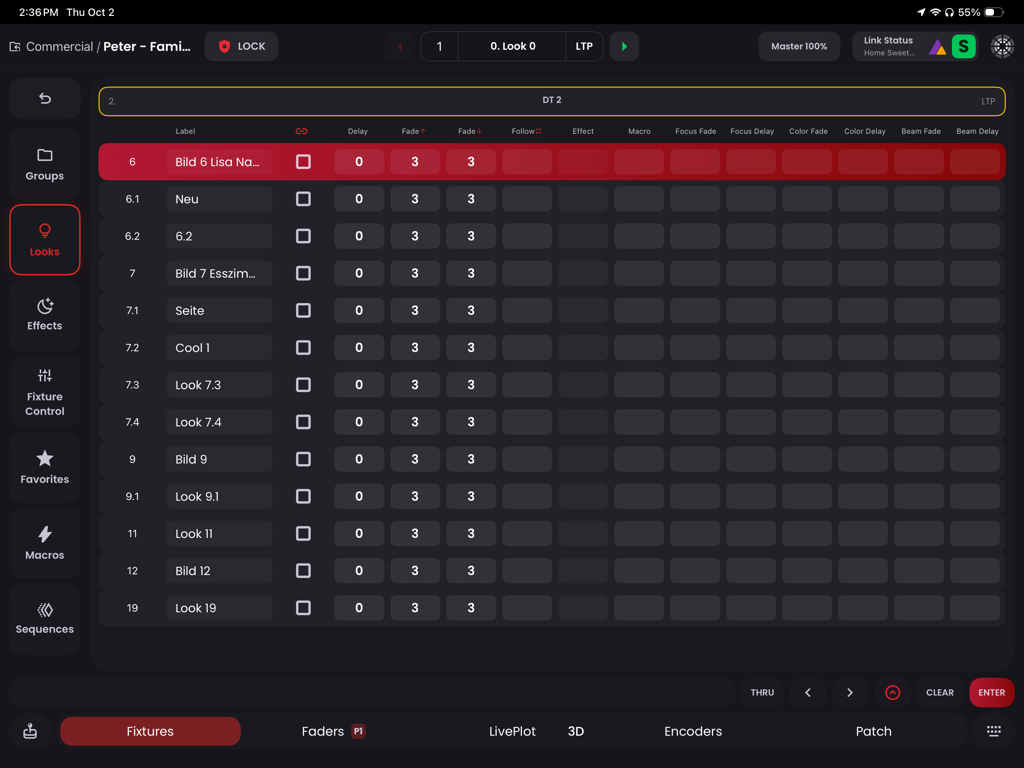
A professional lighting console interface on an iPad displaying a sequence of saved lighting looks with timing and fade parameters.
Description
Download
More Like This
Apps with similar features and user experience

TouchOSC
Hexler LLC

MixEffect (Trial & Pro Unlock)
Adam Tow

Logic Remote
Apple Inc.

Mixing Station
Mixing Station GmbH

LK - Ableton & Midi Controller
Imaginando Lda

Eos Remote
Trent Barclay

TouchOSC Mk1
Hexler LLC

MIDI Guitar
Jam Origin ApS

QLab Remote
Figure 53, LLC
This page is not an official page of the app or its developer, but an independent editorial publication created for informational and commentary purposes. Unless expressly stated otherwise, neither the app nor its developer is affiliated with, endorsed by, sponsored by, authorized by, or otherwise officially connected with MWM, Apple, Google Play, the app publisher, or the app's developer, and nothing on this page implies that the app was developed using MWM's services. Any trademarks, logos, screenshots, and other content remain the property of their respective owners.