My Notes - Notebook, Notepad
Download on App Store

This page is not an official page of the app or its developer, but an independent editorial publication created for informational and commentary purposes. Unless expressly stated otherwise, neither the app nor its developer is affiliated with, endorsed by, sponsored by, authorized by, or otherwise officially connected with MWM, Apple, Google Play, the app publisher, or the app's developer, and nothing on this page implies that the app was developed using MWM's services. Any trademarks, logos, screenshots, and other content remain the property of their respective owners.

Logo of My Notes - Notebook, Notepad
Download on App Store

My Notes - Notebook, Notepad

Design a digital sanctuary that reflects your style. Capture voice notes, sketches, and checklists in one beautiful, secure place with personalized themes and home screen widgets.

Key Figures

Downloads

6K+

User Rating

4.3/5

Total Ratings

0

Publisher

MARKO NIKOLIC PR RACUNARSKO PROGRAMIRANJE ASCENDIK NIS

Category

Productivity

Locales

29

Latest Version

2.1.1

Size

128.6 MB

First Released

Aug 24, 2023
Features

Your Thoughts, Styled & Secure

Transform the way you capture ideas with a personalized digital notebook that fits your lifestyle, from academic notes to creative brain dumps.

Aesthetic Personalization

Turn your note-taking into self-expression with beautiful themes and backgrounds that make your digital workspace feel like home.

Multi-Modal Brain Dump

Don't just type—sketch your ideas, record voice memos, and attach photos to capture every spark of inspiration as it happens.

The following screenshots and description are sourced directly from the app's official store listing and are the property of the app developer.

App Store

Screenshots
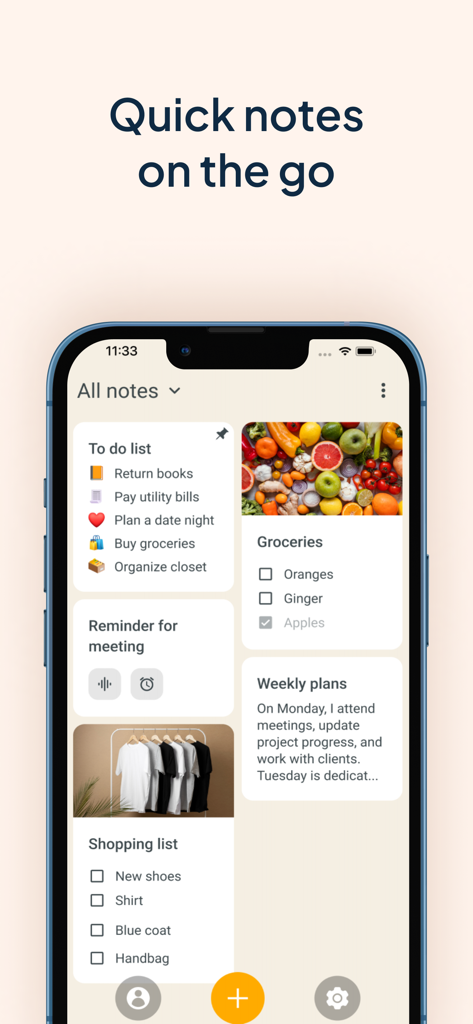
My Notes - Notebook, Notepad - A smartphone screen displaying a variety of aesthetic note cards including to-do lists and photo checklists
A smartphone screen displaying a variety of aesthetic note cards including to-do lists and photo checklists

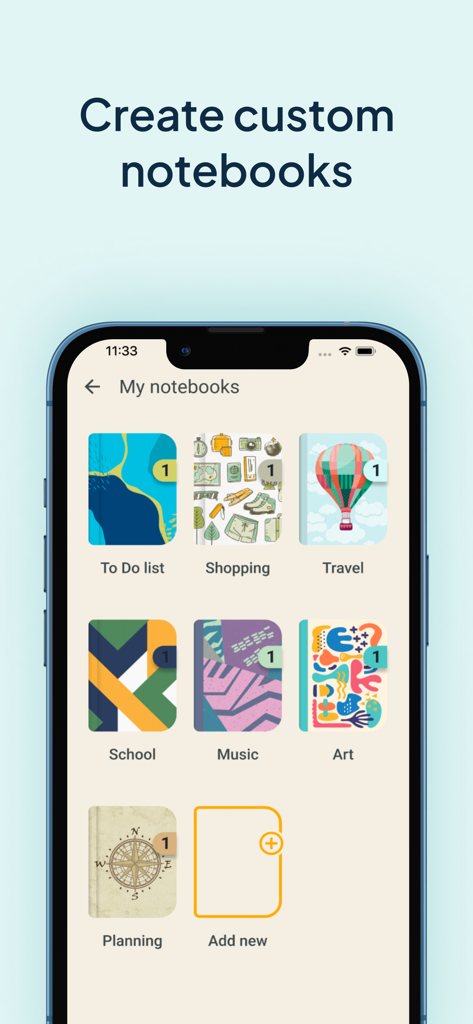
My Notes - Notebook, Notepad - A mobile app interface titled My Notebooks displaying various colorful and themed digital notebook covers for organization.
A mobile app interface titled My Notebooks displaying various colorful and themed digital notebook covers for organization.

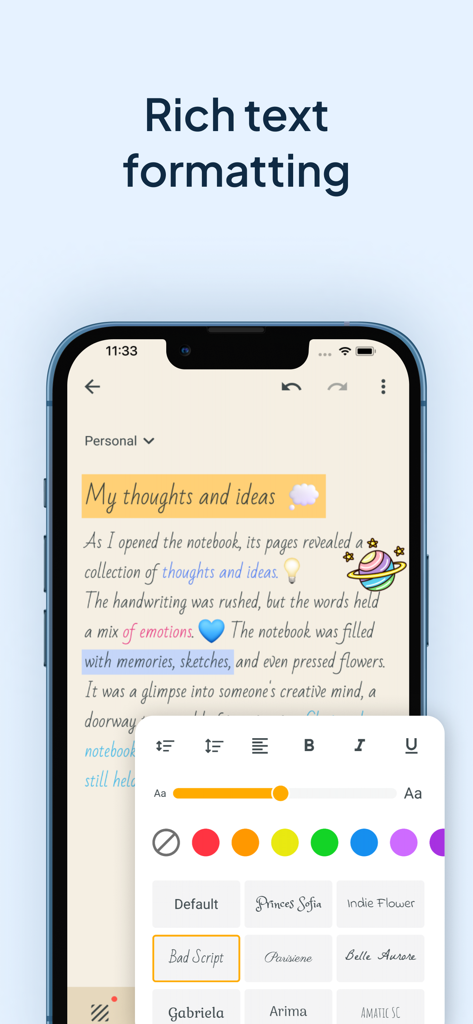
My Notes - Notebook, Notepad - Smartphone screen showing My Notes app rich text formatting options including custom fonts colors and font sizes for aesthetic note taking
Smartphone screen showing My Notes app rich text formatting options including custom fonts colors and font sizes for aesthetic note taking

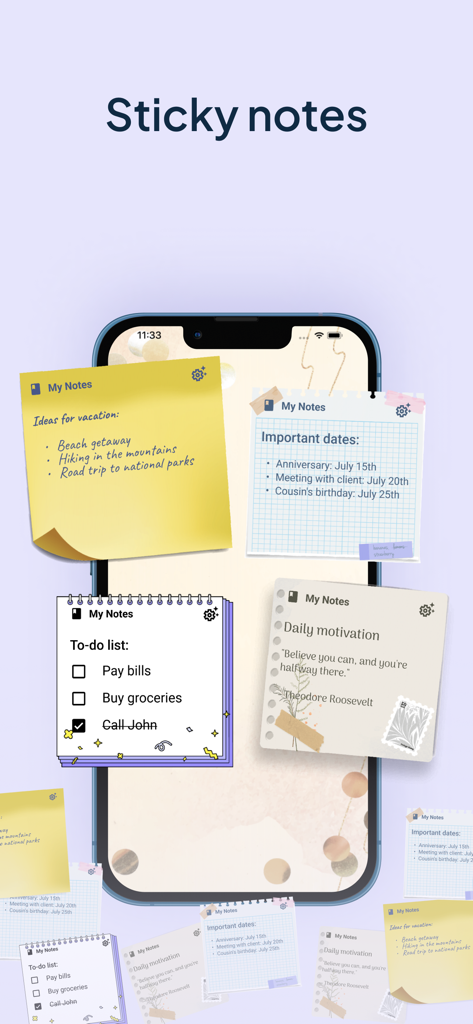
My Notes - Notebook, Notepad - Smartphone home screen displaying various aesthetic sticky note widgets for organizing tasks and ideas.
Smartphone home screen displaying various aesthetic sticky note widgets for organizing tasks and ideas.

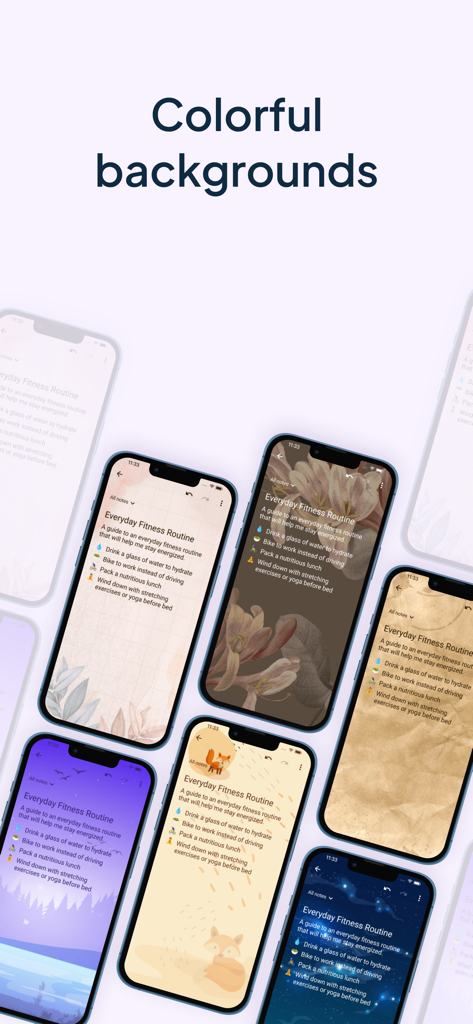
My Notes - Notebook, Notepad - A display of various aesthetic and colorful background themes for digital notes
A display of various aesthetic and colorful background themes for digital notes

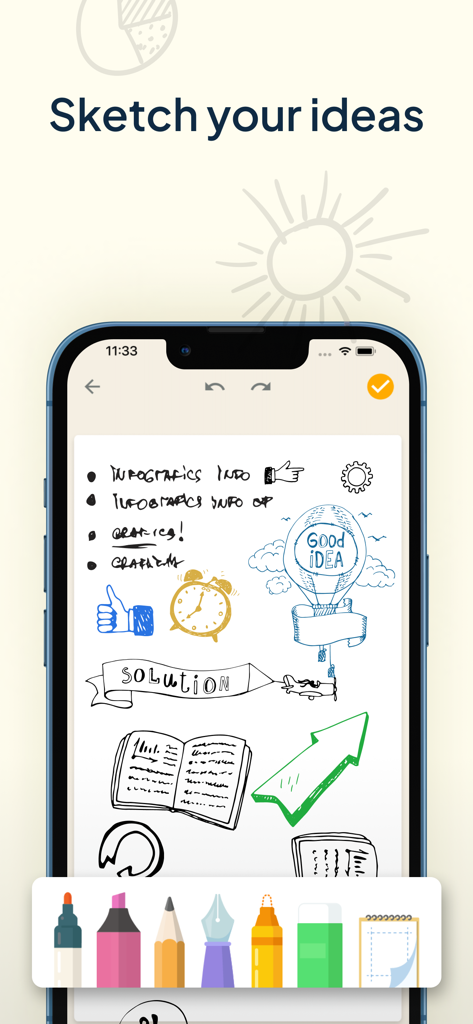
My Notes - Notebook, Notepad - iPhone screen showing hand-drawn sketches and diagrams in the My Notes app with a digital drawing toolbar at the bottom
iPhone screen showing hand-drawn sketches and diagrams in the My Notes app with a digital drawing toolbar at the bottom

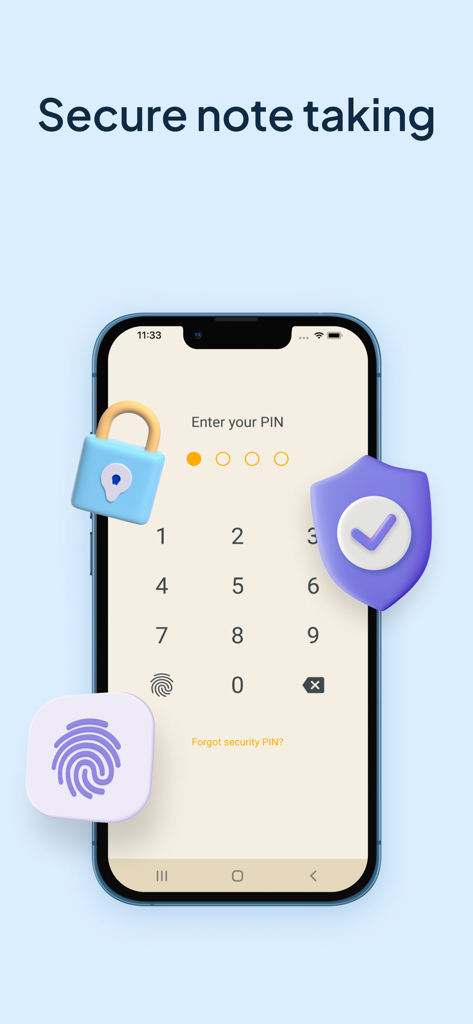
My Notes - Notebook, Notepad - A smartphone display showing a PIN entry screen for secure note taking with lock and shield icons

A smartphone display showing a PIN entry screen for secure note taking with lock and shield icons
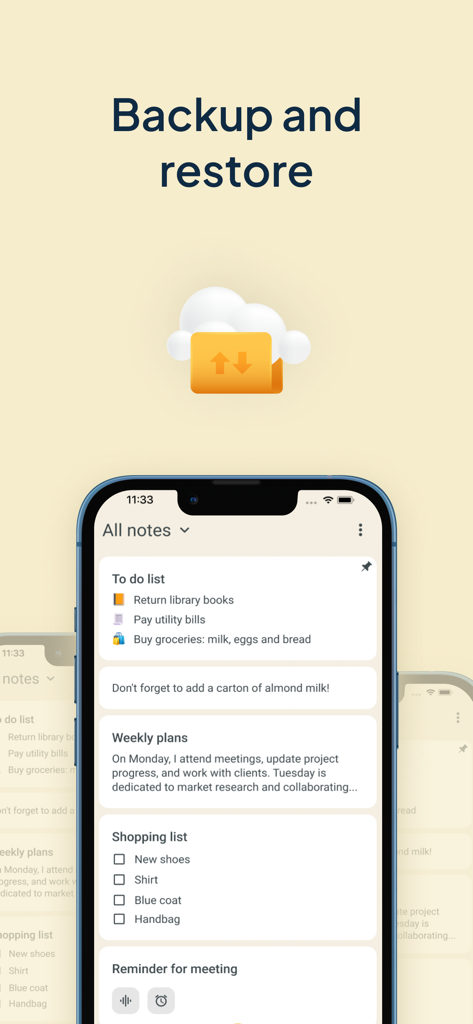
My Notes - Notebook, Notepad - My Notes app interface showing the backup and restore feature with cloud synchronization

My Notes app interface showing the backup and restore feature with cloud synchronization

Description

Get ready to experience the power of efficient note taking and task management with My Notes - Notebook, Notepad. This app is designed to be your go-to tool for capturing and managing all your ideas, thoughts, and important information in one place. This notebook with calendar will revolutionize the way you write down things and keep a log of your tasks. No need to wonder how to stay organized any longer! With My Notes - Notebook, Notepad, you can create separate notebooks for different subjects or projects, ensuring a well-organized workspace for lists or audio notes. Take advantage of its useful features such as daily checklists, drawing capabilities, text formatting, lovely backgrounds and themes, and a convenient widget that allows you to access your quick notes with ease. Also bear in mind that protection is important so you can keep your secrets safe with the built-in codelock feature. Say hello to a digital memo notepad that enhances your productivity and creativity! REDEFINING THE ART OF TAKING NOTES: Create separate notebooks for different purposes, keeping your writings organized and easily accessible. Use the checklists option to manage your tasks list and to-do lists efficiently, ensuring that nothing falls through the cracks. Capture your thoughts and ideas effortlessly with the ability to type, draw, or even record audio notes. Enhance your notebook with rich text formatting options, including bold, italic, underline, and bullet points. Archive writings that you no longer need but still want to keep for future reference. The archive feature helps you maintain a clean and organized color notes app. CUSTOMIZATION THAT SETS YOUR NOTEBOOKS APP APART: Choose from a wide range of attractive backgrounds and themes to personalize your notes taking experience. Adjust font sizes, colors, and styles to make your notes visually appealing and easy to read. Access your memo notes with ease using the convenient widget shown on your device's home screen just like sticky notes. MULTIMEDIA TO VISUALIZE YOUR IDEAS: Unleash your creativity and sketch or draw notes to illustrate your thoughts visually. Insert photos, images, and videos to create multimedia-rich entries that bring your memories and concepts to life. Record notes to capture lectures, interviews, or important discussions, ensuring you never miss a detail. PROTECT AND SECURE YOUR NOTE WRITER: Safeguard the thoughts that you jot down, a checklist or voice notes by backing them up to the cloud or internal storage. Set up a codelock to protect sensitive information like tasks schedule or an important to do list. Restore your notebook entries from previous backups, giving you peace of mind even if your device is lost, damaged, or replaced. WHY GO PREMIUM? Unlock the full potential of this new take notes app with the premium version, granting you access to advanced features and exclusive benefits, access to premium backgrounds, themes and additional customization options. Enjoy an ad-free experience, allowing you to focus solely on your creative moments and tasks without any distractions. Lifetime access with one-time payment is available for users, but you can choose the subscription plan as well that best suits your needs. We can offer you a Premium 1-year subscription or a 1-month subscription plan. Your iTunes account will be charged at confirmation of purchase. The subscription will automatically renew unless auto-renew is turned off at least 24 hours before the end of the billing period. You can go to your iTunes Account Settings to manage your subscription & turn off auto-renew. Any unused portion of the free trial period, if offered, will be forfeited when you purchase a subscription. Terms of Use: https://www.apple.com/legal/internet-services/itunes/dev/stdeula/ Privacy Policy: https://www.ascendik.com/privacy-policy/ Do you have questions or feedback? Feel free to contact us at notebook.support@ascendik.com

Download

Download on App Store

This page is not an official page of the app or its developer, but an independent editorial publication created for informational and commentary purposes. Unless expressly stated otherwise, neither the app nor its developer is affiliated with, endorsed by, sponsored by, authorized by, or otherwise officially connected with MWM, Apple, Google Play, the app publisher, or the app's developer, and nothing on this page implies that the app was developed using MWM's services. Any trademarks, logos, screenshots, and other content remain the property of their respective owners.








