
This page is not an official page of the app or its developer, but an independent editorial publication created for informational and commentary purposes. Unless expressly stated otherwise, neither the app nor its developer is affiliated with, endorsed by, sponsored by, authorized by, or otherwise officially connected with MWM, Apple, Google Play, the app publisher, or the app's developer, and nothing on this page implies that the app was developed using MWM's services. Any trademarks, logos, screenshots, and other content remain the property of their respective owners.


My Telsim
Recharge in seconds, track your usage, and gift data with ease. Manage your plan on your own terms with the ultimate self-service tool for your mobile life.
Downloads
6K+User Rating
Total Ratings
100Publisher
Category
UtilitiesLocales
1Latest Version
6.3.0Size
45.7 MBFirst Released
Dec 16, 2022Take Full Control of Your Mobile Freedom
Manage your balance, track spending, and customize your plan 24/7. No phone calls, no queues—just total transparency and convenience in the palm of your hand.
Instant Recharges & Data Top-ups
Stay connected without the hassle. Add extra data or recharge your plan in seconds so you never run out of what matters most.
Real-Time Spend Transparency
Take the guesswork out of your mobile budget. View detailed transaction histories and download tax invoices whenever you need them.
The following screenshots and description are sourced directly from the app's official store listing and are the property of the app developer.
App Store
Screenshots
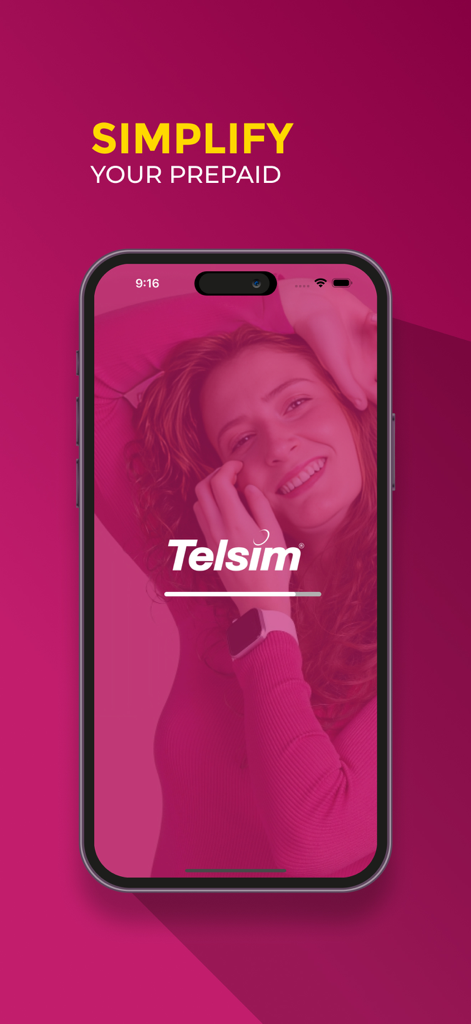
My Telsim app splash screen showing the slogan Simplify Your Prepaid and the company logo over a smiling woman image
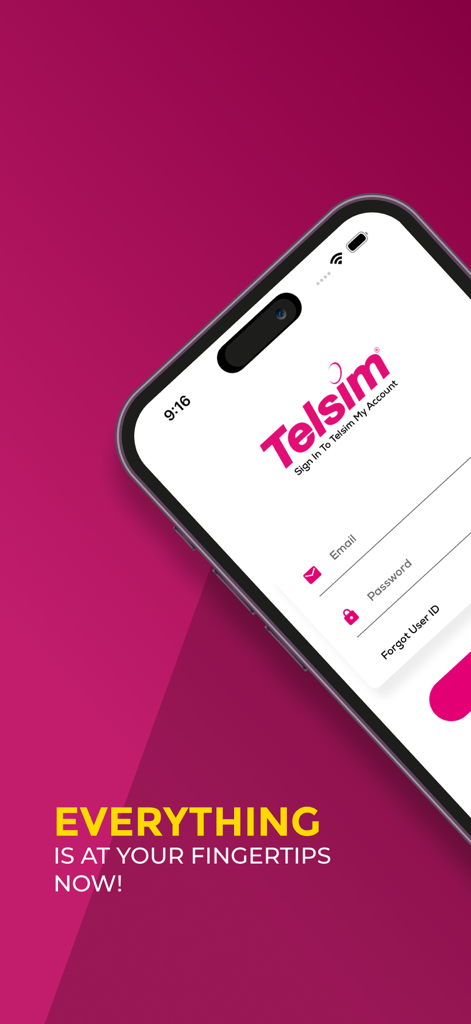
Login page for My Telsim app showing email and password fields on a mobile device.
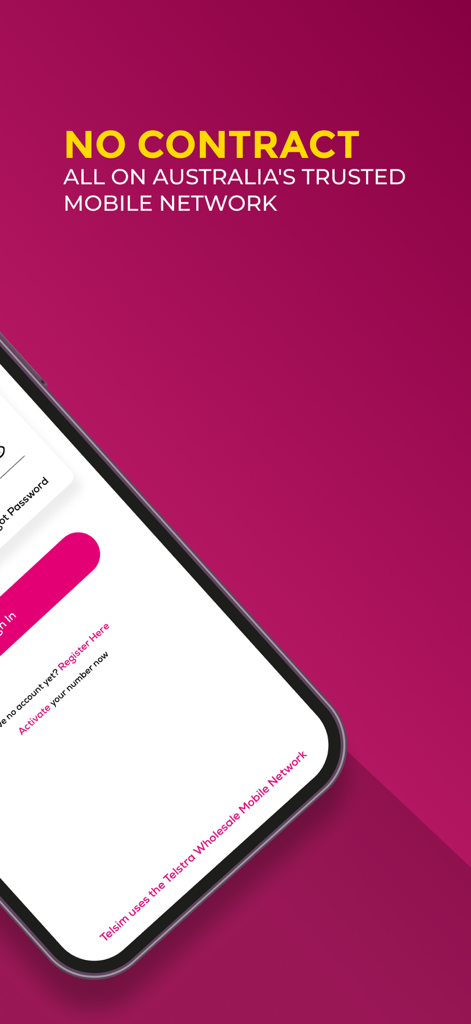
My Telsim app login screen featuring no contract mobile network services
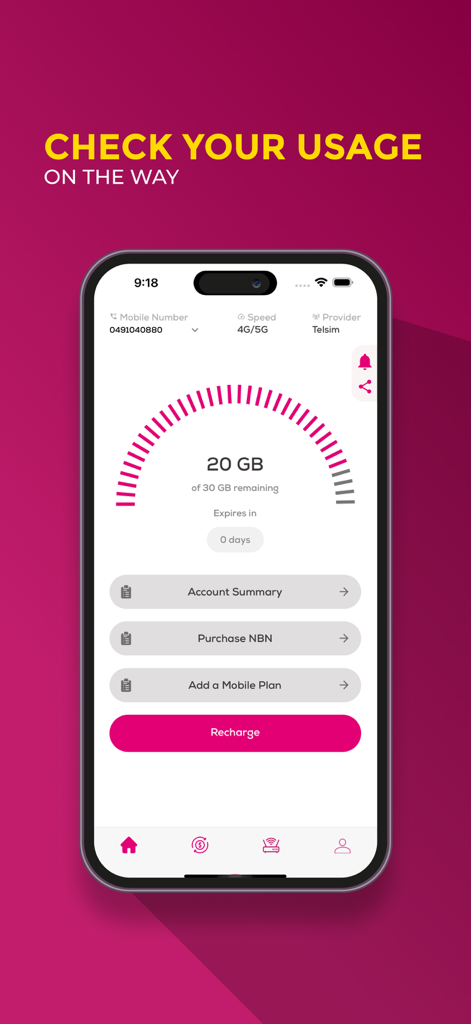
My Telsim mobile app screen displaying current data usage and recharge options
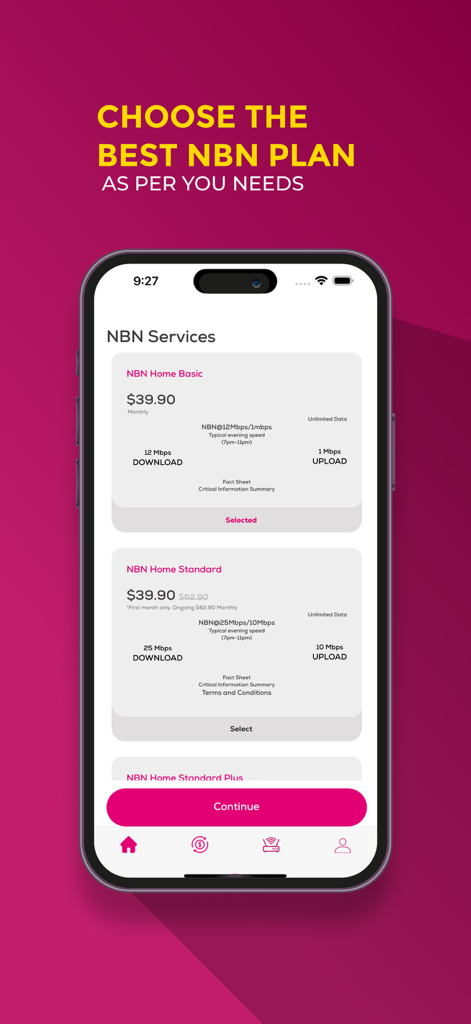
My Telsim app screen showing NBN home internet service plans with speed and price details
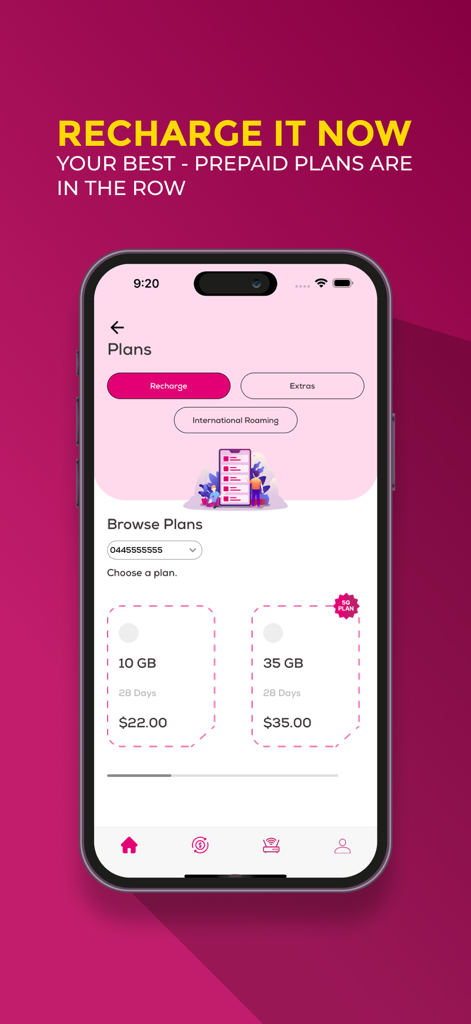
Screenshot of the My Telsim app showing prepaid mobile plans and recharge options
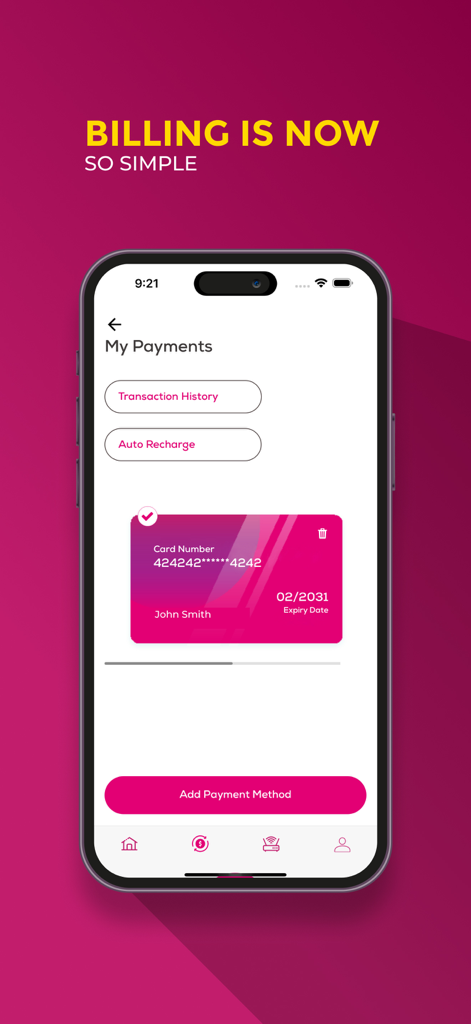
My Telsim app billing and payment management screen showing options for transaction history and auto recharge
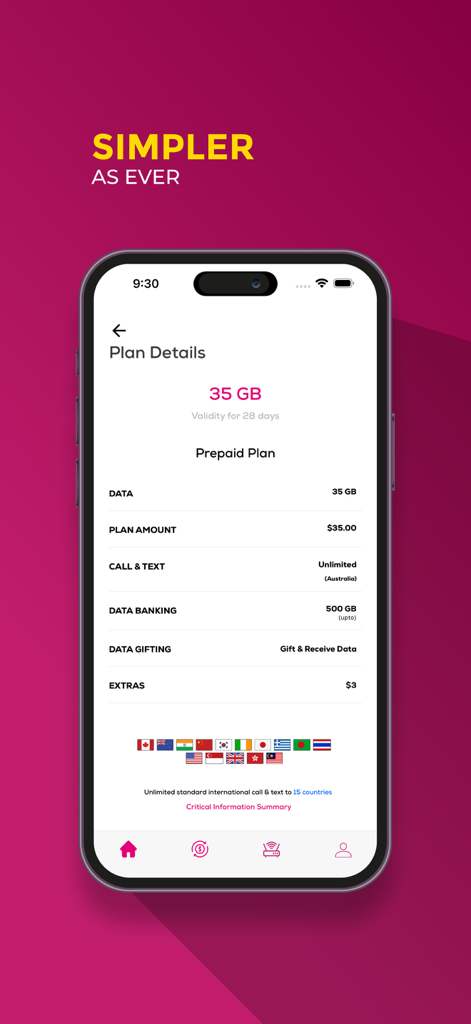
My Telsim app interface displaying details of a 35GB prepaid plan including price, data, and international call features
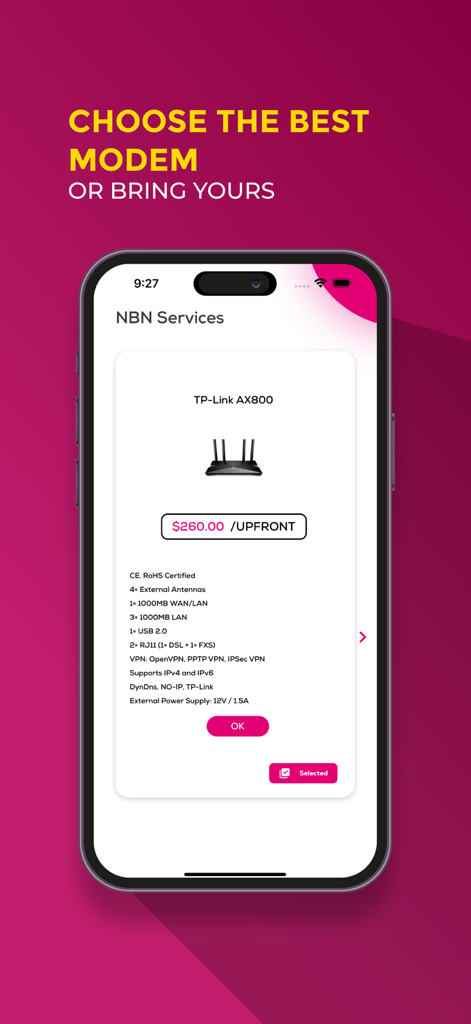
Mobile app screen for choosing an NBN modem showing a TP-Link AX800 model and its specifications
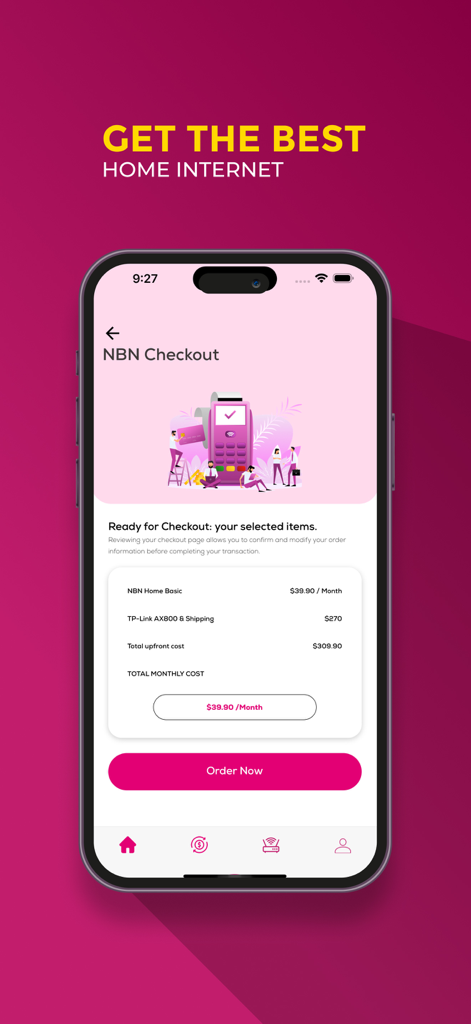
My Telsim app checkout screen for NBN home internet plan showing monthly and upfront costs
Description
Download
More Like This
Top-ranked apps in the same category

Google LLC

Google Chrome
Google LLC

中国移动(手机营业厅)
China Mobile Online Services Co., Ltd.

Google Authenticator
Google LLC

CNH do Brasil
Servicos e Informacoes do Brasil

Cleanup: Phone Storage Cleaner
DEEP FLOW SOFTWARE SERVICES - FZCO

gov.br
Servicos e Informacoes do Brasil

Microsoft Edge: AI Browser
Microsoft Corporation

Super VPN Fly 2026
YUNFAN TECHNOLOGY CO., LIMITED
This page is not an official page of the app or its developer, but an independent editorial publication created for informational and commentary purposes. Unless expressly stated otherwise, neither the app nor its developer is affiliated with, endorsed by, sponsored by, authorized by, or otherwise officially connected with MWM, Apple, Google Play, the app publisher, or the app's developer, and nothing on this page implies that the app was developed using MWM's services. Any trademarks, logos, screenshots, and other content remain the property of their respective owners.