MyFiles - File Manager Browser
Download on App Store

This page is not an official page of the app or its developer, but an independent editorial publication created for informational and commentary purposes. Unless expressly stated otherwise, neither the app nor its developer is affiliated with, endorsed by, sponsored by, authorized by, or otherwise officially connected with MWM, Apple, Google Play, the app publisher, or the app's developer, and nothing on this page implies that the app was developed using MWM's services. Any trademarks, logos, screenshots, and other content remain the property of their respective owners.

Logo of MyFiles - File Manager Browser
Download on App Store

MyFiles - File Manager Browser

Transform your iPhone and iPad into a professional workstation. Manage archives, stream from network servers, and play any media format with a secure, privacy-focused tool—built for power users who demand total control without ads or mandatory subscriptions.

Key Figures

Downloads

0

User Rating

4.8/5

Total Ratings

0

Publisher

亮辉 赵

Category

Utilities

Locales

19

Latest Version

1.6.0

Size

60.0 MB

First Released

Mar 11, 2024
Features

Your Professional Command Center

MyFiles bridges the gap between desktop flexibility and mobile portability, offering a professional-grade workspace for those who demand more from their iPhone and iPad.

Universal Network & Cloud Hub

Eliminate data silos. Connect directly to your NAS via SMB, FTP, or SFTP, and manage Google Drive, Dropbox, and iCloud in one unified, high-speed interface.

Unrivaled Format Support

Stop hunting for specialized apps. Play MKV and FLAC media natively with VLCKit integration and handle encrypted 7z or RAR archives with desktop-class precision.

The following screenshots and description are sourced directly from the app's official store listing and are the property of the app developer.

App Store

Screenshots
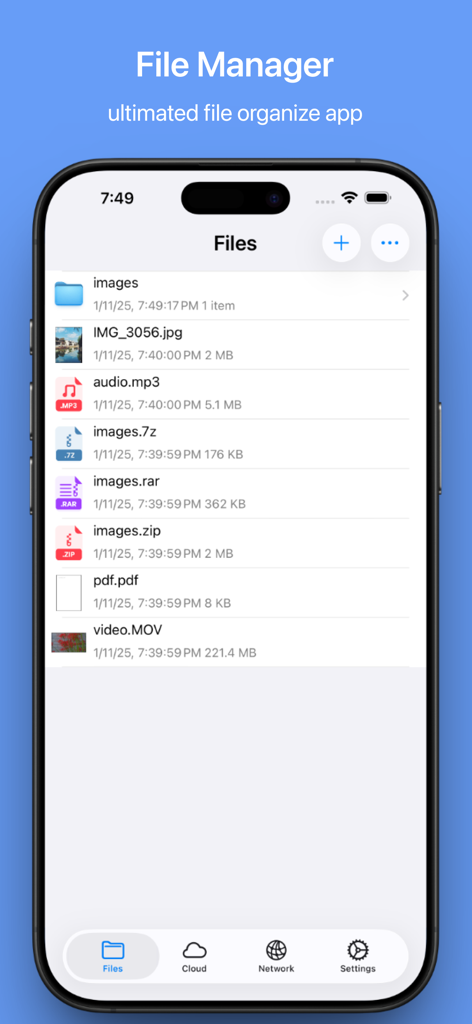
MyFiles - File Manager Browser - Interface of MyFiles app on iPhone showing a list of various file types including folders, images, audio, and archives
Interface of MyFiles app on iPhone showing a list of various file types including folders, images, audio, and archives

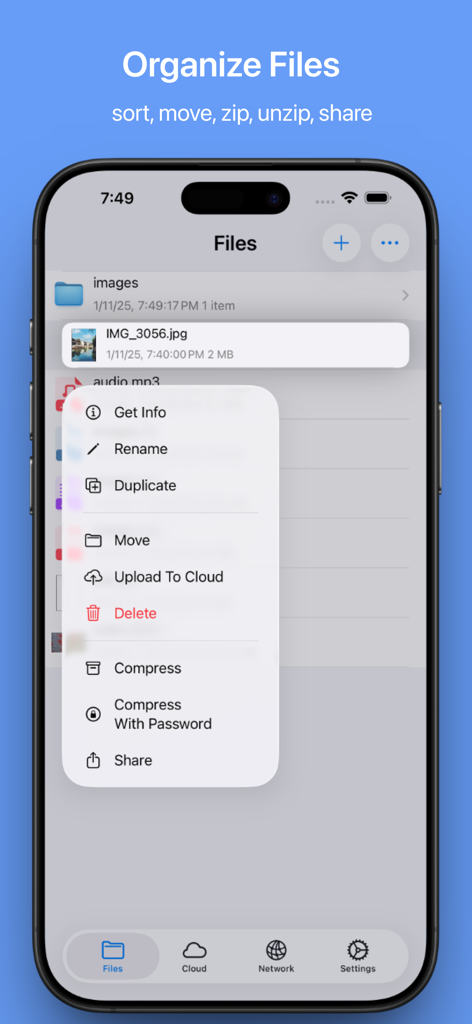
MyFiles - File Manager Browser - Interface of the MyFiles app on an iPhone showing file management options like rename move and compress for a saved image
Interface of the MyFiles app on an iPhone showing file management options like rename move and compress for a saved image

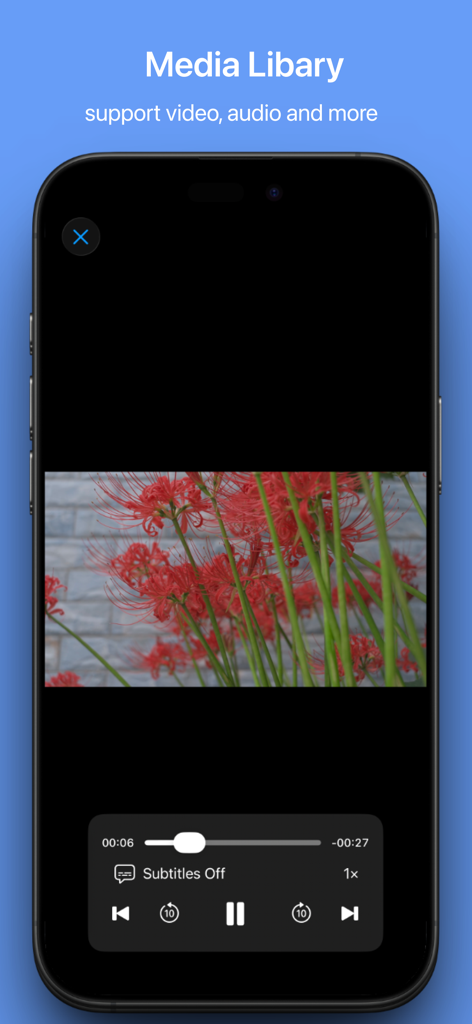
MyFiles - File Manager Browser - MyFiles app media player interface showing video playback with playback controls
MyFiles app media player interface showing video playback with playback controls

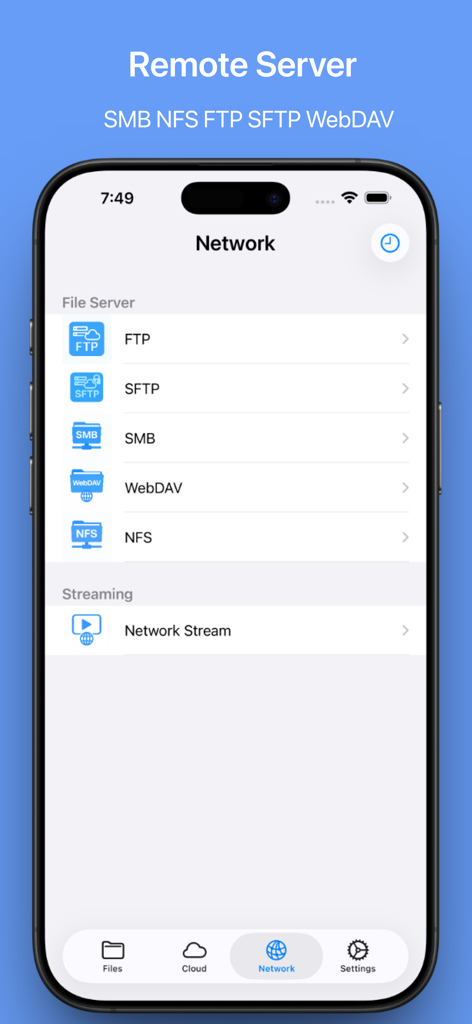
MyFiles - File Manager Browser - MyFiles app network screen showing remote server options including FTP SFTP SMB and WebDAV
MyFiles app network screen showing remote server options including FTP SFTP SMB and WebDAV

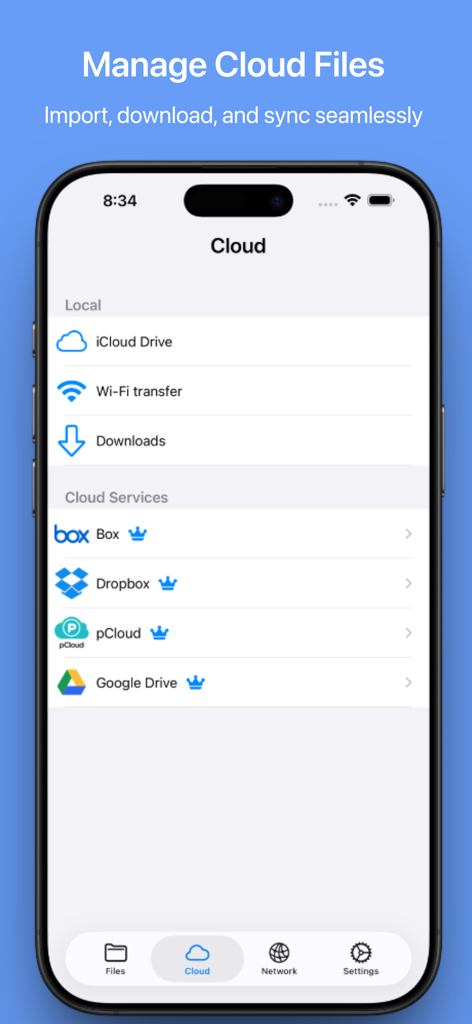
MyFiles - File Manager Browser - Interface of MyFiles app showing cloud storage services like Dropbox and Google Drive on an iPhone

Interface of MyFiles app showing cloud storage services like Dropbox and Google Drive on an iPhone
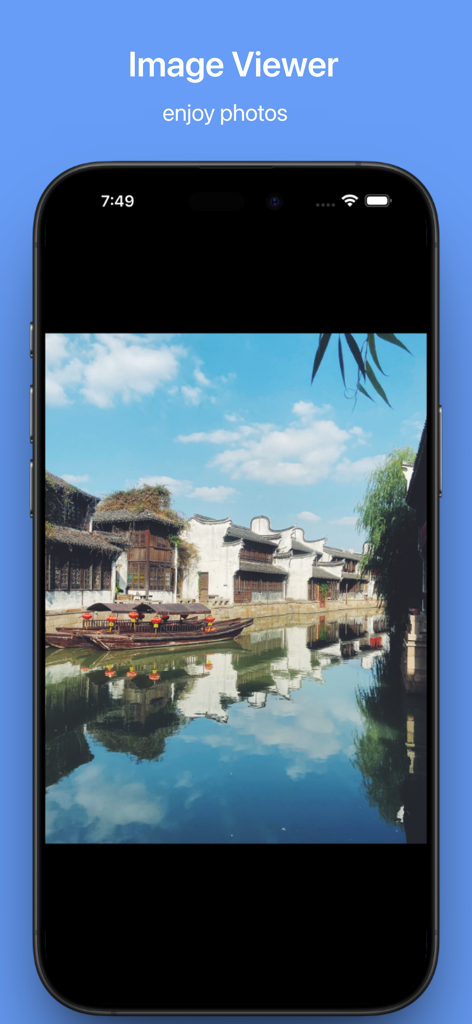
MyFiles - File Manager Browser - MyFiles app image viewer displaying a scenic photo of a canal and traditional houses on an iPhone

MyFiles app image viewer displaying a scenic photo of a canal and traditional houses on an iPhone

Description

MyFiles – The Ultimate File Manager & Media Player for iPhone and iPad MyFiles is your all-in-one solution for managing and playing files on your iPhone and iPad. Whether you’re browsing, organizing, viewing, playing, or transferring files, MyFiles brings everything together in one sleek, powerful app. With seamless access to local storage, cloud drives, and network servers, MyFiles combines the best of file management and media playback in a beautifully designed interface — all while staying fast, reliable, and optimized for your iOS device. KEY FEATURES Complete File Management • Browse and manage files from local storage, iCloud Drive, cloud drives, and network servers • Effortlessly create, rename, copy, move, and delete files and folders • A desktop-class file explorer, designed for flexibility and ease of use Advanced Archive & Compression Tools • Open and extract ZIP, RAR, 7z files — including password-protected and AES-encrypted archives • Compress files into ZIP with preserved folder structure • Full control over compression settings — perfect for advanced file management Built-In Media Player • Play all your favorite videos: MP4, MOV, AVI, MKV, M4V, 3GP, TS, FLV, OGV, OGM • Enjoy audio playback in MP3, WAV, and FLAC with background support and playlists • Seamless, high-quality playback powered by VLCKit • Subtitle support for an enhanced viewing experience Document Viewer & PDF Scanner • View PDFs, Word, Excel, PowerPoint, Pages, Numbers, Keynote, and text files • Use the built-in scanner to scan physical documents into high-quality PDFs • Perfect for students, business users, and professionals Photo & Video Management • Import photos and videos directly from your iOS Photo Library • View full-resolution images (JPG, PNG, HEIC, GIF, TIFF, SVG, EXR, HDR, TGA) • Organize your media quickly and efficiently Wireless File Transfer • Transfer files between iPhone, iPad, Mac, and PC without iTunes or cables • Open a URL and drop your files directly — simple, fast, and seamless Cloud & Network Integration • Connect to FTP, SFTP, SMB, WebDAV, NFS • Includes Google Drive, Box, Dropbox, and pCloud integration • Stream videos and music directly from network servers • Persistent connection history for fast re-connects Security & Privacy • Lock the app with Face ID, Touch ID, or passcode for added privacy • Keep your sensitive files private, even on shared devices • All data is stored securely on your device — no data collection or tracking SUPPORTED FORMATS Video: MP4, MOV, AVI, MKV, M4V, 3GP, TS, FLV, OGV, OGM Audio: MP3, WAV, FLAC Images: JPG, PNG, HEIC, GIF, TIFF, SVG, EXR, HDR, TGA Documents: PDF, TXT, DOC/DOCX, XLS/XLSX, PPT/PPTX, Pages, Numbers, Keynote Archives: ZIP, RAR, 7z — including encrypted and password-protected files YOUR FILES, YOUR CONTROL With MyFiles, you own and control your documents and media. Enjoy local storage, encrypted archives, on-device security, and powerful offline tools all in one app. No ads. No required subscription for basic features. Just a clean, privacy-focused, professional-grade file manager. Download MyFiles now and take full control of your files — anytime, anywhere. Privacy Policy: https://asktao.notion.site/Privacy-Policy-5f46e029eb5b4621a4cfc329a6a6b85a Terms of Service: https://www.apple.com/legal/internet-services/itunes/dev/stdeula/

Download

Download on App Store

This page is not an official page of the app or its developer, but an independent editorial publication created for informational and commentary purposes. Unless expressly stated otherwise, neither the app nor its developer is affiliated with, endorsed by, sponsored by, authorized by, or otherwise officially connected with MWM, Apple, Google Play, the app publisher, or the app's developer, and nothing on this page implies that the app was developed using MWM's services. Any trademarks, logos, screenshots, and other content remain the property of their respective owners.








