
This page is not an official page of the app or its developer, but an independent editorial publication created for informational and commentary purposes. Unless expressly stated otherwise, neither the app nor its developer is affiliated with, endorsed by, sponsored by, authorized by, or otherwise officially connected with MWM, Apple, Google Play, the app publisher, or the app's developer, and nothing on this page implies that the app was developed using MWM's services. Any trademarks, logos, screenshots, and other content remain the property of their respective owners.

NFC Reader & Writer Tools
Streamline your daily routines and automate your world. Effortlessly scan, write, and manage tags for smart home triggers, instant Wi-Fi sharing, and professional digital networking.
Downloads
13K+User Rating
Total Ratings
100Publisher
Category
UtilitiesLocales
1Latest Version
1.3.2Size
14.2 MBFirst Released
Jul 31, 2025Effortless Control of Your Smart World
Turn your iPhone into a powerful NFC command center. Create custom triggers, automate your home, and share data instantly with a single tap.
Write & Automate
Program NTAG stickers to trigger smart home scenes or launch Apple Shortcuts. Turn physical actions into digital results instantly.
Instant Digital Sharing
Encode Wi-Fi credentials, business cards, or URLs onto tags. Let guests and colleagues connect to your world with zero friction.
Frequently Asked Questions
Everything you need to know about NFC Reader & Writer Tools
How does NFC Reader & Writer Tools scan NFC tags?
NFC Reader & Writer Tools scans tags by tapping "Scan Tag" to activate NFC. It instantly reads nearby tags, displaying ID, type (e.g., NTAG213), and content such as text or URLs.
What types of data can NFC Reader & Writer Tools write to NFC tags?
NFC Reader & Writer Tools can write various data types to NFC tags, including Text, URL, SMS, Contact, Wi-Fi, Email, FaceTime, and Bluetooth. Users can save inputs as drafts and edit them.
Does NFC Reader & Writer Tools provide feedback during tag interactions?
Yes, NFC Reader & Writer Tools provides smart feedback. It uses sound and vibration signals for successful scans or writes. If an issue occurs, the app displays helpful error messages like “Tag not supported.”
Can NFC Reader & Writer Tools help organize scanned and written NFC tags?
Yes, NFC Reader & Writer Tools allows users to organize and save their scanned and written NFC tags. The app provides simple and clear navigation for managing saved entries within the application.
Is there an in-app guide available for NFC Reader & Writer Tools?
Yes, NFC Reader & Writer Tools includes an in-app guide. Users can access this guide from the Settings screen for quick tips on using NFC scan and tag writing features.
Can users erase NFC tags with the NFC Reader & Writer Tools app?
Yes, the NFC Reader & Writer Tools app includes an "Erase" function. This feature allows users to clear the data stored on NFC tags directly from the application's main menu.
Where can I find the Privacy Policy for NFC Reader & Writer Tools?
The Privacy Policy for NFC Reader & Writer Tools is available online. Users can access the full document via the provided link: https://docs.google.com/document/d/18WQaDB3NZY3_zu3YnH6WH2F3KTI-G0Yb7-ltAgRTV8c/edit?usp=sharing.
The following screenshots and description are sourced directly from the app's official store listing and are the property of the app developer.
App Store
Screenshots
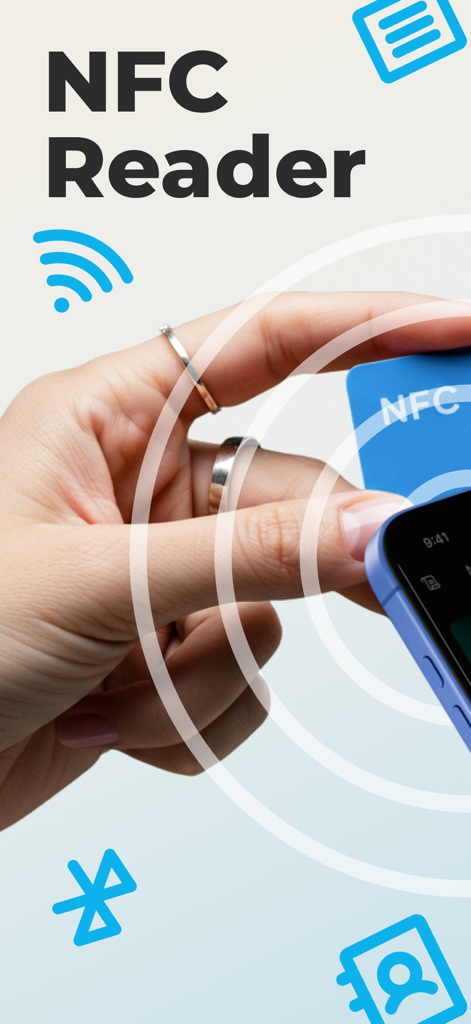
A hand holding an NFC card against a smartphone to scan data using the NFC Reader app
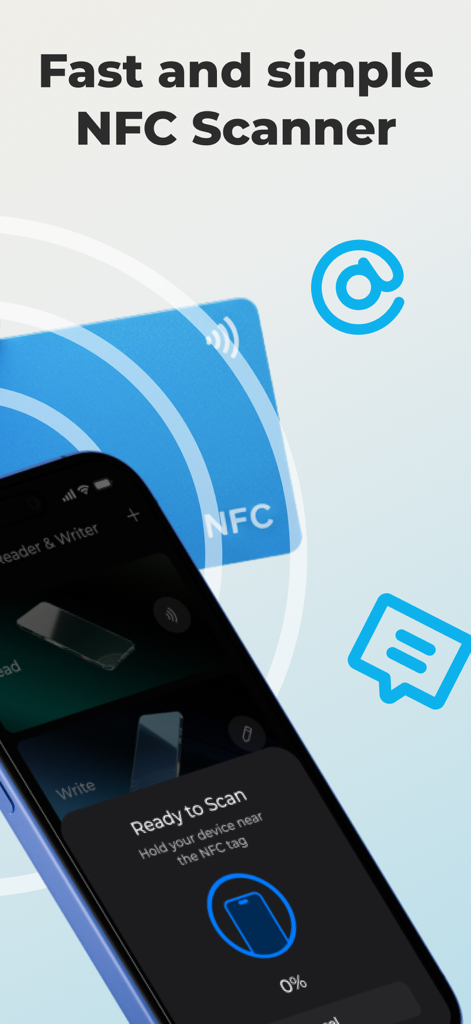
iPhone screen showing the Ready to Scan interface for NFC tags with a blue NFC card in the background.
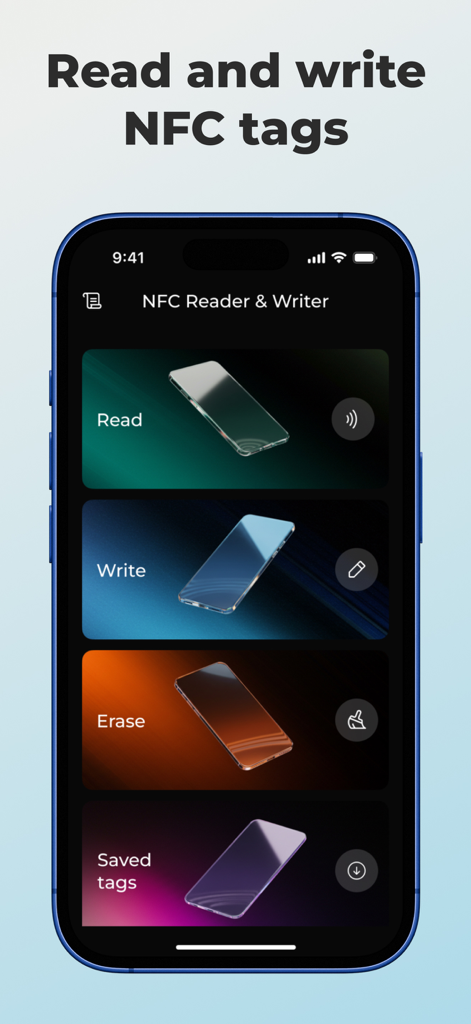
NFC Reader and Writer app interface on iPhone showing options to read write and erase tags
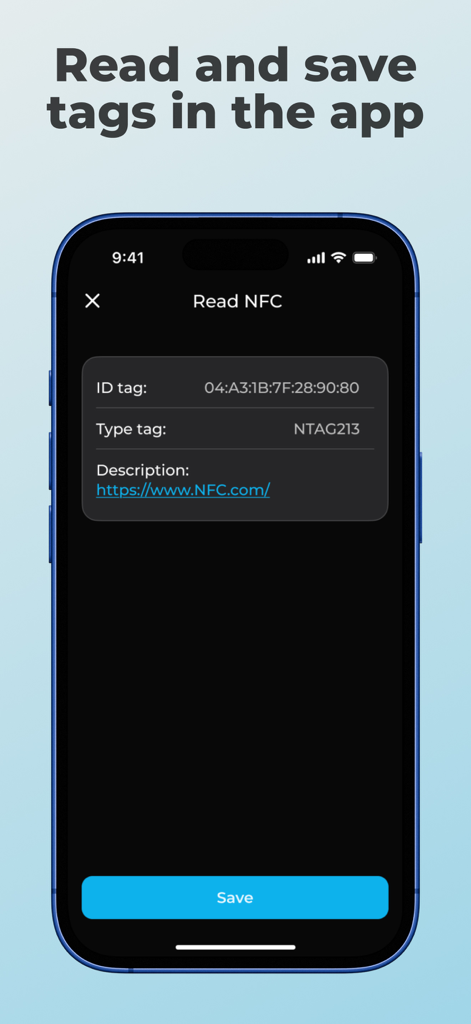
Screenshot of the NFC Reader and Writer Tools app showing scanned tag details including ID and type
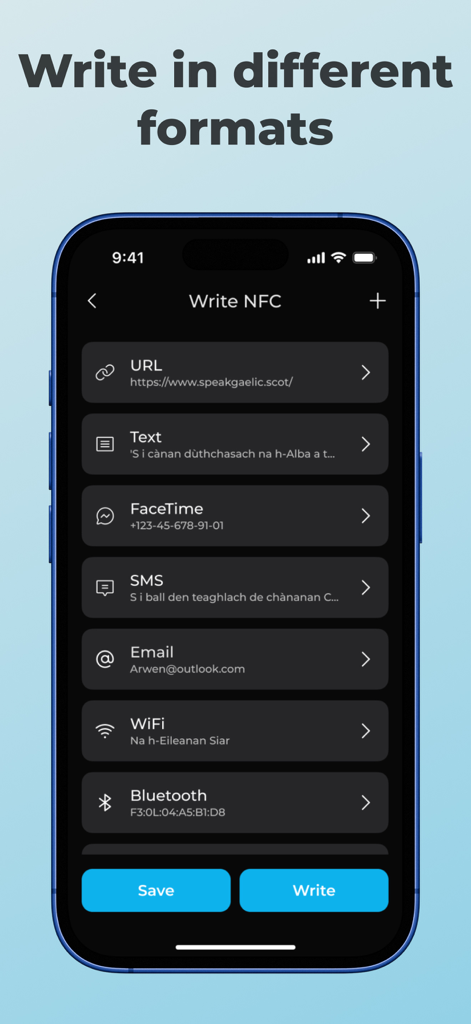
NFC Reader and Writer Tools app interface showing multiple data formats for writing to NFC tags
Description
Download
More Like This
Top-ranked apps in the same category

Google LLC

Google Chrome
Google LLC

中国移动(手机营业厅)
China Mobile Online Services Co., Ltd.

Google Authenticator
Google LLC

CNH do Brasil
Servicos e Informacoes do Brasil

Cleanup: Phone Storage Cleaner
DEEP FLOW SOFTWARE SERVICES - FZCO

gov.br
Servicos e Informacoes do Brasil

中国电信-全国统一官方服务平台
CHINA TELECOM Corporation Ltd.

Microsoft Edge: AI Browser
Microsoft Corporation
This page is not an official page of the app or its developer, but an independent editorial publication created for informational and commentary purposes. Unless expressly stated otherwise, neither the app nor its developer is affiliated with, endorsed by, sponsored by, authorized by, or otherwise officially connected with MWM, Apple, Google Play, the app publisher, or the app's developer, and nothing on this page implies that the app was developed using MWM's services. Any trademarks, logos, screenshots, and other content remain the property of their respective owners.