
This page is not an official page of the app or its developer, but an independent editorial publication created for informational and commentary purposes. Unless expressly stated otherwise, neither the app nor its developer is affiliated with, endorsed by, sponsored by, authorized by, or otherwise officially connected with MWM, Apple, Google Play, the app publisher, or the app's developer, and nothing on this page implies that the app was developed using MWM's services. Any trademarks, logos, screenshots, and other content remain the property of their respective owners.

Nix Toolkit
Connect your Nix sensor to eliminate guesswork and costly re-dos. Instantly match colors to world-class libraries like Pantone, access HEX/RGB/CIELAB data, and manage professional quality control in the palm of your hand.
Downloads
600User Rating
Total Ratings
200Publisher
Category
UtilitiesLocales
1Latest Version
1.8.6Size
52.5 MBFirst Released
Dec 14, 2021Professional Precision for Every Project
Transform your Nix Sensor into a high-powered color lab. Access industry-standard libraries, capture exact digital values, and ensure quality control across your entire team.
Instant Color Matching
Match any surface to leading paint brands or digital values like HEX and RGB with scientific accuracy, eliminating costly human error.
Premium Industry Libraries
Ditch the heavy fan decks. Access world-class databases like Pantone, RAL, and NCS directly through your mobile device for immediate matching.
The following screenshots and description are sourced directly from the app's official store listing and are the property of the app developer.
App Store
Screenshots
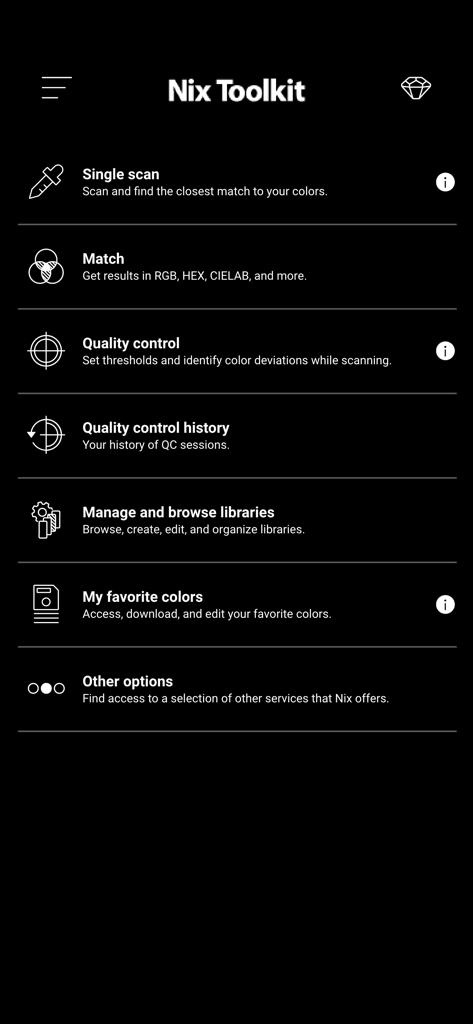
Main menu screen of the Nix Toolkit app showing features like single scan match quality control and color library management
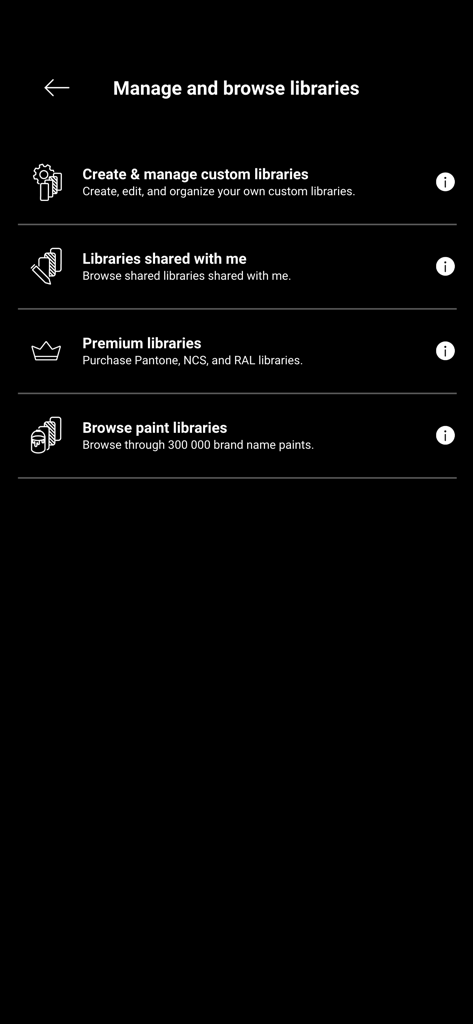
Management screen in the Nix Toolkit app for custom, shared, and premium color libraries.
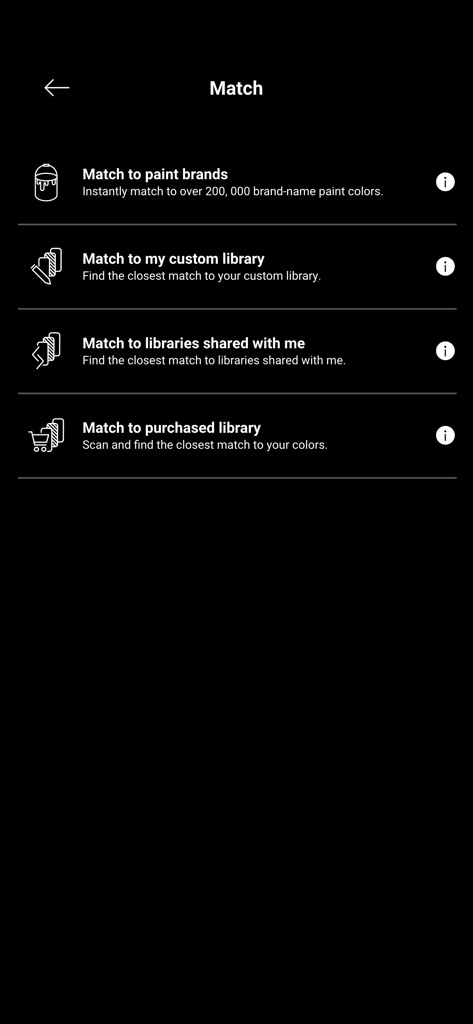
Nix Toolkit app screen showing color matching options for paint brands and custom libraries
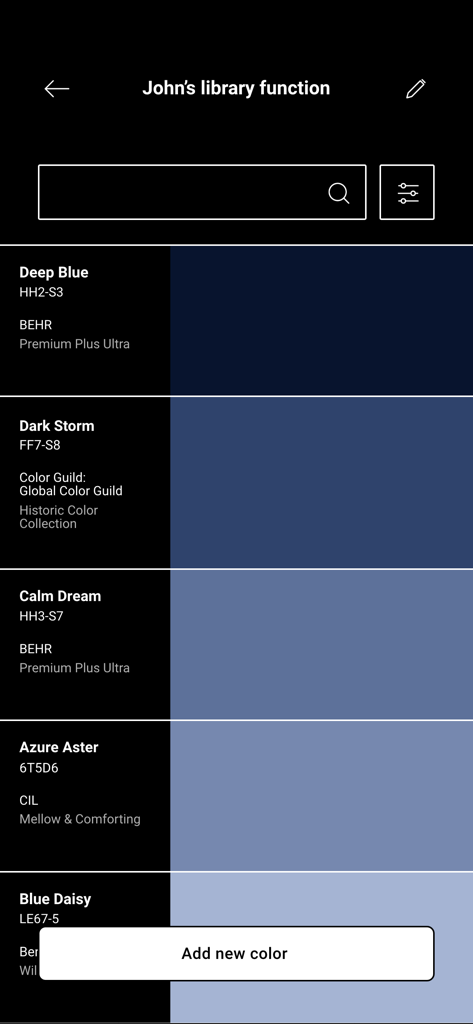
A digital color library within the Nix Toolkit app featuring various blue paint shades and brand information.
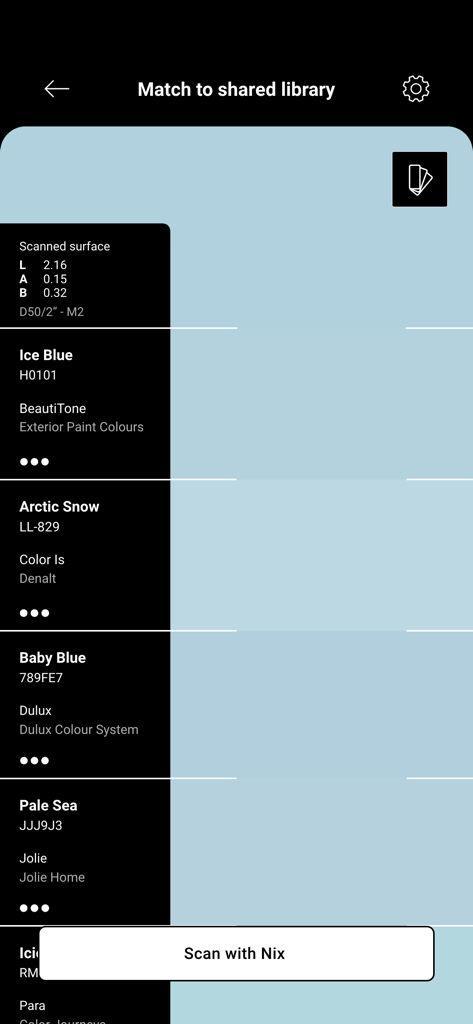
Nix Toolkit app screen showing color matching results and paint library suggestions for a scanned surface
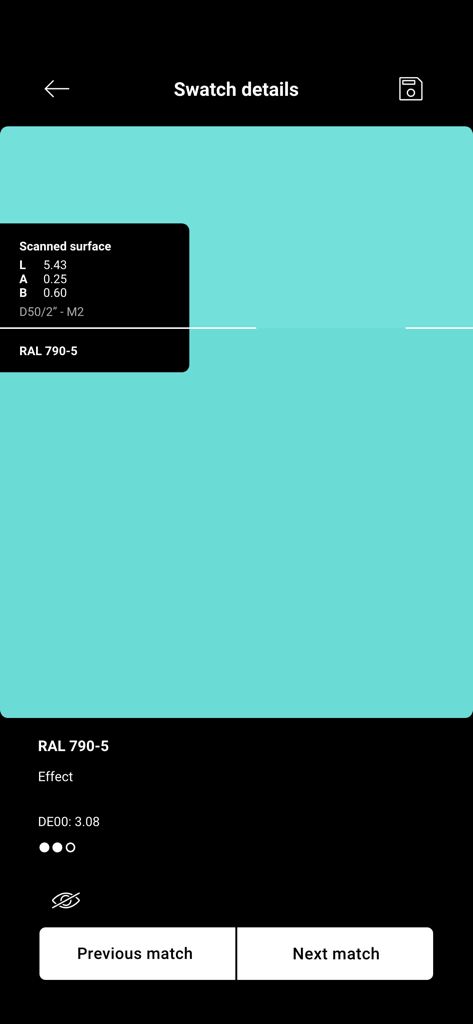
Nix Toolkit app screen showing teal color swatch details and RAL match
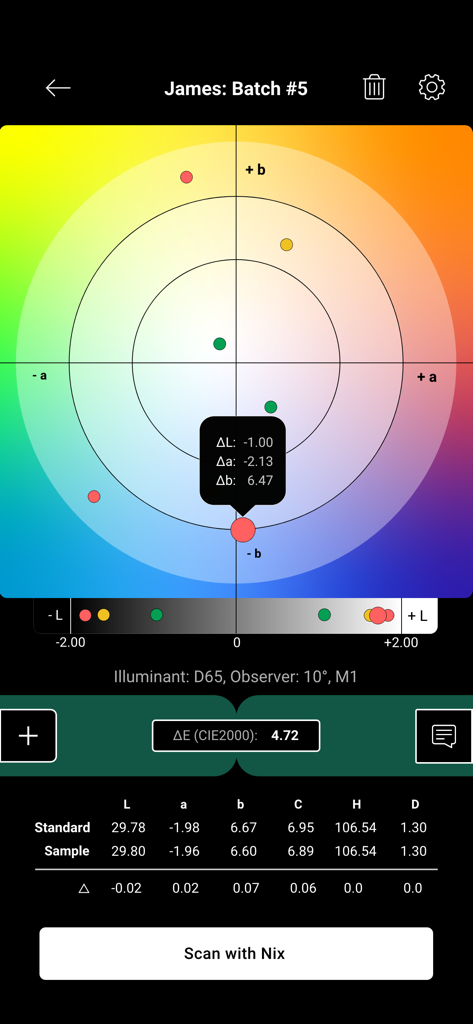
Quality control interface in the Nix Toolkit app showing CIELAB color data and Delta E comparison values.
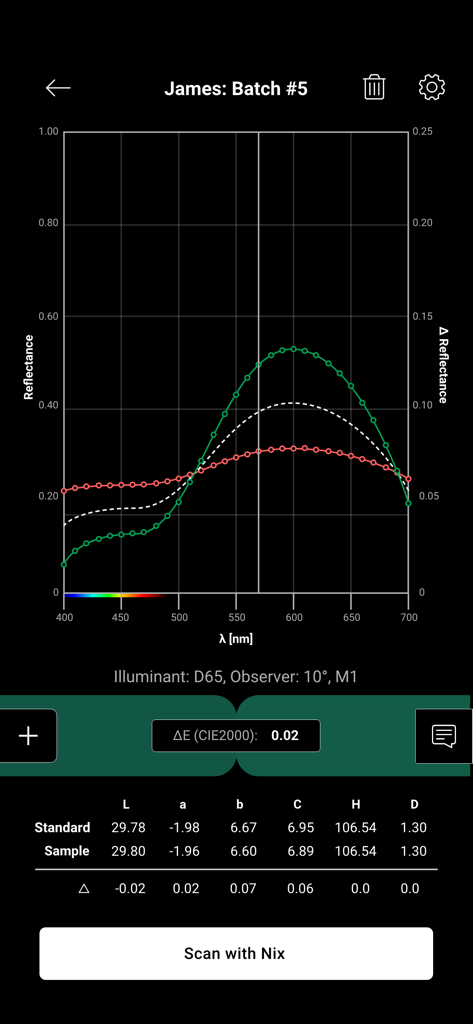
A spectral reflectance graph and CIELAB color data comparing standard and sample batches in Nix Toolkit.
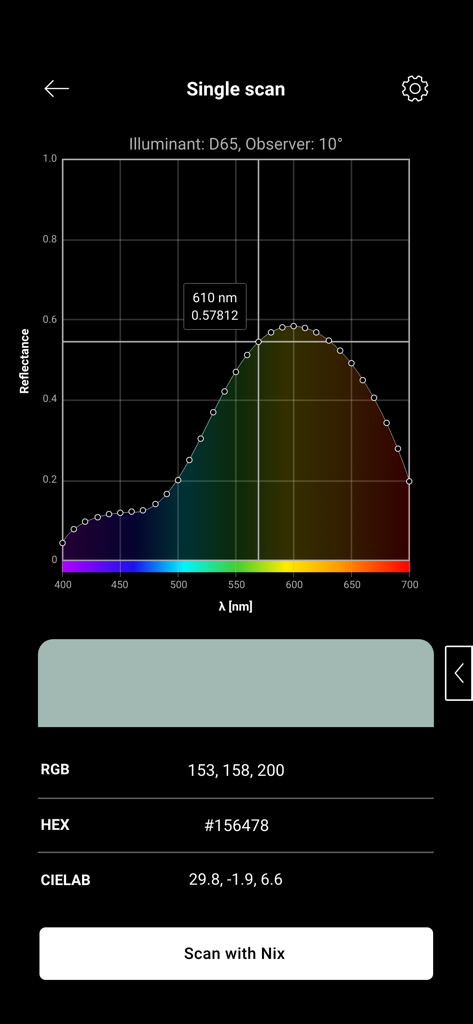
Interface of the Nix Toolkit app displaying a single color scan with a spectral reflectance curve and RGB HEX and CIELAB values.
Description
Download
More Like This
Top-ranked apps in the same category

Google LLC

Google Chrome
Google LLC

中国移动(手机营业厅)
China Mobile Online Services Co., Ltd.

Google Authenticator
Google LLC

CNH do Brasil
Servicos e Informacoes do Brasil

Cleanup: Phone Storage Cleaner
DEEP FLOW SOFTWARE SERVICES - FZCO

gov.br
Servicos e Informacoes do Brasil

中国电信-全国统一官方服务平台
CHINA TELECOM Corporation Ltd.

Microsoft Edge: AI Browser
Microsoft Corporation
This page is not an official page of the app or its developer, but an independent editorial publication created for informational and commentary purposes. Unless expressly stated otherwise, neither the app nor its developer is affiliated with, endorsed by, sponsored by, authorized by, or otherwise officially connected with MWM, Apple, Google Play, the app publisher, or the app's developer, and nothing on this page implies that the app was developed using MWM's services. Any trademarks, logos, screenshots, and other content remain the property of their respective owners.