
This page is not an official page of the app or its developer, but an independent editorial publication created for informational and commentary purposes. Unless expressly stated otherwise, neither the app nor its developer is affiliated with, endorsed by, sponsored by, authorized by, or otherwise officially connected with MWM, Apple, Google Play, the app publisher, or the app's developer, and nothing on this page implies that the app was developed using MWM's services. Any trademarks, logos, screenshots, and other content remain the property of their respective owners.


Notebook – Notes, Notepad
Unleash your mental power across every Apple device; no idea slips through the cracks. It offers a singular canvas for every thought, sketch, and task.
Downloads
5M+User Rating
Total Ratings
29.4KPublisher
Category
ProductivityLocales
29Latest Version
6.8.29Size
224.4 MBFirst Released
May 22, 2016An analytical overview of key features enhancing productivity for digitally-savvy Apple users.
Comprehensive Evaluation: Notebook – Notes, Notepad
Comprehensive Multi-modal Note-Taking
The app provides an extensive suite of tools for creating notes, allowing users to seamlessly integrate text, images, sketches, checklists, audio, video recordings, and various file types within a single note, catering to diverse information capture needs.
Seamless Apple Ecosystem Integration
This tool features deep integration with the Apple ecosystem, offering optimized experiences on iPad (Split View, Stage Manager, Apple Pencil), Siri shortcuts, iMessage sharing, and Apple Watch functionalities for enhanced productivity across all devices.
Ubiquitous Cloud Sync & Offline Accessibility
It allows users to effortlessly synchronize all notes and notebooks across their devices and to the cloud, ensuring instant availability and the ability to continue working offline seamlessly.
Intelligent Universal Search
The app provides advanced search capabilities, enabling users to quickly find information within or across notes, including text recognition in photos, handwritten notes, and even text within audio recordings, ensuring efficient retrieval of stored content.
Dynamic Real-time Collaboration
This tool features robust collaboration options, including @mentioning peers, sharing public notes via links, and shared Noteboards, facilitating team projects, idea exchange, and collective work.
Versatile Note Organization Systems
It offers powerful organizational tools such as visual Kanban-style Noteboards for project management and nested collections for hierarchical grouping, empowering users to structure their information logically and efficiently.
Interactive Collaborative Spaces
The app provides 'Spaces,' a collaborative digital canvas where users can brainstorm and work together in real-time, enhanced with integrated audio and video calls for direct interaction.
Smart Web Content Archiving
This tool intelligently collects and formats online articles, videos, and other web content into 'Smart Cards,' enabling users to read offline, ad-free, and maintain a curated digital library.
Integrated Video Note Cards
The app allows users to create video notes, recording both their screen and themselves simultaneously, with the option to add chapters for navigation and publish for sharing.
Personalized Journaling Prompts
It offers personalized journaling suggestions based on user activity, designed to enhance self-reflection and foster a consistent journaling habit for personal and professional growth.
Frequently Asked Questions
Everything you need to know about Notebook – Notes, Notepad
What is Notebook – Notes & To Do app?
Notebook – Notes & To Do is an app that allows users to write notes, add files, create to-dos, sketch ideas, and record audio. It syncs instantly across devices and to the cloud.
Does Notebook – Notes & To Do sync across multiple devices?
Yes, Notebook – Notes & To Do synchronizes all notes and notebooks across your devices and to the cloud. You can also take notes offline and continue on another device when connected.
What types of notes can I create in Notebook – Notes & To Do?
Notebook – Notes & To Do allows you to create text notes, add images, sketches, checklists, audio, videos, and scan documents. You can also include PDFs, Word documents, and spreadsheets.
Does Notebook – Notes & To Do support handwritten notes?
Yes, Notebook – Notes & To Do supports handwritten notes. Users can handwrite their thoughts using Apple Pencil for both iPhone and iPad versions of the app.
How can I organize my notes in Notebook – Notes & To Do?
Notebook – Notes & To Do offers organization through Nested Collections, allowing related notes to be grouped in a hierarchy. You can also use Noteboards for kanban-style visual organization.
Can users collaborate on notes in Notebook – Notes & To Do?
Yes, Notebook – Notes & To Do enables real-time collaboration. Users can share and collaborate on Noteboards, brainstorm in Spaces with audio/video calls, and create Public Notes with shareable links.
What kind of search functions are available in Notebook – Notes & To Do?
Notebook – Notes & To Do offers quick search within or across notebooks. It also searches for objects and text within photos, text within handwritten notes, and text within audio notes.
Can Notebook – Notes & To Do scan documents and business cards?
Yes, Notebook – Notes & To Do can scan documents and business cards. This feature allows users to capture physical information directly into their notes.
What features does Notebook Pro offer in Notebook – Notes & To Do?
Notebook Pro provides more storage, allows creation of long notes and large files, Email In functionality to save emails as notes, access to premium covers, and custom recurring reminders.
Is Notebook – Notes & To Do secure and private for users?
Yes, Notebook – Notes & To Do is privacy-focused and secure. It features secure notes, GDPR compliance, encryption at rest, multi-factor authentication, and is ad-free.
Is Notebook – Notes & To Do available on Apple Watch?
Yes, Notebook – Notes & To Do is available on Apple Watch. Users can record audio notes, scribble to create new notes, check off checklist items, and create photo notes.
Does Notebook – Notes & To Do provide journaling suggestions?
Yes, Notebook – Notes & To Do provides journaling suggestions. It offers personalized journaling prompts based on user activity to enhance their journaling habit.
Can I record audio and video directly within Notebook – Notes & To Do?
Yes, Notebook – Notes & To Do allows direct recording of audio and video. Users can create audio note cards for ideas/meetings and video note cards to capture thoughts with screen and self recording.
Does Notebook – Notes & To Do work offline?
Yes, Notebook – Notes & To Do works offline. Users can take notes without an internet connection and continue working on other devices once connected to a network.
How are subscriptions managed for Notebook Pro in Notebook – Notes & To Do?
Subscriptions for Notebook Pro auto-renew unless cancelled and are charged via your Apple iTunes account. Prices vary by location, and you can manage your subscription in account settings after purchase.
The following screenshots and description are sourced directly from the app's official store listing and are the property of the app developer.
App Store
Screenshots
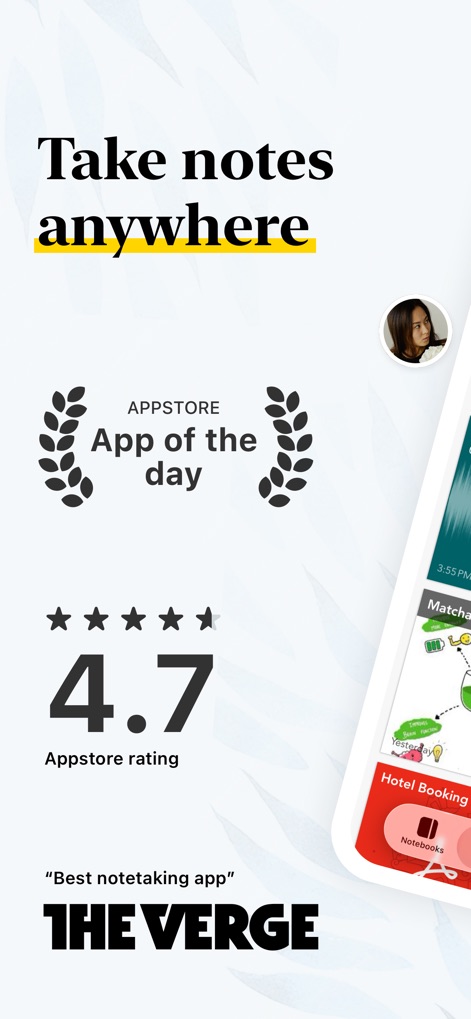
See how the app's widespread recognition and intuitive interface enable note creation on any device.
Everywhere Note-Taking
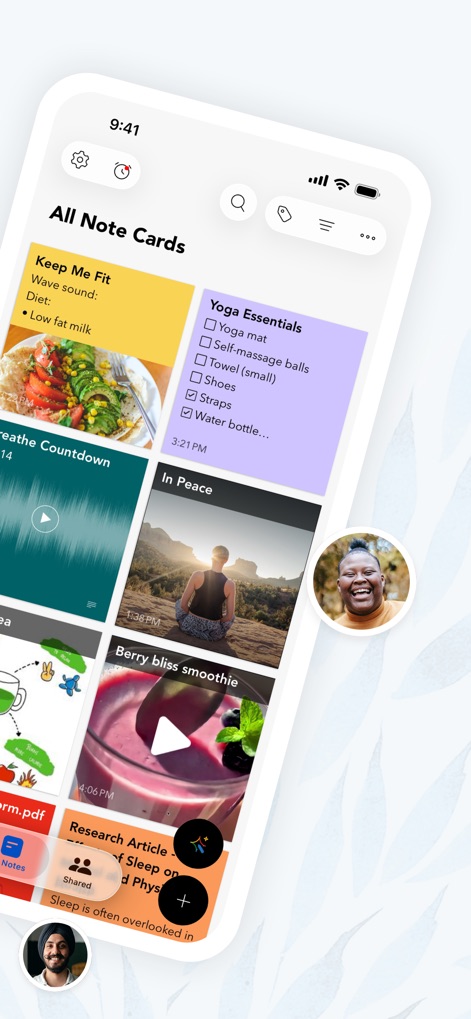
This tool showcases a versatile display of note cards, including embedded audio recordings and detailed checklists.
Diverse Note Cards
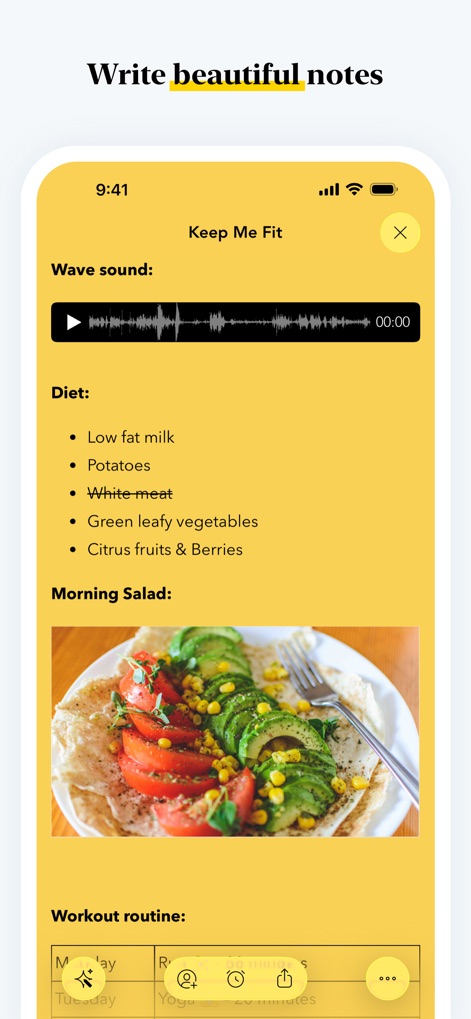
Observe how users can combine an audio wave sound input with integrated images for comprehensive note-taking.
Rich Media Notes
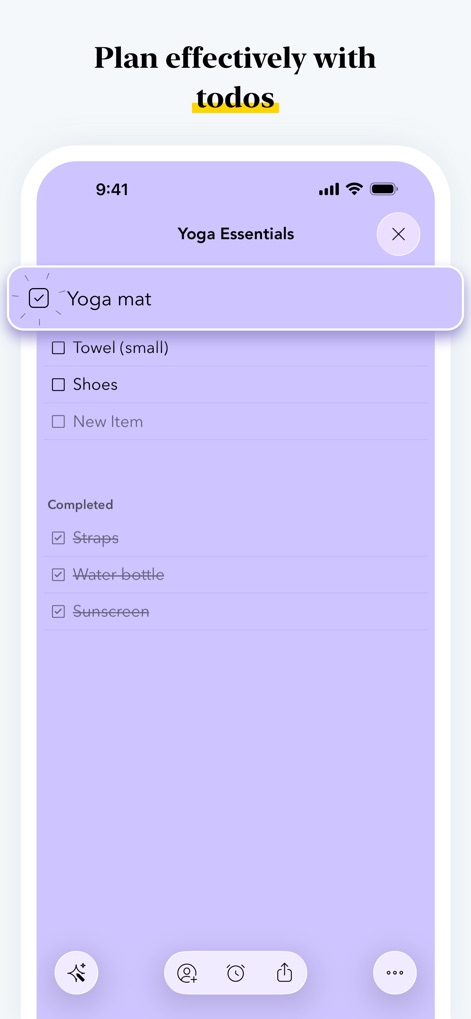
The app enables efficient task management with clearly organized checklists and item completion tracking.
Master Your Tasks
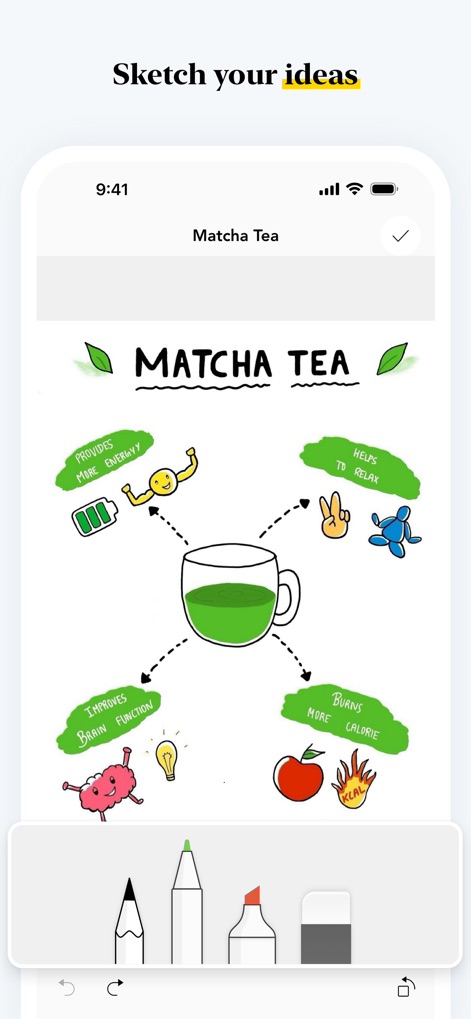
Users can visually brainstorm ideas through expressive sketches and a selection of intuitive drawing tools.
Creative Visuals
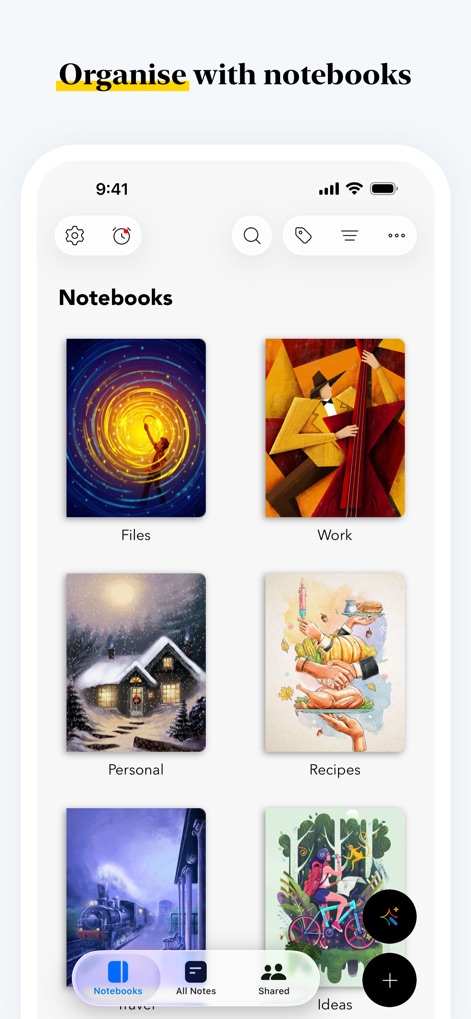
The app facilitates systematic note organization through customizable notebook covers and nested collections.
Organized Collections
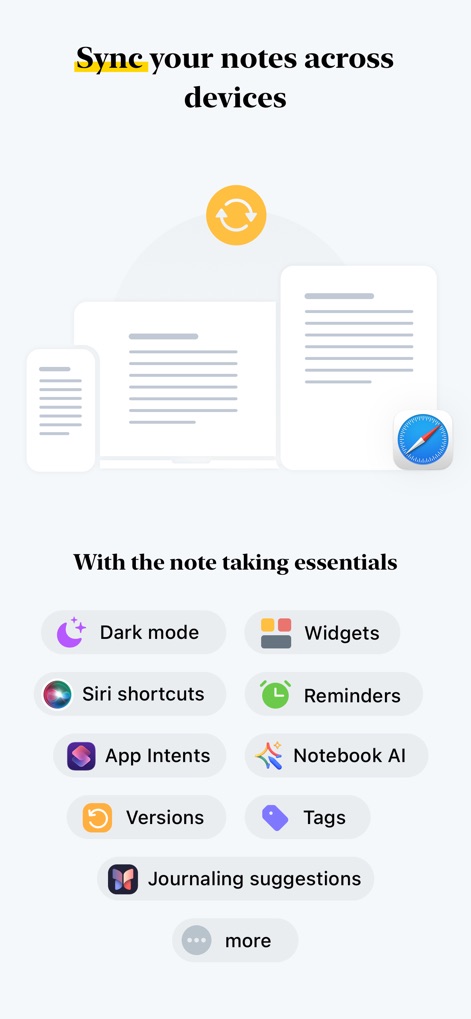
This feature highlights universal note synchronization across devices and integration with essential tools like Dark Mode and Siri Shortcuts.
Seamless Cross-Device Sync
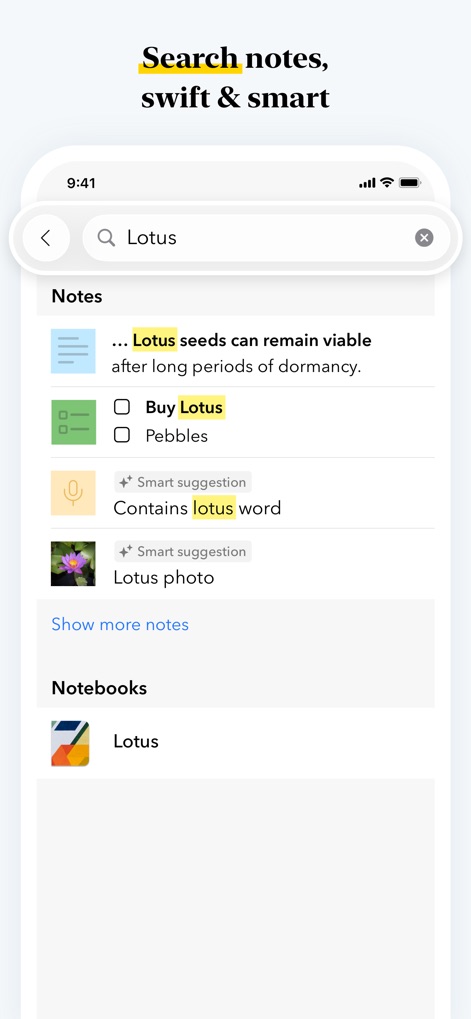
The app offers precise search capabilities, identifying keywords within notes and objects within photos for quick retrieval.
Intelligent Search Power
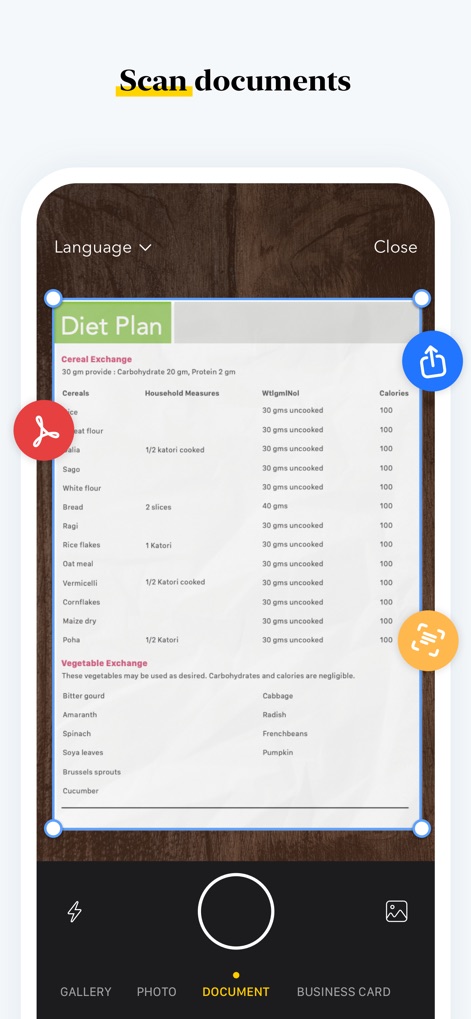
The tool allows for accurate document scanning with precise cropping features and convenient sharing options.
Document Digitization
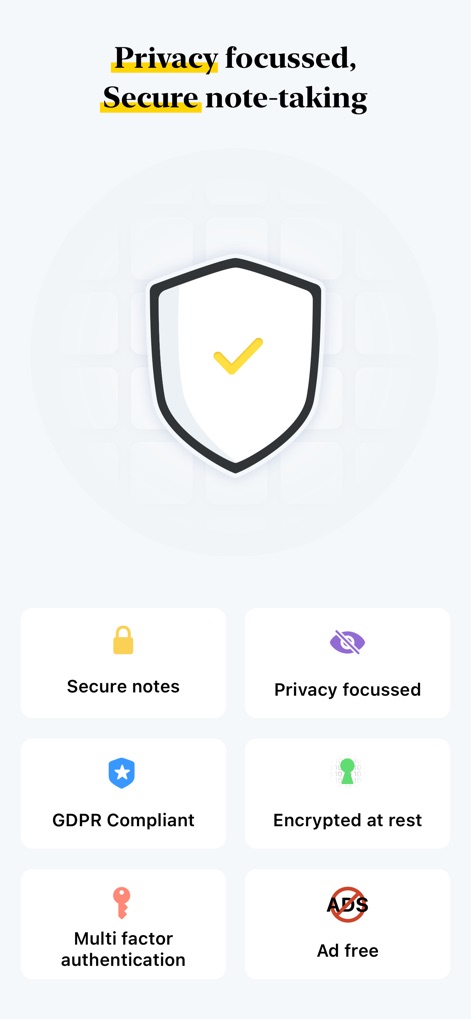
The app ensures user privacy with secure note encryption and compliance with standards like GDPR.
Prioritized Data Security
Description
Download
More Like This
Apps with similar features and user experience

Notion: Notes, Tasks, AI
Notion Labs, Incorporated

Freenotes®: AI Notes Taking
Hangzhou Free Notes Technology Co., Ltd

Structured - Daily Planner
unorderly GmbH

Google Tasks: Get Things Done
Google LLC

TickTick:To-Do List & Calendar
Appest Limited

Noteful: Notes & PDF Markup
Noteful Technologies Ltd

Todoist: To Do List & Calendar
Doist Inc.

To do list MinimaList & Widget
Inner Grow Limited

monday.com - Work Platform
monday.com Ltd.
This page is not an official page of the app or its developer, but an independent editorial publication created for informational and commentary purposes. Unless expressly stated otherwise, neither the app nor its developer is affiliated with, endorsed by, sponsored by, authorized by, or otherwise officially connected with MWM, Apple, Google Play, the app publisher, or the app's developer, and nothing on this page implies that the app was developed using MWM's services. Any trademarks, logos, screenshots, and other content remain the property of their respective owners.