
This page is not an official page of the app or its developer, but an independent editorial publication created for informational and commentary purposes. Unless expressly stated otherwise, neither the app nor its developer is affiliated with, endorsed by, sponsored by, authorized by, or otherwise officially connected with MWM, Apple, Google Play, the app publisher, or the app's developer, and nothing on this page implies that the app was developed using MWM's services. Any trademarks, logos, screenshots, and other content remain the property of their respective owners.

Numly AI: Smart Tally Counter
Transform your progress into a visual masterpiece. Track anything from water intake to workout sets with 20+ stunning custom styles, satisfying haptic feedback, and real-time habit stats.
Downloads
0User Rating
Total Ratings
0Publisher
Category
UtilitiesLocales
16Latest Version
1.2.8Size
22.6 MBFirst Released
Jun 4, 2025Count Every Win in Your Own Style
Say goodbye to boring utility apps. Numly combines powerful habit tracking with premium aesthetics to help you visualize progress and stay motivated with every satisfying tap.
Aesthetic Personalization
Match your mood or home screen setup with over 20 unique styles, including Neon, Glass, and Retro themes designed for the modern iPhone.
Satisfying Tactile Feedback
Experience the 'Digital Zen' of tracking with haptic responses and sound effects that make reaching your goals feel like a game.
The following screenshots and description are sourced directly from the app's official store listing and are the property of the app developer.
App Store
Screenshots
Numly AI app icon and slogan Count Anything Anytime on a black background
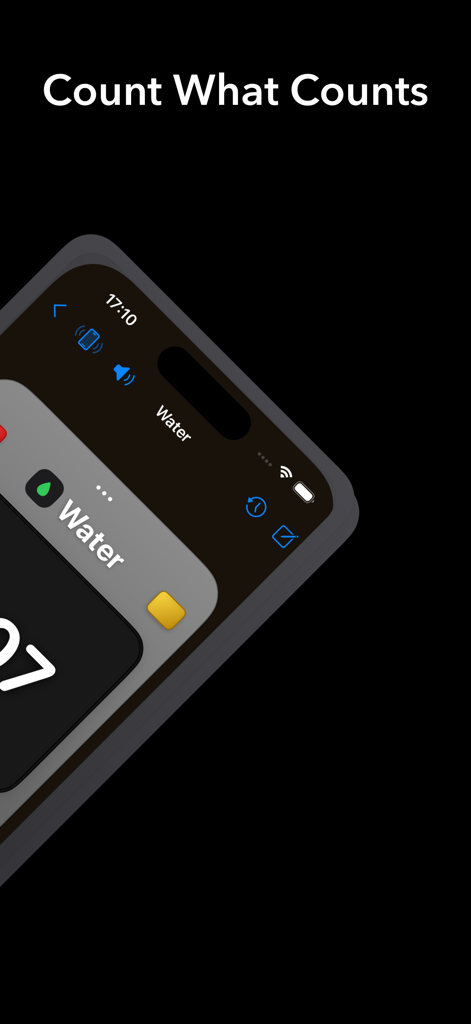
Aesthetic iPhone interface of Numly AI tally counter showing a water tracker with minimalist design
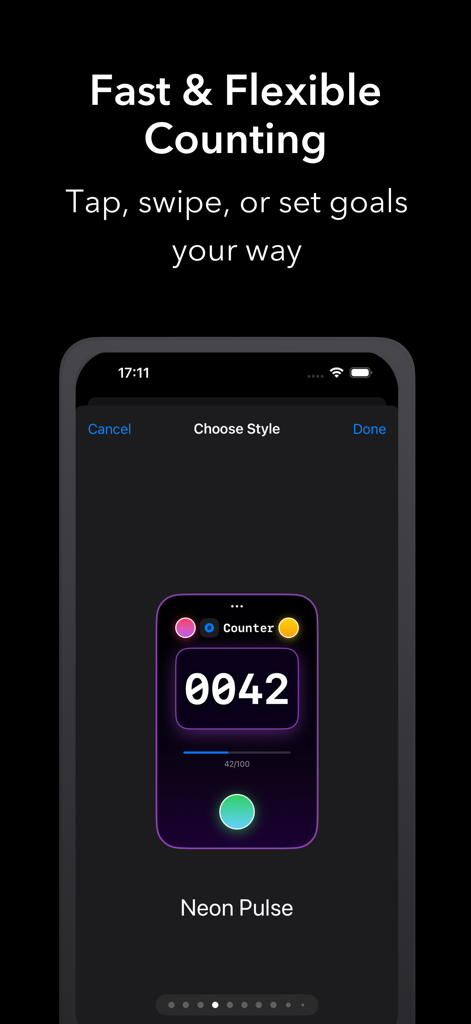
A smartphone screen showing a neon purple tally counter interface with goal progress and customizable style options
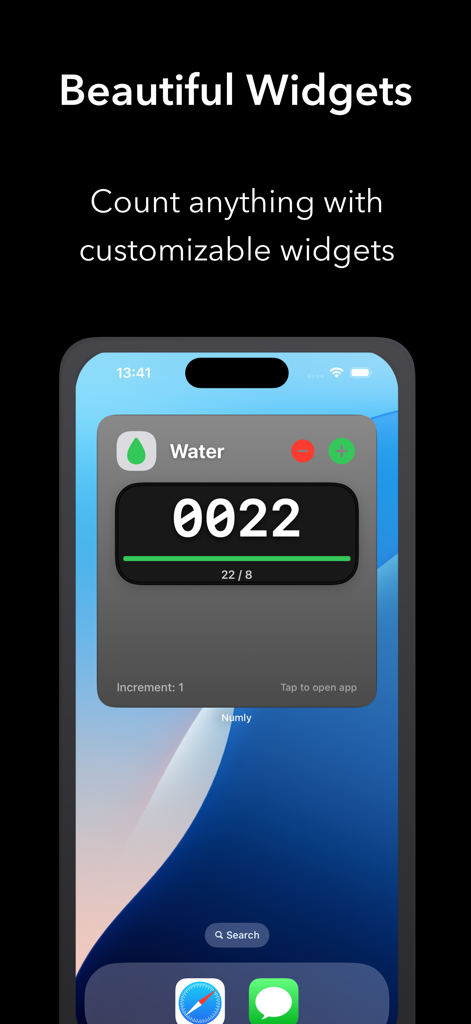
Numly AI app screenshot showing a customizable water tracker widget on an iPhone home screen.
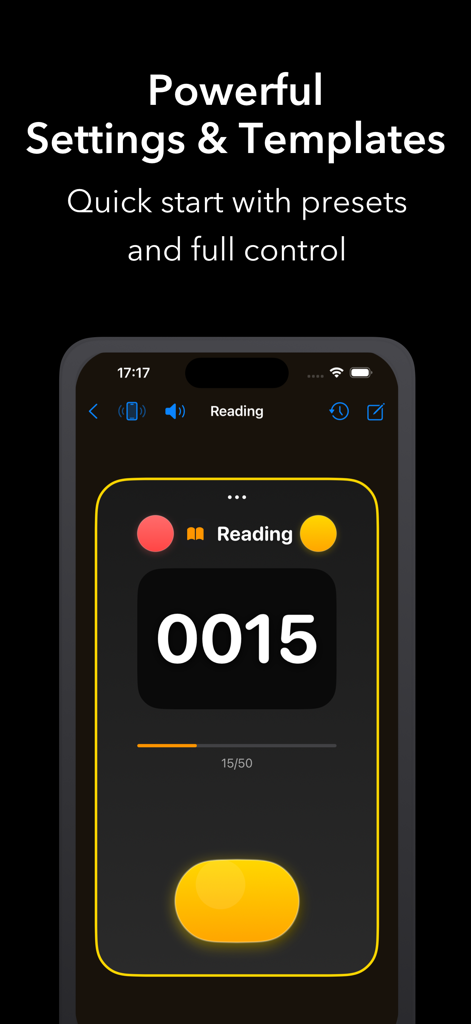
Numly AI app interface displaying a minimalist reading tally counter with a progress bar and dark mode theme
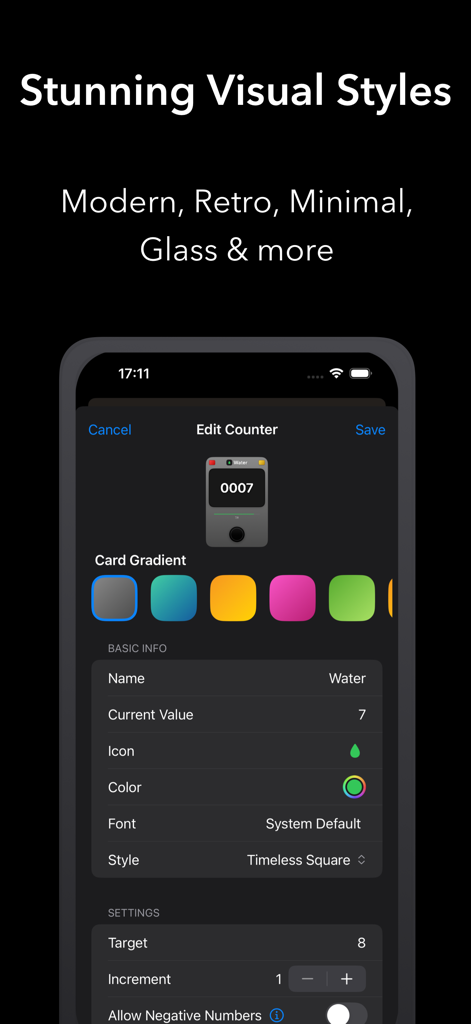
Interface for customizing counter visual styles and gradients in the Numly AI app
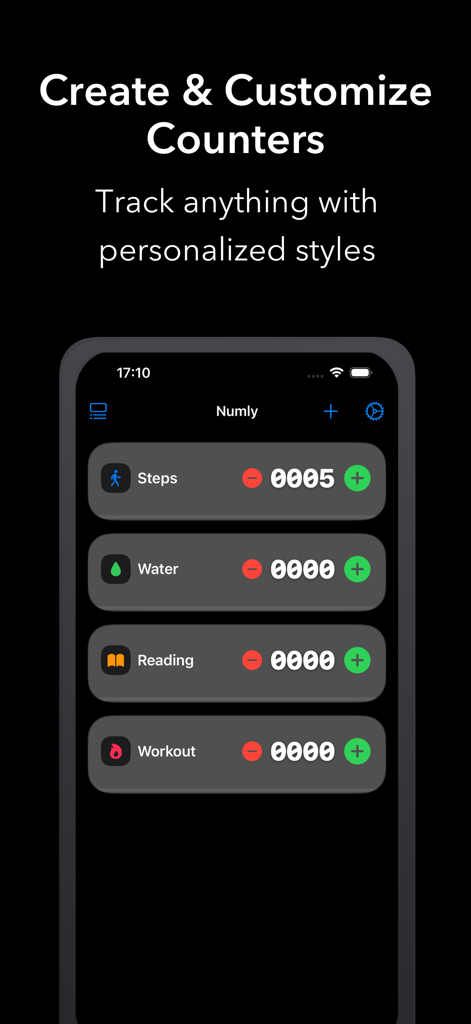
Smartphone display showing Numly AI habit tracking counters for steps water reading and workouts
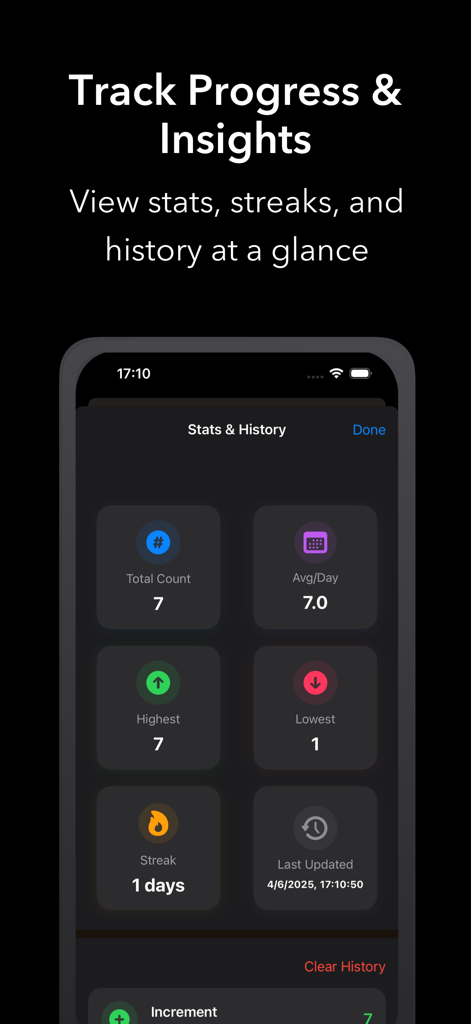
Statistics and history dashboard in Numly AI app showing total count average per day and streaks
Description
Download
More Like This
Top-ranked apps in the same category

Google LLC

Google Chrome
Google LLC

中国移动(手机营业厅)
China Mobile Online Services Co., Ltd.

Google Authenticator
Google LLC

CNH do Brasil
Servicos e Informacoes do Brasil

Cleanup: Phone Storage Cleaner
DEEP FLOW SOFTWARE SERVICES - FZCO

gov.br
Servicos e Informacoes do Brasil

中国电信-全国统一官方服务平台
CHINA TELECOM Corporation Ltd.

Microsoft Edge: AI Browser
Microsoft Corporation
This page is not an official page of the app or its developer, but an independent editorial publication created for informational and commentary purposes. Unless expressly stated otherwise, neither the app nor its developer is affiliated with, endorsed by, sponsored by, authorized by, or otherwise officially connected with MWM, Apple, Google Play, the app publisher, or the app's developer, and nothing on this page implies that the app was developed using MWM's services. Any trademarks, logos, screenshots, and other content remain the property of their respective owners.