
This page is not an official page of the app or its developer, but an independent editorial publication created for informational and commentary purposes. Unless expressly stated otherwise, neither the app nor its developer is affiliated with, endorsed by, sponsored by, authorized by, or otherwise officially connected with MWM, Apple, Google Play, the app publisher, or the app's developer, and nothing on this page implies that the app was developed using MWM's services. Any trademarks, logos, screenshots, and other content remain the property of their respective owners.

OnClock - Widget
Express your unique style with designer-selected fonts, custom gradients, and personalized backgrounds for a clock that perfectly matches your vibe.
Downloads
5K+User Rating
Total Ratings
0Publisher
Category
UtilitiesLocales
1Latest Version
2.1Size
13.0 MBFirst Released
Sep 25, 2020Your Aesthetic, Your Time
Elevate your iPhone setup with designer typography and custom colors that turn your home screen into a curated masterpiece.
Designer Typography
Express your style with 20+ hand-picked fonts, ranging from elegant serifs to chic, modern minimalist scripts.
Vibrant Custom Gradients
Move beyond stock colors. Design your own gradients to perfectly match your wallpaper or your current aesthetic vibe.
Frequently Asked Questions
Everything you need to know about OnClock - Widget
Does OnClock support custom fonts for its widgets?
Yes, OnClock provides 20 types of fonts. These fonts are carefully selected by designers, offering users various styles to customize their clock widgets.
Can users customize gradient colors in OnClock widgets?
Yes, OnClock allows users to specify gradient colors for their widgets. Additionally, it offers options to adjust individual text colors, providing extensive color customization.
Is text size adjustable on OnClock widgets?
Yes, OnClock enables users to adjust the size of the text for both the time and date displayed on the widget. This feature provides flexibility in widget design.
Can I add a background image to my OnClock widget?
Yes, OnClock allows users to add a background image to their clock widgets. This feature helps create personalized and visually appealing home screen decorations.
What customization options are available in OnClock - Widget?
OnClock allows comprehensive customization including font selection, gradient and text colors, text size adjustment for time and date, and adding background images to widgets.
The following screenshots and description are sourced directly from the app's official store listing and are the property of the app developer.
App Store
Screenshots
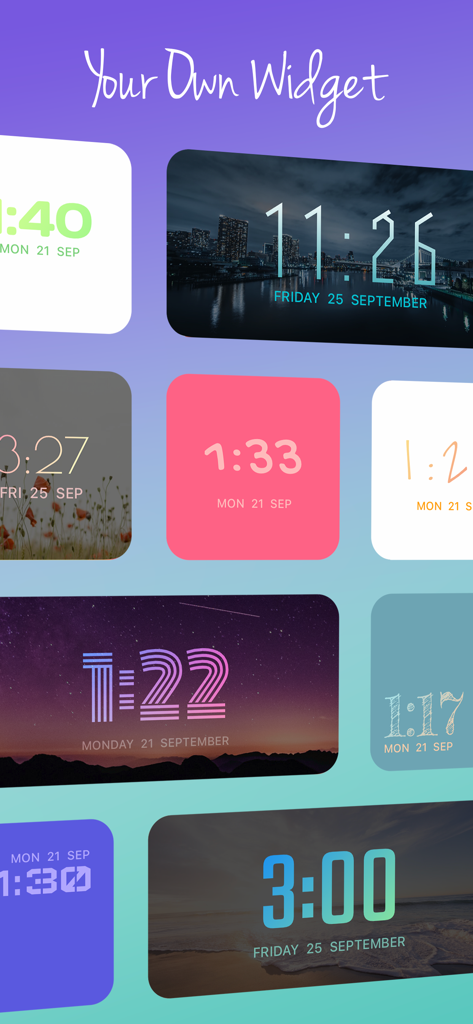
A variety of aesthetic clock widgets showing different designer fonts background images and color gradients
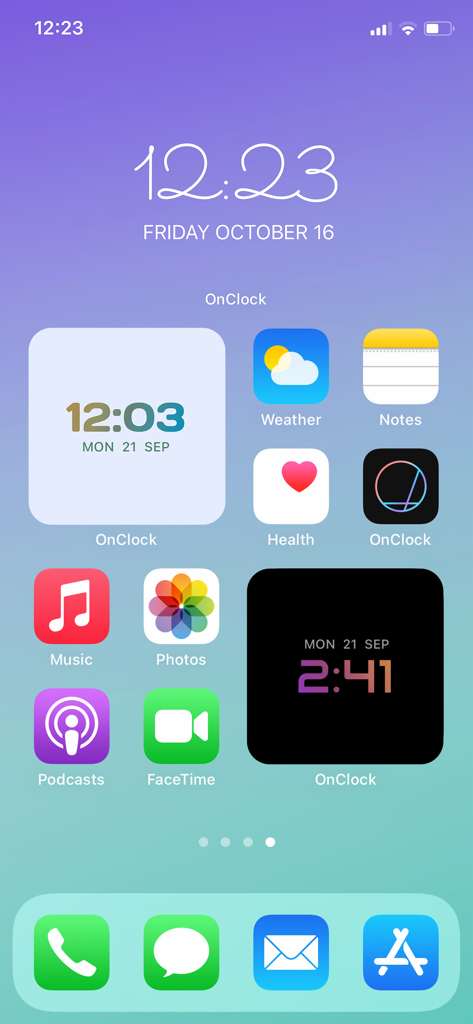
Customized iPhone home screen featuring aesthetic OnClock widgets with designer fonts and color gradients
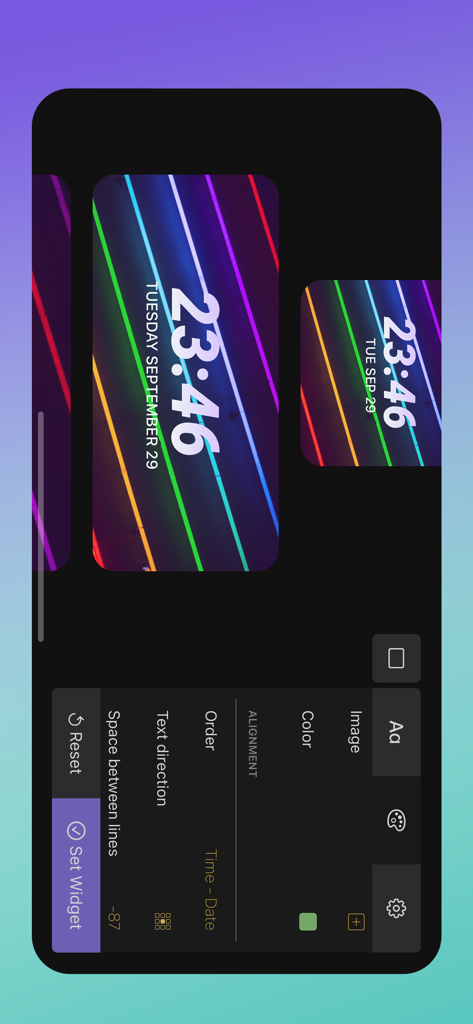
OnClock app interface showing customization options for a digital clock widget with a neon striped background and designer fonts.
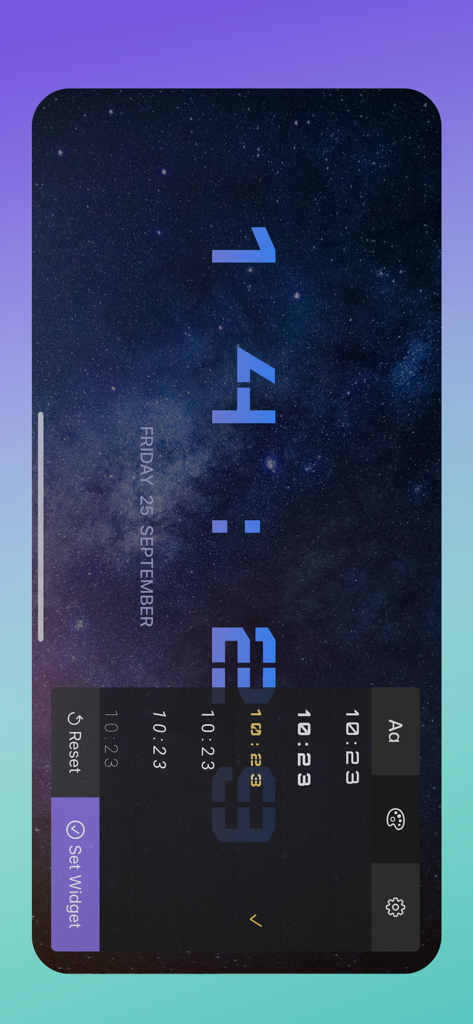
Preview of customizing clock font and background in the OnClock widget app
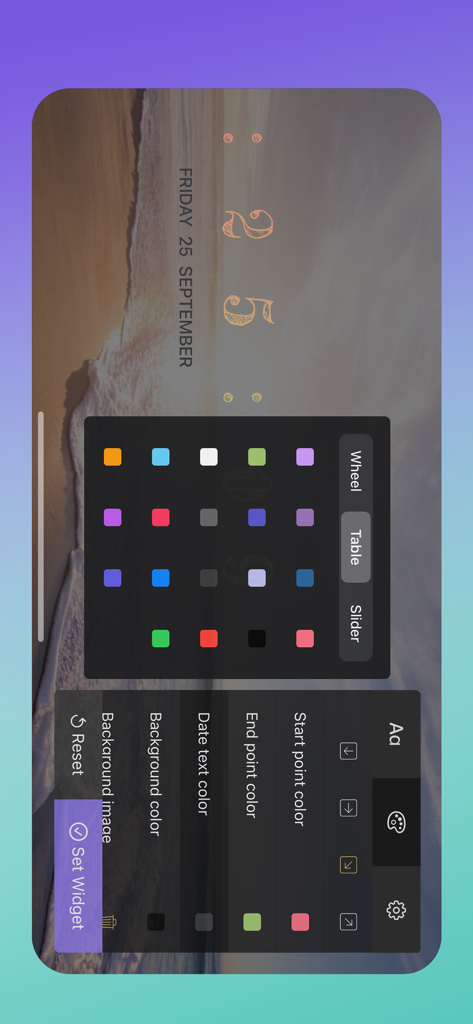
OnClock app editor showing color selection and font settings for an aesthetic clock widget
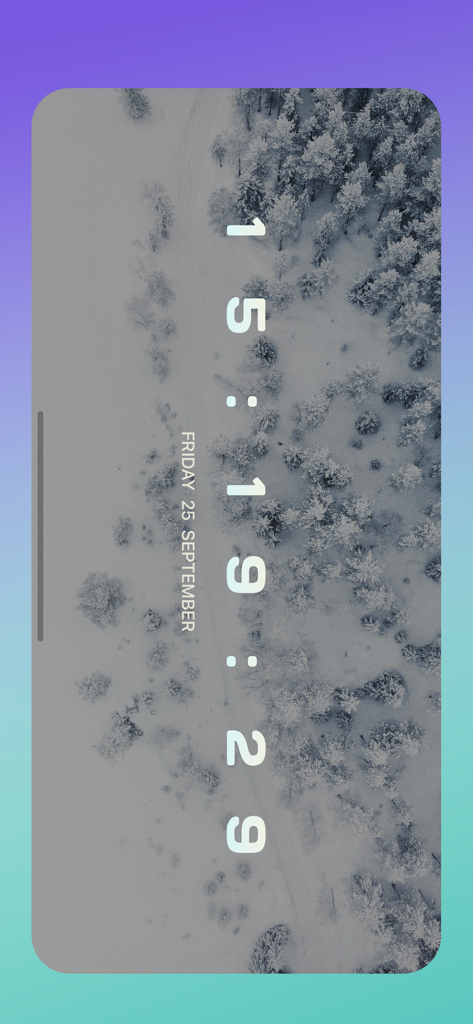
Aesthetic vertical digital clock widget with a snowy forest background
Description
Download
More Like This
Top-ranked apps in the same category

Google LLC

Google Chrome
Google LLC

中国移动(手机营业厅)
China Mobile Online Services Co., Ltd.

Google Authenticator
Google LLC

CNH do Brasil
Servicos e Informacoes do Brasil

Cleanup: Phone Storage Cleaner
DEEP FLOW SOFTWARE SERVICES - FZCO

gov.br
Servicos e Informacoes do Brasil

中国电信-全国统一官方服务平台
CHINA TELECOM Corporation Ltd.

Microsoft Edge: AI Browser
Microsoft Corporation
This page is not an official page of the app or its developer, but an independent editorial publication created for informational and commentary purposes. Unless expressly stated otherwise, neither the app nor its developer is affiliated with, endorsed by, sponsored by, authorized by, or otherwise officially connected with MWM, Apple, Google Play, the app publisher, or the app's developer, and nothing on this page implies that the app was developed using MWM's services. Any trademarks, logos, screenshots, and other content remain the property of their respective owners.