
This page is not an official page of the app or its developer, but an independent editorial publication created for informational and commentary purposes. Unless expressly stated otherwise, neither the app nor its developer is affiliated with, endorsed by, sponsored by, authorized by, or otherwise officially connected with MWM, Apple, Google Play, the app publisher, or the app's developer, and nothing on this page implies that the app was developed using MWM's services. Any trademarks, logos, screenshots, and other content remain the property of their respective owners.


Paste Keyboard
Tired of the re-type grind? This app cuts the digital busywork, empowering users to bypass repetition and accelerate their interactions.
Downloads
2.5M+User Rating
Total Ratings
49.9KPublisher
Category
UtilitiesLocales
5Latest Version
2.6.0Size
96.1 MBFirst Released
Jan 5, 2016An analytical overview of the app's key functionalities designed to streamline digital communication.
Paste Keyboard: Core Efficiency Features
Custom Phrase Storage
The app provides robust storage for frequently used phrases, allowing users to save and easily retrieve common texts, email addresses, or standard responses.
Single-Tap Paste Functionality
This tool features quick paste functionality, enabling users to insert stored text snippets into any input field with a single tap, significantly speeding up their typing.
Intuitive User Interface
It offers a simple and intuitive design, ensuring a user-friendly experience that minimizes the learning curve and promotes efficient interaction with the app's features.
Quick Emoji Access
The app allows users to quickly access their most frequently used emojis, streamlining emotional expression and enhancing communication efficiency.
The following screenshots and description are sourced directly from the app's official store listing and are the property of the app developer.
App Store
Screenshots

Users can quickly view their pre-saved messages and add new snippets instantly with the prominent red '+' button.
Instant Phrase Access

This view highlights the clean interface for managing saved text snippets and the clear display of commonly used phrases.
Effortless Snippet Management
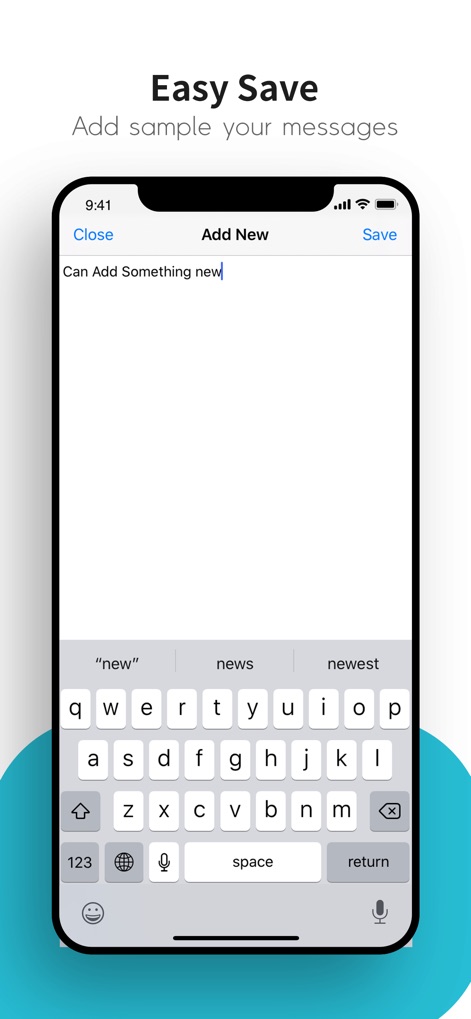
This screenshot demonstrates the straightforward process for adding new entries, showcasing the standard keyboard integration and dedicated "Save" button.
Seamless Entry Creation
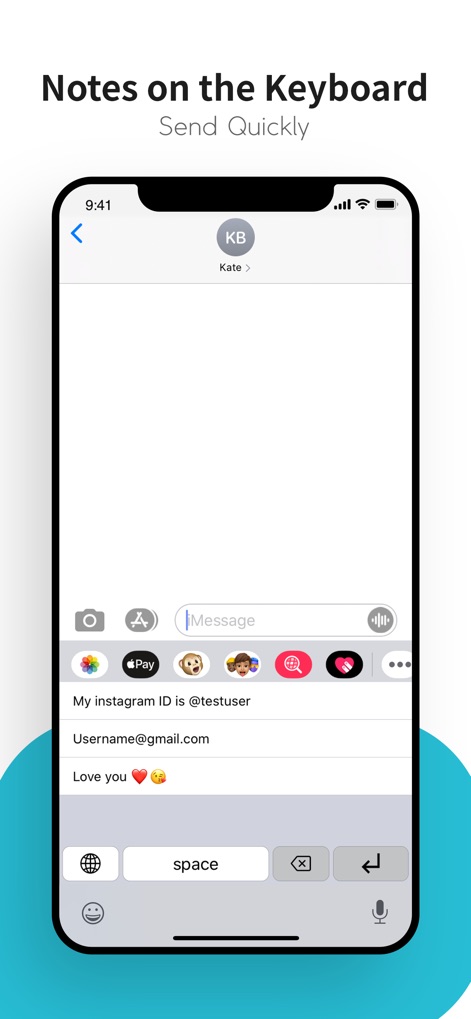
Observe how the app integrates seamlessly into messaging interfaces, allowing users to instantly select and paste saved phrases directly from the custom keyboard.
On-Demand Text Insertion
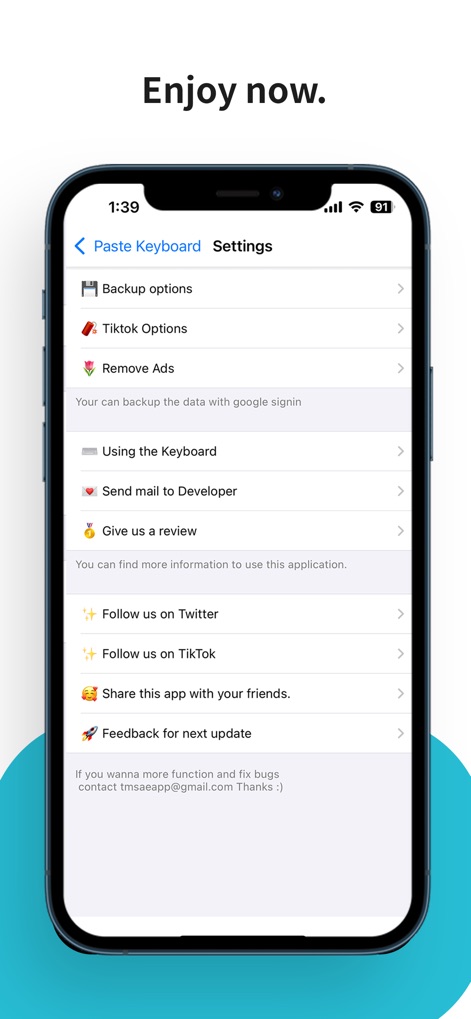
Explore the comprehensive settings menu, featuring essential functions like "Backup options" for data security and quick access to "Give us a review".
App Customization & Support
Description
Download
More Like This
Top-ranked apps in the same category

Google LLC

Google Chrome
Google LLC

中国移动(手机营业厅)
China Mobile Online Services Co., Ltd.

Google Authenticator
Google LLC

CNH do Brasil
Servicos e Informacoes do Brasil

Cleanup: Phone Storage Cleaner
DEEP FLOW SOFTWARE SERVICES - FZCO

gov.br
Servicos e Informacoes do Brasil

中国电信-全国统一官方服务平台
CHINA TELECOM Corporation Ltd.

Microsoft Edge: AI Browser
Microsoft Corporation
This page is not an official page of the app or its developer, but an independent editorial publication created for informational and commentary purposes. Unless expressly stated otherwise, neither the app nor its developer is affiliated with, endorsed by, sponsored by, authorized by, or otherwise officially connected with MWM, Apple, Google Play, the app publisher, or the app's developer, and nothing on this page implies that the app was developed using MWM's services. Any trademarks, logos, screenshots, and other content remain the property of their respective owners.