PDF Air - Editor and Converter
Download on App Store

This page is not an official page of the app or its developer, but an independent editorial publication created for informational and commentary purposes. Unless expressly stated otherwise, neither the app nor its developer is affiliated with, endorsed by, sponsored by, authorized by, or otherwise officially connected with MWM, Apple, Google Play, the app publisher, or the app's developer, and nothing on this page implies that the app was developed using MWM's services. Any trademarks, logos, screenshots, and other content remain the property of their respective owners.

Logo of PDF Air - Editor and Converter
Download on App Store

PDF Air - Editor and Converter

Empower your paperless workflow with professional tools for editing, e-signing, and scanning. The ultimate mobile office for busy professionals and students on the go.

Key Figures

Downloads

3K+

User Rating

1.0/5

Total Ratings

0

Publisher

AIR APPS SYSTEMS, UNIPESSOAL, LDA

Category

Utilities

Locales

33

Latest Version

2025.9.5

Size

131.0 MB

First Released

Sep 8, 2022
Features

The Ultimate Mobile PDF Workspace

Stop searching for a printer. Edit, sign, and manage your documents instantly with professional tools designed for your mobile lifestyle.

Seamless Digital Signatures

Close deals on the go. Securely eSign contracts, NDAs, and forms without ever needing paper or a scanner.

Snap & Convert Instantly

Turn physical documents or photos into professional PDFs. Perfect for managing expenses, IDs, and study materials.

The following screenshots and description are sourced directly from the app's official store listing and are the property of the app developer.

App Store

Screenshots
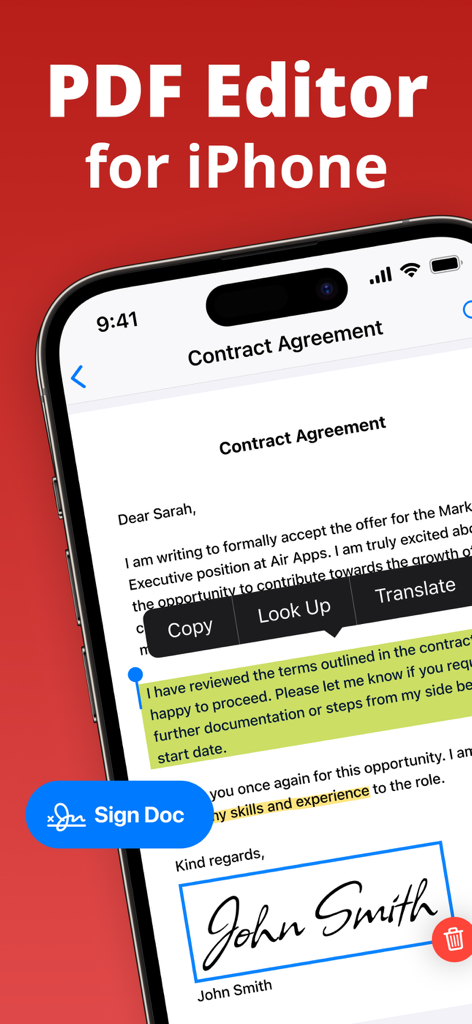
PDF Air - Editor and Converter - iPhone screen displaying the PDF Air app with a signed contract and highlighted text
iPhone screen displaying the PDF Air app with a signed contract and highlighted text

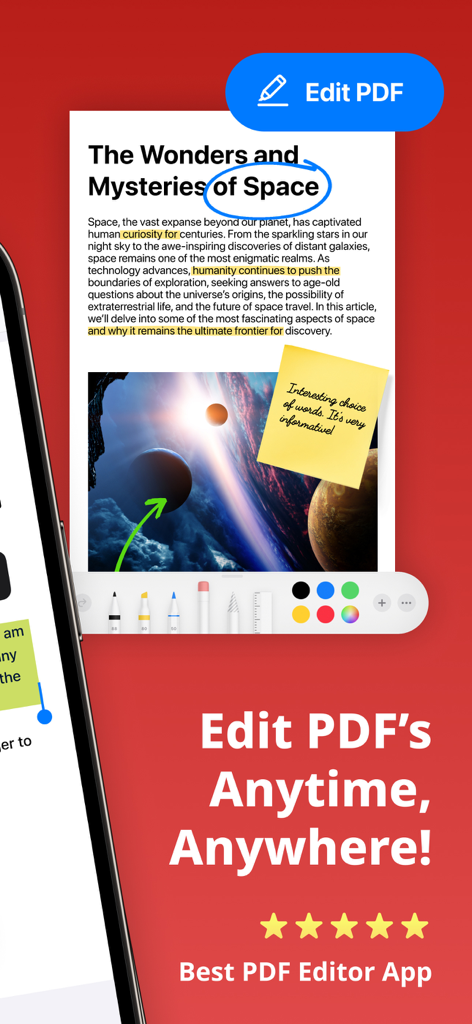
PDF Air - Editor and Converter - Mobile app interface of PDF Air showing document editing tools including text highlighting and sticky notes
Mobile app interface of PDF Air showing document editing tools including text highlighting and sticky notes

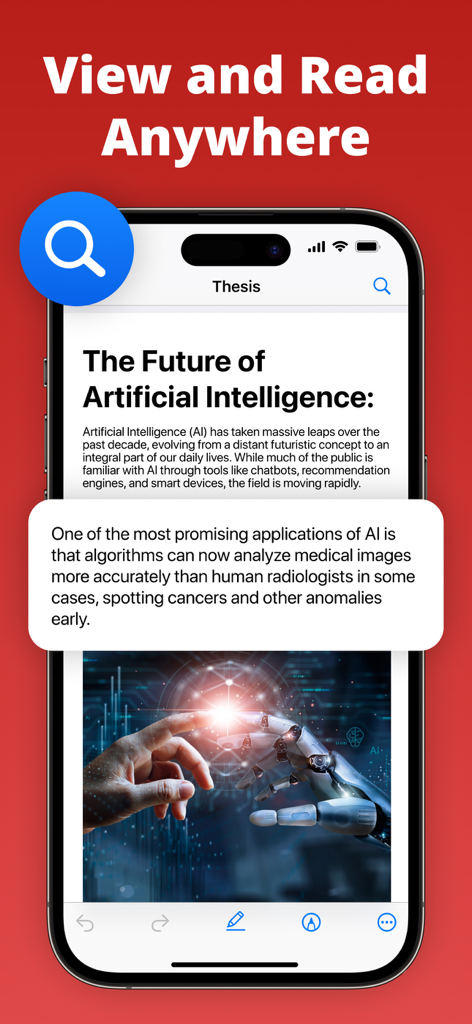
PDF Air - Editor and Converter - PDF Air app interface on iPhone displaying a document titled The Future of Artificial Intelligence with a magnified text callout
PDF Air app interface on iPhone displaying a document titled The Future of Artificial Intelligence with a magnified text callout

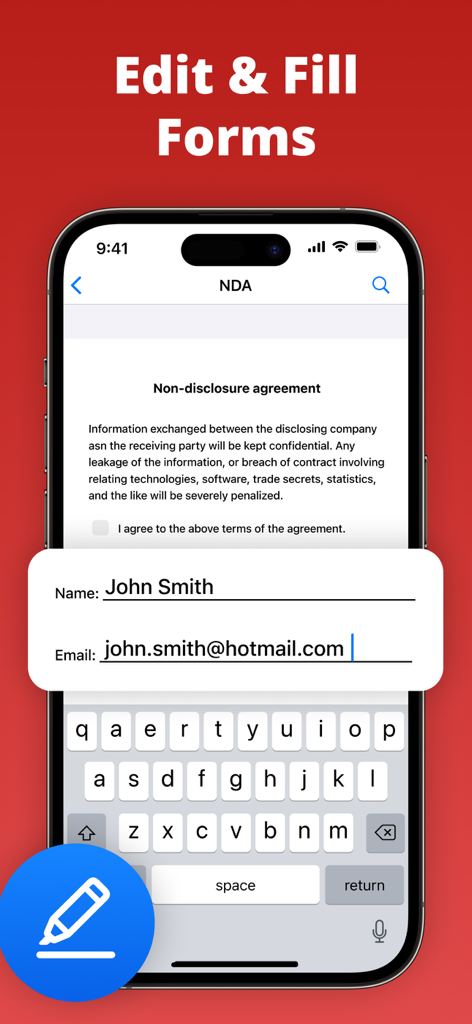
PDF Air - Editor and Converter - Smartphone displaying an NDA document with fields for name and email being filled in the PDF Air app
Smartphone displaying an NDA document with fields for name and email being filled in the PDF Air app

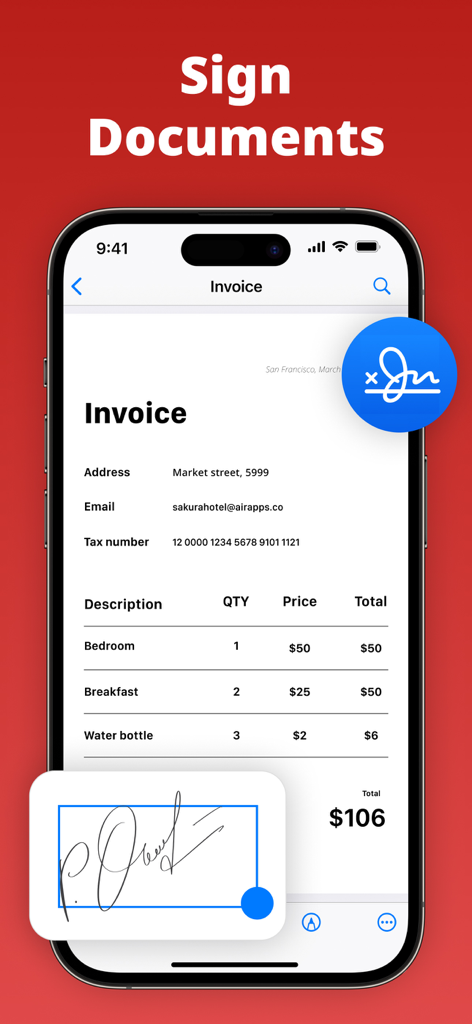
PDF Air - Editor and Converter - A smartphone screen showing the PDF Air app being used to sign an invoice document electronically.

A smartphone screen showing the PDF Air app being used to sign an invoice document electronically.
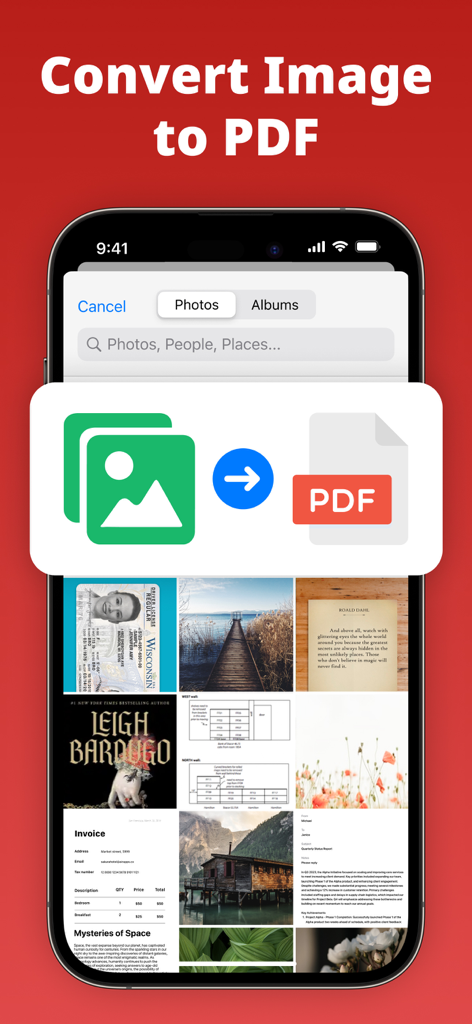
PDF Air - Editor and Converter - Interface of the PDF Air app displaying a photo gallery and a graphic representing the conversion of image files into a PDF document

Interface of the PDF Air app displaying a photo gallery and a graphic representing the conversion of image files into a PDF document

Description

Edit, sign, convert, and manage PDF files instantly with PDF Air – a powerful PDF editor and document manager. PDF Air is a PDF creator and file converter that gives you full control over your documents. Whether you need to open, edit PDF files, eSign, convert to PDF, or scan to PDF, PDF Air simplifies every step. Use it as your PDF reader, PDF editor, PDF converter, or PDF maker – all in one app. ▶ How does PDF Air work? PDF Air allows you to open and edit PDF documents, apply your digital signature, convert images or scans into PDFs, and manage files effortlessly. You can highlight, annotate, and fill forms without leaving the app. ▶ How do I edit a PDF on my device? To edit PDF files, simply import them. You can add text, erase content, fill out PDF forms, highlight text, and eSign in seconds. No printing required – just quick, paperless editing with your PDF editor. ▶ Can I convert files to PDF? PDF Air functions as a complete file converter. You can convert a photo to PDF, JPG to PDF, picture to PDF, or multiple photos to PDF instantly. It's perfect for anyone needing a reliable way to create PDF documents on the go. ▶ How do I sign documents? Use the eSign feature to add your signature directly onto any document. Whether signing contracts, agreements, or forms, the digital signature tool makes it fast and secure. Your eSign is reusable, customizable, and easy to place anywhere on the page. ▶ Where can I use PDF Air? Use PDF Air across email, messaging apps, and cloud platforms. Edit PDF files, create PDF from scans, or convert image to PDF from anywhere. Export documents to Google Drive, Dropbox, or share directly via email, Slack, or WhatsApp. Enhance your productivity with Air Apps One – a subscription to 30+ essential apps. A subscription to PDF Air unlocks tools for productivity, learning, wellness, and more. Access apps like Translate Now, Water Tracker, and Scanner Air under one affordable plan. Simplify your daily routine with unlimited access and exclusive features in one seamless experience. Subscription options include: 1-week 1-month 1-year Manage your subscription easily: Payments are charged to your iTunes account at purchase confirmation and renewed automatically unless canceled at least 24 hours before the end of the current period. Free trials convert to paid subscriptions unless canceled in time. Unused portions of any free trial are forfeited once a subscription begins. All subscriptions are managed via your Apple ID. For changes, cancellations, or refunds, please use your iTunes account settings or contact Apple Support. EU Residents: You may cancel within 14 days via Apple’s process. Refunds are not available if you have downloaded and started using the app. Connect with us: Web: https://airapps.co LinkedIn: https://www.linkedin.com/company/airapps Instagram: https://www.instagram.com/airappsco Privacy Policy: https://airapps.co/privacy Terms of Use: https://airapps.co/terms Support: support@airapps.co

Download

Download on App Store

This page is not an official page of the app or its developer, but an independent editorial publication created for informational and commentary purposes. Unless expressly stated otherwise, neither the app nor its developer is affiliated with, endorsed by, sponsored by, authorized by, or otherwise officially connected with MWM, Apple, Google Play, the app publisher, or the app's developer, and nothing on this page implies that the app was developed using MWM's services. Any trademarks, logos, screenshots, and other content remain the property of their respective owners.








