PDF Editor : Document Reader
Download on App Store

This page is not an official page of the app or its developer, but an independent editorial publication created for informational and commentary purposes. Unless expressly stated otherwise, neither the app nor its developer is affiliated with, endorsed by, sponsored by, authorized by, or otherwise officially connected with MWM, Apple, Google Play, the app publisher, or the app's developer, and nothing on this page implies that the app was developed using MWM's services. Any trademarks, logos, screenshots, and other content remain the property of their respective owners.

Logo of PDF Editor : Document Reader
Download on App Store

PDF Editor : Document Reader

Stop hunting for a printer. Scan, sign, edit, and merge documents directly from your iPhone or iPad. The fastest, most reliable way to handle paperwork for busy professionals and students on the move.

Key Figures

Downloads

98K+

User Rating

4.7/5

Total Ratings

2K+

Publisher

Maxima Apps

Category

Business

Locales

9

Latest Version

2.9.6

Size

114.0 MB

First Released

Jan 30, 2021
Features

Your Complete Mobile Office Suite

Stop hunting for printers and scanners. Get all the professional tools you need to edit, sign, and manage your documents from anywhere.

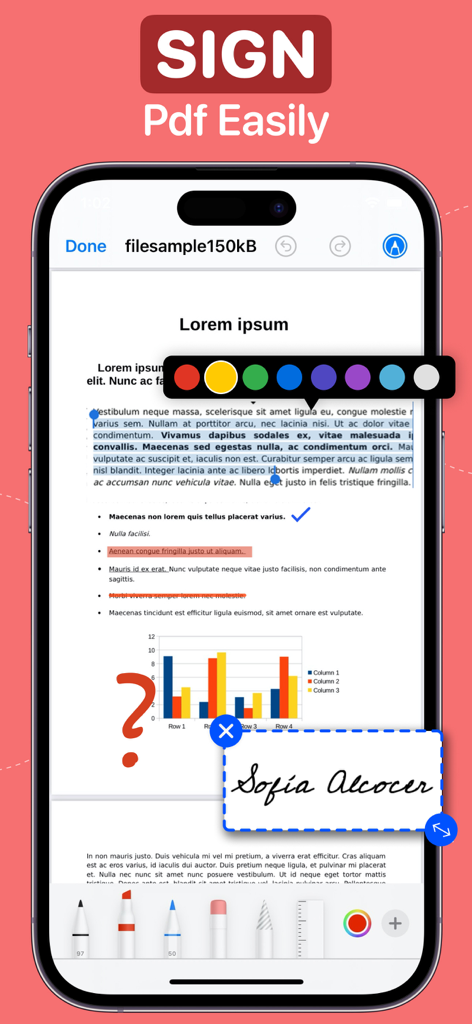
Sign & Fill on the Fly

Close deals faster by signing contracts and filling out professional forms directly from your iPhone or iPad.

Pro-Grade Mobile Scanning

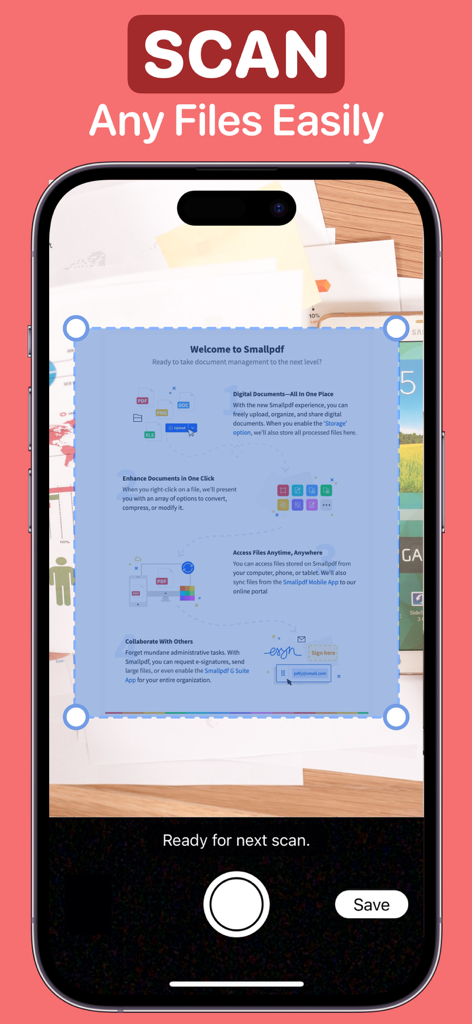
Turn physical paperwork into high-quality PDFs instantly using your camera with built-in live text recognition.

The following screenshots and description are sourced directly from the app's official store listing and are the property of the app developer.

App Store

Screenshots
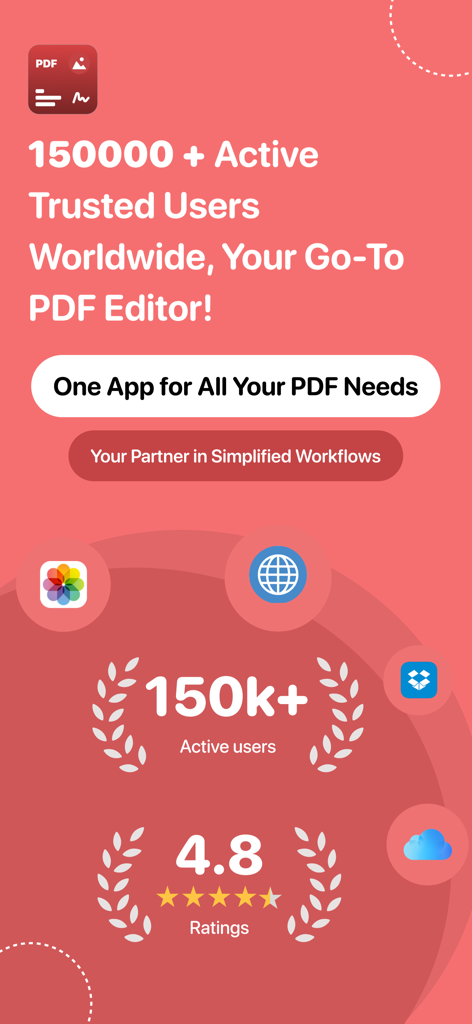
PDF Editor : Document Reader - Promotional screen for PDF Editor app showing 150000 active users and a 4.8 star rating
Promotional screen for PDF Editor app showing 150000 active users and a 4.8 star rating

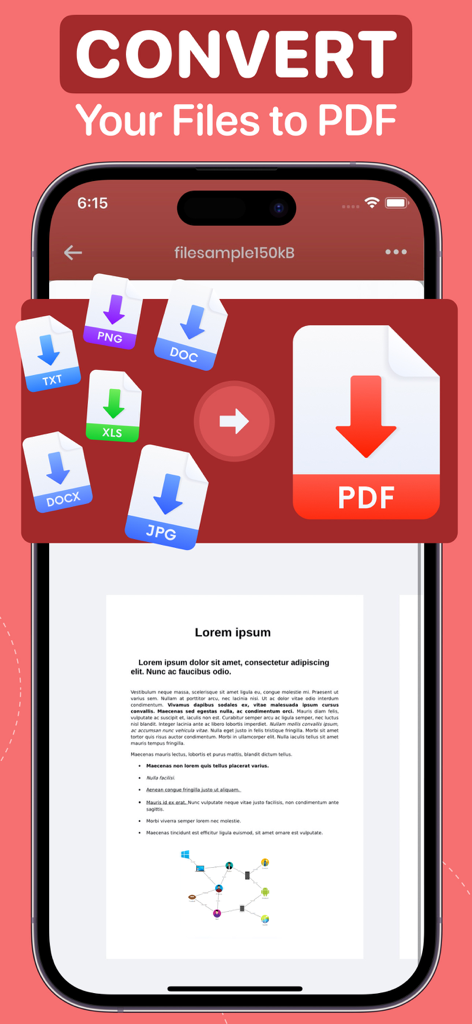
PDF Editor : Document Reader - Mobile app screen showing the conversion of PNG DOC TXT XLS and JPG files into a PDF document
Mobile app screen showing the conversion of PNG DOC TXT XLS and JPG files into a PDF document

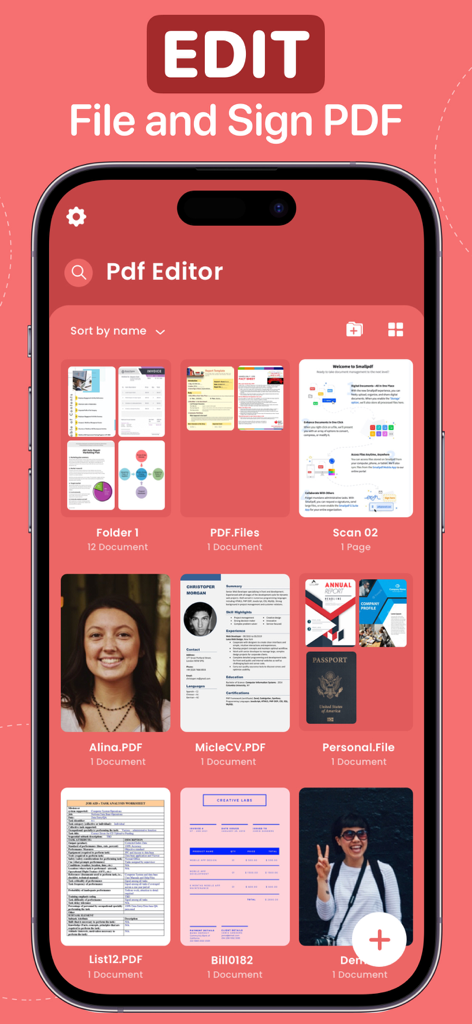
PDF Editor : Document Reader - PDF Editor app interface showing various files and folders for document management
PDF Editor app interface showing various files and folders for document management

PDF Editor : Document Reader - An iPhone interface showing the PDF Editor app with a digital signature and annotation tools applied to a document
An iPhone interface showing the PDF Editor app with a digital signature and annotation tools applied to a document

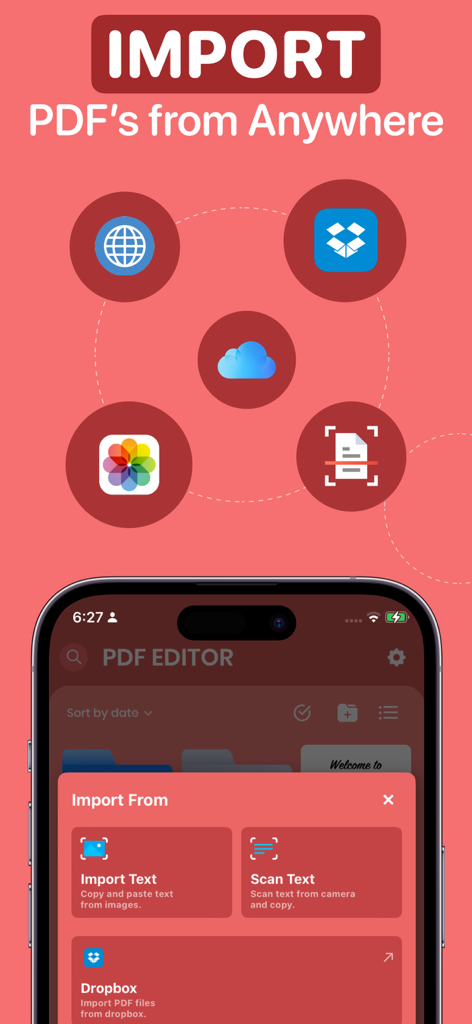
PDF Editor : Document Reader - PDF Editor app interface showcasing document import options from cloud storage and scanning
PDF Editor app interface showcasing document import options from cloud storage and scanning

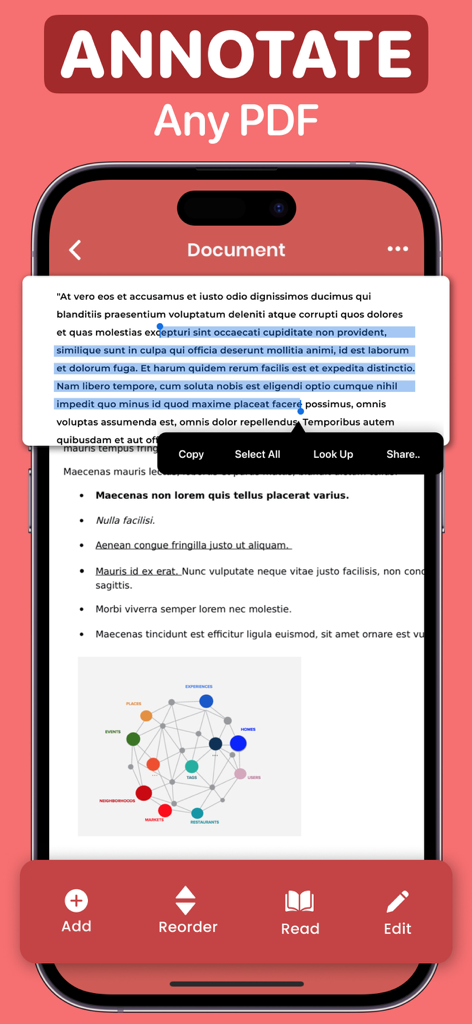
PDF Editor : Document Reader - Mobile app interface showing a PDF document with highlighted text and a context menu for copying and sharing
Mobile app interface showing a PDF document with highlighted text and a context menu for copying and sharing

PDF Editor : Document Reader - iPhone screen showing the document scanning interface of the PDF Editor app
iPhone screen showing the document scanning interface of the PDF Editor app

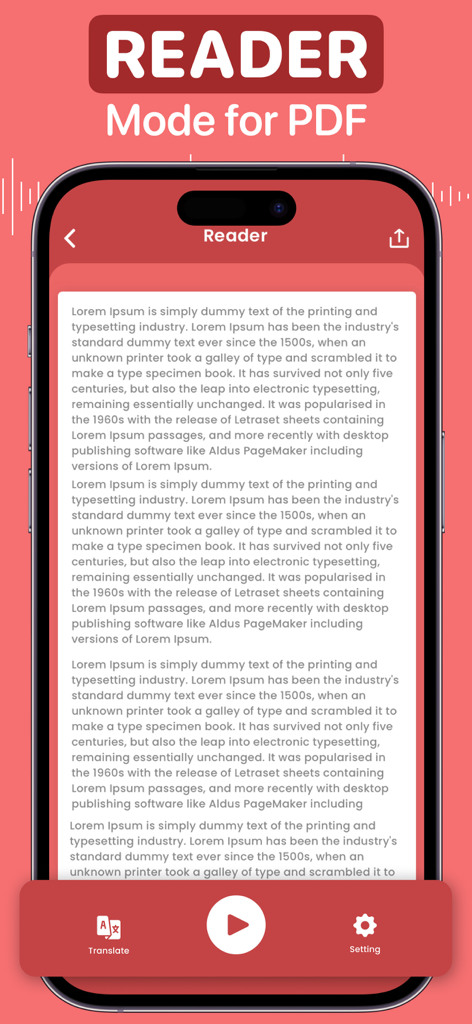
PDF Editor : Document Reader - Mobile app interface for PDF reader mode featuring text to speech and translation tools
Mobile app interface for PDF reader mode featuring text to speech and translation tools

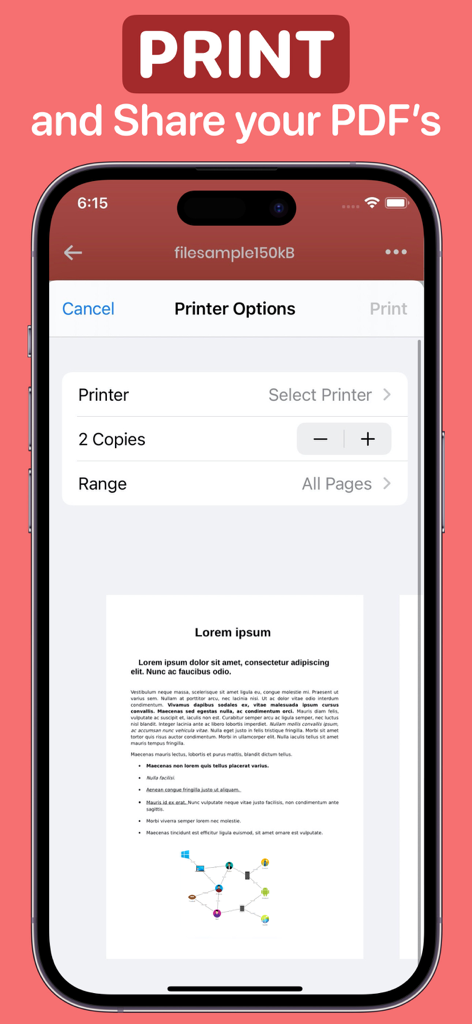
PDF Editor : Document Reader - iPhone screen displaying printer settings and a document preview within the PDF Editor app

iPhone screen displaying printer settings and a document preview within the PDF Editor app

Description

PDF EDITOR As one of the quickest ways to create a PDF from a document, the PDF Editor lets you make updates, sign, and share your document with others. You can save all of your documents in one place and sign, edit, convert, and annotate a pdf file as you see fit. Alternatively, you may scan and annotate the whole document or import it, make adjustments, and then share it with others. Forget about PDF editors and the hassle of generating signatures with stamps and dates! Now you can get a free PDF converter and editor for your notes and writings. This App has all the tools you need - • Import all the files you wish to convert from Files/iCloud, Web pages, Gallery, and Google Drive. Rename, and share; locate the files-all in just a single application. • Sign, draw, stamp, icon, magnify, date, and text functions are accessible for all imported and created files. • Live text scanning or import text from an image. • Incorporate your name, date, phone, email, and signature into a sample form. • Edit the sample and the blank document. • Scan the document and share it with others. • Merge multiple files into a single document. • Arrange the files in the document according to what you need. • Transform documents into text and then that text into speech to get the desired effect. • Sign and save your signature along with your stamps & icons to keep it secure for all your files. • Print all your files directly from the App. Now you don't have to worry about complex software or mobile access to signature programs anymore. You have a single application that can do everything. It's free to use, so why wait? Download the PDF Editor now! SUBSCRIPTION PRICING & TERMS You can be a premium user with auto-renewing subscription options: $4.99 / Month $29.99 / Year - Payment will be charged to your iTunes Account at confirmation of purchase. - Subscription automatically renews unless auto-renew is turned off for at least 24 hours before the end of the current period. - Account will be charged for renewal within 24 hours before the end of the current period at the cost of the chosen package. - The user may manage subscriptions, and auto-renewal may be turned off by going to the user's Account Settings after purchase - No cancellation of the current subscription is allowed during the active subscription period - Any unused portion of a free trial period, if offered, will be forfeited when the user purchases a subscription to that publication. Prices are equal to the value that "Apple's App Store Matrix" determines is the equivalent of the subscription price in $USD. Privacy Policy: maximaapps.com/policy/privacy_policy.html Terms of Use: maximaapps.com/policy/terms_of_use.html Contact us: If you have any issues or ideas, please get in touch with us via the App or send us an email at feedback@maximaapps.com We believe feedback is always effective! Your feedback is greatly appreciated!

Download

Download on App Store

This page is not an official page of the app or its developer, but an independent editorial publication created for informational and commentary purposes. Unless expressly stated otherwise, neither the app nor its developer is affiliated with, endorsed by, sponsored by, authorized by, or otherwise officially connected with MWM, Apple, Google Play, the app publisher, or the app's developer, and nothing on this page implies that the app was developed using MWM's services. Any trademarks, logos, screenshots, and other content remain the property of their respective owners.








