
This page is not an official page of the app or its developer, but an independent editorial publication created for informational and commentary purposes. Unless expressly stated otherwise, neither the app nor its developer is affiliated with, endorsed by, sponsored by, authorized by, or otherwise officially connected with MWM, Apple, Google Play, the app publisher, or the app's developer, and nothing on this page implies that the app was developed using MWM's services. Any trademarks, logos, screenshots, and other content remain the property of their respective owners.


PDF Editor Reader
Complexity with PDFs ends here. The app delivers absolute control over your documents, turning frustration into efficiency.
Downloads
250k+User Rating
Total Ratings
1.9KPublisher
Category
ProductivityLocales
1Latest Version
1.3.0Size
55.0 MBFirst Released
Dec 5, 2024Evaluating essential functionalities for on-the-go professionals.
PDF Editor Reader: Core Feature Analysis
Document to PDF Conversion
The app provides seamless conversion of various document types (Word, Excel, PPT) and images into high-quality PDF files.
Comprehensive Export and Sharing
It allows users to save processed PDF documents directly to their device, cloud storage, or share them instantly via other applications.
PDF Document Merging
This tool features the ability to combine multiple PDF files into a single, cohesive document, streamlining organization.
Image to PDF Creation
The app enables users to generate PDF documents from one or multiple images, offering flexible layout customization.
PDF Page Splitting
It allows users to effortlessly break down larger PDF documents into individual pages, which are saved as separate files.
Ready-to-Use Templates
This tool features a selection of pre-designed templates and samples, enabling quick document creation without starting from scratch.
PDF to Image Export
The app provides functionality to convert individual PDF pages into high-resolution JPG or PNG image formats.
PDF to Long Image Conversion
It allows users to stitch multiple PDF pages into a single, vertically scrollable long image, ideal for mobile viewing and sharing.
Frequently Asked Questions
Everything you need to know about PDF Editor Reader
Is the PDF Editor Reader app free to download and use?
Yes, the PDF Editor Reader app is 100% free. It charges no subscriptions or hidden fees for its features.
What document formats does PDF Editor Reader convert to PDF?
PDF Editor Reader converts documents such as Word, Excel, and PowerPoint, along with various image types, into PDF format.
How do I split a PDF file using PDF Editor Reader?
PDF Editor Reader allows users to split PDFs by page, creating individual files for each page. This feature is directly accessible within the app.
Can I combine multiple PDF documents with PDF Editor Reader?
Yes, PDF Editor Reader merges several PDF files into a single unified document. This feature is clearly labeled within the app interface.
How does PDF Editor Reader convert images into PDF?
PDF Editor Reader creates PDFs from multiple selected images. It offers flexible layout options for arranging images before conversion.
Does PDF Editor Reader allow converting PDFs back to images?
Yes, PDF Editor Reader exports PDF pages as high-resolution JPG or PNG images. It also converts PDFs into a seamless, vertical scrollable long image.
Are there pre-designed templates available in PDF Editor Reader?
Yes, PDF Editor Reader provides pre-designed layouts and templates for instant use. This supports faster document creation.
What sharing options are available in the PDF Editor Reader app?
PDF Editor Reader enables users to save processed files to their device, upload them to cloud services, or share them directly with others.
The following screenshots and description are sourced directly from the app's official store listing and are the property of the app developer.
App Store
Screenshots
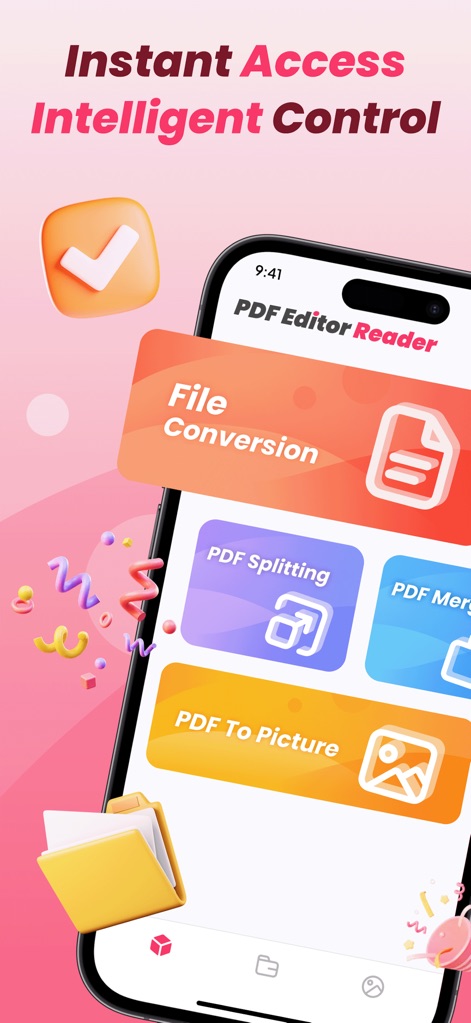
See how the app presents key functionalities like 'File Conversion' and 'PDF Splitting', ensuring users can quickly navigate essential tools.
Core Features Overview
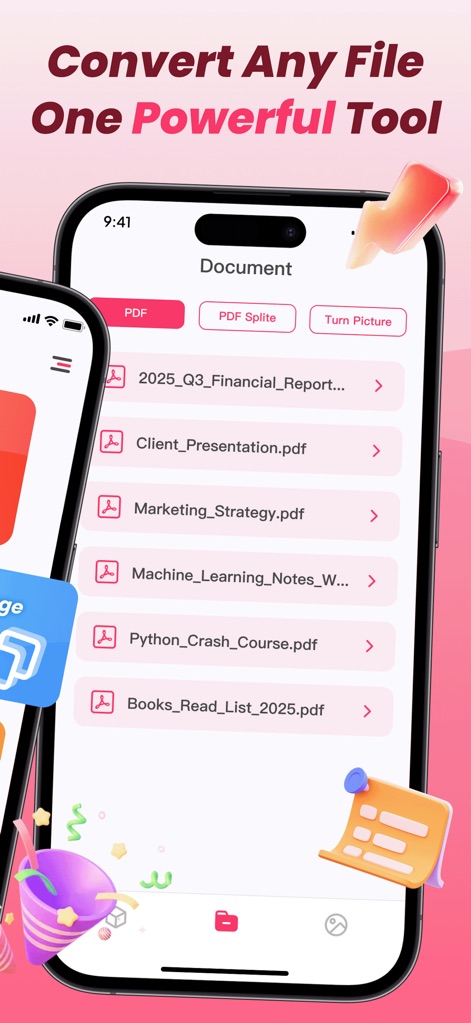
Discover how this tool organizes documents, displaying various PDF file names and offering quick access to options like 'PDF Splite' for efficient management.
Effortless Document Handling
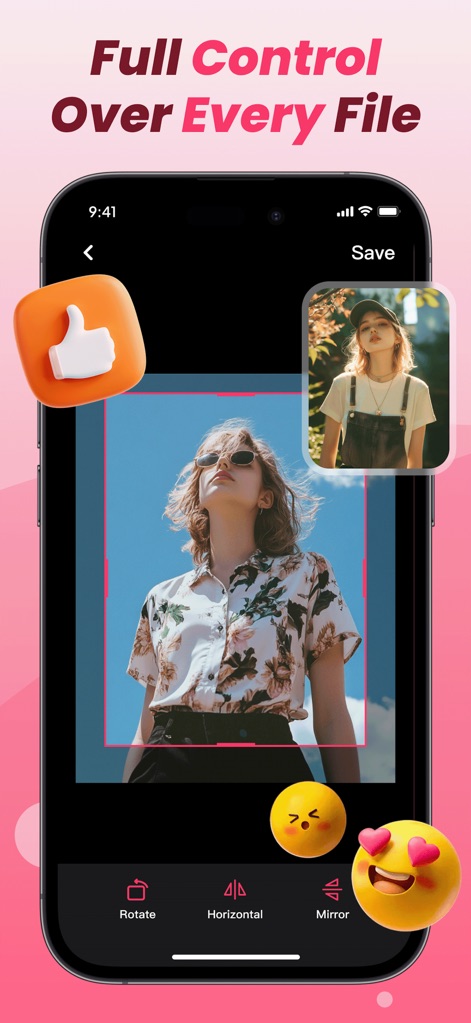
Explore the app's robust image editing capabilities, featuring intuitive controls like 'Rotate' and 'Mirror' for precise adjustments to visual content.
Precision Image Tools
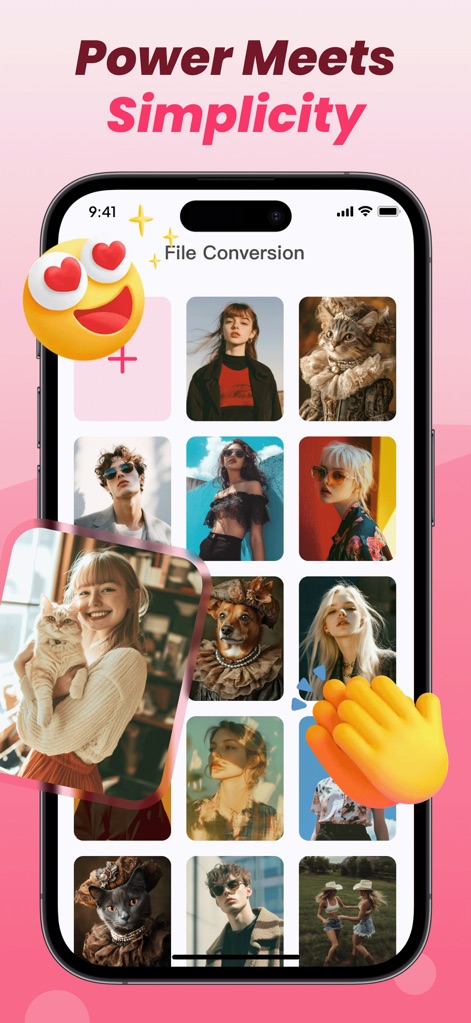
Witness the streamlined 'File Conversion' process, where users can select multiple images from a visually rich gallery for transformation.
Seamless Conversion Gallery
Description
Download
More Like This
Apps with similar features and user experience

Converter Files & PDF Editor
Shenzhen Miguo Qudong Technology Co., Ltd

文档手机版-word文档编辑,手机office办公软件
喜存 岳

PDF Maker - Convert to PDF
KUPERTINO BIL. YAZ. HALIL IBRAHIM KARAHAN SAFFET ARSLAN MUSTAFA AYTEN MUHAMMET YALCIN OZDEMIR K. S.

PDF Converter & PDF Creator
The Last Sunrise LLC

PDF Maker: Editor & Converter
SolveIt Inc.

PDF Editor・PDF File Converter
VISARGERD, S.L.

PDFit-AI PDF&Scanner
FAST LINE NETWORK TECHNOLOGY LIMITED

PDF Converter・Doc Scanner
Nikolai Ivanenko

PDF Editor | Files Converter
Yehor Karataiev
This page is not an official page of the app or its developer, but an independent editorial publication created for informational and commentary purposes. Unless expressly stated otherwise, neither the app nor its developer is affiliated with, endorsed by, sponsored by, authorized by, or otherwise officially connected with MWM, Apple, Google Play, the app publisher, or the app's developer, and nothing on this page implies that the app was developed using MWM's services. Any trademarks, logos, screenshots, and other content remain the property of their respective owners.