
This page is not an official page of the app or its developer, but an independent editorial publication created for informational and commentary purposes. Unless expressly stated otherwise, neither the app nor its developer is affiliated with, endorsed by, sponsored by, authorized by, or otherwise officially connected with MWM, Apple, Google Play, the app publisher, or the app's developer, and nothing on this page implies that the app was developed using MWM's services. Any trademarks, logos, screenshots, and other content remain the property of their respective owners.


PDF Reader - Scanner app
The app puts a document arsenal in your pocket. Users gain total control over their files, from scan to share.
Downloads
75k+User Rating
Total Ratings
42Publisher
Category
BusinessLocales
1Latest Version
1.1.5Size
80.1 MBFirst Released
Dec 21, 2024An assessment of core functionalities for productivity-driven users.
Key Features Analysis: PDF Reader - Scanner App
Document Scanning
It enables users to easily scan physical documents, receipts, contracts, and notes into multipage PDFs or JPGs directly from their iPhone or iPad, simplifying mobile document digitization.
Text Extraction with OCR
This tool features advanced OCR technology to extract editable and searchable text from scanned images and PDFs, significantly enhancing productivity for data management and content repurposing.
Image to PDF Conversion
The app provides the ability to convert various image formats (PNG, JPG, TIFF, GIF) into single or multipage PDF files, perfect for digitizing photos of documents or whiteboard notes.
Direct PDF Editing
It allows users to edit text and images directly within PDF documents, enabling quick corrections, additions, or rotations without the need for external desktop software.
Seamless Document Sharing
This feature allows users to share scanned or converted documents via email or upload them to cloud storage, facilitating collaboration and access from anywhere.
PDF Page Management
The app provides comprehensive tools to organize PDF files by adding, deleting, extracting, rotating, merging, splitting, and rearranging pages, crucial for document compilation and structuring.
Frequently Asked Questions
Everything you need to know about PDF Reader - Scanner app
Can the PDF Reader - Scanner app scan documents into PDFs?
Yes, the PDF Reader - Scanner app scans documents, receipts, contracts, notes, and books into multipage PDFs or JPGs. It serves all your document needs directly from your device.
How do I convert images to PDF using the PDF Reader - Scanner app?
The PDF Reader - Scanner app creates PDF files from multiple images (PNG, JPG, TIFF, GIF). Select images within the app to easily and safely convert them into new PDF documents.
Does the PDF Reader - Scanner app include OCR for text extraction?
Yes, the PDF Reader - Scanner app uses OCR Technology to extract text from PDFs, Word documents, and images. It converts scanned text into editable and searchable content for enhanced productivity.
Can I edit text directly within a PDF using the PDF Reader - Scanner app?
Yes, the PDF Reader - Scanner app's PDF editor allows direct editing of text and images. You can fix typos, add paragraphs, or rotate images to customize your PDF documents.
Is it possible to print documents from my iPhone or iPad with the PDF Reader - Scanner app?
Yes, the PDF Reader - Scanner app enables direct printing of documents and photos from your iPhone or iPad. Adjust print sizes, page counts, and orientations easily before printing.
How can I share files using the PDF Reader - Scanner app?
The PDF Reader - Scanner app allows sharing unlimited files via email and with contacts. It also supports cloud compatibility for uploading scans, with options for attachments or direct links.
What document organization features does the PDF Reader - Scanner app offer?
The PDF Reader - Scanner app organizes PDFs by enabling users to add, delete, extract, rotate, merge, split, crop, and rearrange pages. Insert new pages or remove unnecessary ones.
What file types can the PDF Reader - Scanner app print from iPhone and iPad?
The PDF Reader - Scanner app prints PDF, Word DOC, Excel XLS, PowerPoint PPT, Photoshop PSD, JPEG, PNG, BMP, TIFF, and GIF files directly from your iPhone or iPad.
Where can I find the Privacy Policy for the PDF Reader - Scanner app?
The Privacy Policy for the PDF Reader - Scanner app is located at https://sites.google.com/view/technestitservices/pdf-reader-scanner-app/privacy-policy. Acceptance of this policy occurs upon app usage.
What are the Terms of Use for the PDF Reader - Scanner app?
The Terms of Use for the PDF Reader - Scanner app are available at https://sites.google.com/view/technestitservices/pdf-reader-scanner-app/terms-of-use. Users agree to these terms by using the application.
The following screenshots and description are sourced directly from the app's official store listing and are the property of the app developer.
App Store
Screenshots
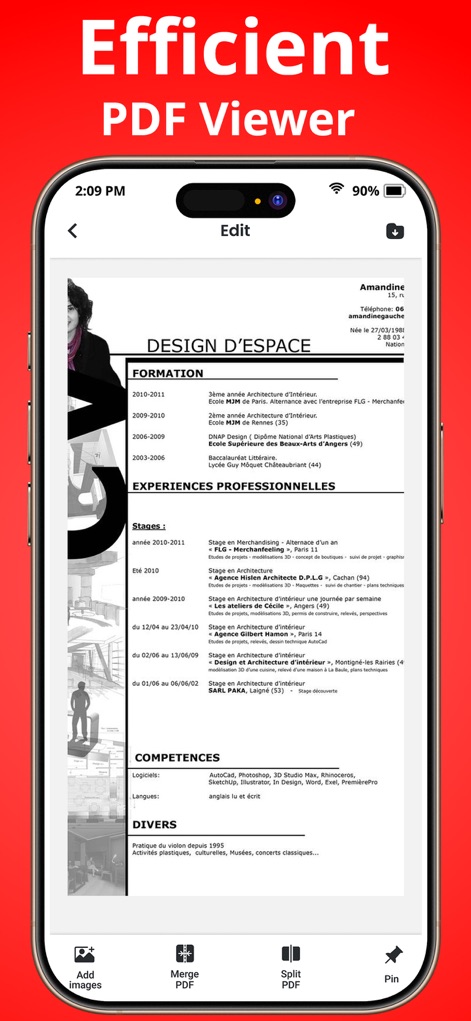
This tool provides an efficient PDF viewing experience, allowing users to easily edit content and utilize features like merging and splitting documents.
Efficient PDF Editor
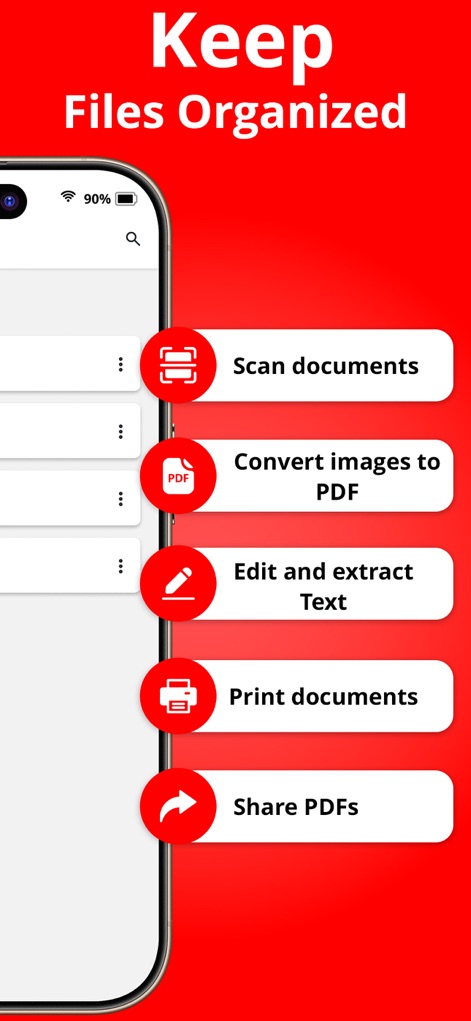
Users can streamline document workflows by quickly scanning physical documents and converting images to PDF files directly within the app.
Organized File Management
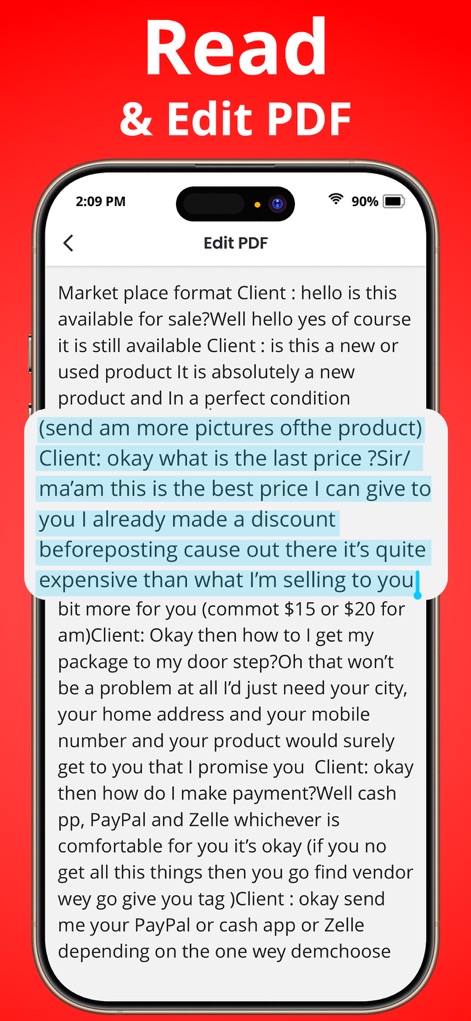
The app enables effortless PDF reading and direct text editing, allowing users to highlight important sections and make quick revisions.
Intuitive Text Editing
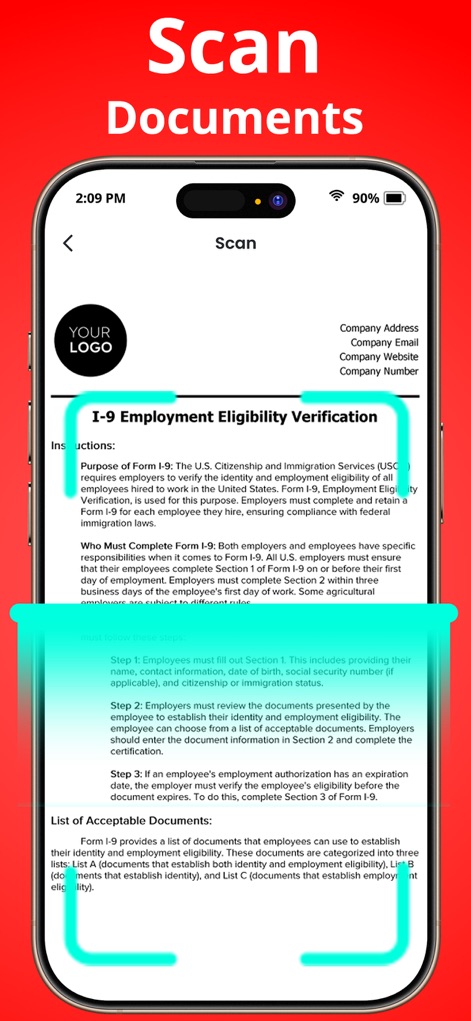
This feature allows users to capture physical documents with high clarity, utilizing an intelligent scanning frame to ensure precise digital conversion.
Seamless Document Scanning
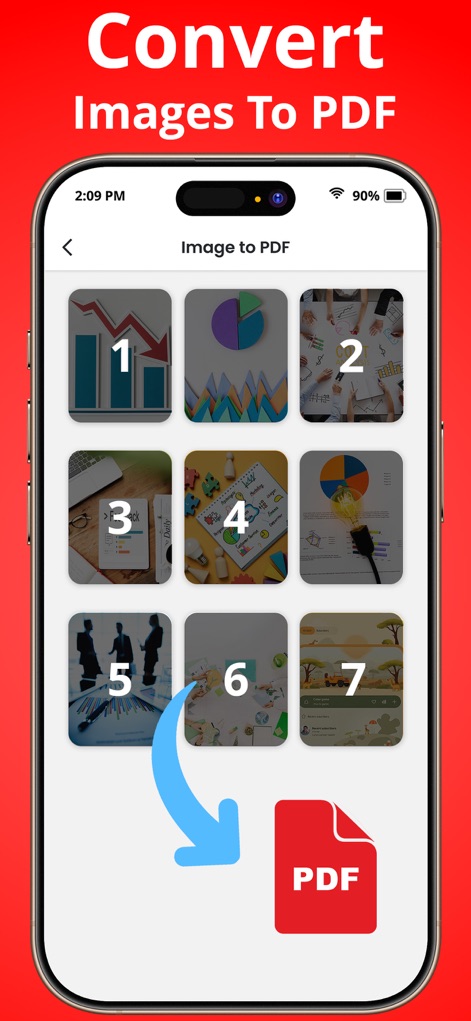
The app simplifies file management by allowing users to convert multiple images into a single PDF document, clearly indicating the order of conversion.
Image to PDF Conversion
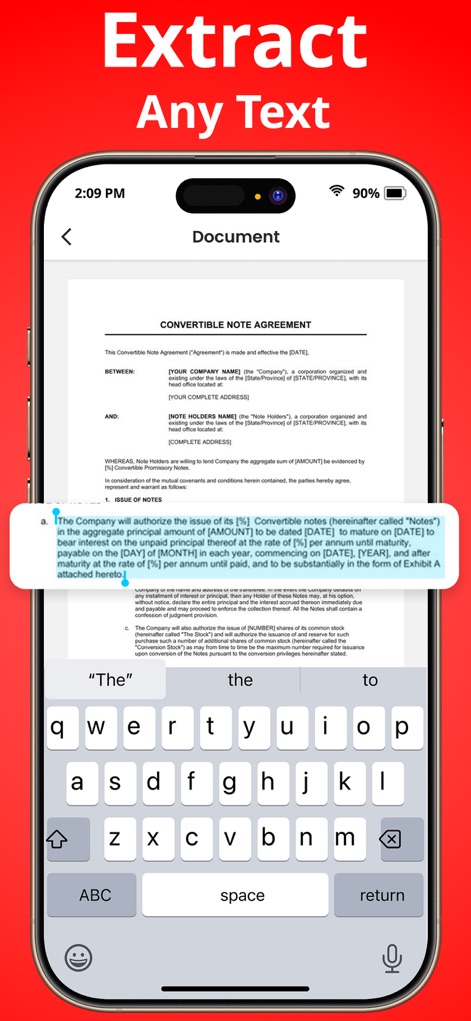
This tool leverages OCR technology to accurately extract editable text from documents, providing an on-screen keyboard for immediate editing.
Accurate Text Extraction
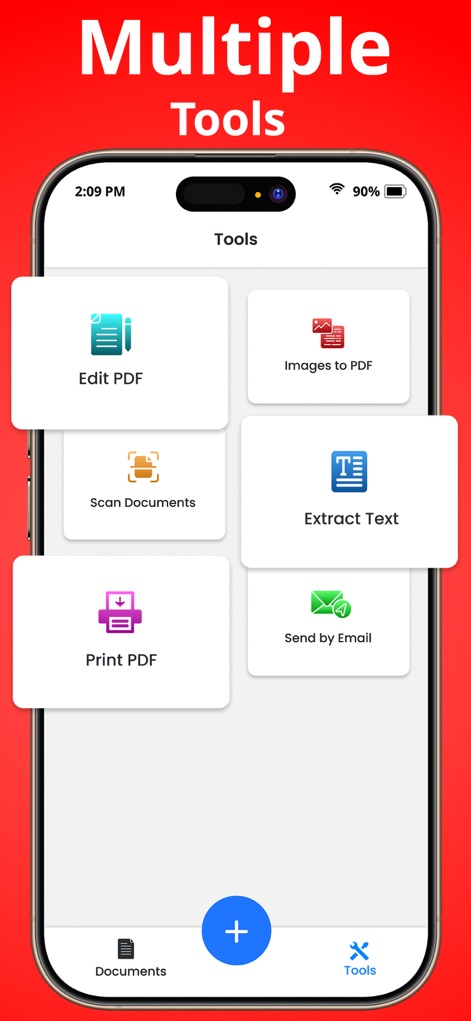
The app provides a centralized dashboard of essential document management tools, including options to edit PDFs and convert images to PDF.
Comprehensive Tool Suite
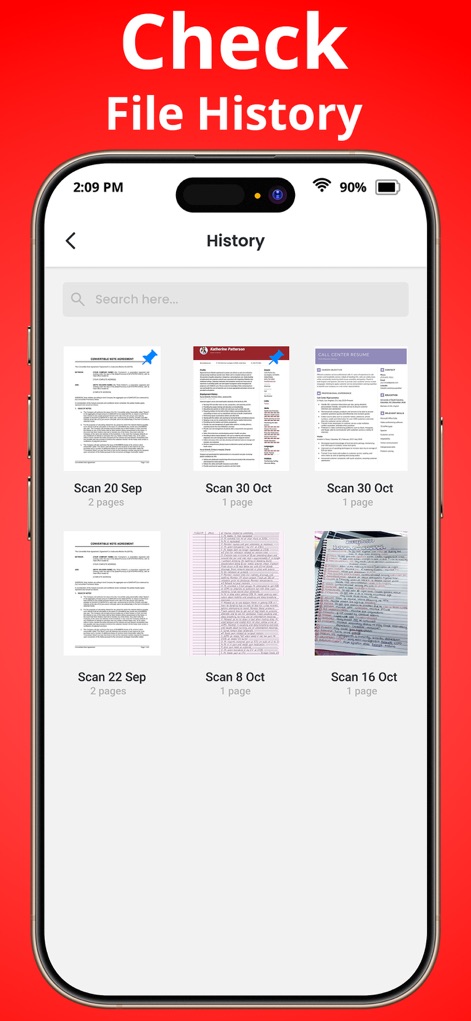
Users can effortlessly track and manage past document interactions, with a clear display of scanned files and their associated dates.
Organized Document History
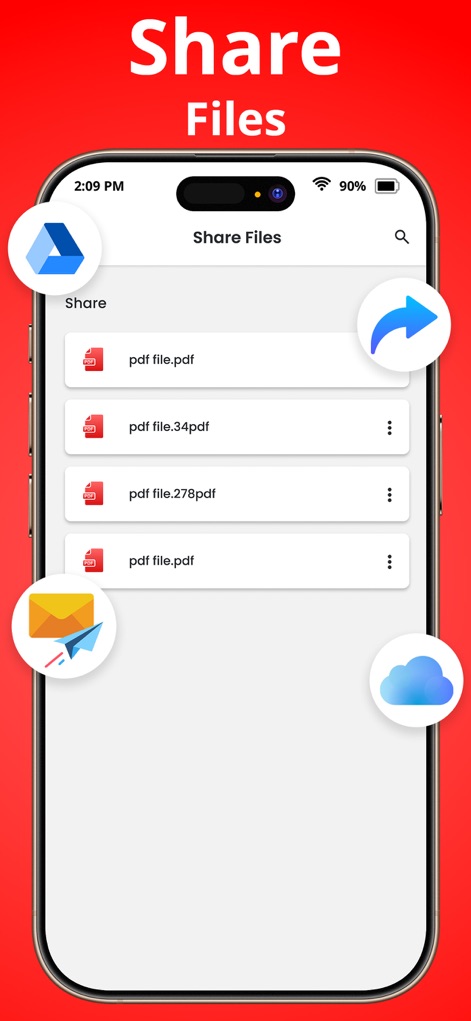
The app facilitates easy document distribution, offering multiple sharing options like cloud integration and direct email attachments for convenience.
Effortless File Sharing
Description
Download
More Like This
Apps with similar features and user experience

PDF PRO Scan Image & Documents
Balzo srl

The PDF Scanner, PDF editor HQ
NEXT K.U.M. LTD

CamScanner - PDF Scanner App
INTSIG Information Co., Ltd

Adobe Scan: PDF & OCR Scanner
Adobe Inc.

WPS Office: PDF, Docs, Sheets
KINGSOFT OFFICE SOFTWARE CORPORATION LIMITED

iLovePDF - PDF Editor & Scan
ILOVEPDF S.L.

Scanner App: Genius Scan
The Grizzly Labs

Microsoft Lens: PDF Scanner
Microsoft Corporation

Clear Scan: Doc Scanner App
INDY MOBILE APP COMPANY LIMITED
This page is not an official page of the app or its developer, but an independent editorial publication created for informational and commentary purposes. Unless expressly stated otherwise, neither the app nor its developer is affiliated with, endorsed by, sponsored by, authorized by, or otherwise officially connected with MWM, Apple, Google Play, the app publisher, or the app's developer, and nothing on this page implies that the app was developed using MWM's services. Any trademarks, logos, screenshots, and other content remain the property of their respective owners.