
This page is not an official page of the app or its developer, but an independent editorial publication created for informational and commentary purposes. Unless expressly stated otherwise, neither the app nor its developer is affiliated with, endorsed by, sponsored by, authorized by, or otherwise officially connected with MWM, Apple, Google Play, the app publisher, or the app's developer, and nothing on this page implies that the app was developed using MWM's services. Any trademarks, logos, screenshots, and other content remain the property of their respective owners.

PDF Scanner, Editor, Converter
Transform your iPhone into a professional-grade scanner. Instantly digitize IDs, books, and contracts with OCR accuracy, edit PDFs on the fly, and export to Office formats to close deals faster.
Downloads
441K+User Rating
Total Ratings
3K+Publisher
Category
BusinessLocales
6Latest Version
1.2.61Size
198.7 MBFirst Released
Apr 26, 2022Empower Your Business with Professional Scanning
Designed for the modern US professional, our all-in-one toolkit eliminates the need for bulky hardware, allowing you to scan, edit, and sign documents from anywhere.
Lightning-Fast HD Scanning
Capture crystal-clear documents, receipts, and books in seconds. Our AI ensures every scan is professional-grade and ready for immediate business use.
Smart OCR & Office Export
Save hours of re-typing. Automatically recognize text from any scan and export directly to Word or Excel for seamless editing on the go.
Frequently Asked Questions
Everything you need to know about PDF Scanner, Editor, Converter
Is PDF Scanner, Editor, Converter a free app?
No, PDF Scanner, Editor, Converter is free to download but requires a subscription for use.
What are the subscription options for PDF Scanner, Editor, Converter?
PDF Scanner, Editor, Converter offers weekly ($3.99), annual ($49.99), and lifetime ($69.99) auto-renewing subscription options.
How do I manage my PDF Scanner, Editor, Converter subscription?
Users manage PDF Scanner, Editor, Converter subscriptions and turn off auto-renewal in Account Settings within iTunes after purchase.
What are the core functionalities of PDF Scanner, Editor, Converter?
PDF Scanner, Editor, Converter scans, edits, and converts PDF files, ID photos, and books. It features OCR for text extraction, document signing, various editing tools, and sharing capabilities.
Can PDF Scanner, Editor, Converter extract text from scanned documents?
Yes, PDF Scanner, Editor, Converter extracts and edits any text from scanned documents using its Optical Character Recognition (OCR) feature.
Does PDF Scanner, Editor, Converter support document signing?
Yes, PDF Scanner, Editor, Converter allows users to edit and sign documents directly within the app, completing the process in seconds.
What file formats can PDF Scanner, Editor, Converter save files in?
PDF Scanner, Editor, Converter saves and shares documents in multiple formats including PDF, JPG, and TXT.
Does PDF Scanner, Editor, Converter convert files to office formats?
Yes, PDF Scanner, Editor, Converter prepares sources and exports converted files directly to various office formats.
Where can I find the privacy policy for PDF Scanner, Editor, Converter?
The privacy policy for PDF Scanner, Editor, Converter is published on its official website at https://scannerapp.xyz/privacy.
The following screenshots and description are sourced directly from the app's official store listing and are the property of the app developer.
App Store
Screenshots
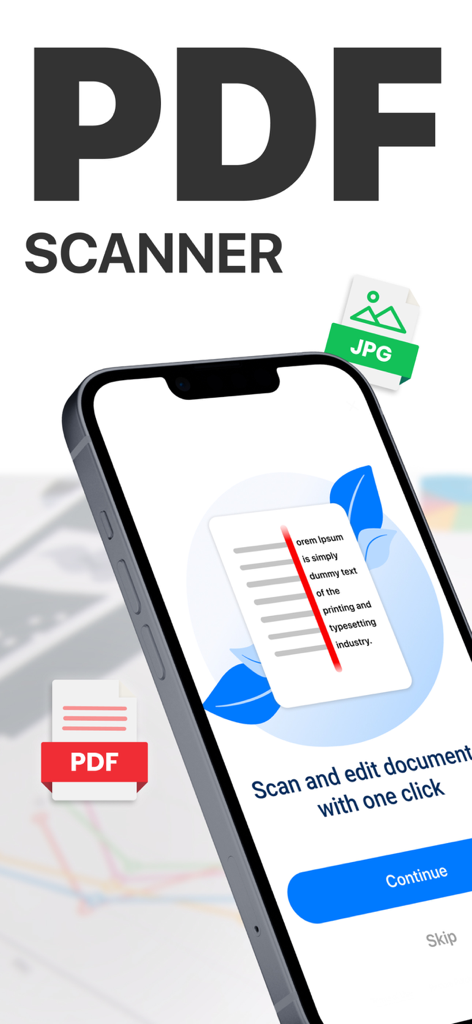
Mobile app onboarding screen for scanning and editing documents with one click
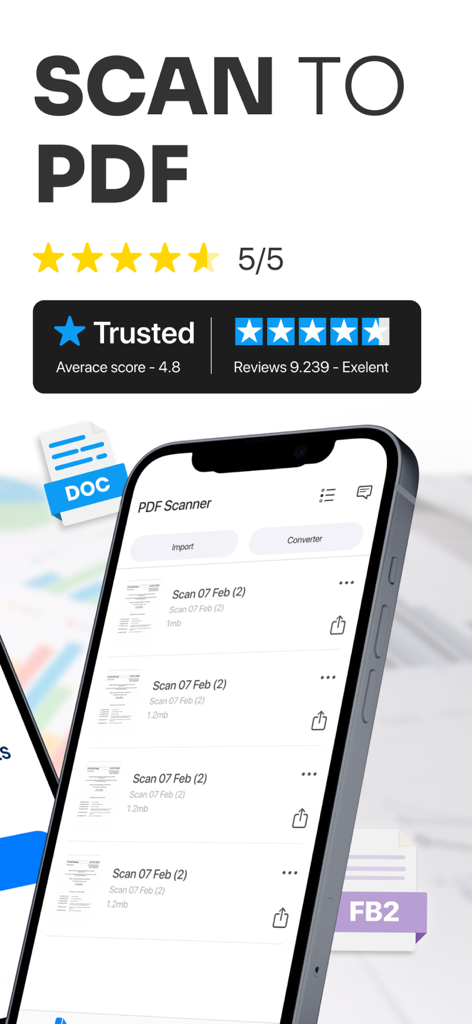
PDF scanner app interface showing scanned document list and high user ratings
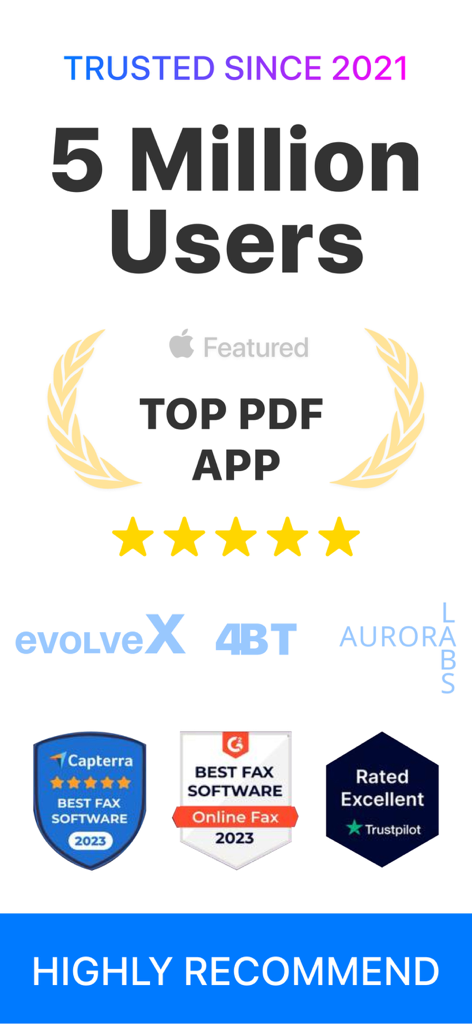
Infographic showing PDF Scanner app trust badges, 5 million users, and top ratings from Capterra and Trustpilot
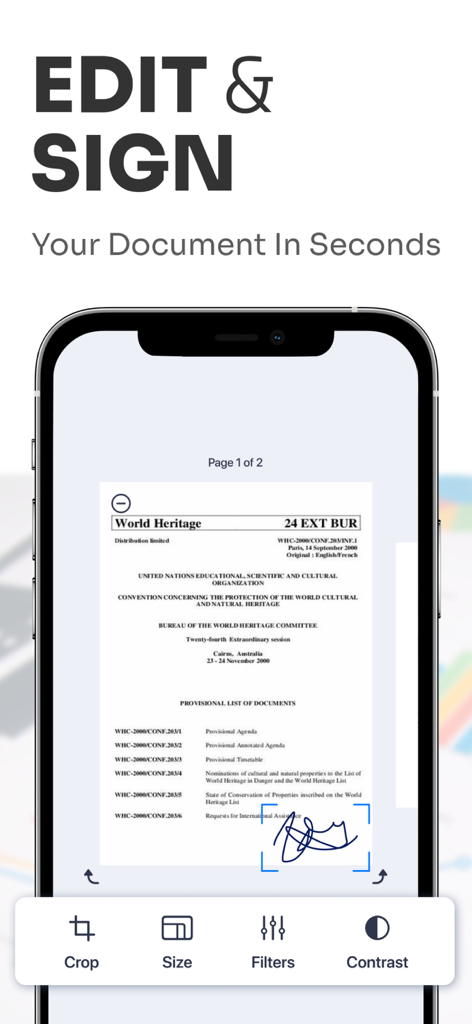
Smartphone screen showing document editing and digital signature features in a PDF scanner app
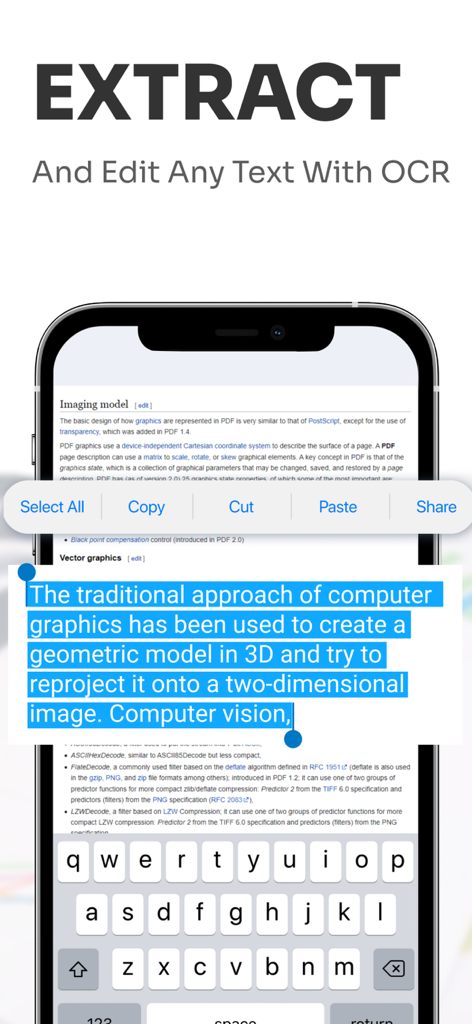
Mobile screen showing OCR text extraction and editing feature on a scanned document.
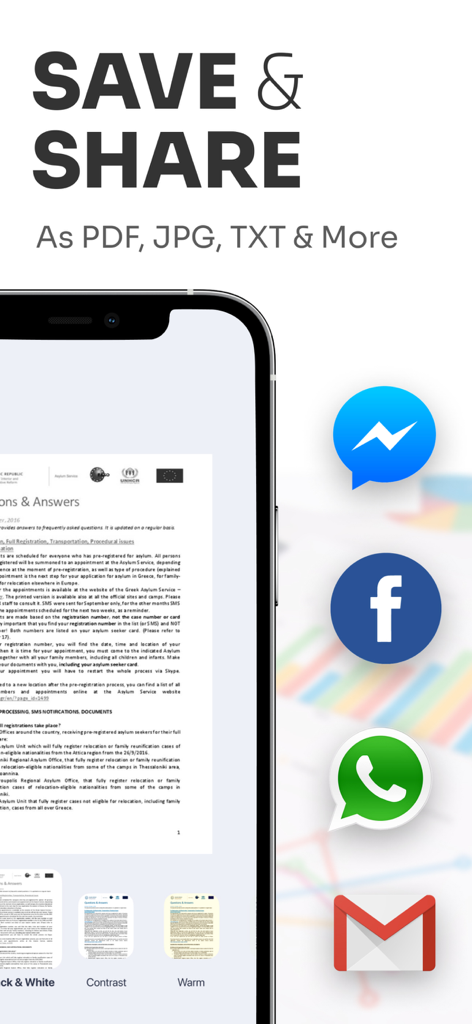
Interface of the PDF Scanner app showing document export options to PDF JPG and TXT formats with share icons for Messenger Facebook and WhatsApp
Description
Download
More Like This
Apps with similar features and user experience

PDF PRO Scan Image & Documents
Balzo srl

The PDF Scanner, PDF editor HQ
NEXT K.U.M. LTD

CamScanner - PDF Scanner App
INTSIG Information Co., Ltd

Adobe Scan: PDF & OCR Scanner
Adobe Inc.

WPS Office: PDF, Docs, Sheets
KINGSOFT OFFICE SOFTWARE CORPORATION LIMITED

iLovePDF - PDF Editor & Scan
ILOVEPDF S.L.

Scanner App: Genius Scan
The Grizzly Labs

Microsoft Lens: PDF Scanner
Microsoft Corporation

Clear Scan: Doc Scanner App
INDY MOBILE APP COMPANY LIMITED
This page is not an official page of the app or its developer, but an independent editorial publication created for informational and commentary purposes. Unless expressly stated otherwise, neither the app nor its developer is affiliated with, endorsed by, sponsored by, authorized by, or otherwise officially connected with MWM, Apple, Google Play, the app publisher, or the app's developer, and nothing on this page implies that the app was developed using MWM's services. Any trademarks, logos, screenshots, and other content remain the property of their respective owners.