
This page is not an official page of the app or its developer, but an independent editorial publication created for informational and commentary purposes. Unless expressly stated otherwise, neither the app nor its developer is affiliated with, endorsed by, sponsored by, authorized by, or otherwise officially connected with MWM, Apple, Google Play, the app publisher, or the app's developer, and nothing on this page implies that the app was developed using MWM's services. Any trademarks, logos, screenshots, and other content remain the property of their respective owners.

PDF Utils - Split,Merge & More
Effortlessly merge, split, and scan your documents offline. No subscriptions, no cloud uploads, just powerful tools for students and professionals.
Downloads
800User Rating
Total Ratings
0Publisher
Category
UtilitiesLocales
1Latest Version
6.0Size
46.7 MBFirst Released
Apr 4, 2023All the PDF Tools You Actually Need
Ditch the expensive subscriptions. Manage your documents with a lightweight, 100% free toolkit designed for secure, offline productivity on your iPhone or iPad.
Strictly Offline Privacy
Process sensitive bills, receipts, and certificates directly on your device. Since no files are uploaded to the cloud, your data remains 100% private.
Lightning-Fast Organizing
Merge multiple assignments or split complex reports in seconds. Use intuitive drag-and-drop to reorder pages exactly how you need them.
The following screenshots and description are sourced directly from the app's official store listing and are the property of the app developer.
App Store
Screenshots
PDF Utils app splash screen displayed on an iPhone
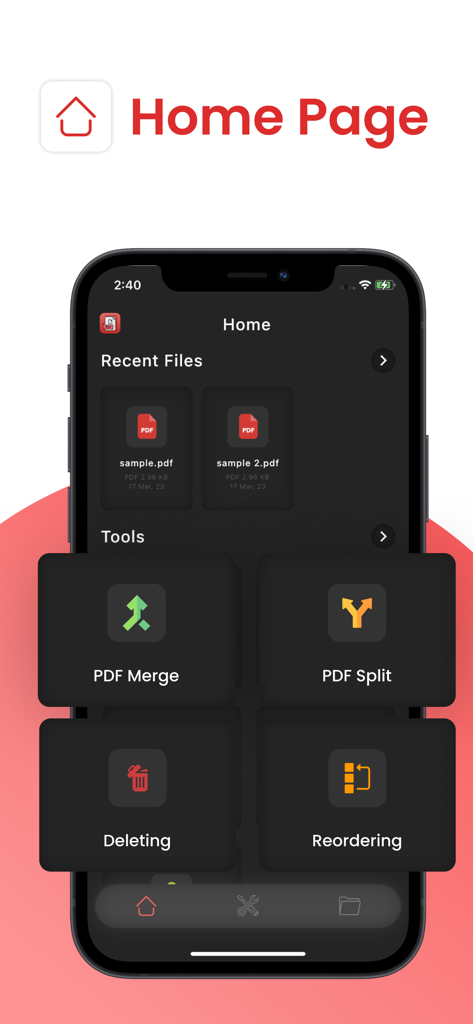
Home screen of PDF Utils app showing PDF merge split delete and reorder options
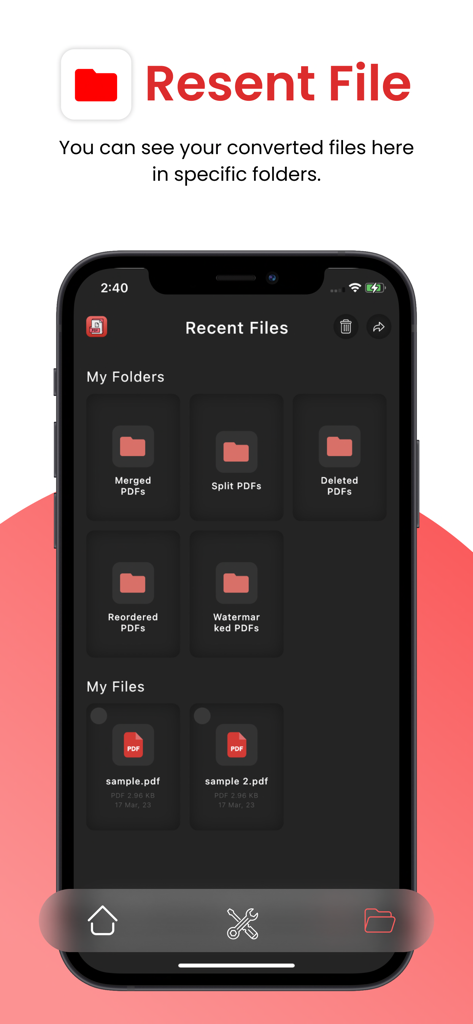
A screenshot of the PDF Utils app showing organized folders for merged split and watermarked documents in the recent files section
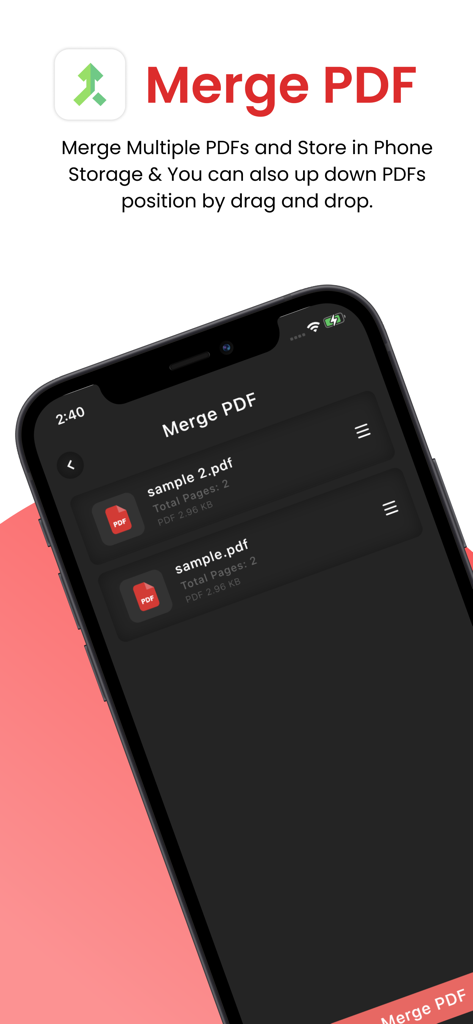
Interface of PDF Utils app showing the Merge PDF feature with a list of files and drag and drop reordering
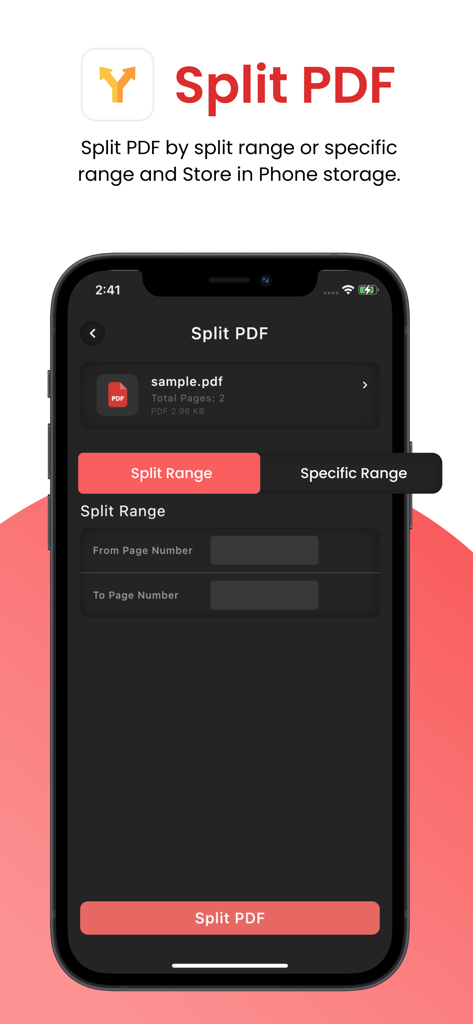
Interface of the PDF Utils mobile app showing options to split a PDF by page range
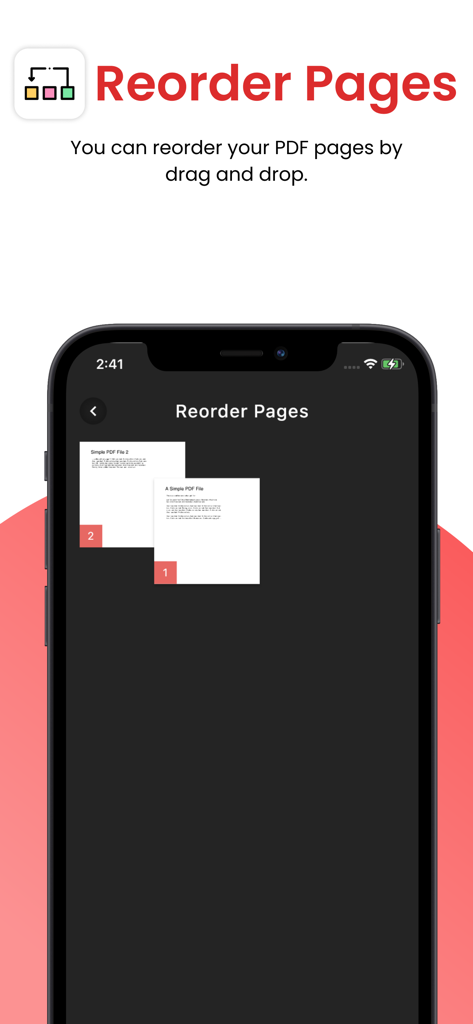
Smartphone screen displaying the reorder pages feature of the PDF Utils app using drag and drop.
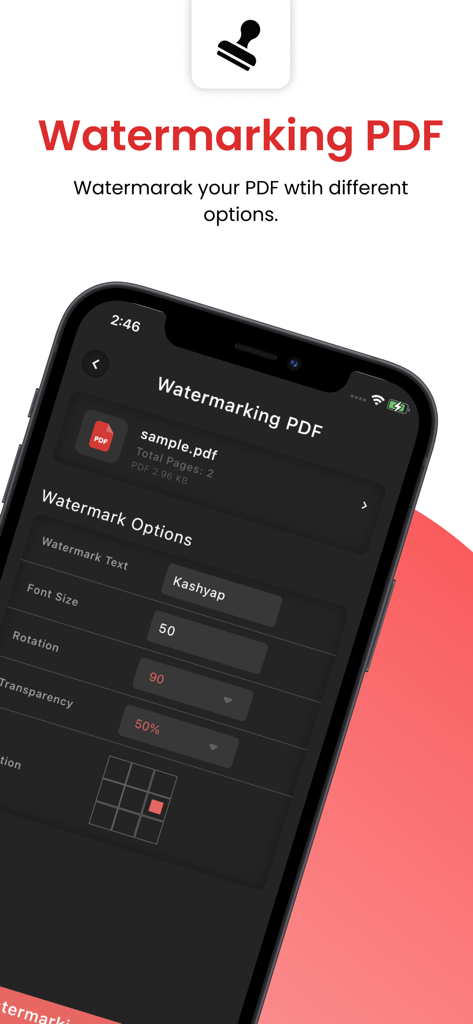
Interface of PDF Utils app showing customization options for adding a text watermark to a document
Description
Download
More Like This
Top-ranked apps in the same category

Google LLC

Google Chrome
Google LLC

中国移动(手机营业厅)
China Mobile Online Services Co., Ltd.

Google Authenticator
Google LLC

Cleanup: Phone Storage Cleaner
DEEP FLOW SOFTWARE SERVICES - FZCO

gov.br
Servicos e Informacoes do Brasil

CNH do Brasil
Servicos e Informacoes do Brasil

Super VPN Fly 2026
YUNFAN TECHNOLOGY CO., LIMITED

Microsoft Edge: AI Browser
Microsoft Corporation
This page is not an official page of the app or its developer, but an independent editorial publication created for informational and commentary purposes. Unless expressly stated otherwise, neither the app nor its developer is affiliated with, endorsed by, sponsored by, authorized by, or otherwise officially connected with MWM, Apple, Google Play, the app publisher, or the app's developer, and nothing on this page implies that the app was developed using MWM's services. Any trademarks, logos, screenshots, and other content remain the property of their respective owners.