
This page is not an official page of the app or its developer, but an independent editorial publication created for informational and commentary purposes. Unless expressly stated otherwise, neither the app nor its developer is affiliated with, endorsed by, sponsored by, authorized by, or otherwise officially connected with MWM, Apple, Google Play, the app publisher, or the app's developer, and nothing on this page implies that the app was developed using MWM's services. Any trademarks, logos, screenshots, and other content remain the property of their respective owners.


PGP Everywhere
The most flexible OpenPGP solution for iOS. Encrypt, decrypt, and sign messages or files directly from your keyboard using industry-standard security and Face ID convenience.
Downloads
185K+User Rating
Total Ratings
300Publisher
Category
UtilitiesLocales
3Latest Version
4.3.1Size
43.7 MBFirst Released
Mar 4, 2016Military-Grade Privacy, Built for Your Routine
Secure your communications and files across any iOS app using the world-standard OpenPGP protocol, streamlined for the mobile era.
The Encryption Keyboard
Encrypt, decrypt, and sign messages directly within apps like Slack, Gmail, or iMessage. No more copy-pasting—just seamless, integrated privacy.
Face ID Key Management
Protect your private keys with biometric security. Access your encrypted world instantly while maintaining the rigorous standards of a traditional passphrase.
Frequently Asked Questions
Everything you need to know about PGP Everywhere
How does PGP Everywhere encrypt messages on iOS?
PGP Everywhere encrypts messages using its dedicated keyboard extension. This allows users to encrypt, sign, and verify text directly within any app where text input is available.
Does PGP Everywhere support biometric authentication like Face ID or Touch ID?
Yes, PGP Everywhere supports Face ID and Touch ID for passphrase entry. This enhances convenience, allowing users to encrypt and decrypt securely without manually typing their passphrase.
How can I import or export PGP keys with PGP Everywhere?
PGP Everywhere facilitates secure key management. You can import keys via iTunes File Sharing, clipboard, or keyservers. The app also allows exporting your entire keychain to iTunes.
Can I generate new PGP key pairs directly in PGP Everywhere?
Yes, PGP Everywhere provides the functionality to generate new RSA Key Pairs within the app. It acts as a comprehensive PGP Keychain Manager, supporting key creation and management.
What are the main features of the PGP Everywhere keyboard extension?
The PGP Everywhere keyboard extension allows you to encrypt, decrypt, sign, and verify messages directly within any app that accepts text input. It centralizes PGP functions for convenience.
Does PGP Everywhere handle file encryption and decryption?
Yes, PGP Everywhere includes an action extension specifically for files. This enables users to encrypt, decrypt, sign, and verify files across various applications on their iOS device.
What languages are supported by the PGP Everywhere application and keyboard?
The PGP Everywhere app supports English, German, and Russian. Its keyboard extension expands language support to include Spanish, French, Italian, Dutch, and Portuguese, alongside the app's languages.
The following screenshots and description are sourced directly from the app's official store listing and are the property of the app developer.
App Store
Screenshots
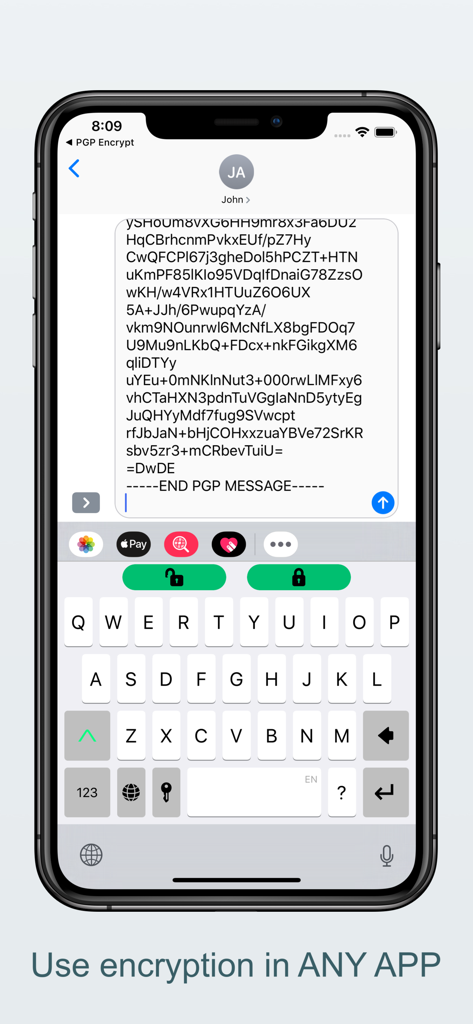
A screenshot showing a PGP encrypted message in a mobile chat and the PGP Everywhere keyboard extension with lock icons for encryption and decryption.
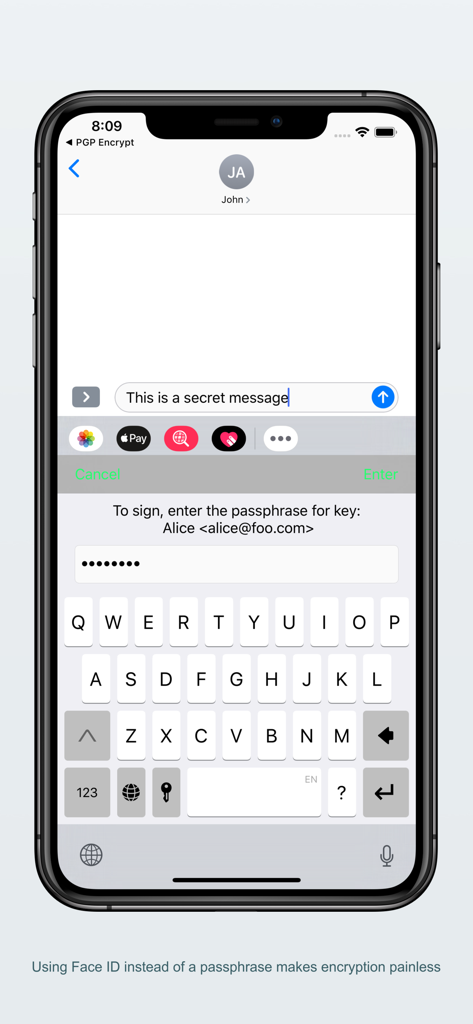
iPhone screen showing the PGP Everywhere keyboard extension prompting for a passphrase to sign an encrypted message
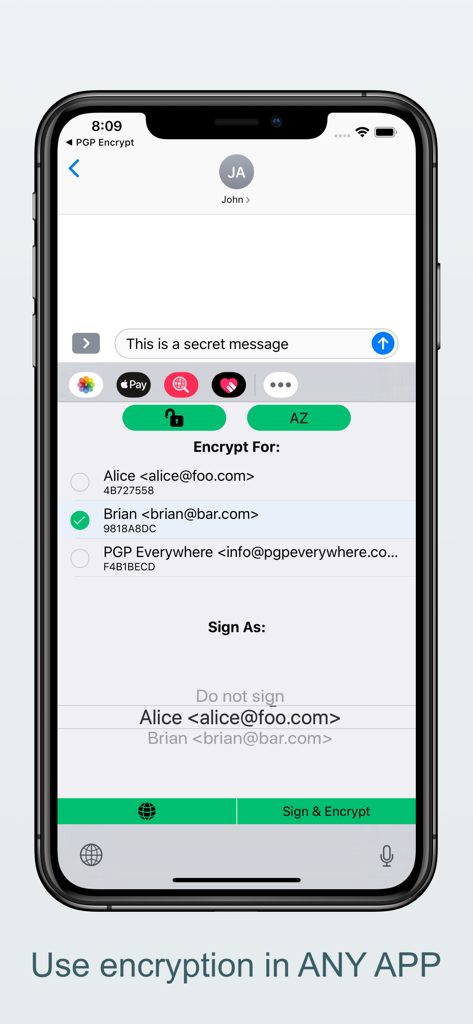
PGP Everywhere keyboard extension showing options to encrypt and sign messages within a chat app
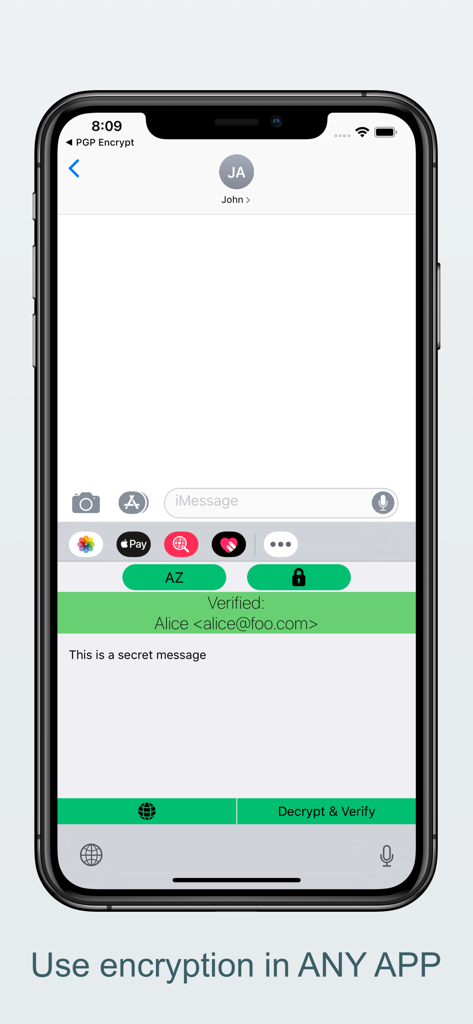
PGP Everywhere keyboard extension decrypting and verifying a secret message in iMessage
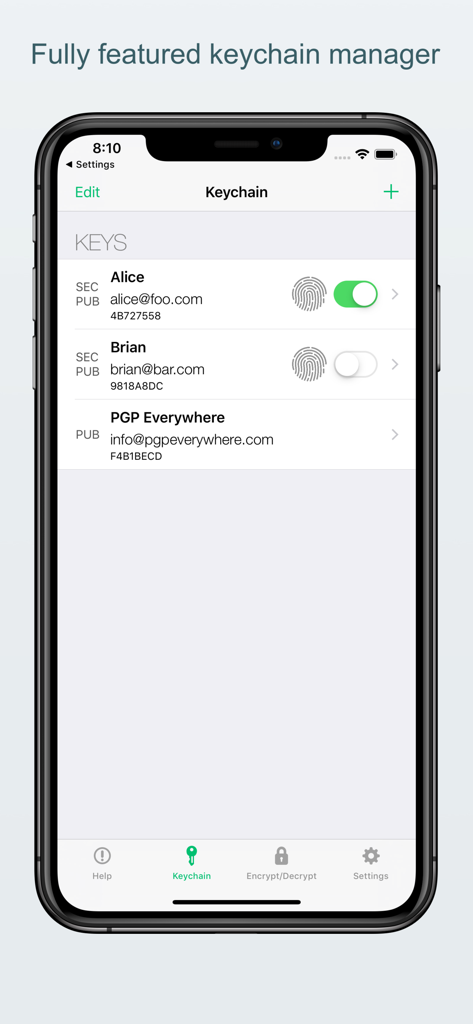
PGP Everywhere app keychain manager screen showing a list of encryption keys for Alice and Brian with Touch ID settings.
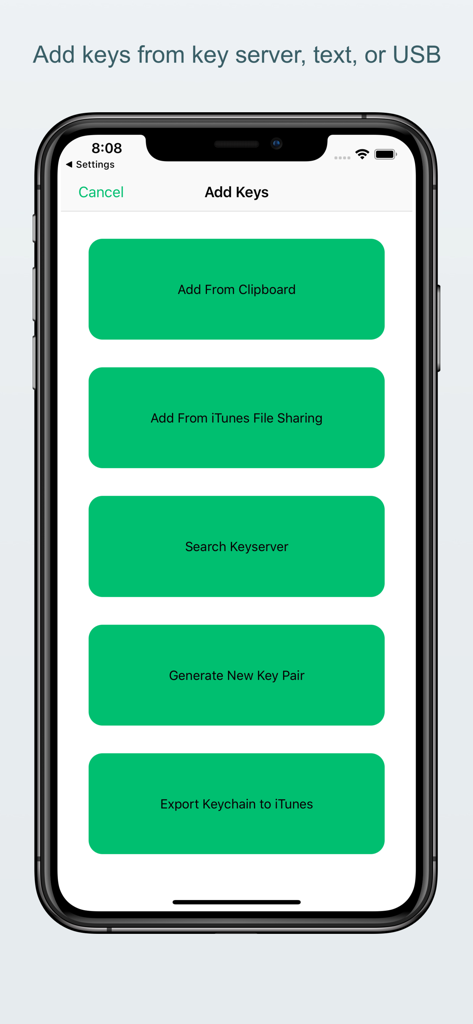
Screen from PGP Everywhere app showing options to add keys from clipboard, iTunes, or keyserver, and generate new key pairs.
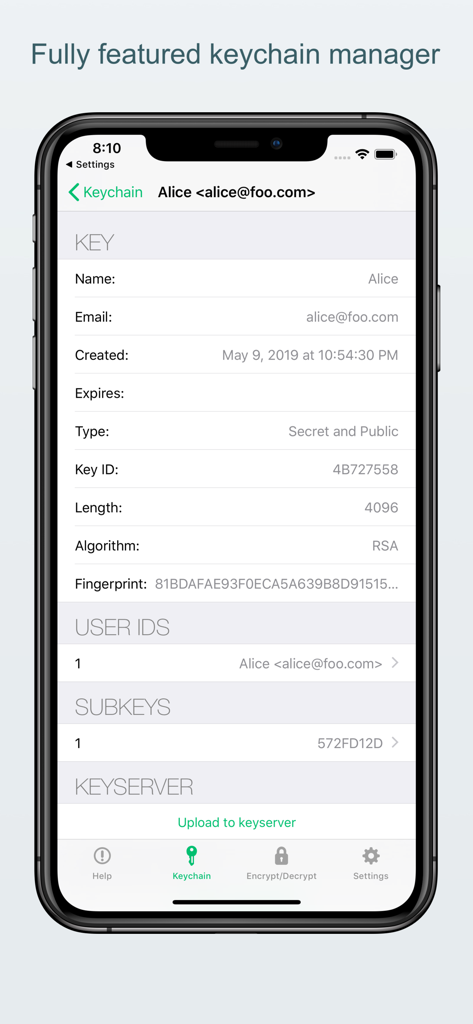
Interface of the PGP Everywhere app showing the detailed settings of a public and secret RSA key within its keychain manager
Description
Download
More Like This
Top-ranked apps in the same category

Google LLC

Google Chrome
Google LLC

中国移动(手机营业厅)
China Mobile Online Services Co., Ltd.

Google Authenticator
Google LLC

CNH do Brasil
Servicos e Informacoes do Brasil

Cleanup: Phone Storage Cleaner
DEEP FLOW SOFTWARE SERVICES - FZCO

gov.br
Servicos e Informacoes do Brasil

中国电信-全国统一官方服务平台
CHINA TELECOM Corporation Ltd.

Microsoft Edge: AI Browser
Microsoft Corporation
This page is not an official page of the app or its developer, but an independent editorial publication created for informational and commentary purposes. Unless expressly stated otherwise, neither the app nor its developer is affiliated with, endorsed by, sponsored by, authorized by, or otherwise officially connected with MWM, Apple, Google Play, the app publisher, or the app's developer, and nothing on this page implies that the app was developed using MWM's services. Any trademarks, logos, screenshots, and other content remain the property of their respective owners.