
This page is not an official page of the app or its developer, but an independent editorial publication created for informational and commentary purposes. Unless expressly stated otherwise, neither the app nor its developer is affiliated with, endorsed by, sponsored by, authorized by, or otherwise officially connected with MWM, Apple, Google Play, the app publisher, or the app's developer, and nothing on this page implies that the app was developed using MWM's services. Any trademarks, logos, screenshots, and other content remain the property of their respective owners.

Photo Collage Maker & Printer
Design custom collages in the exact dimensions you need. Whether it's a 4x6 print for a frame or a high-res digital banner, choose from 300+ layouts and create with total precision.
Downloads
2M+User Rating
Total Ratings
8K+Publisher
Category
Photo & VideoLocales
33Latest Version
8.3Size
82.5 MBFirst Released
Mar 31, 2017Professional Collages, Perfect for Printing
The only app that lets you design in inches, centimeters, or pixels for results that fit your frames and social pages perfectly.
Exact Sizing for Any Project
Define your canvas in inches or pixels to create perfect 4x6 prints or custom social banners without any awkward cropping.
Ready to Print & Frame
Export high-resolution files designed for AirPrint or local photo labs like CVS and Walgreens for beautiful, physical home decor.
Frequently Asked Questions
Everything you need to know about Photo Collage Maker & Printer
What is Photo Collage Maker & Printer?
Photo Collage Maker & Printer is an app that creates custom-sized photo collages. It supports exact dimensions in pixels, millimeters, centimeters, and inches, facilitating creation for various platforms and print needs.
How can I set a custom size for my photo collage in Photo Collage Maker & Printer?
The Photo Collage Maker & Printer app allows users to define custom collage sizes using units like pixels, millimeters, centimeters, and inches. Users input the desired width and height to set the exact dimensions.
Does Photo Collage Maker & Printer support printing photo collages?
Yes, Photo Collage Maker & Printer supports printing photo collages. Users can create collages for specific paper sizes like 4x6 and then utilize the app's printing functionality, complete with print settings.
What output formats are available for collages created with Photo Collage Maker & Printer?
Collages created with Photo Collage Maker & Printer can be output in pixels, millimeters, centimeters, or inches. The app also allows users to save the finished images in JPEG, HEIC, or PNG formats.
How many collage layouts are available in Photo Collage Maker & Printer?
Photo Collage Maker & Printer offers a total of 300 collage layouts. 100 layouts are available free of charge, and an additional 200 layouts can be unlocked through in-app purchases.
Can I rotate individual images within a collage in Photo Collage Maker & Printer?
Yes, Photo Collage Maker & Printer allows users to freely rotate individual images within the collage. This feature provides enhanced flexibility for designing creative photo collages.
Does Photo Collage Maker & Printer offer image editing features for individual photos?
Yes, Photo Collage Maker & Printer provides image editing features for individual photos. Users can apply filters, adjustments, effects, blur & focus, flip, and draw before incorporating images into a collage.
How can I share collages made with Photo Collage Maker & Printer?
Users can save the finished image, send it via email, print it out, or share it with others directly from the Photo Collage Maker & Printer app.
Are there in-app purchases in Photo Collage Maker & Printer?
Yes, Photo Collage Maker & Printer includes in-app purchases. These allow users to unlock an additional 200 collage layouts and 85 additional background images.
Can Photo Collage Maker & Printer save created collages to the album?
Yes, Photo Collage Maker & Printer allows saving created collages to the album. A toggle option labeled 'Also save to album' is available in the print settings.
The following screenshots and description are sourced directly from the app's official store listing and are the property of the app developer.
App Store
Screenshots
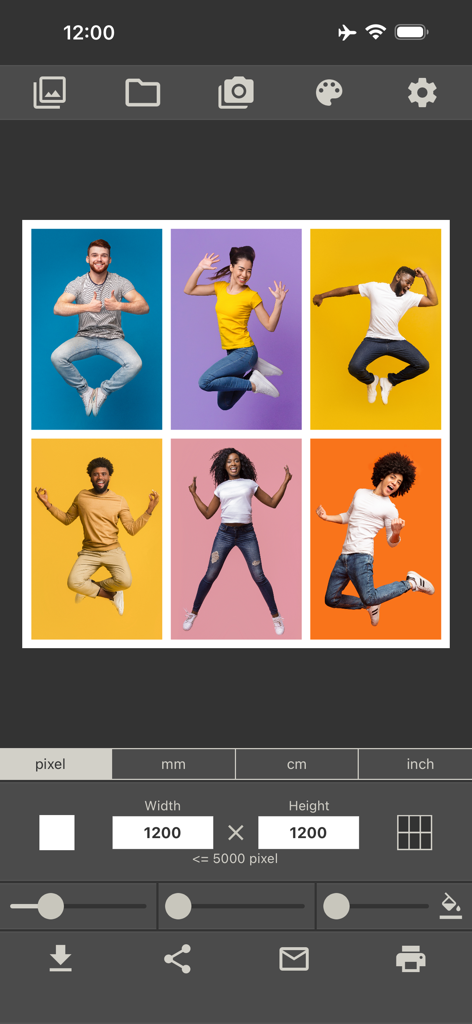
A photo collage maker app interface showing a grid layout and settings for width and height in pixels
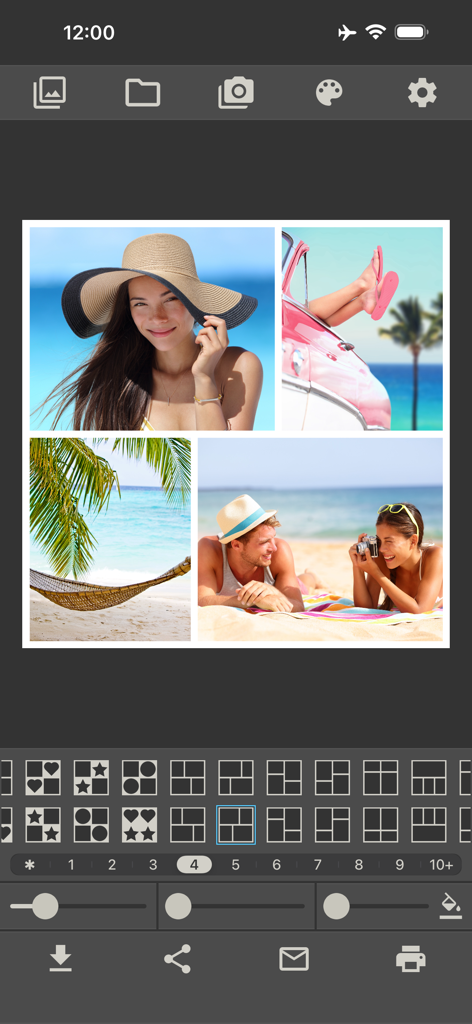
Mobile app interface showing a beach themed photo collage with various grid layout options and editing tools
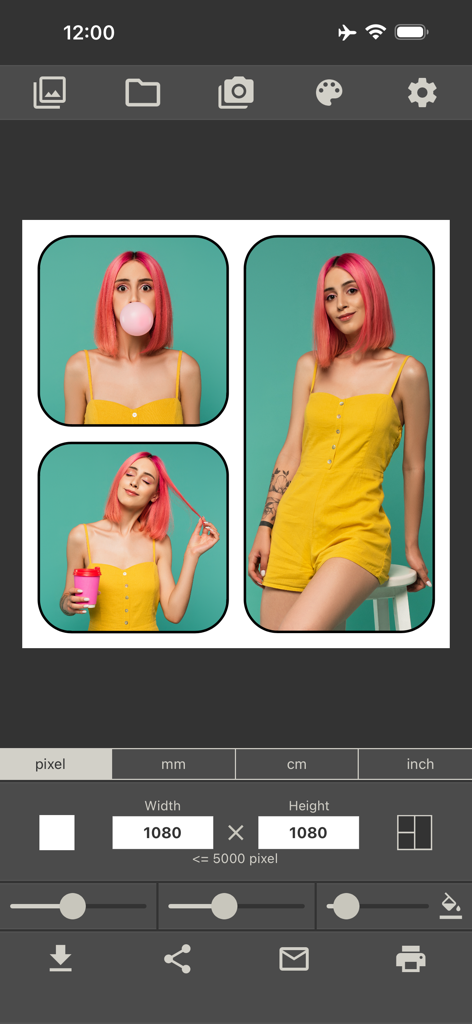
Interface of the photo collage maker app showing a three-image layout with custom pixel size settings and print options.
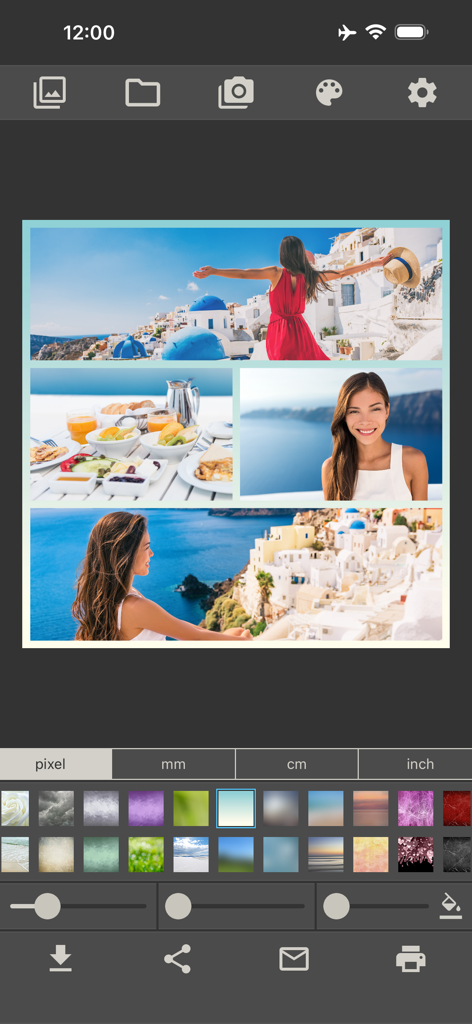
Editing screen of a photo collage app showing a travel layout with custom size and printing options
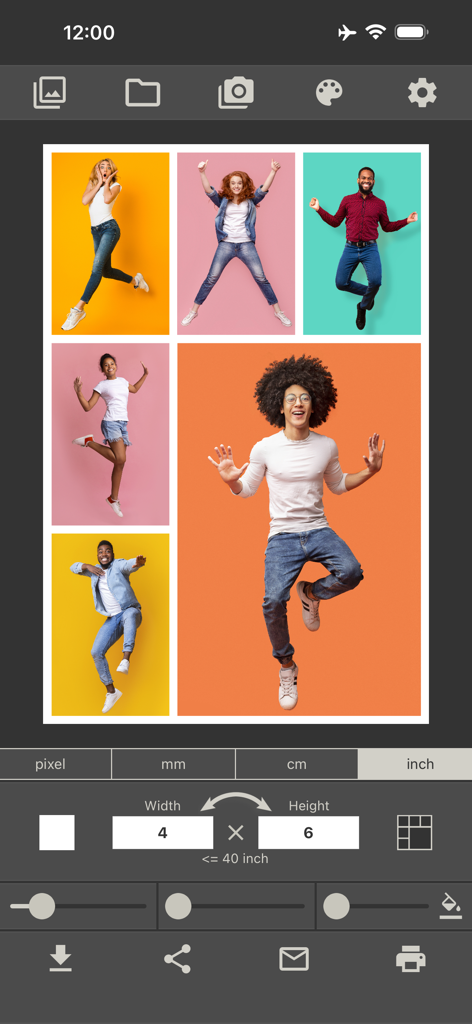
Interface of the Photo Collage Maker app showing a four by six inch print layout with five photos of people jumping
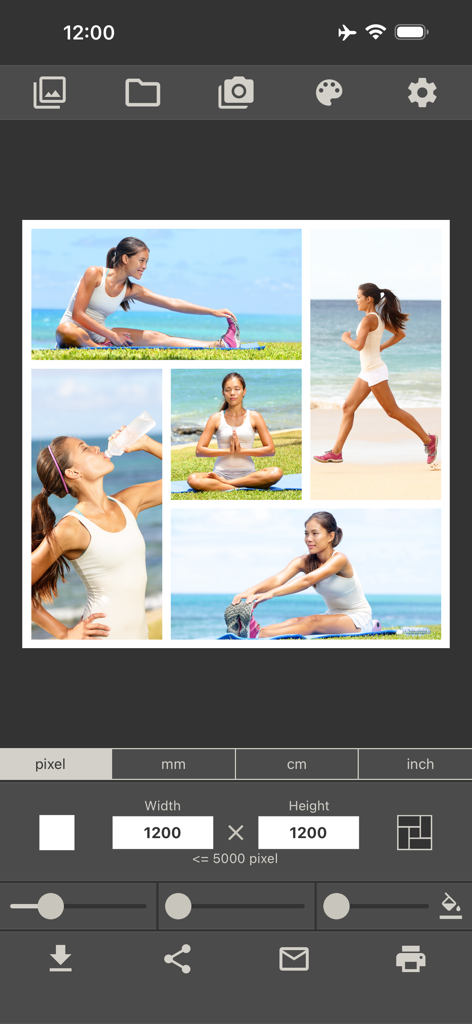
Interface of Photo Collage Maker app showing a fitness collage and dimension settings.
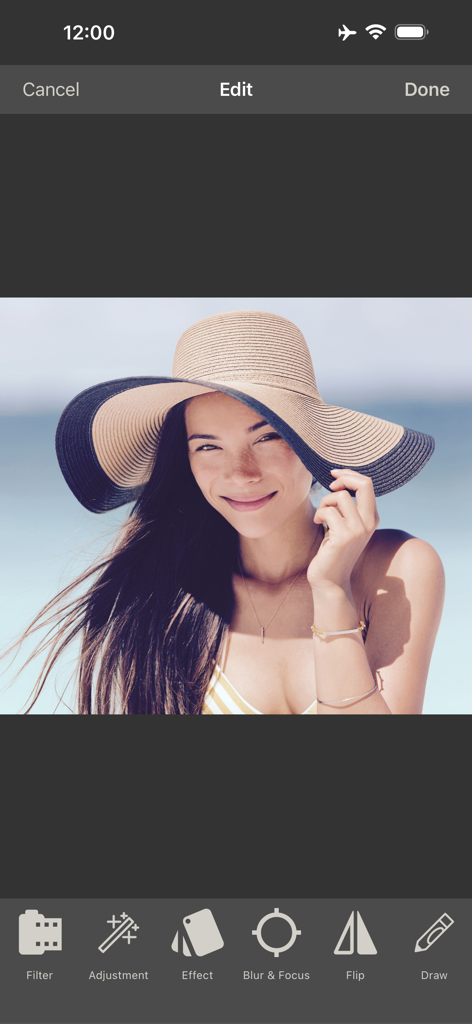
Mobile interface showing photo editing tools like filters and effects for creating a collage
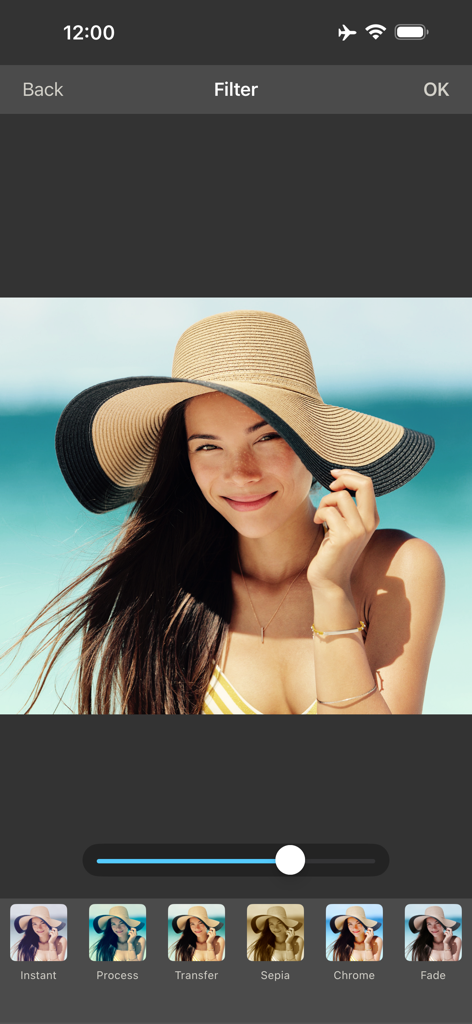
Photo filter options in the Photo Collage Maker and Printer app editing screen
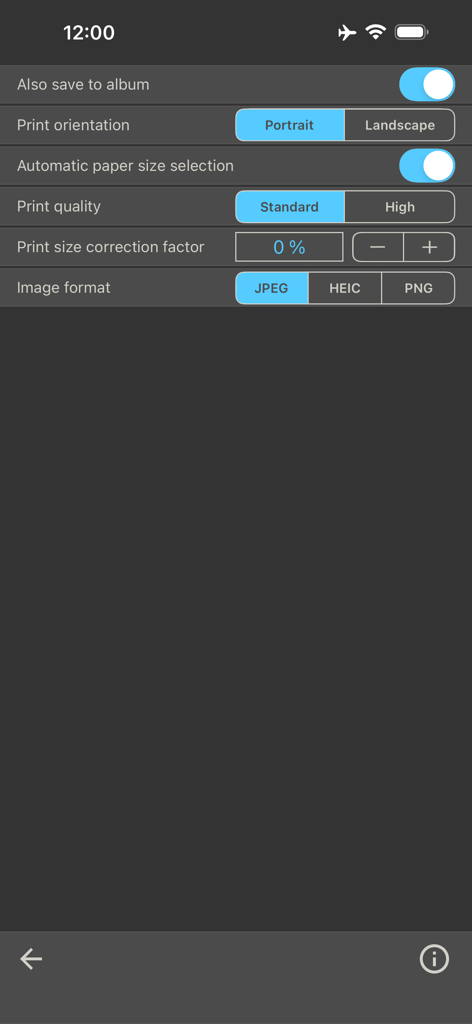
Settings menu of the Photo Collage Maker app showing print orientation and image format options
Description
Download
More Like This
Apps with similar features and user experience

SCRL: Photo Collage Maker
Appostrophe AB

PhotoGrid: Video Collage Maker
JUPITER PALACE PTE. LTD.

Layout for Instagram: Collage
Shamble, Inc.

Photo Collage Maker: InCollage
SHANTANU PTE. LTD.

TicPic
Zhuhai Kuxiong Network Technology Co., Ltd.

Collage Maker: CollagePlus
Shamble, Inc.

Photo Collage Montage Maker
Honk Honk Punch Pty Ltd

Photo Collage Maker & Creator
Honk Honk Punch Pty Ltd

Photo Collage Montage & Layout
Honk Honk Punch Pty Ltd
This page is not an official page of the app or its developer, but an independent editorial publication created for informational and commentary purposes. Unless expressly stated otherwise, neither the app nor its developer is affiliated with, endorsed by, sponsored by, authorized by, or otherwise officially connected with MWM, Apple, Google Play, the app publisher, or the app's developer, and nothing on this page implies that the app was developed using MWM's services. Any trademarks, logos, screenshots, and other content remain the property of their respective owners.