
This page is not an official page of the app or its developer, but an independent editorial publication created for informational and commentary purposes. Unless expressly stated otherwise, neither the app nor its developer is affiliated with, endorsed by, sponsored by, authorized by, or otherwise officially connected with MWM, Apple, Google Play, the app publisher, or the app's developer, and nothing on this page implies that the app was developed using MWM's services. Any trademarks, logos, screenshots, and other content remain the property of their respective owners.


Photo Collage Maker・Pic Layout
Your photos, instantly compelling. This app turns a jumble of moments into a single, shareable statement.
Downloads
1M+User Rating
Total Ratings
14.6KPublisher
Category
Photo & VideoLocales
22Latest Version
2.1.1Size
63.9 MBFirst Released
Jan 10, 2024An analysis of core functionalities and their impact on the target audience's creative workflow.
App Feature Evaluation: Photo Collage Maker・Pic Layout
High-Quality Export for Sharing
The app provides high-quality export options, ensuring that created collages are perfectly optimized for sharing across social media platforms or for preserving as digital keepsakes, meeting the desire for "ready-to-post" content.
Diverse Template Collection
This tool features a broad selection of templates, from minimalist grids to themed layouts, allowing users to rapidly generate stylish and visually appealing collages for any occasion without needing design expertise.
Clean and User-Friendly Interface
It allows users to navigate an organized and streamlined interface, promoting a distraction-free creation process that aligns with the need for an "intuitive, user-friendly tool."
Customizable Design Elements
The app provides flexible design options, enabling users to fine-tune specifics like spacing, proportions, and border styles to personalize their collages and make them "feel personal, stylish."
Frequently Asked Questions
Everything you need to know about Photo Collage Maker・Pic Layout
What is Photo Collage Maker・Pic Layout?
Photo Collage Maker・Pic Layout is an intuitive app that helps users create stylish photo collages. It features an easy-to-use interface and tools to transform favorite photos into polished layouts quickly.
Does Photo Collage Maker・Pic Layout offer templates?
Yes, Photo Collage Maker・Pic Layout offers a diverse collection of templates. These range from minimal grids to themed layouts for various moods or occasions, enabling users to create polished collages.
Can I edit photos within Photo Collage Maker・Pic Layout?
Yes, Photo Collage Maker・Pic Layout includes essential editing tools. Users can flip, rotate, resize, and freely reposition photos within their collages for perfect composition.
How do I manage subscriptions for Photo Collage Maker・Pic Layout?
Users manage Photo Collage Maker・Pic Layout subscriptions and turn off auto-renewal in their App Store account settings after purchase. Cancellations are also handled through Apple ID settings.
What design options are available in Photo Collage Maker・Pic Layout?
Photo Collage Maker・Pic Layout provides flexible design options. Users can adjust spacing, proportions, and border styles to customize every detail of their photo collages.
Does Photo Collage Maker・Pic Layout support themed collages?
Yes, Photo Collage Maker・Pic Layout supports themed collages. It offers themed layouts for occasions such as travel, birthdays, fashion, and holidays, as seen in its template collections.
How many layouts does Photo Collage Maker・Pic Layout offer?
Photo Collage Maker・Pic Layout offers over 300 layouts. This collection includes both classic and stylish grid options, providing extensive choices for collage creation.
Where can I find the Privacy Policy for Photo Collage Maker・Pic Layout?
The Privacy Policy for Photo Collage Maker・Pic Layout is available at https://polbudapp.com/policy.html. This link provides detailed information on data handling.
Does Photo Collage Maker・Pic Layout forfeit unused free trial periods upon subscription purchase?
Yes, any unused portion of a free trial period for Photo Collage Maker・Pic Layout is forfeited when a user purchases a subscription. This policy applies upon conversion.
Can Photo Collage Maker・Pic Layout export high-quality images?
Photo Collage Maker・Pic Layout enables high-quality exports. These are ideal for sharing on social media platforms or for saving cherished moments in a curated format directly from the app.
The following screenshots and description are sourced directly from the app's official store listing and are the property of the app developer.
App Store
Screenshots
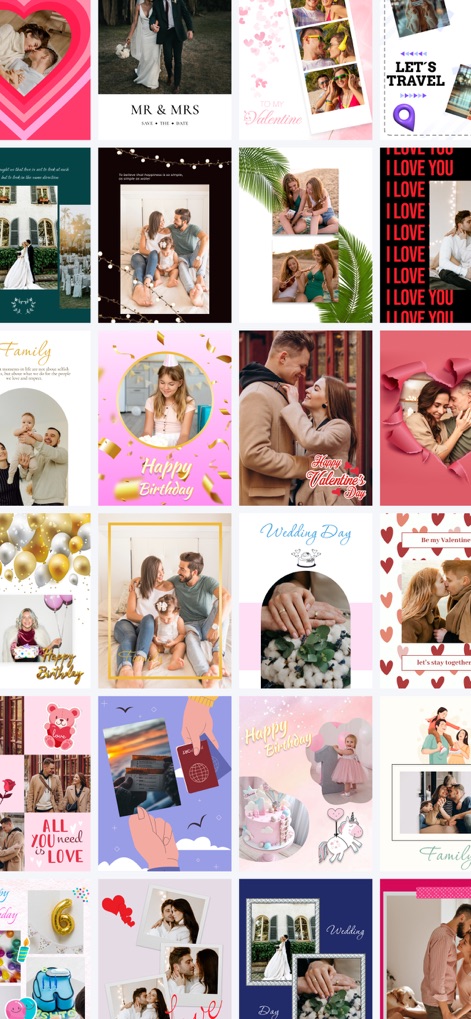
Explore a wide array of creative collage examples and discover diverse themes for every special moment or occasion.
Collage Inspiration Gallery
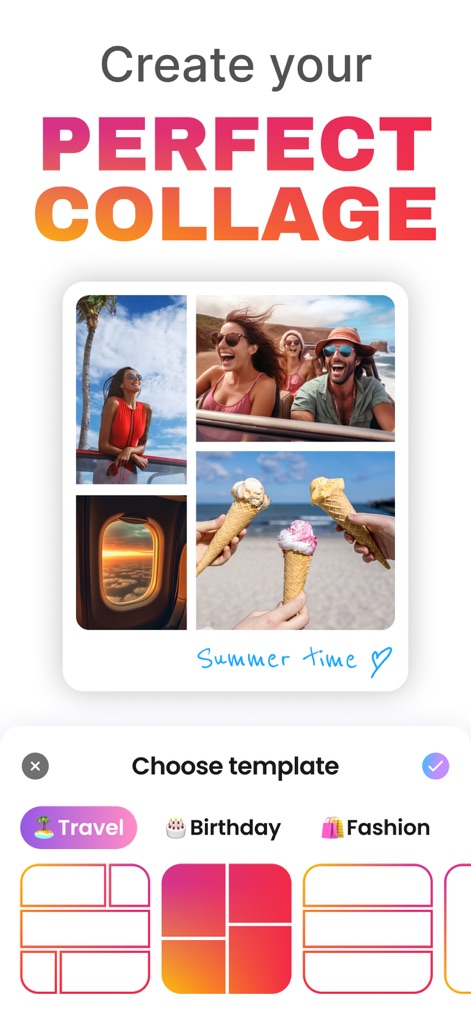
The app guides users to create stunning collages with a clear prompt and an intuitive template selection menu featuring various categories.
Effortless Collage Creation
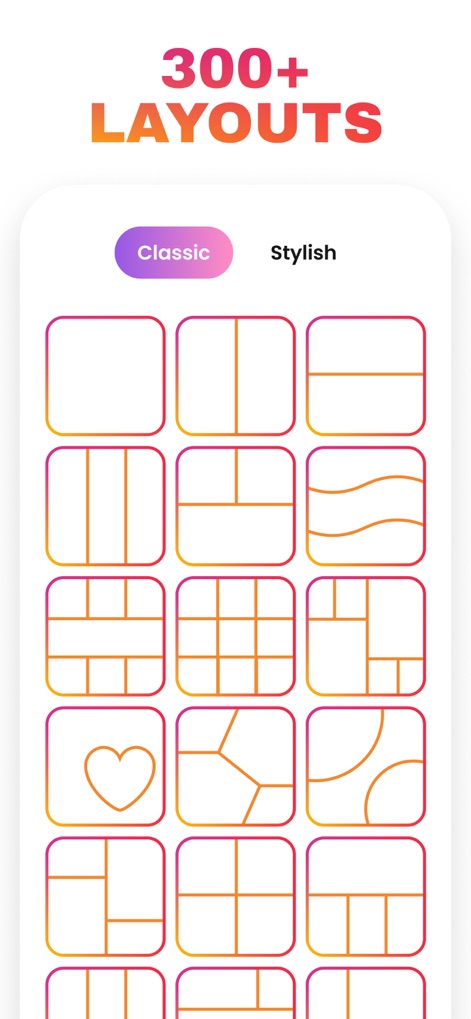
Discover an extensive collection of over 300 layouts, ranging from classic grid designs to more stylish and artistic compositions for unique creations.
Diverse Layout Options
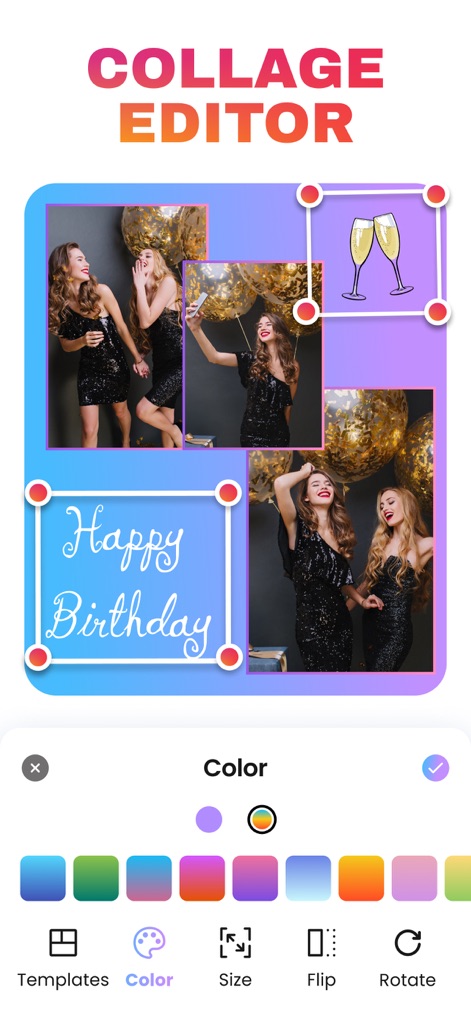
Users can easily customize their collages within the editor, utilizing essential editing tools like color selection and image rotation for precise adjustments.
Intuitive Editing Tools
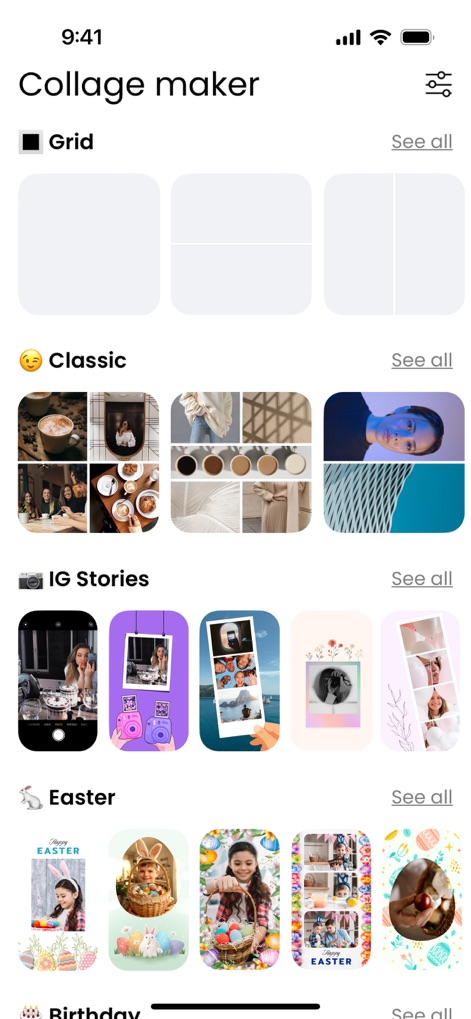
Navigate a comprehensive collection of pre-designed templates, categorized into themes like "IG Stories" and "Easter" for quick access and inspiration.
Organized Template Browser
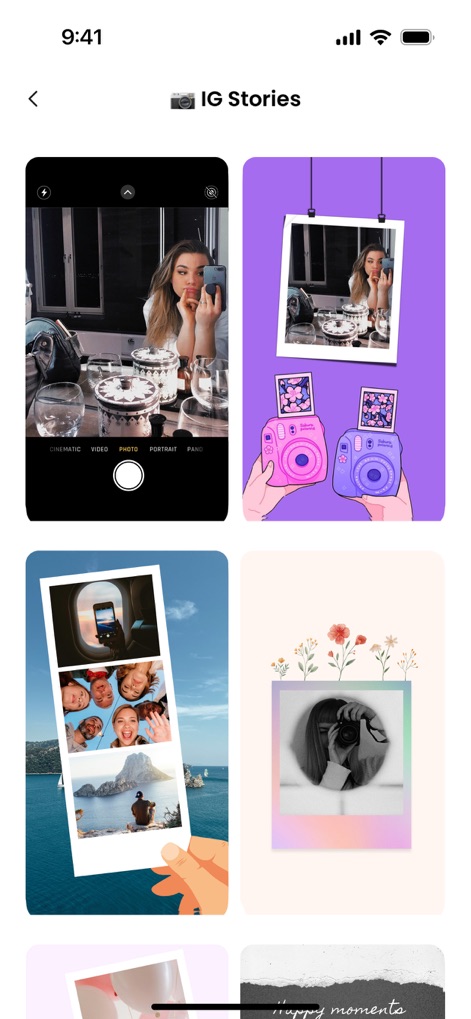
Explore dedicated templates optimized for "IG Stories", offering unique vertical layouts and various visual styles to enhance social media sharing.
Social-Ready Story Templates
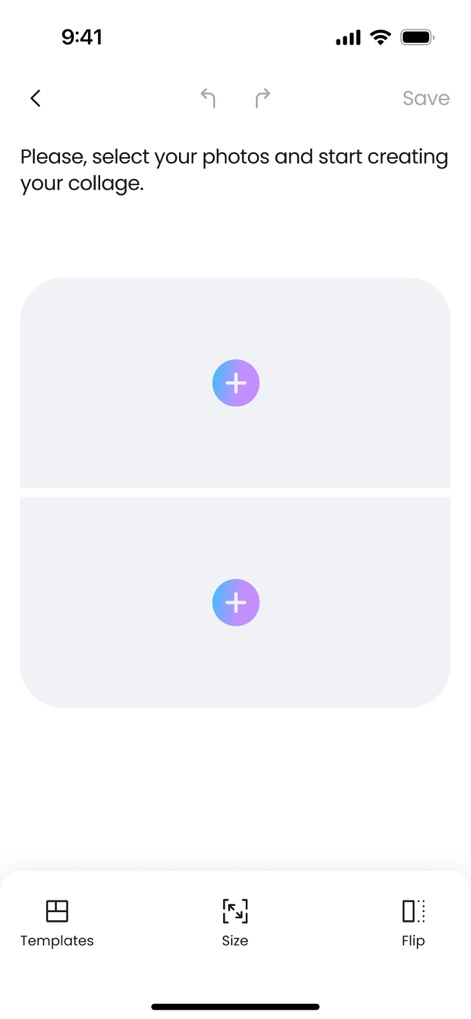
The app provides a clear prompt to begin by selecting photos and offers immediate access to layout "Templates" and sizing options.
Simple Photo Selection
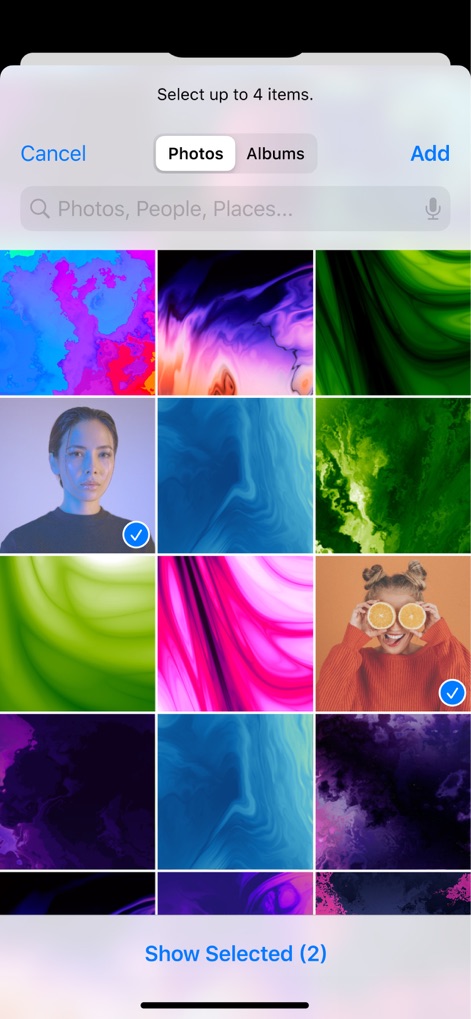
Effortlessly choose images from the device's photo library, allowing users to select multiple items for their collage creations.
Seamless Photo Import
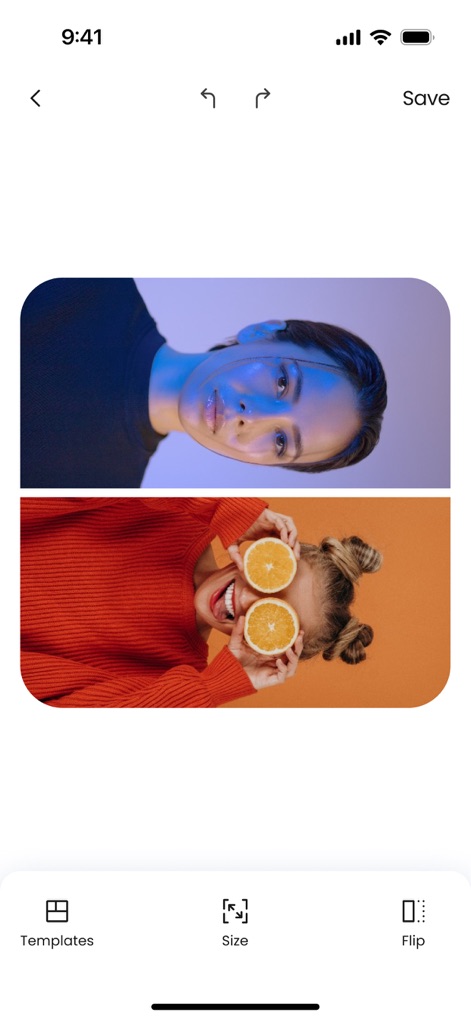
Witness how selected images are instantly arranged into a chosen layout, with accessible editing options like "Size" and "Flip" for further refinement.
Dynamic Image Placement
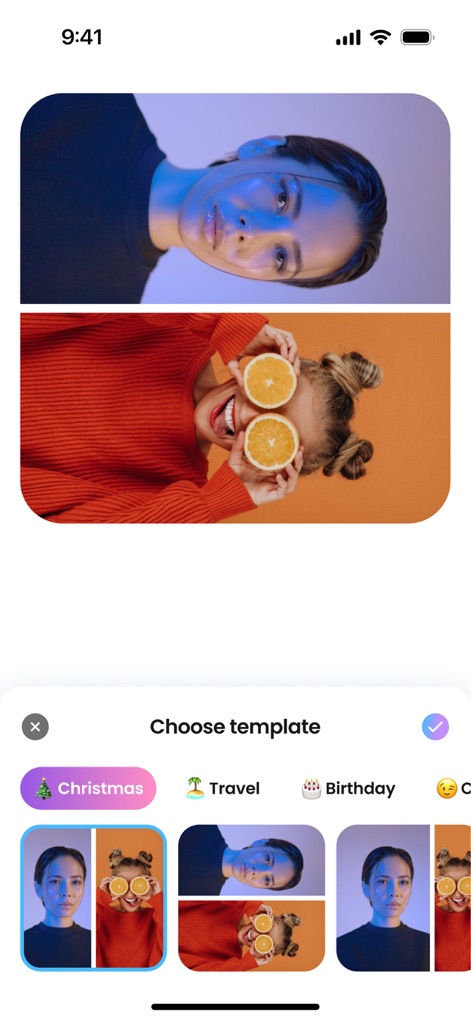
Easily browse and select from a horizontal array of diverse templates, sorted by categories such as "Christmas" and "Travel" for swift design choices.
Quick Template Browsing
Description
Download
More Like This
Apps with similar features and user experience

SCRL: Photo Collage Maker
Appostrophe AB

PhotoGrid: Video Collage Maker
JUPITER PALACE PTE. LTD.

Layout for Instagram: Collage
Shamble, Inc.

Photo Collage Maker: InCollage
SHANTANU PTE. LTD.

TicPic
Zhuhai Kuxiong Network Technology Co., Ltd.

Collage Maker: CollagePlus
Shamble, Inc.

Photo Collage Montage Maker
Honk Honk Punch Pty Ltd

Photo Collage Maker & Creator
Honk Honk Punch Pty Ltd

Photo Collage Montage & Layout
Honk Honk Punch Pty Ltd
This page is not an official page of the app or its developer, but an independent editorial publication created for informational and commentary purposes. Unless expressly stated otherwise, neither the app nor its developer is affiliated with, endorsed by, sponsored by, authorized by, or otherwise officially connected with MWM, Apple, Google Play, the app publisher, or the app's developer, and nothing on this page implies that the app was developed using MWM's services. Any trademarks, logos, screenshots, and other content remain the property of their respective owners.