
This page is not an official page of the app or its developer, but an independent editorial publication created for informational and commentary purposes. Unless expressly stated otherwise, neither the app nor its developer is affiliated with, endorsed by, sponsored by, authorized by, or otherwise officially connected with MWM, Apple, Google Play, the app publisher, or the app's developer, and nothing on this page implies that the app was developed using MWM's services. Any trademarks, logos, screenshots, and other content remain the property of their respective owners.

Photo Print: CVS Quick Prints
Skip the registration and credit cards. Simply select your favorite memories from your phone or Instagram and pick up professional Kodak prints at a CVS or Target near you today.
Downloads
1M+User Rating
Total Ratings
77K+Publisher
Category
ShoppingLocales
12Latest Version
8.4.37Size
132.3 MBFirst Released
Jul 27, 2018Turn Memories Into Prints in Minutes
The easiest way for busy parents and memory-keepers to get professional Kodak quality prints from their phone with zero hassle.
Ready for Pickup in 1 Hour
Order on the go and pick up your photos at over 10,000 CVS or Target locations while you do your weekly shopping run.
No Account or Credit Card Required
Skip the tedious registration and payment forms. Simply select your photos and pay at the store only when you are 100% satisfied.
Frequently Asked Questions
Everything you need to know about Photo Print: CVS Quick Prints
How do I print photos using Photo Print: CVS Quick Prints?
Yes, Photo Print: CVS Quick Prints allows users to print photos in five steps: select, crop/resize, choose size/quantity, submit to a nearby CVS or Target, and pick up in one hour.
Which stores support photo pickup with Photo Print: CVS Quick Prints?
Photo Print: CVS Quick Prints supports photo pickup at over 10,000 CVS and Target stores. Users select their preferred store during the order submission process.
How fast can I pick up my photo prints from Photo Print: CVS Quick Prints?
Yes, users can pick up their photo prints from CVS or Target stores within one hour or less after submitting their order through Photo Print: CVS Quick Prints.
Is a credit card required to order prints with Photo Print: CVS Quick Prints?
No, a credit card is not required to order prints using Photo Print: CVS Quick Prints. Users pay when they pick up their photos at CVS or Target stores.
What photo sizes are available through Photo Print: CVS Quick Prints?
Photo Print: CVS Quick Prints offers standard 4x6, 6x8, and 8x10 prints, along with 6x6 and 8x8 square prints specifically for Instagram photos.
Can I print photos from Facebook or Instagram using Photo Print: CVS Quick Prints?
Yes, Photo Print: CVS Quick Prints allows users to select and print photos directly from their Facebook and Instagram accounts, in addition to their device's photo folders.
What is the quality guarantee for prints from Photo Print: CVS Quick Prints?
Photo Print: CVS Quick Prints guarantees 100% professional quality photo prints on Kodak paper. Users receive a free reprint if not entirely satisfied upon pickup.
Does Photo Print: CVS Quick Prints provide order status notifications?
Yes, Photo Print: CVS Quick Prints notifies users when their orders are ready for pickup. Users can also check their order status within the app.
How can I contact support for Photo Print: CVS Quick Prints?
Users can contact support for Photo Print: CVS Quick Prints within the app or by sending an email to support@quickprints.co. A solution is provided within 24 hours.
Is Photo Print: CVS Quick Prints a top-rated photo printing application?
Yes, Photo Print: CVS Quick Prints is identified as the #1 Photo Print App. It has a rating of 4.8 stars based on 70K ratings.
What is the price for a 4x6 print using Photo Print: CVS Quick Prints?
Yes, a 4x6 print costs $0.29 when ordered through Photo Print: CVS Quick Prints. Payment occurs at the CVS or Target store during pickup.
The following screenshots and description are sourced directly from the app's official store listing and are the property of the app developer.
App Store
Screenshots
CVS Pharmacy holiday advertisement for the number one rated photo print app with a 4.8 star rating
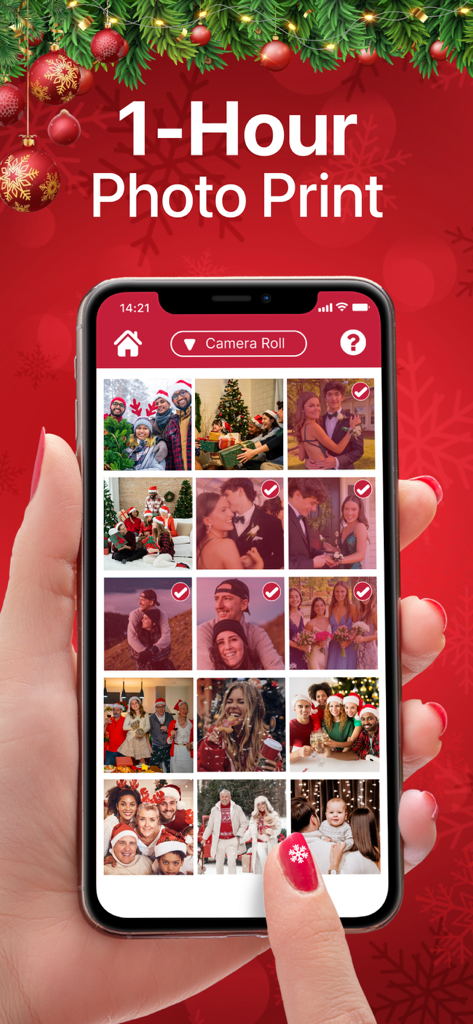
Hand selecting Christmas photos on a mobile app for one hour printing
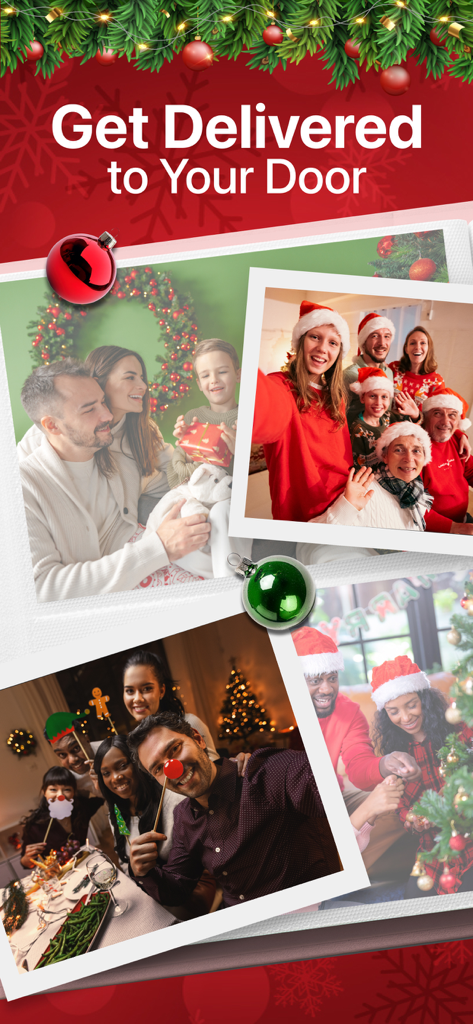
Christmas themed family photo prints with a text overlay promoting home delivery
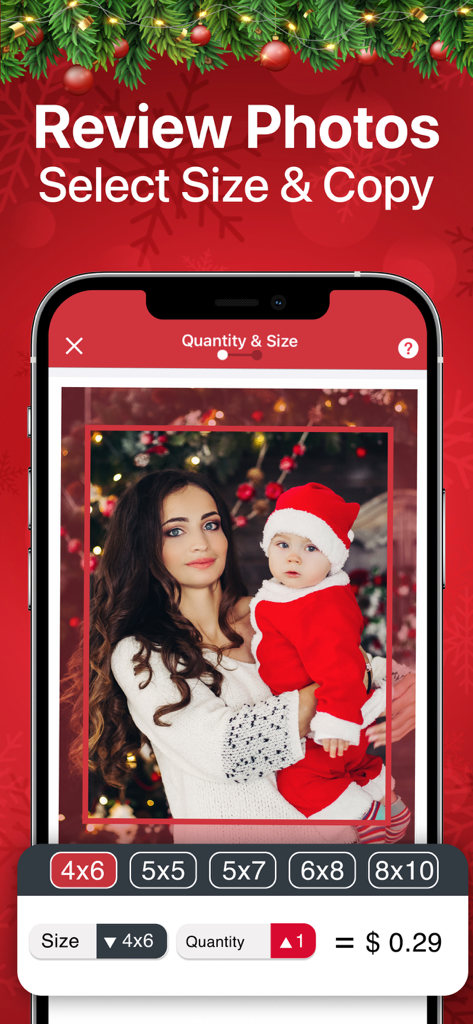
Mobile app interface showing photo print size selection with a Christmas baby picture
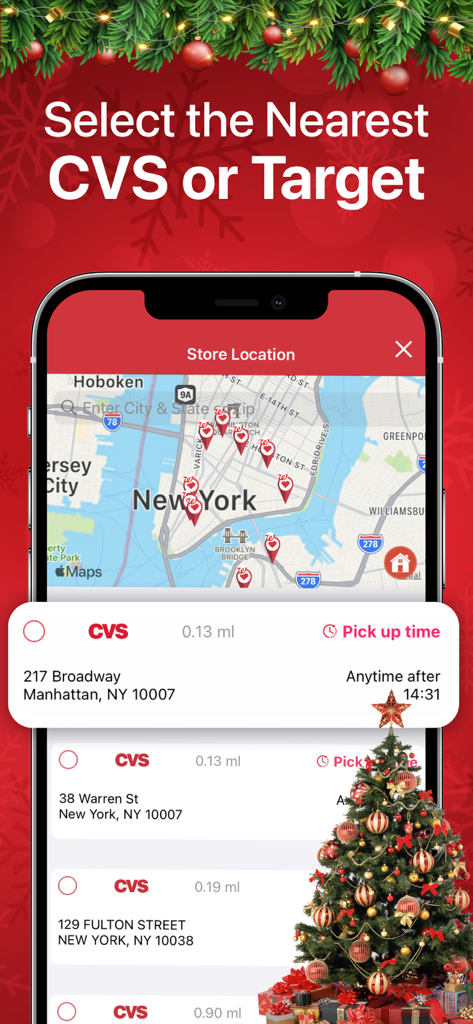
Mobile app screen showing a map of CVS and Target store locations for 1-hour photo pickup in New York
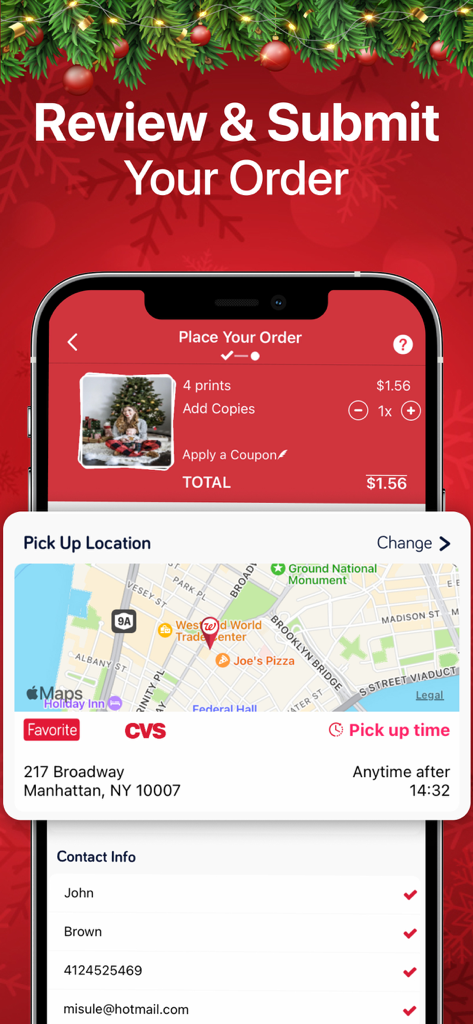
Mobile app interface showing the final review and submission step for ordering photo prints with a store pickup map
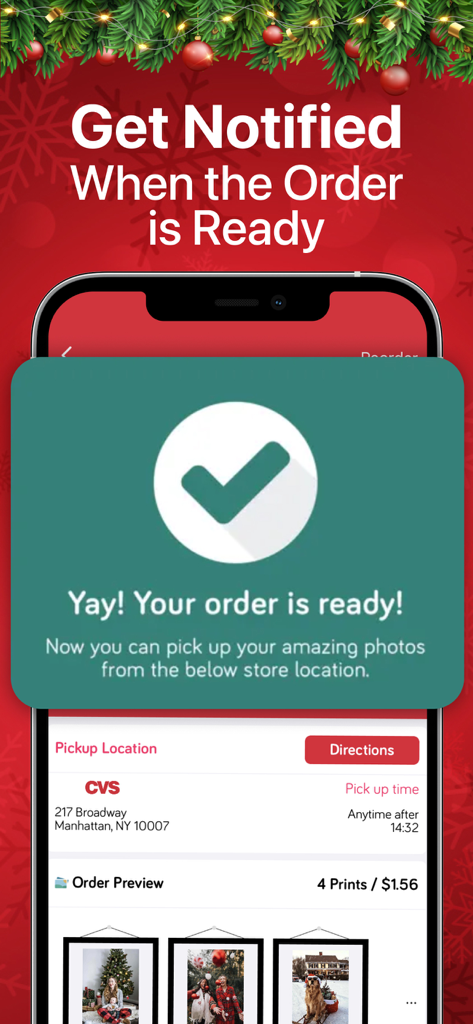
Mobile app notification showing a photo print order is ready for pickup at a CVS store
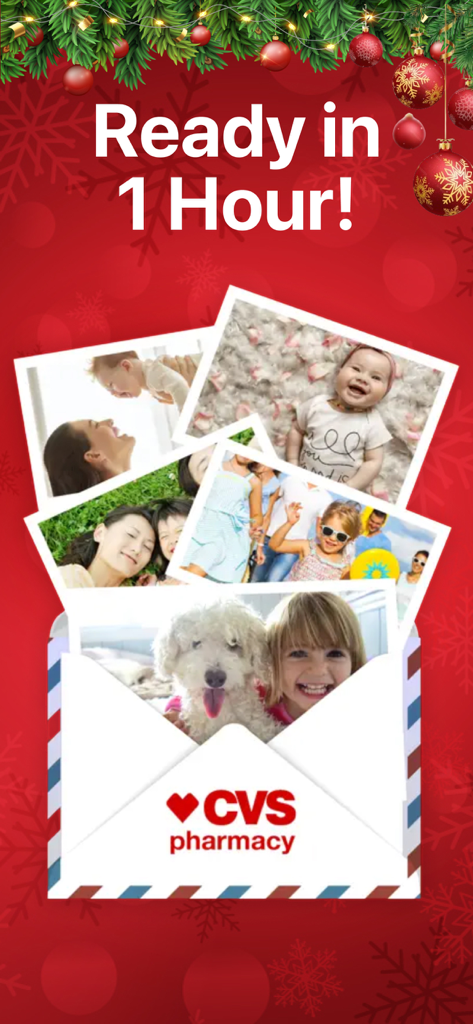
CVS Quick Prints holiday promotion showing family photos ready in one hour
Description
Download
More Like This
Apps with similar features and user experience

Princh
Princh ApS
7-Eleven Multicopy
FUJIFILM Business Innovation Corp.

COPIX
KOPIKS, OOO
Network Print
Sharp Corporation

ファミマネットワークプリント
FamilyMart Co.,Ltd.
FUJIFILM WPS Photo Transfer
FUJIFILM Corporation

printingbox
VISIONOTS Co.,Ltd

Wepa Print
WEPA Inc.

Xerox® Workplace
Xerox Corporation
This page is not an official page of the app or its developer, but an independent editorial publication created for informational and commentary purposes. Unless expressly stated otherwise, neither the app nor its developer is affiliated with, endorsed by, sponsored by, authorized by, or otherwise officially connected with MWM, Apple, Google Play, the app publisher, or the app's developer, and nothing on this page implies that the app was developed using MWM's services. Any trademarks, logos, screenshots, and other content remain the property of their respective owners.