
This page is not an official page of the app or its developer, but an independent editorial publication created for informational and commentary purposes. Unless expressly stated otherwise, neither the app nor its developer is affiliated with, endorsed by, sponsored by, authorized by, or otherwise officially connected with MWM, Apple, Google Play, the app publisher, or the app's developer, and nothing on this page implies that the app was developed using MWM's services. Any trademarks, logos, screenshots, and other content remain the property of their respective owners.


Princh
Skip the cables and public computers. Securely locate nearby printers in libraries and shops, pay in-app, and collect your documents in seconds.
Downloads
616K+User Rating
Total Ratings
20K+Publisher
Category
ProductivityLocales
12Latest Version
2.40Size
22.1 MBFirst Released
Jul 28, 2017Professional Printing at Your Fingertips
The smart way for students and digital nomads to handle documents. No cables, no drivers, and no expensive ink—just seamless printing when you need it most.
Locate in Seconds
Find the nearest public printer at libraries and print shops using our interactive map, perfect for when you're on the move.
Scan & Print
Forget complex drivers. Simply scan the QR code on any Princh printer to link your device and release your documents instantly.
Frequently Asked Questions
Everything you need to know about Princh
What is the Princh app?
Princh is an app that allows users to locate nearby printers and print documents directly from their mobile device. It connects to a network of publicly available printers.
How do I print a document using the Princh app?
To print with Princh, locate a printer, open your document, tap “open in” Princh, select the printer by ID or QR code, pay for the print job, and then collect your document.
How can I find a Princh printer near me?
Yes, the Princh app allows users to locate nearby printers on the Princh map. Users can also access the "Find Printers" option directly from the main screen.
What payment methods does Princh accept?
Princh accepts payment for print jobs via credit card, MobilePay, and an "Order Print" option. These payment methods are available during the final steps of the printing process.
Where are Princh printers typically located?
Princh printers are publicly available in various locations, including libraries and print shops. The Princh network provides access to these establishments.
Can I track my print jobs with Princh?
Yes, the Princh app includes a "Print Job History" feature. Users can access this function from the main screen of the application to review their past print jobs.
How do I connect to a printer using the Princh app?
Yes, users connect to a Princh printer by entering the printer ID or by scanning a QR code located by the printer. The app also provides directions to a chosen printer.
The following screenshots and description are sourced directly from the app's official store listing and are the property of the app developer.
App Store
Screenshots
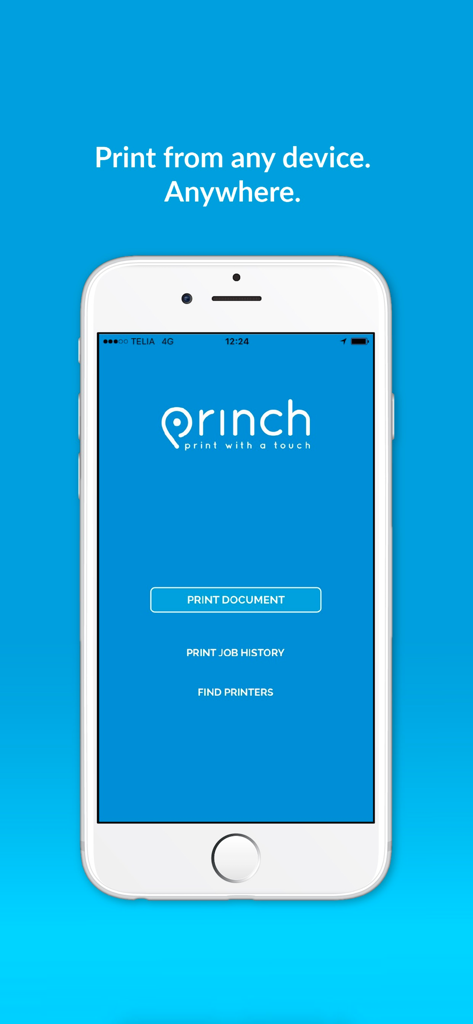
Princh mobile app home screen with options to print document and find printers.
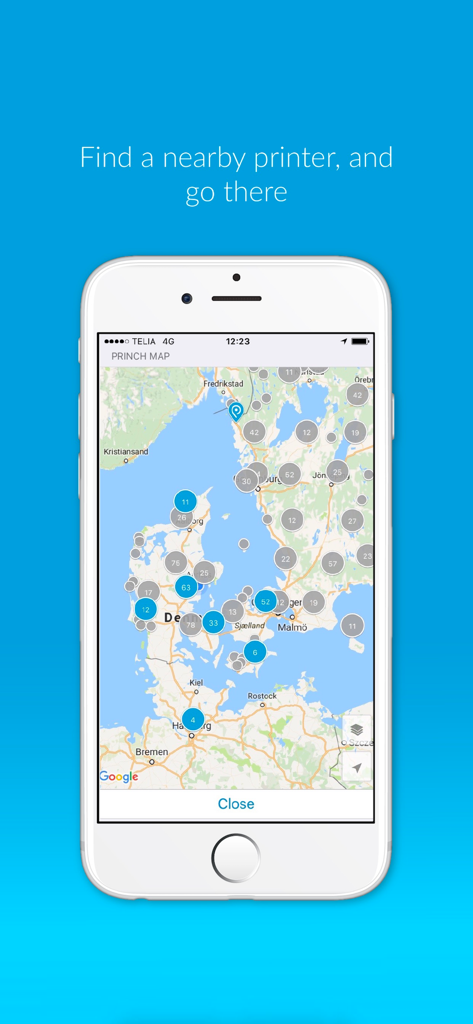
A mobile screen showing the Princh app map with multiple markers indicating nearby public printer locations.
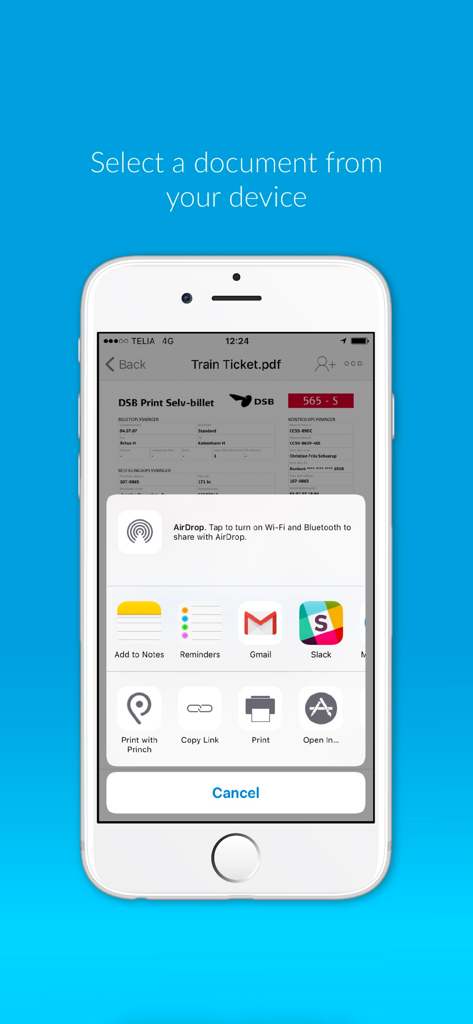
Princh app interface for selecting a document to print from a mobile device.
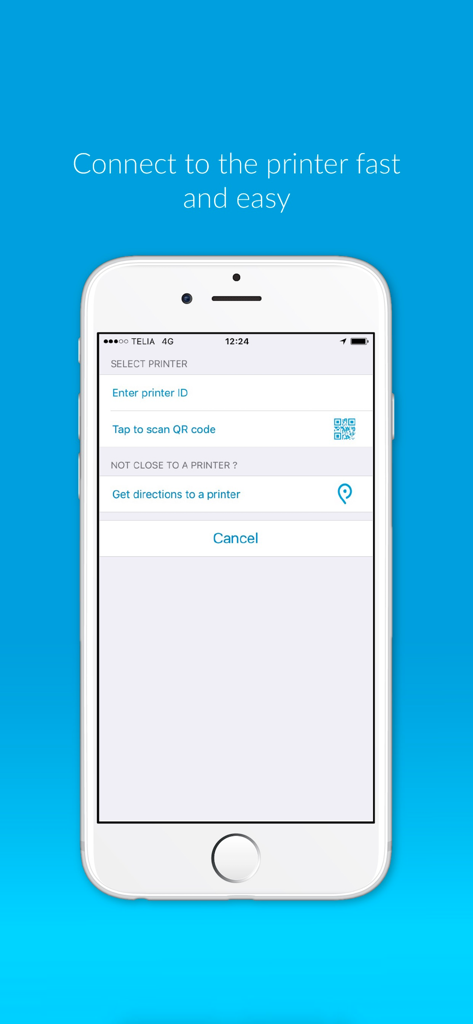
Interface of the Princh app showing how to connect to a printer via QR code or printer ID
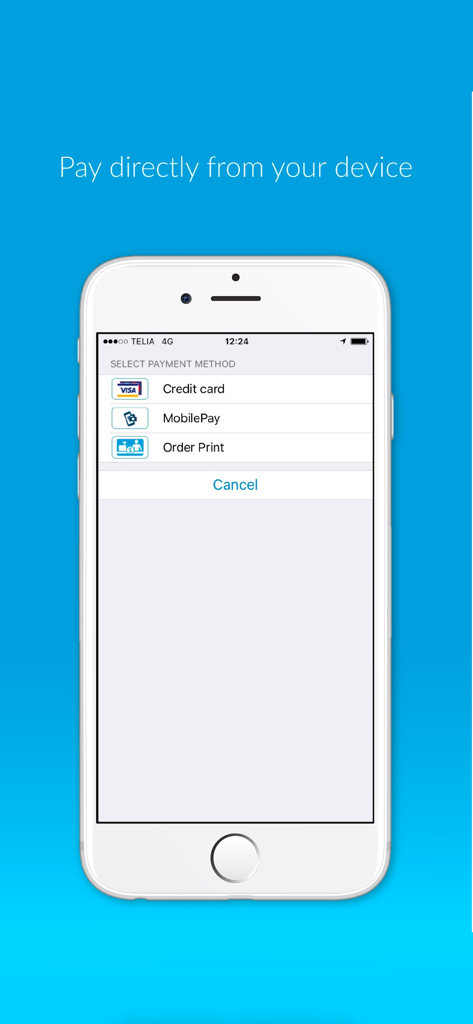
iPhone screen displaying the Princh app payment method selection menu including credit card and mobile pay options
Description
Download
More Like This
Apps with similar features and user experience

Photo Print: CVS Quick Prints
PlusMinusOne, Inc.
7-Eleven Multicopy
FUJIFILM Business Innovation Corp.

COPIX
KOPIKS, OOO
Network Print
Sharp Corporation

ファミマネットワークプリント
FamilyMart Co.,Ltd.
FUJIFILM WPS Photo Transfer
FUJIFILM Corporation

printingbox
VISIONOTS Co.,Ltd

Wepa Print
WEPA Inc.
Xerox® Workplace
Xerox Corporation
This page is not an official page of the app or its developer, but an independent editorial publication created for informational and commentary purposes. Unless expressly stated otherwise, neither the app nor its developer is affiliated with, endorsed by, sponsored by, authorized by, or otherwise officially connected with MWM, Apple, Google Play, the app publisher, or the app's developer, and nothing on this page implies that the app was developed using MWM's services. Any trademarks, logos, screenshots, and other content remain the property of their respective owners.