
This page is not an official page of the app or its developer, but an independent editorial publication created for informational and commentary purposes. Unless expressly stated otherwise, neither the app nor its developer is affiliated with, endorsed by, sponsored by, authorized by, or otherwise officially connected with MWM, Apple, Google Play, the app publisher, or the app's developer, and nothing on this page implies that the app was developed using MWM's services. Any trademarks, logos, screenshots, and other content remain the property of their respective owners.

Photo to Sketch Drawing Maker
Transform your favorite photos into professional pencil, charcoal, or ink sketches in just one click. Perfect for creating unique gifts, artistic social media posts, and high-resolution 4K prints without needing any drawing skills.
Downloads
966K+User Rating
Total Ratings
9K+Publisher
Category
Graphics & DesignLocales
9Latest Version
1.9.6Size
108.9 MBFirst Released
Jun 29, 2019Turn Your Favorite Photos into Hand-Drawn Masterpieces
Join over 500,000 creators using our one-click artistic filters to transform everyday snapshots into timeless pencil sketches and charcoal portraits.
One-Tap Artist Mastery
Instantly convert your family or pet photos into realistic pencil sketches. No drawing skills or complex editing required.
High-Res 4K Exports
Save your art in ultra-high resolution, making it easy to print and frame beautiful personalized gifts for your loved ones.
Frequently Asked Questions
Everything you need to know about Photo to Sketch Drawing Maker
What is the Photo to Sketch Drawing Maker app?
Photo to Sketch Drawing Maker is a photo processing app that converts photos into various pencil styles, including black and white and color pencil paintings. It also provides advanced photo processing functions.
Does Photo to Sketch Drawing Maker support 4K image processing?
Yes, Photo to Sketch Drawing Maker supports 4K image processing. Users can also select HD processing within the app for their photos.
What types of sketch and photo effects are available in Photo to Sketch Drawing Maker?
Photo to Sketch Drawing Maker offers effects like Ink, outline, stony, charcoal, pencil sketch, and cartoon. It also includes fancy image filters and various image adjustments.
Can I create color pencil drawings with Photo to Sketch Drawing Maker?
Yes, Photo to Sketch Drawing Maker allows users to convert photos into color pencil paintings. This feature is directly accessible within the app.
What are the subscription costs for Pencil Sketch Premium Membership?
Photo to Sketch Drawing Maker offers two premium subscription options: Weekly Premium for $6.99 USD per week and Yearly Premium for $39.99 USD per year.
Do Pencil Sketch Premium subscriptions auto-renew?
Yes, Pencil Sketch Premium subscriptions automatically renew unless auto-renew is turned off at least 24-hours before the current period ends. Account charges for renewal occur within 24-hours prior to the end of the period.
How can I manage my Pencil Sketch Premium subscription?
Users can manage their Pencil Sketch Premium subscriptions and turn off auto-renewal by accessing their Account Settings after purchase.
Where can I find the Terms of Use for Photo to Sketch Drawing Maker?
The Terms of Use for the Photo to Sketch Drawing Maker app are available at https://docs.qq.com/doc/DWGpNU2tFSXFpVHRJ.
Where is the Privacy Policy for Photo to Sketch Drawing Maker located?
The Privacy Policy for the Photo to Sketch Drawing Maker app is located at https://juejin.im/post/5bc05424f265da0aec227fa0.
The following screenshots and description are sourced directly from the app's official store listing and are the property of the app developer.
App Store
Screenshots
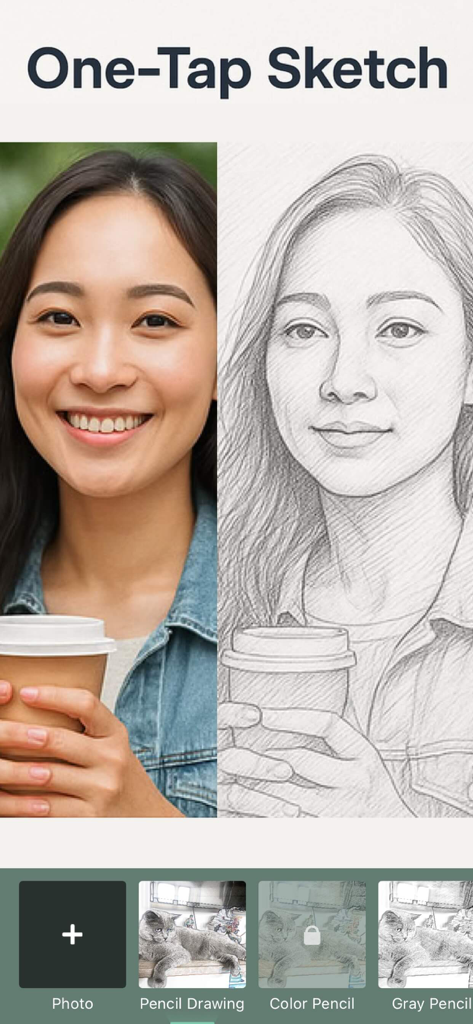
A split-screen comparison showing a original photo of a woman and its pencil sketch version
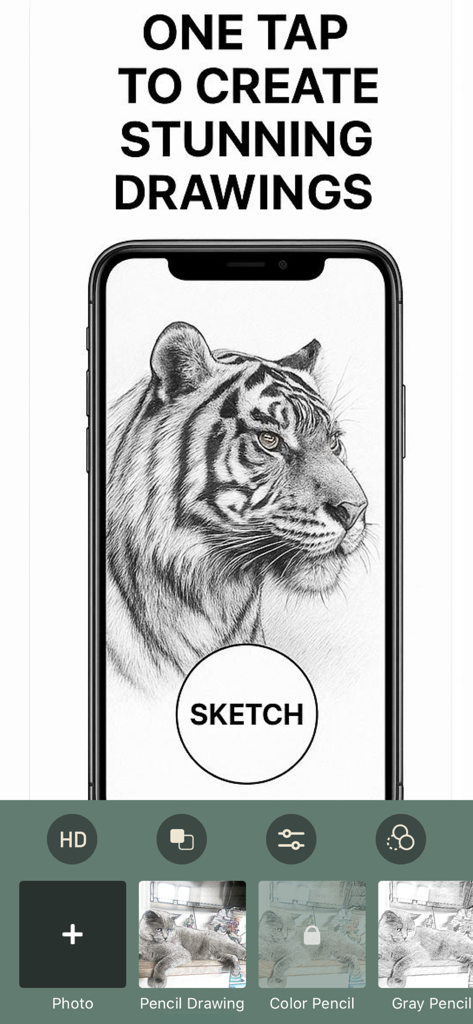
Smartphone screen showing a photo of a tiger converted into a high quality pencil sketch
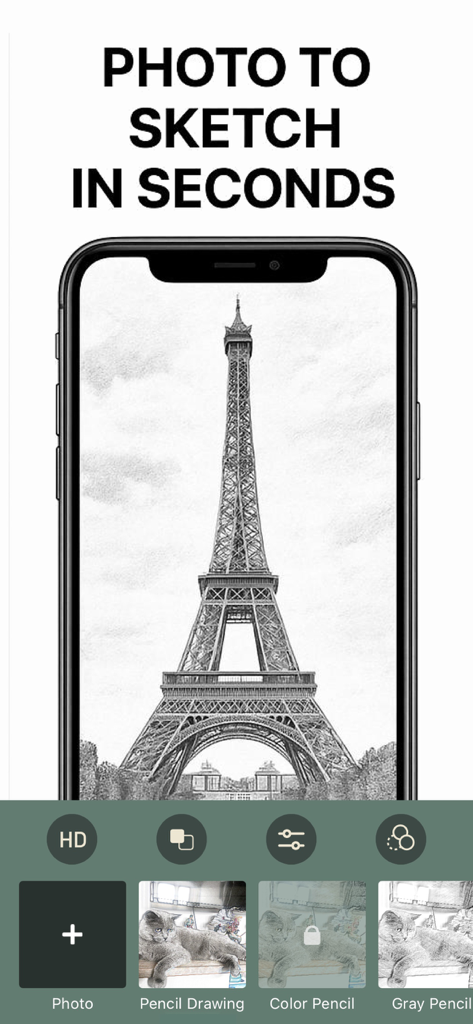
A mobile app interface showing a photo of the Eiffel Tower converted into a pencil sketch
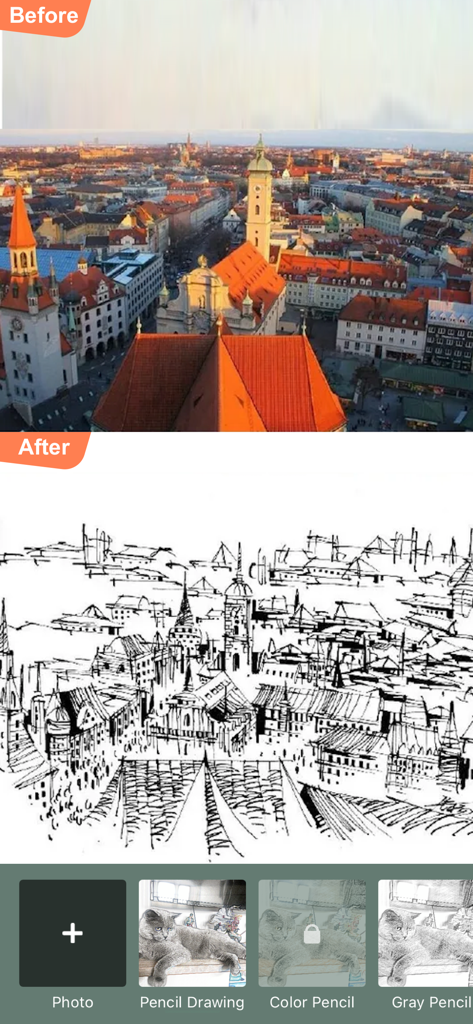
A before and after comparison of a city photo converted into a black and white pencil sketch
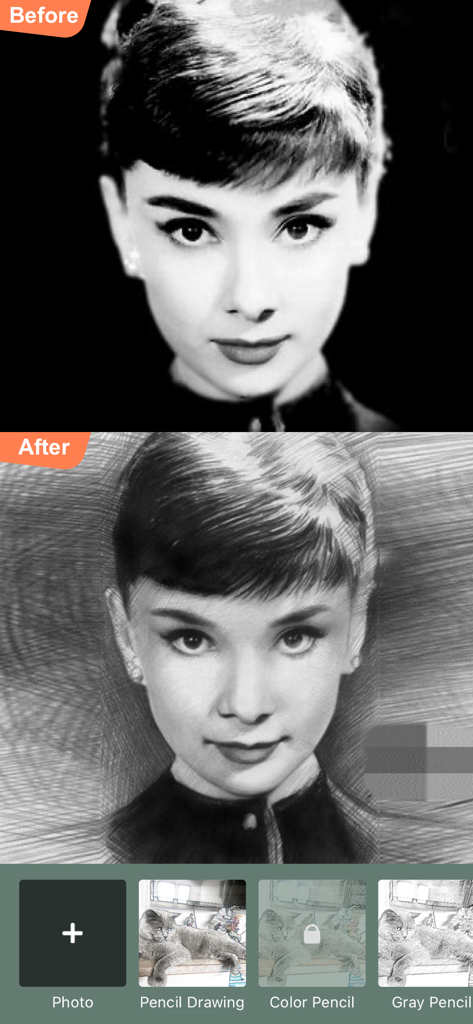
A comparison showing a black and white portrait photo converted into a pencil drawing
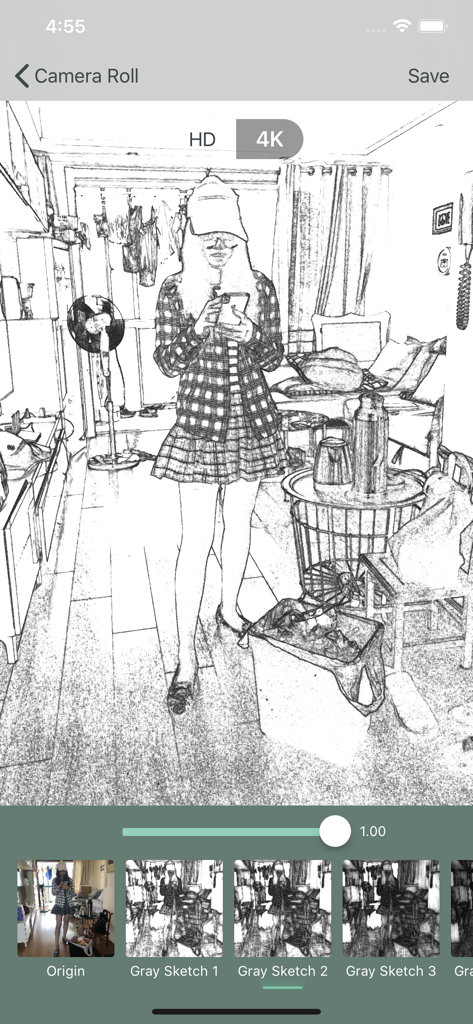
A mobile app interface showing a photo converted into a black and white pencil sketch with various filter options at the bottom
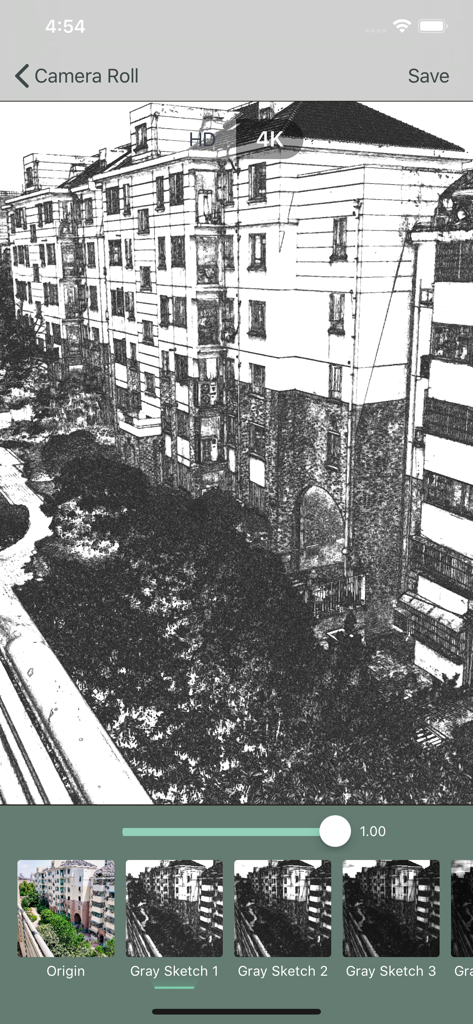
Mobile app interface converting a building photo into a high resolution pencil sketch
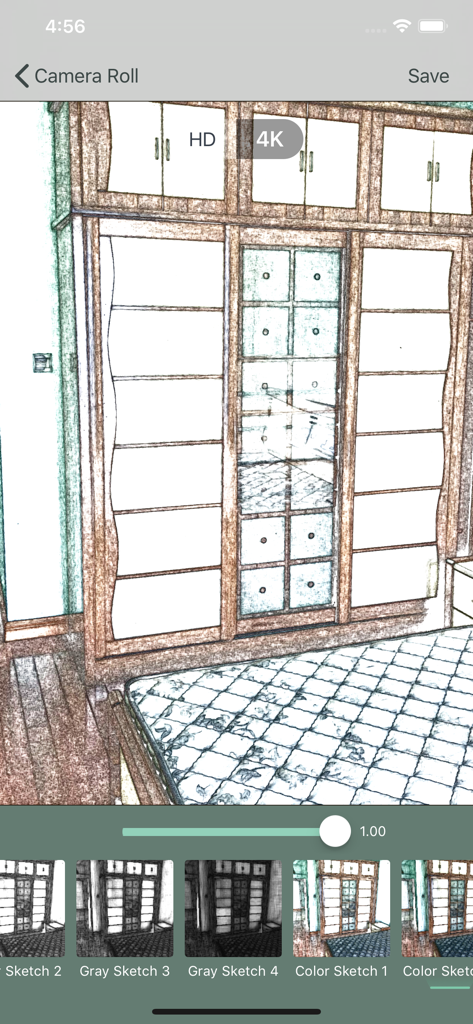
A color sketch filter applied to a room photo in the Photo to Sketch Drawing Maker app interface.
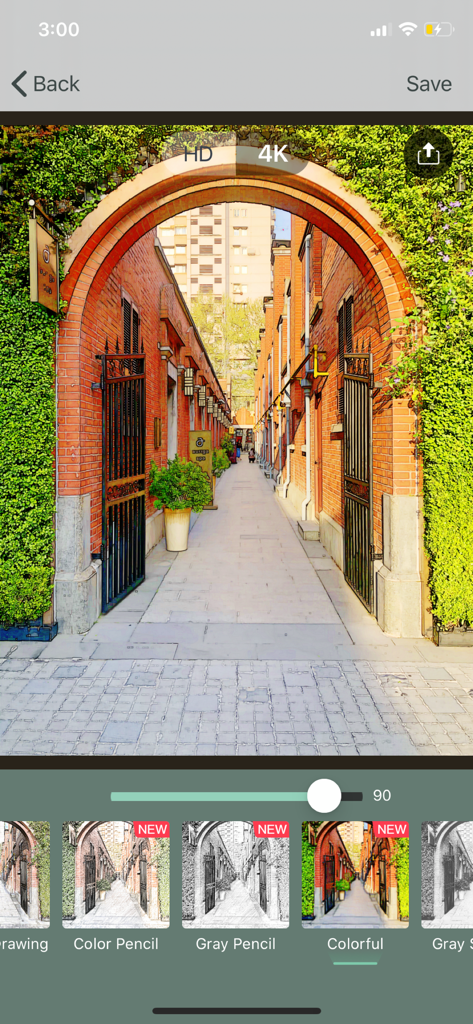
Mobile app interface showing a colorful sketch filter on an architectural photo
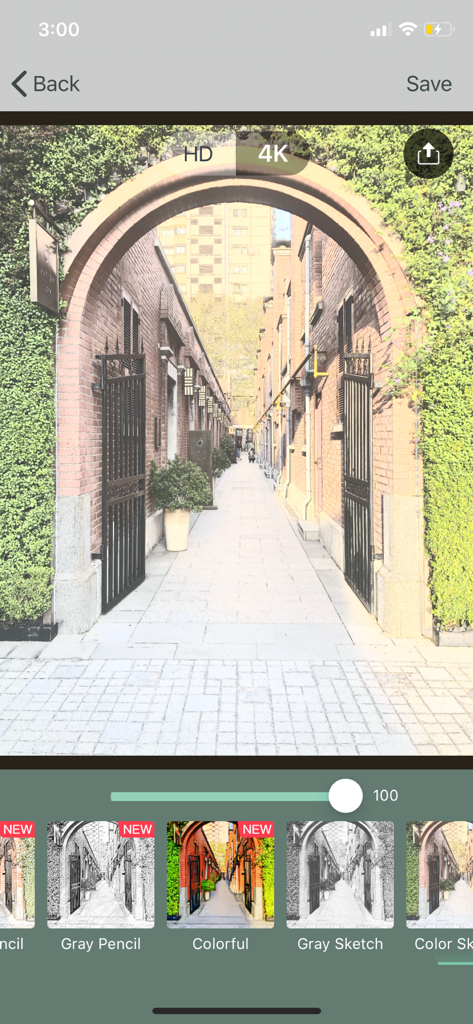
Mobile app interface showing a 4K sketch filter applied to a photo of a brick archway leading down a narrow street.
Description
Download
More Like This
Apps with similar features and user experience

WataameCamera
kenji hara
InFrame - Photo editor collage
INFRAME CO., LIMITED
MagicBrew: AI Photo Editor
Cardinal Blue Software, Inc
Graphite: Turn Photo to Sketch
Digital Masterpieces GmbH
BeCasso: Photo to Painting App
Digital Masterpieces GmbH

YingLow
立肯 郑
Colorify: Coloring Book Maker
YOYA MOBILE TEKNOLOJI ANONIM SIRKETI

Banana Studio: AI Photo Editor
Ozan Kilic

Artifex AI - AI photo Editor
Walrus Holdings(Hong Kong)Limited
This page is not an official page of the app or its developer, but an independent editorial publication created for informational and commentary purposes. Unless expressly stated otherwise, neither the app nor its developer is affiliated with, endorsed by, sponsored by, authorized by, or otherwise officially connected with MWM, Apple, Google Play, the app publisher, or the app's developer, and nothing on this page implies that the app was developed using MWM's services. Any trademarks, logos, screenshots, and other content remain the property of their respective owners.