
This page is not an official page of the app or its developer, but an independent editorial publication created for informational and commentary purposes. Unless expressly stated otherwise, neither the app nor its developer is affiliated with, endorsed by, sponsored by, authorized by, or otherwise officially connected with MWM, Apple, Google Play, the app publisher, or the app's developer, and nothing on this page implies that the app was developed using MWM's services. Any trademarks, logos, screenshots, and other content remain the property of their respective owners.

Photomator – Photo Editor
Experience desktop-grade RAW editing on your iPhone, iPad, and Mac. Enhance your shots with intelligent tools, seamless iCloud sync, and powerful AI features designed for the modern creator.
Downloads
1M+User Rating
Total Ratings
8K+Publisher
Category
Photo & VideoLocales
11Latest Version
3.4.12Size
793.4 MBFirst Released
Apr 9, 2019Professional Power at Your Fingertips
Experience the future of photo editing with AI-driven tools and desktop-class performance, designed exclusively for your favorite Apple devices.
Intelligent AI Enhancements
Instantly upscale resolution, remove noise, and select subjects with machine learning trained on 20 million professional photos.
True RAW Editing
Full support for 750+ RAW formats, including Apple ProRAW, giving you total nondestructive control over every pixel.
Frequently Asked Questions
Everything you need to know about Photomator – Photo Editor
What is Photomator?
Photomator is a powerful photo editing app designed for mobile devices. It includes cutting-edge color adjustments, AI-powered selections, support for over 750 RAW image formats, and tools for object removal and enhancing photo quality.
Does Photomator use AI for photo editing tasks?
Yes, Photomator utilizes AI for automatic subject, sky, and background selections, noise reduction (Denoise), increasing resolution (Super Resolution), removing color banding (Smart Deband), and intelligent auto-cropping.
Does Photomator support RAW image formats?
Yes, Photomator supports over 750 RAW image formats for opening and editing, including Apple ProRAW and compressed Fujifilm RAWs, allowing for comprehensive professional adjustments.
Can Photomator remove unwanted objects from photos?
Yes, Photomator includes a magical Repair tool that enables users to effortlessly remove unwanted objects from their photos, ensuring a clean and focused final image.
Is Photomator compatible across Mac, iPhone, and iPad?
Yes, Photomator offers seamless edit syncing across Mac, iPhone, and iPad via iCloud Drive. It is built natively for iOS and iPadOS 18, ensuring a consistent user experience.
Can I batch edit multiple photos using Photomator?
Yes, Photomator allows users to easily copy and paste edits between photos or batch edit hundreds of photographs at a time, significantly speeding up the editing workflow.
Where can I find the privacy policy for Photomator?
The privacy policy for Photomator is accessible through the provided link: https://www.apple.com/legal/privacy/en-ww/. This link outlines how user data is handled.
What types of color adjustment tools are available in Photomator?
Photomator provides extensive color adjustments including temperature, tint, exposure, contrast, brightness, hue, saturation, vibrance, clarity, texture, selective color, color balance, levels, curves, and RGB channel mixing.
Does Photomator include photo presets?
Yes, Photomator includes a variety of photographer-designed presets for styles like landscape and black and white. It also offers presets inspired by film photography to instantly alter image aesthetics.
Does Photomator offer automatic photo enhancement features?
Yes, Photomator can automatically enhance photos using a machine learning algorithm trained on 20 million professional photos. It also allows fine-tuning individual adjustments such as White Balance with a single tap.
The following screenshots and description are sourced directly from the app's official store listing and are the property of the app developer.
App Store
Screenshots
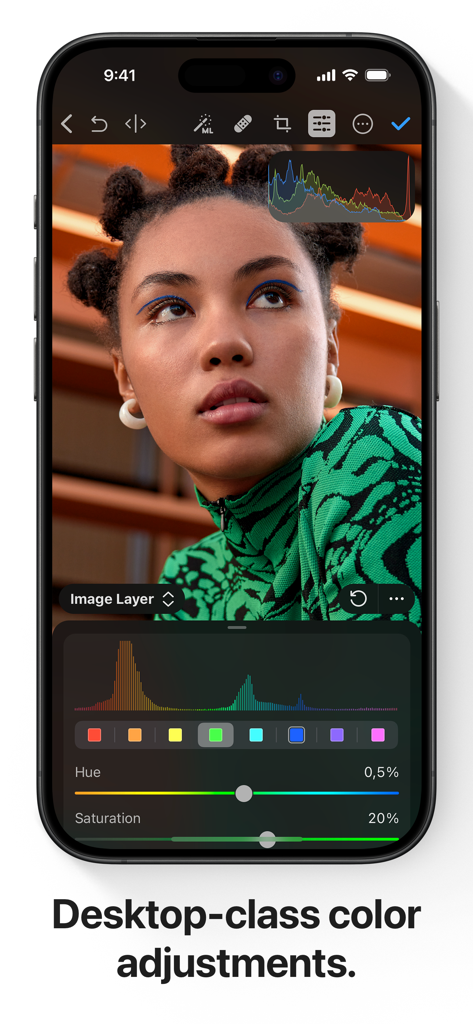
iPhone screen showing professional color adjustment tools and a portrait in Photomator.
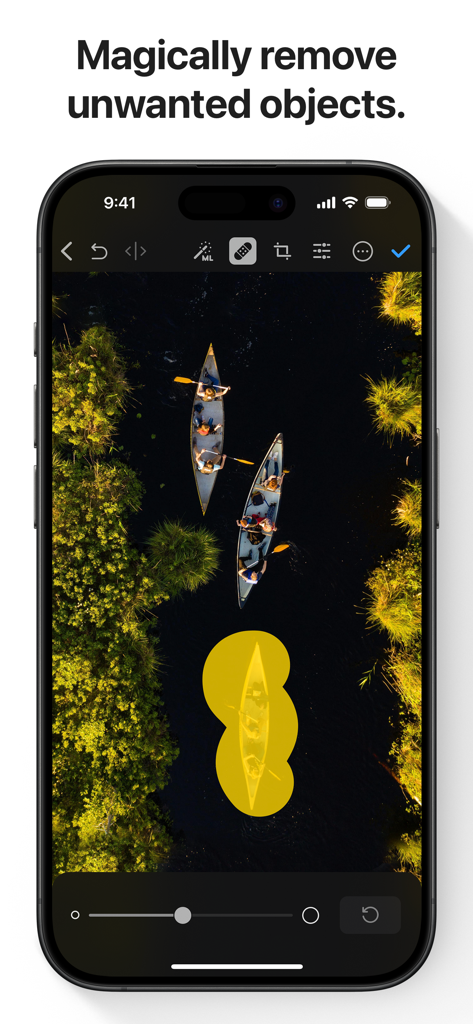
A screenshot of the Photomator app showing the AI-powered object removal tool being used on an aerial photo of canoes.
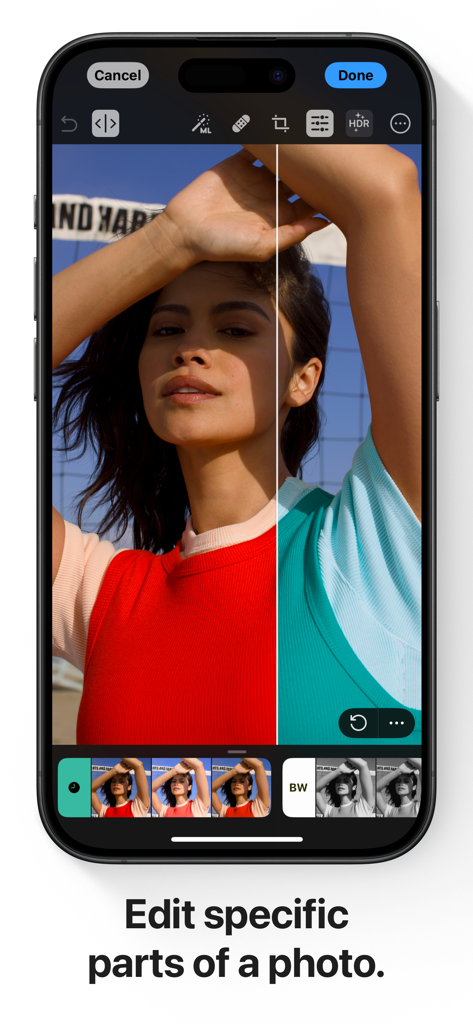
iPhone screen showing a split view demonstration of selective color editing in the Photomator app
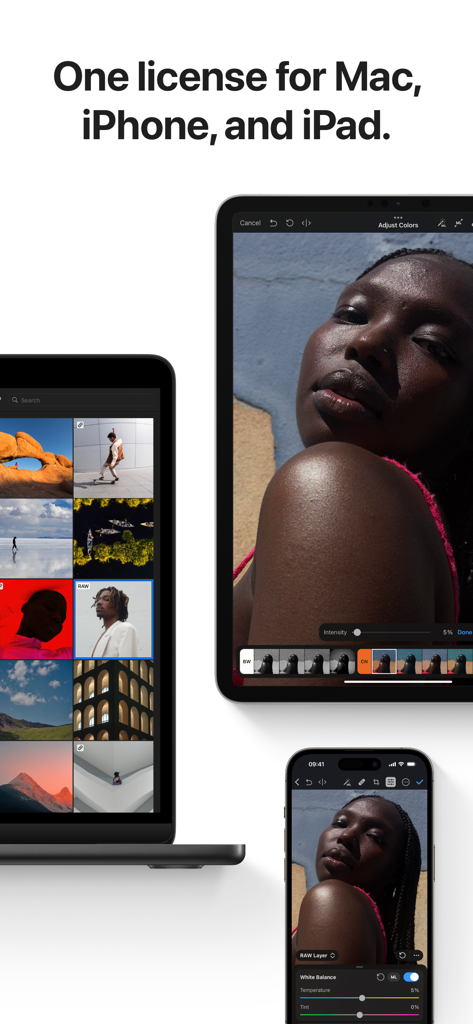
Photomator app interface shown on MacBook iPad and iPhone
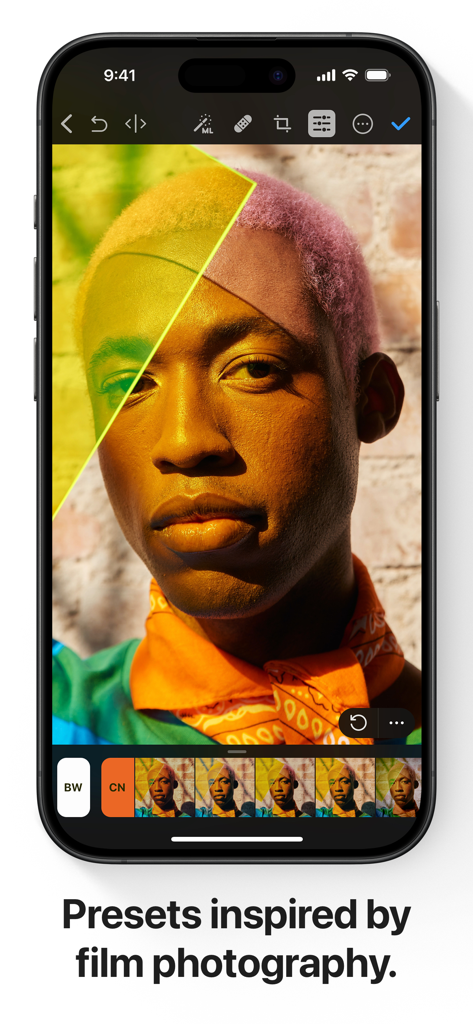
Photomator app interface on iPhone displaying professional film-inspired presets for portrait editing
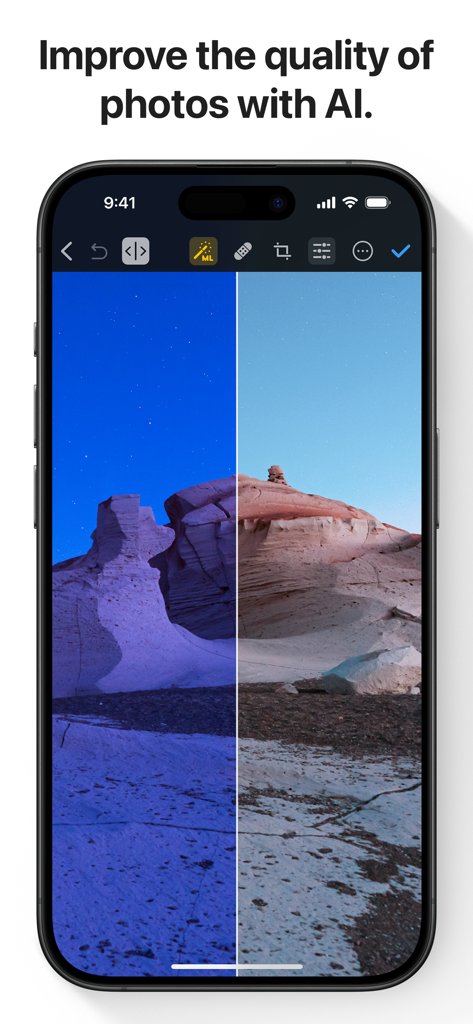
A before and after comparison of a desert landscape being improved by AI in the Photomator app.
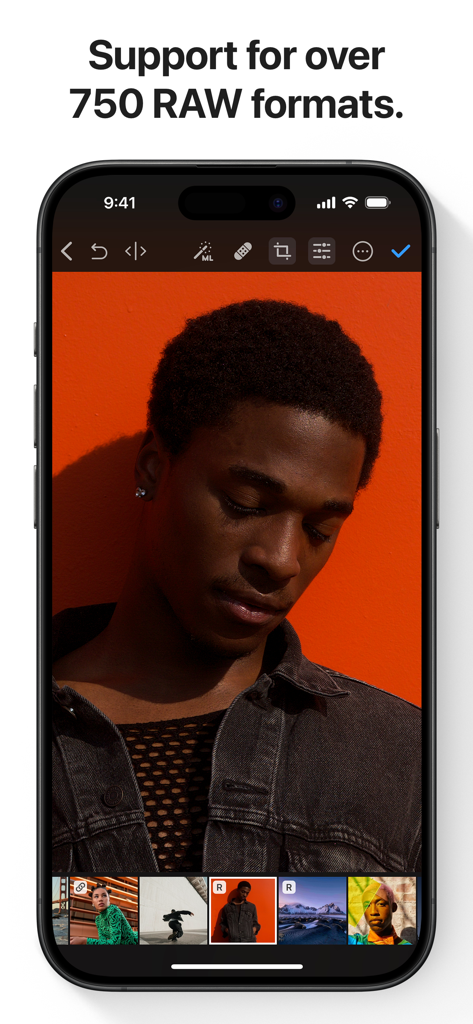
Photomator app on iPhone displaying RAW photo editing of a portrait with an orange background
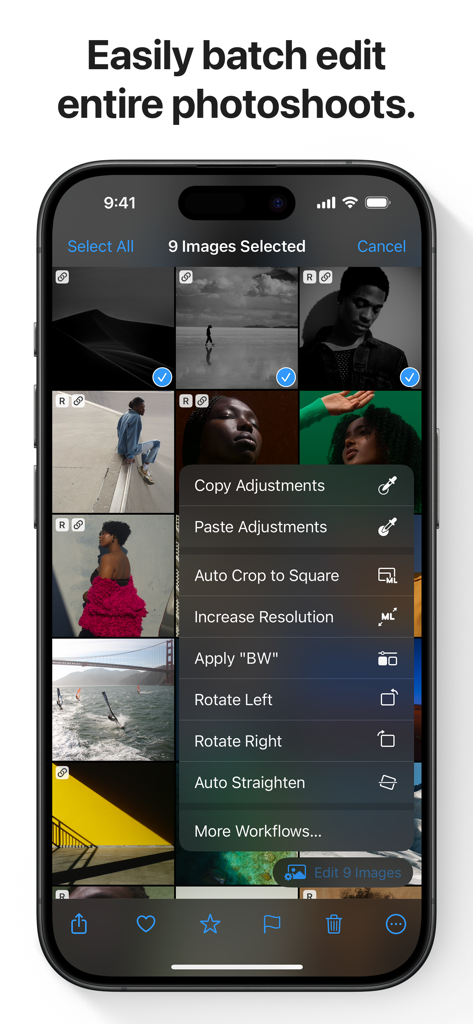
Photomator app interface on iPhone showing batch photo editing options for multiple selected images
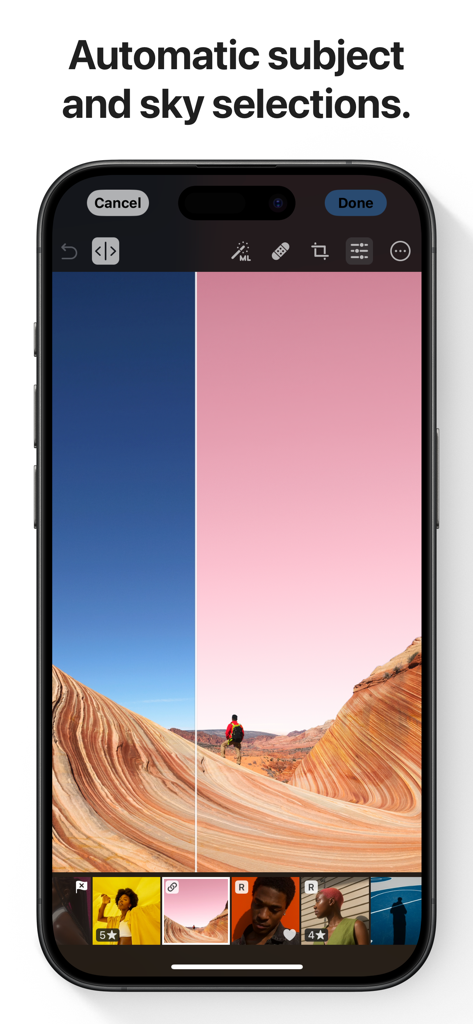
A smartphone showing Photomator app with automatic AI sky and subject selection feature on a landscape photo
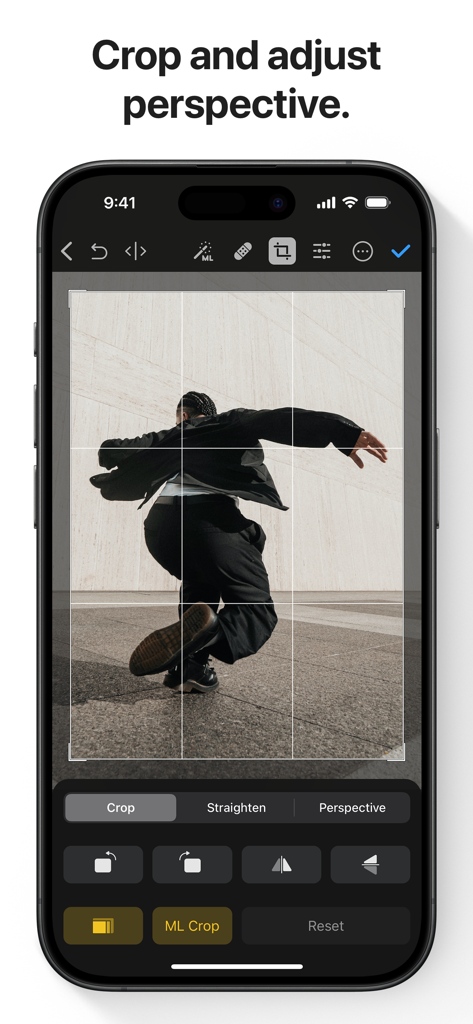
Photomator app interface showing crop and perspective adjustment tools on an iPhone
Description
Download
More Like This
Apps with similar features and user experience

Evoto-AI Photo Editor&Retouch
TRUESIGHT PTE. LTD.

Darkroom: Photo & Video Editor
Bergen Co.

LD - Photo & Video Finishing
Lens Distortions, LLC

Focos
Mosaic S.r.l.

SKRWT
Mathaeus Jagielski

Polarr Pro Photo Editor
Polarr Inc

Canon DPP Express
Canon Inc.

Snapseed: Photo Editor
Google LLC

原片
Beijing Kwai Technology Co., Ltd.
This page is not an official page of the app or its developer, but an independent editorial publication created for informational and commentary purposes. Unless expressly stated otherwise, neither the app nor its developer is affiliated with, endorsed by, sponsored by, authorized by, or otherwise officially connected with MWM, Apple, Google Play, the app publisher, or the app's developer, and nothing on this page implies that the app was developed using MWM's services. Any trademarks, logos, screenshots, and other content remain the property of their respective owners.