
This page is not an official page of the app or its developer, but an independent editorial publication created for informational and commentary purposes. Unless expressly stated otherwise, neither the app nor its developer is affiliated with, endorsed by, sponsored by, authorized by, or otherwise officially connected with MWM, Apple, Google Play, the app publisher, or the app's developer, and nothing on this page implies that the app was developed using MWM's services. Any trademarks, logos, screenshots, and other content remain the property of their respective owners.


Polarr Pro Photo Editor
From precision masking to viral filter sharing, unlock sophisticated creative tools designed for the next generation of content curators. Edit with professional power, right from your camera roll.
Downloads
52K+User Rating
Total Ratings
700Publisher
Category
Photo & VideoLocales
19Latest Version
5.11.10Size
59.8 MBFirst Released
Jan 26, 2016Pro-Level Edits. Zero Effort.
Master your aesthetic with AI-powered tools designed for creators who demand professional precision without the steep learning curve.
AI-Powered Precision
Automatically detect and mask subjects, skies, or faces for flawless selective edits in seconds.
Your Signature Aesthetic
Create, save, and share your own custom presets or import trending looks with a simple QR code scan.
The following screenshots and description are sourced directly from the app's official store listing and are the property of the app developer.
App Store
Screenshots
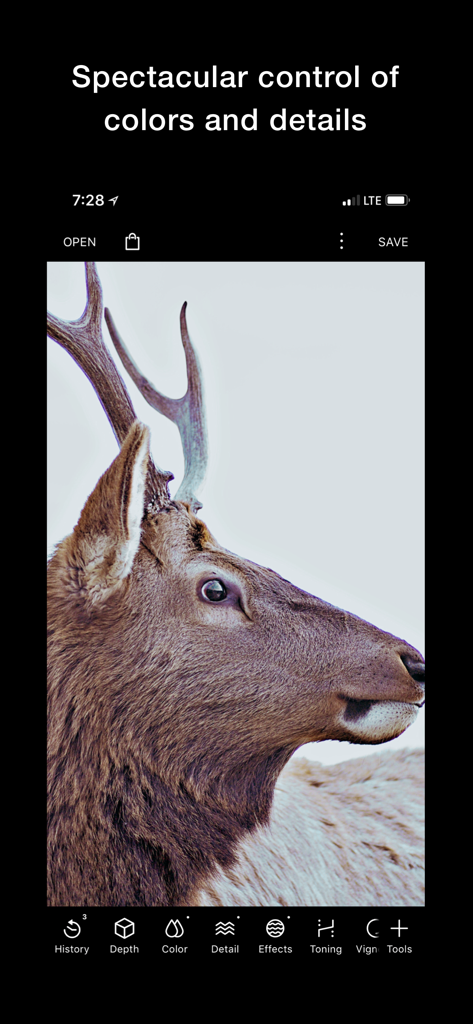
Polarr Pro Photo Editor interface showing advanced color and detail editing tools on a deer photograph
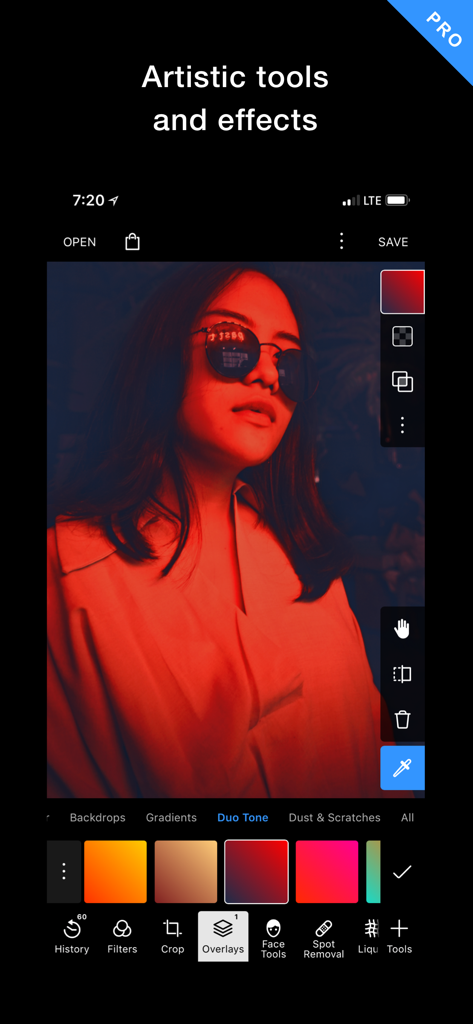
Polarr Pro app interface showing red duo tone lighting and artistic overlays on a portrait
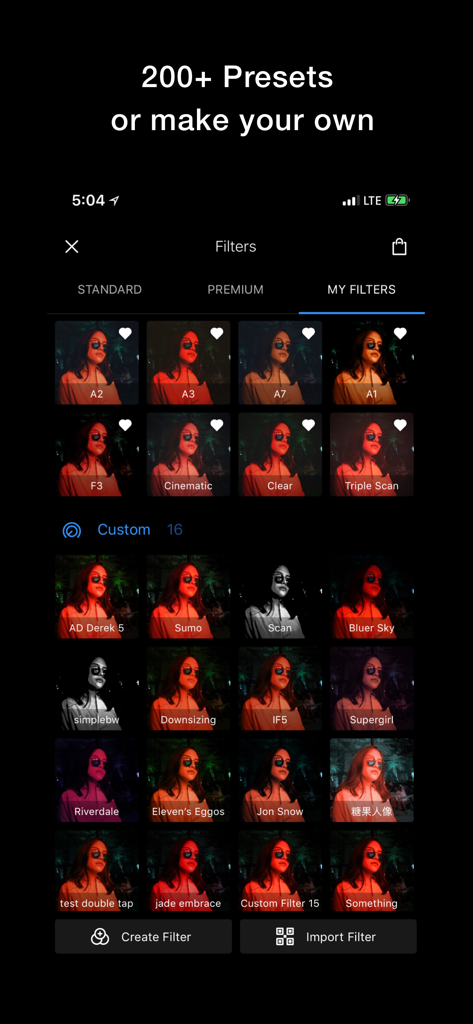
Polarr Pro Photo Editor app displaying a grid of custom filters and presets in the My Filters tab
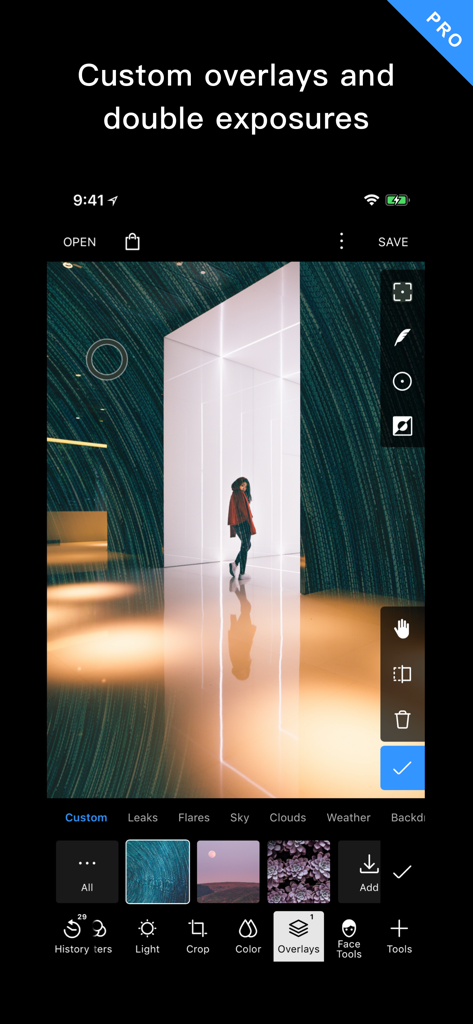
Polarr Pro app interface showing custom overlays and double exposure tools for photo editing
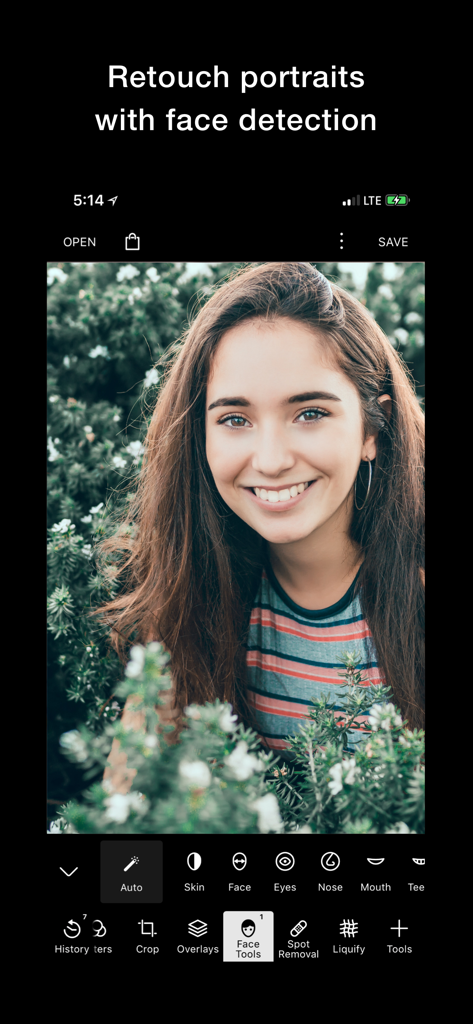
Polarr Pro app interface showing AI face detection and portrait retouching tools
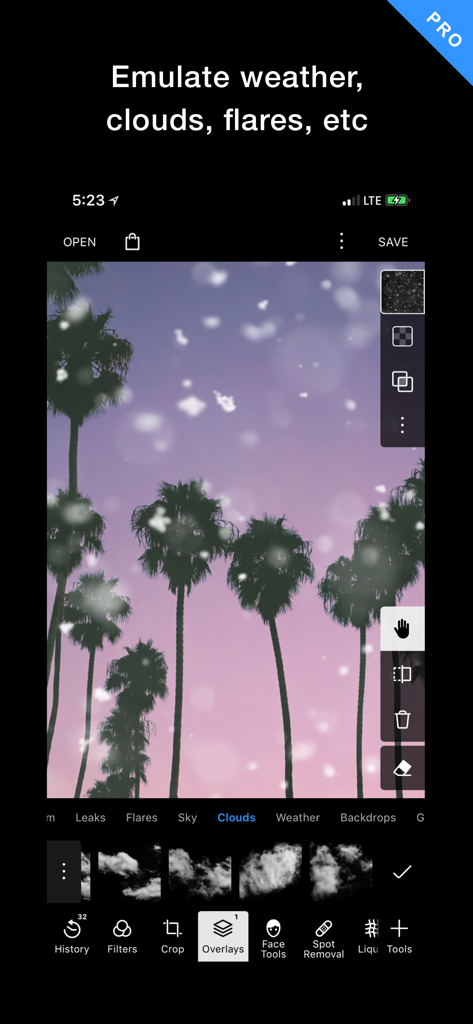
Polarr Pro interface showing cloud and weather overlay effects on a palm tree photo
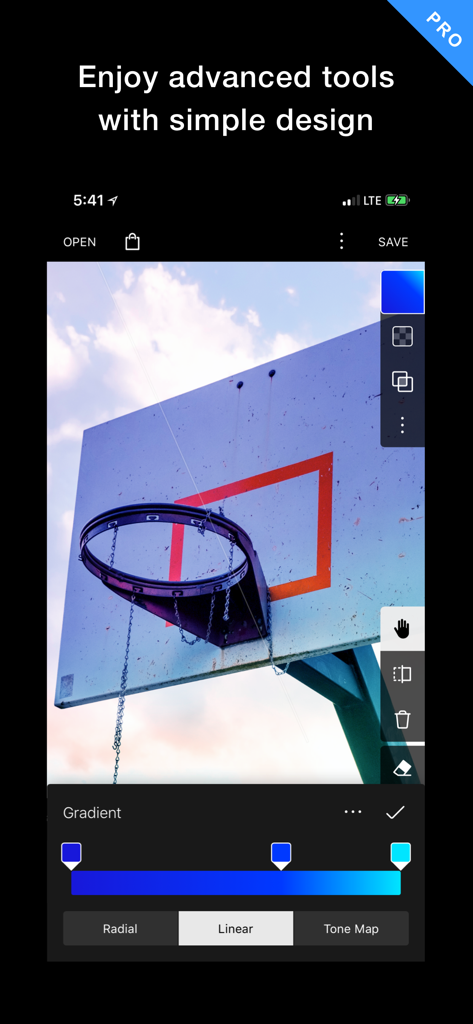
Polarr Pro Photo Editor interface showing a linear gradient mask tool applied to a photo of a basketball hoop
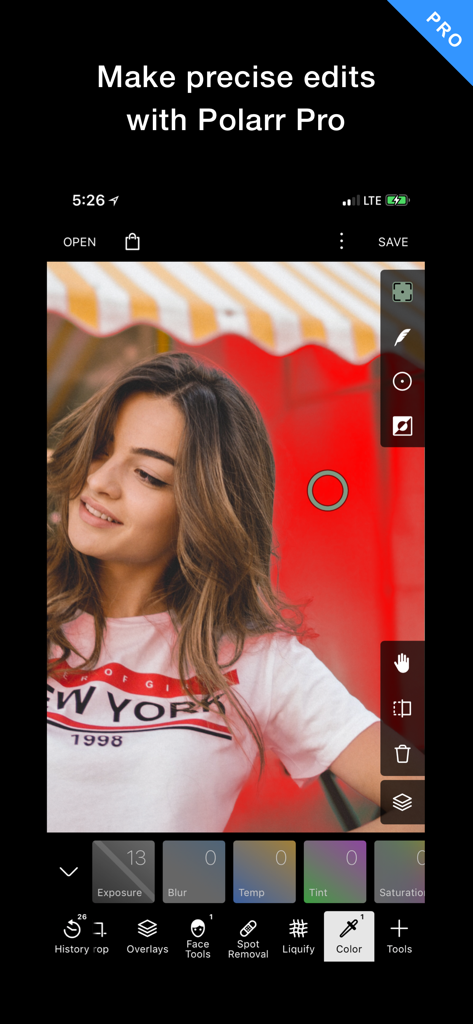
Polarr Pro Photo Editor interface showing a professional portrait being edited with advanced coloring and masking tools
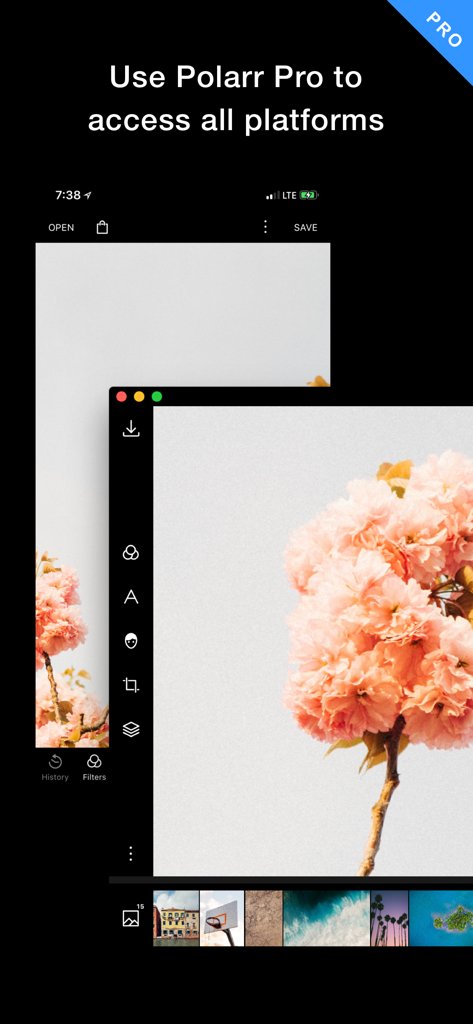
Interface of Polarr Pro Photo Editor showing synchronization across mobile and desktop platforms with professional editing tools.
Description
Download
More Like This
Apps with similar features and user experience

Evoto-AI Photo Editor&Retouch
TRUESIGHT PTE. LTD.

Darkroom: Photo & Video Editor
Bergen Co.

LD - Photo & Video Finishing
Lens Distortions, LLC

Focos
Mosaic S.r.l.

SKRWT
Mathaeus Jagielski

Photomator – Photo Editor
Apple Inc.

Canon DPP Express
Canon Inc.

Snapseed: Photo Editor
Google LLC

原片
Beijing Kwai Technology Co., Ltd.
This page is not an official page of the app or its developer, but an independent editorial publication created for informational and commentary purposes. Unless expressly stated otherwise, neither the app nor its developer is affiliated with, endorsed by, sponsored by, authorized by, or otherwise officially connected with MWM, Apple, Google Play, the app publisher, or the app's developer, and nothing on this page implies that the app was developed using MWM's services. Any trademarks, logos, screenshots, and other content remain the property of their respective owners.