Piano⁺ Vault - Hide Photos
Download on App Store

This page is not an official page of the app or its developer, but an independent editorial publication created for informational and commentary purposes. Unless expressly stated otherwise, neither the app nor its developer is affiliated with, endorsed by, sponsored by, authorized by, or otherwise officially connected with MWM, Apple, Google Play, the app publisher, or the app's developer, and nothing on this page implies that the app was developed using MWM's services. Any trademarks, logos, screenshots, and other content remain the property of their respective owners.


Logo of Piano⁺ Vault - Hide Photos
Download on App Store

Piano⁺ Vault - Hide Photos

Disguise your secret gallery as a musical piano. Securely hide photos, videos, and notes with stealth-level privacy, automatic cloud backup, and a built-in private browser.

Key Figures

Downloads

200

User Rating

4.3/5

Total Ratings

0

Publisher

Manisha Lathiya

Category

Utilities

Locales

9

Latest Version

3.0

Size

56.7 MB

First Released

Jun 5, 2024
Features

Privacy That Doesn't Look Like Privacy

Secure your most personal photos, videos, and documents behind a functional musical interface. Enjoy total peace of mind when sharing your phone with friends or family.

Stealth Security

Hidden behind a fully functional piano app, your private vault remains completely invisible to anyone scrolling through your home screen.

Instant Panic Lock

Unexpected interruption? Simply turn your phone face down to instantly lock your vault and keep your private media away from prying eyes.

The following screenshots and description are sourced directly from the app's official store listing and are the property of the app developer.

App Store

Screenshots
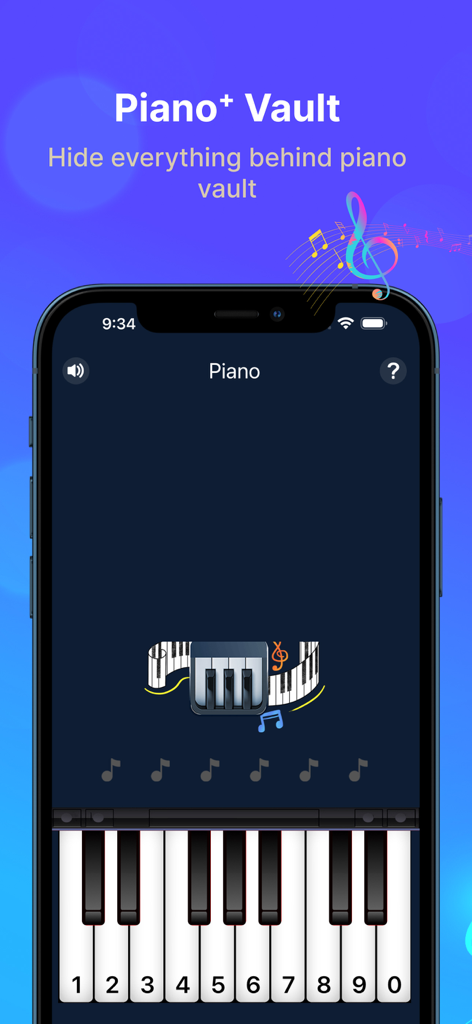
Piano⁺ Vault - Hide Photos - Piano Vault app interface featuring a secret PIN entry keyboard disguised as a musical piano
Piano Vault app interface featuring a secret PIN entry keyboard disguised as a musical piano

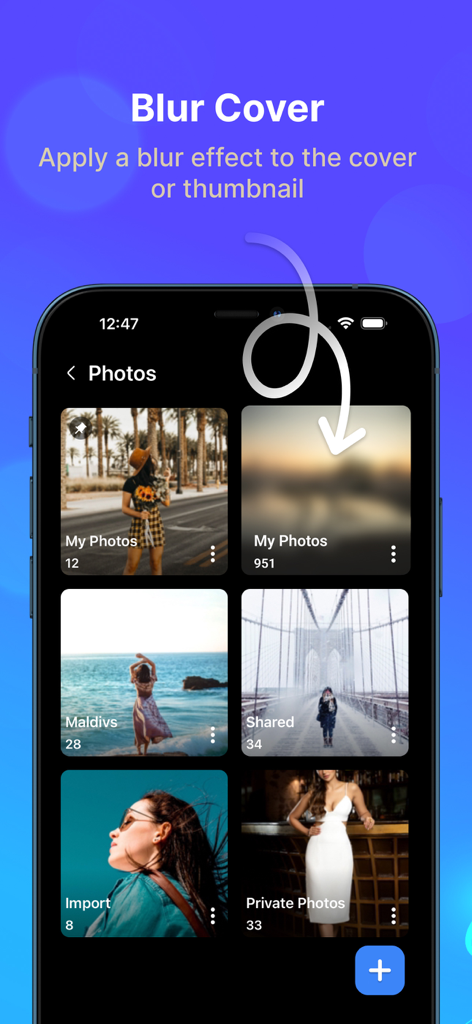
Piano⁺ Vault - Hide Photos - Piano Vault app interface showing how to apply a blur effect to photo folder cover thumbnails for privacy
Piano Vault app interface showing how to apply a blur effect to photo folder cover thumbnails for privacy

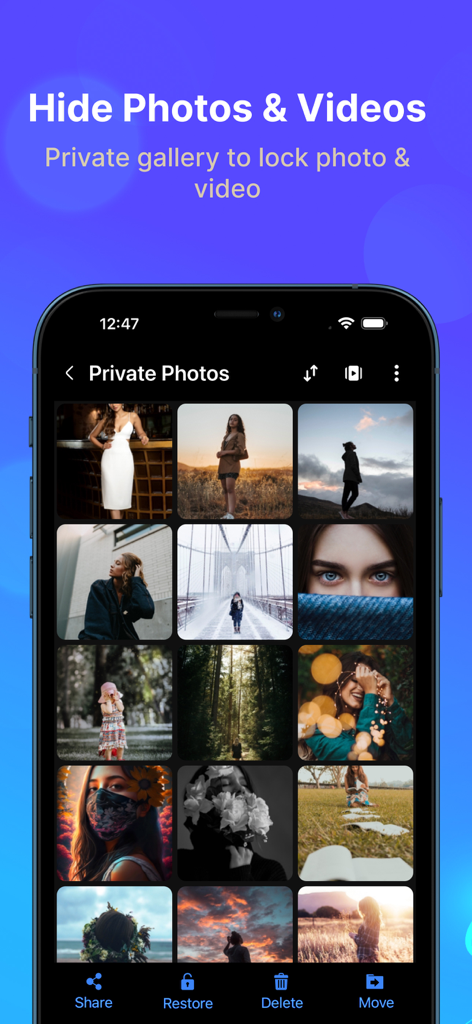
Piano⁺ Vault - Hide Photos - Interface of the Piano Vault app showing a private gallery with hidden photos and videos
Interface of the Piano Vault app showing a private gallery with hidden photos and videos

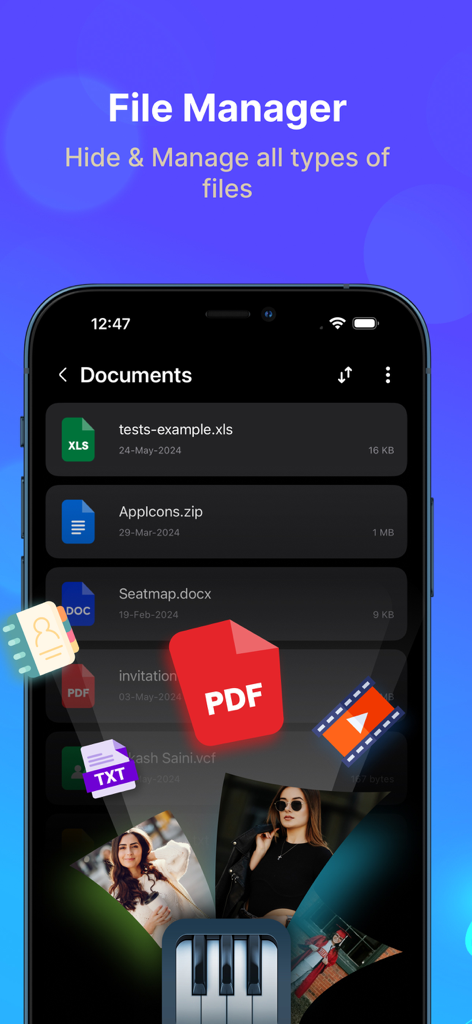
Piano⁺ Vault - Hide Photos - File manager interface for hiding documents and media in Piano Vault
File manager interface for hiding documents and media in Piano Vault

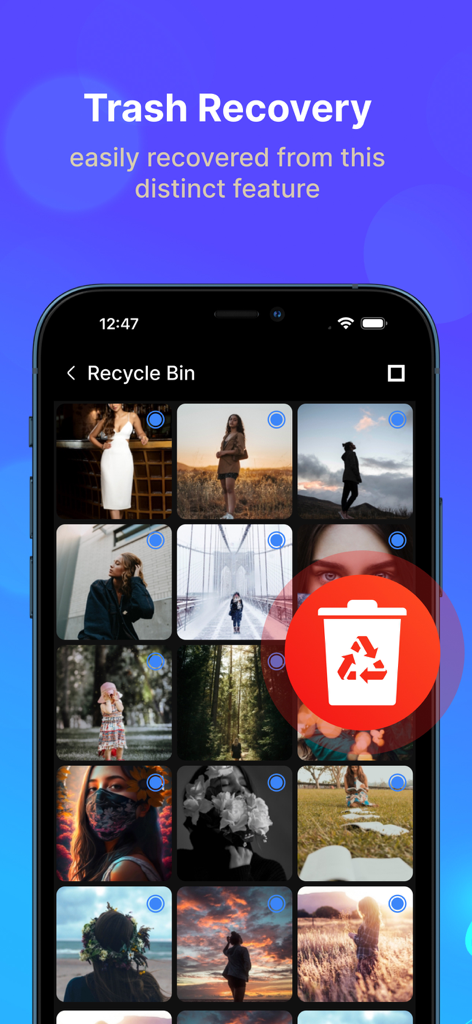
Piano⁺ Vault - Hide Photos - Screenshot of the trash recovery feature in the Piano Vault app showing a recycle bin for deleted photos.

Screenshot of the trash recovery feature in the Piano Vault app showing a recycle bin for deleted photos.

Description

Piano Vault is a private gallery photos vault app to hide photos and hide videos while making your phone's gallery lock appear to be a musical piano. Your hidden photos remain to your friends & family. Everything will be truly protected in your piano photo lock app. Hide Photos & Hide Videos Piano Photo and Video Locker app lets you hide personal images and short videos or long movies with advanced protection. Secure personal photos, videos, sensitive documents, notes & contacts with PIN protection. Photo locker is the safest place to hide pictures. You can also hide audio files & private notes in the piano vault app. Cloud Backup Automatic backup videos, photos, music, contacts and important documents using cloud drive with one click. Never lose your data again when you hide files into photo lock app. Sync your files around multiple devices with Piano hide app. Built-in Photo Viewer Through Built-in Photo Viewer, you can easily view all hidden photos inside the piano locker app. File Transfer Easily transfer files from the old phone to a new phone or a tablet by scanning QR code using the same Wi-Fi or hotspot connection. You can also transfer files from computer to private gallery & vault without using internet data. Private Browser Download photos and videos from the privacy browser and hide photos into the Piano vault directly. Leave no traces of browsing history after you exit into video locker. Themes Support Light & Dark mode. Backup & Restore Privately hide photos and backup files in your device to prevent loss of any document. You can also restore files into gallery photos vault anytime in future. More Useful Tools: File management with sort, list, grid, rename, move, lock photos & export. Face down auto lock during a panic situation. Inbuilt image viewer inside photo hide app Set the folder cover image of your choice. Recycle bin feature to restore private video files deleted by mistake. Pin the most important and frequently used folders at the top. Piano gallery locker app comes with latest user experience & much needed features like Cloud Sync and Dark Mode to keep safe important media & documents. Disclosure: we do not collect and/or share any personal or sensitive user data using the Accessibility Services API. Question: How to retrieve your forgotten password? Answer: Please enter “112233” in piano to verify your security question or recovery email and then reset the password. Premium Subscription Piano Vault app includes an optional auto-renewable subscription to access current and future premium categories: Note: Check within the app for exact pricing for your region - 1 month subscription USD 2.99 - 1 year subscription USD 9.99 - Lifetime premium subscription USD 19.99 • Payment will be charged to your iTunes account at confirmation of purchase and will automatically renew (at the duration/price selected) unless auto-renew is turned off at least 24 hours before the end of the current period. • Account will be charged for renewal within 24-hours prior to the end of the current period, and identify the cost of the renewal. • Any unused portion of a free trial period, if offered, will be forfeited when the user purchases a subscription to that publication, where applicable. • You can manage your subscription and/or turn off auto-renewal by going to your iTunes Account Settings, but refunds will not be given for any unused portion of the term. Terms of Service: https://piano-vault.web.app/terms-apple.html Privacy Policy: https://piano-vault.web.app/privacy-policy-apple.html

Download

Download on App Store

This page is not an official page of the app or its developer, but an independent editorial publication created for informational and commentary purposes. Unless expressly stated otherwise, neither the app nor its developer is affiliated with, endorsed by, sponsored by, authorized by, or otherwise officially connected with MWM, Apple, Google Play, the app publisher, or the app's developer, and nothing on this page implies that the app was developed using MWM's services. Any trademarks, logos, screenshots, and other content remain the property of their respective owners.








