
This page is not an official page of the app or its developer, but an independent editorial publication created for informational and commentary purposes. Unless expressly stated otherwise, neither the app nor its developer is affiliated with, endorsed by, sponsored by, authorized by, or otherwise officially connected with MWM, Apple, Google Play, the app publisher, or the app's developer, and nothing on this page implies that the app was developed using MWM's services. Any trademarks, logos, screenshots, and other content remain the property of their respective owners.


Pikaslice
Untether your workflow and prepare your Resin or Filament prints anywhere. Experience precision slicing on your iPad with Apple Pencil support, automatic island detection, and compatibility with the world's most popular 3D printers.
Downloads
31K+User Rating
Total Ratings
200Publisher
Category
ProductivityLocales
1Latest Version
4.2.1Size
234.9 MBFirst Released
Jun 27, 2022Professional 3D Slicing, Anywhere
Bridge the gap between design and physical creation. Pikaslice brings a desktop-grade slicing workflow to your iPad, allowing you to prepare perfect prints without ever opening a PC.
Untethered Workflow
Break free from your desk. Import models and prepare complex scenes for both Resin and Filament printers using an interface built for mobility.
Tactile Precision
Leverage the Apple Pencil for surgical accuracy. Manually place supports and eliminate islands with a level of control a mouse simply can't match.
The following screenshots and description are sourced directly from the app's official store listing and are the property of the app developer.
App Store
Screenshots
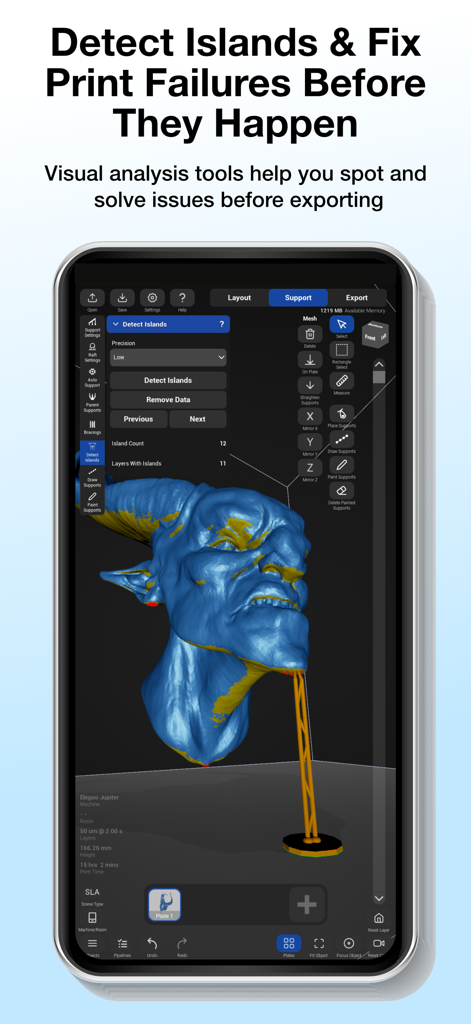
A screenshot of the Pikaslice app interface showing the island detection feature on a 3D creature model for resin printing.
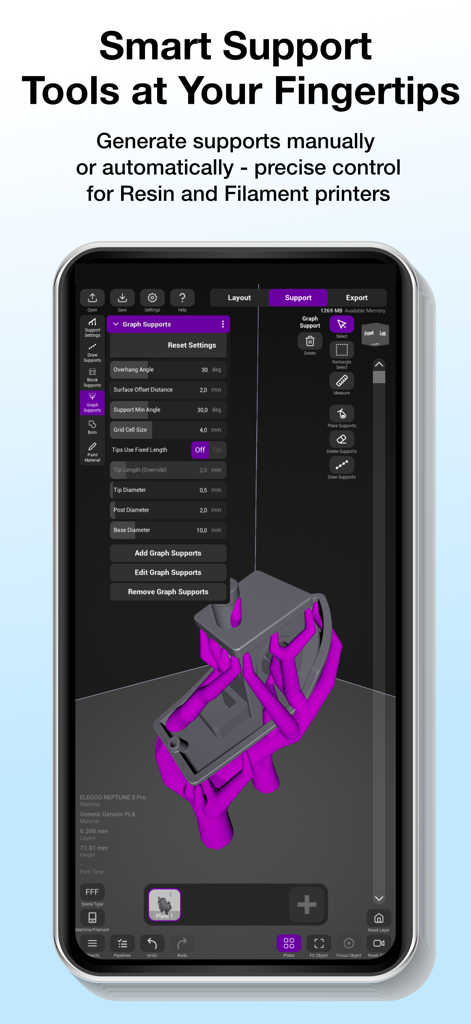
Interface of the Pikaslice app on a smartphone showing advanced 3D printing support generation tools for a resin model
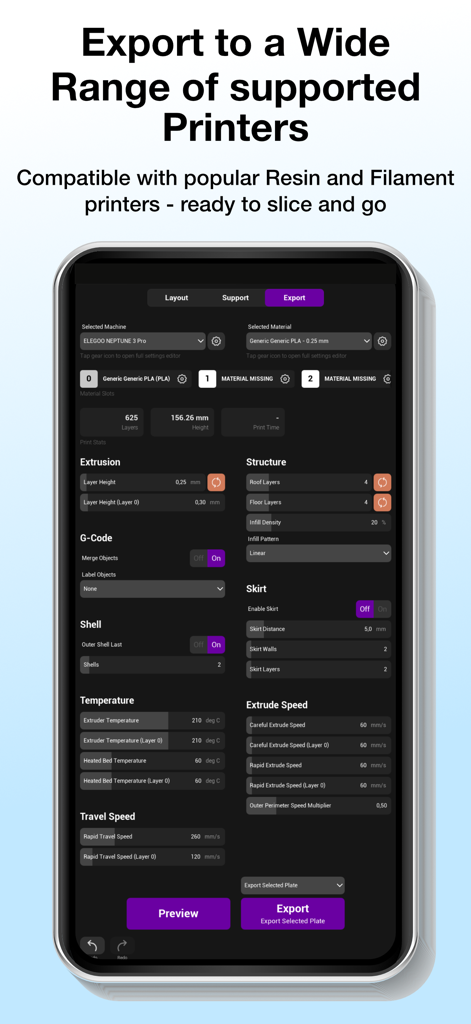
Interface showing detailed 3D printer export and material settings in the Pikaslice app
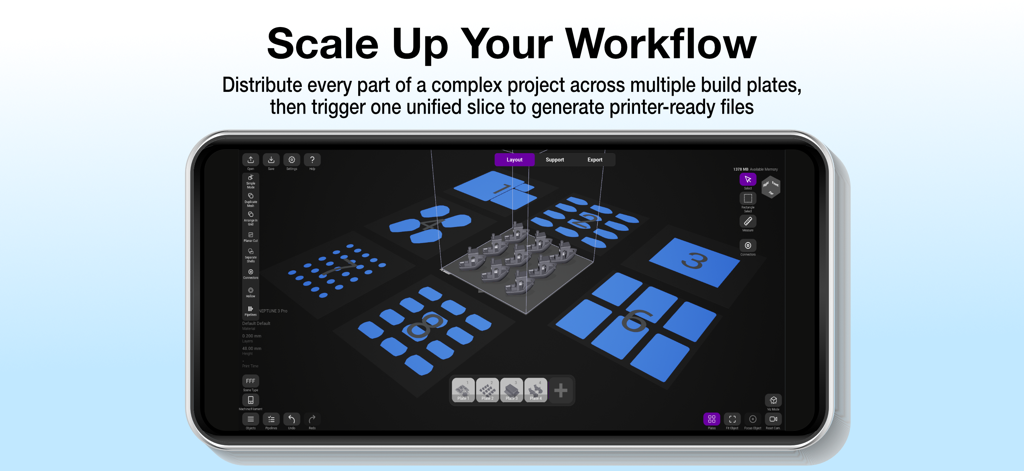
Interface of Pikaslice app showing 3D models distributed across multiple build plates for batch slicing on a mobile device
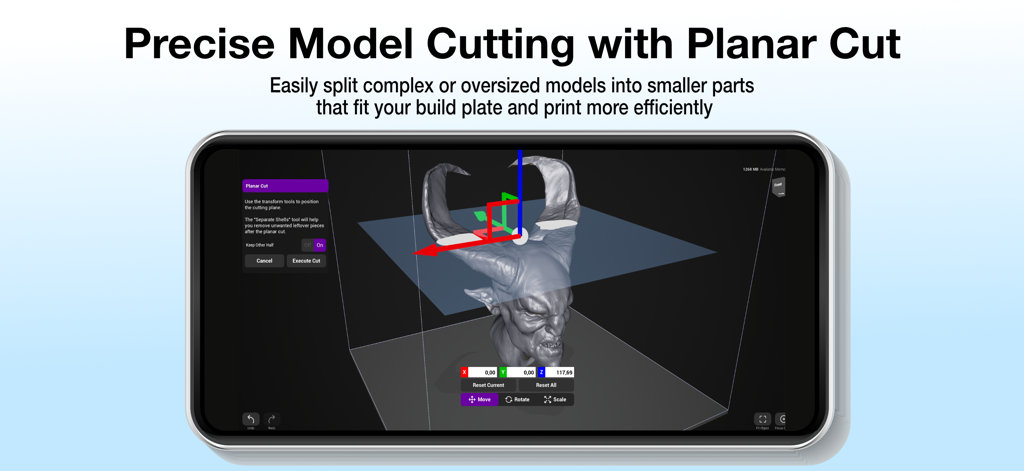
Interface of Pikaslice app showing the planar cut tool to split a 3D model of a demon head
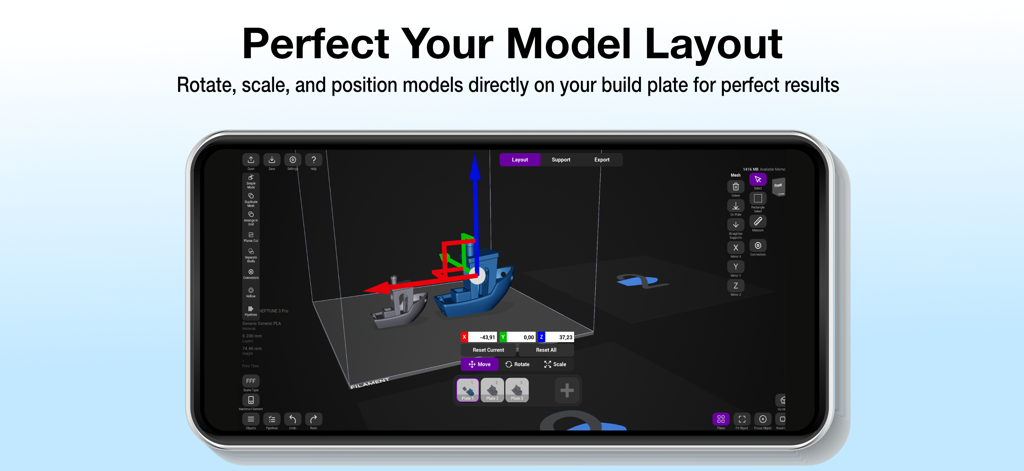
Pikaslice mobile app showing 3D model rotation scale and position tools on a digital build plate
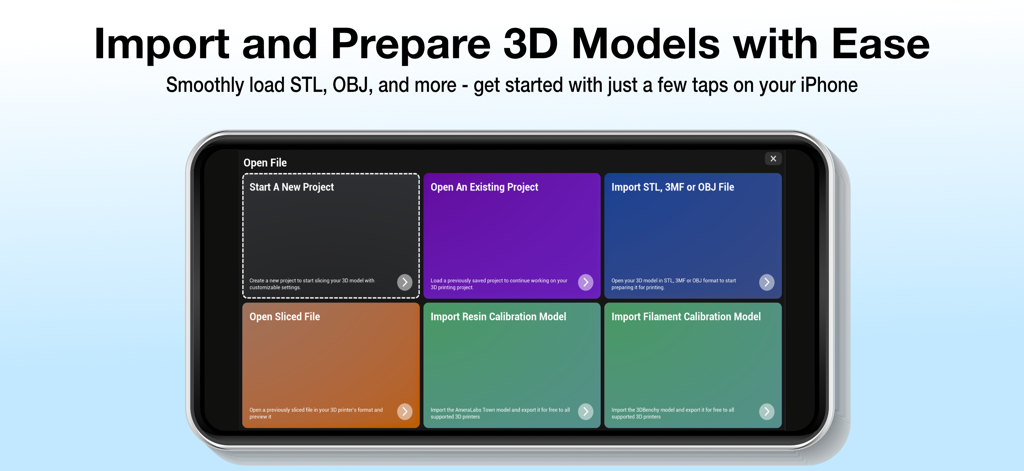
Pikaslice app interface on iPhone showing options to start a new project or import STL and OBJ 3D model files
Description
Download
More Like This
Apps with similar features and user experience

Super T-Shirt Designer
Shenzhen Bigger Lens LLC

iShaper: Custom Surfboards
Ryan Kotzebue

Fonts & Designs For DIY Space
UN Global

Cricut Design Space
Cricut, Inc.

Creality Cloud - 3D Printing
CREALITY 3D HK TECHNOLOGY LIMITED

Tinkercad
Autodesk

HelloBlink
Shenzhen Yihengke Electronic Technology Co.,Ltd.

Easy-PhotoPrint Editor
Canon Inc.

Dot Lab - Perler beads pattern
桂华 冉
This page is not an official page of the app or its developer, but an independent editorial publication created for informational and commentary purposes. Unless expressly stated otherwise, neither the app nor its developer is affiliated with, endorsed by, sponsored by, authorized by, or otherwise officially connected with MWM, Apple, Google Play, the app publisher, or the app's developer, and nothing on this page implies that the app was developed using MWM's services. Any trademarks, logos, screenshots, and other content remain the property of their respective owners.