
This page is not an official page of the app or its developer, but an independent editorial publication created for informational and commentary purposes. Unless expressly stated otherwise, neither the app nor its developer is affiliated with, endorsed by, sponsored by, authorized by, or otherwise officially connected with MWM, Apple, Google Play, the app publisher, or the app's developer, and nothing on this page implies that the app was developed using MWM's services. Any trademarks, logos, screenshots, and other content remain the property of their respective owners.

PixelArt Builder for Minecraft
Transform your favorite memes, anime characters, and selfies into epic pixel art with just a few clicks. The ultimate shortcut to becoming a pro Minecraft builder and flexing your creations with friends.
Downloads
1K+User Rating
Total Ratings
100Publisher
Category
UtilitiesLocales
1Latest Version
1.1.33Size
120.4 MBFirst Released
May 31, 2022Build Epic Pixel Art in Seconds
Transform your favorite photos, memes, and anime characters into massive Minecraft structures without placing a single block manually.
Instant Photo-to-Block Magic
Turn any image from your gallery into a pixel-perfect Minecraft masterpiece using advanced intelligent algorithms.
Personalize Your Digital World
Import selfies, pets, or trending memes to create a custom world that will wow your friends on Discord and TikTok.
Frequently Asked Questions
Everything you need to know about PixelArt Builder for Minecraft
What is PixelArt Builder for Minecraft?
PixelArt Builder for Minecraft is a tool that converts real-life images into Minecraft pixel art (photocraft) and automatically builds them into the MCPE world easily.
How does PixelArt Builder for Minecraft convert images into pixel art?
PixelArt Builder for Minecraft utilizes intelligent algorithms to convert photos into Minecraft pixel art. Users select an image, and the app processes it to create pixel blocks for building.
Is PixelArt Builder for Minecraft compatible with all iOS devices?
Yes, PixelArt Builder for Minecraft is compatible with all versions of most iOS devices, ensuring broad accessibility for users.
Does PixelArt Builder for Minecraft support different pixel art styles?
Yes, PixelArt Builder for Minecraft supports various pixel art styles, including themes like memes and anime (e.g., Kymetsu, Yuri), offering new inspirations for creations.
How do I create pixel art using PixelArt Builder for Minecraft?
To create pixel art, users choose single or multilayer, load an image, crop or resize it, then click "Build." The app automatically converts and places the pixel art.
Can I resize pixel blocks within PixelArt Builder for Minecraft?
Yes, PixelArt Builder for Minecraft allows users to resize pixel blocks and customize the image ratio for their pixel art using tools like the "Pixel Art Size" dialog.
Does PixelArt Builder for Minecraft include a pre-made image gallery?
Yes, PixelArt Builder for Minecraft includes an "Explore Gallery" feature with "New," "Hot," and "Special" categories to browse, install, and import pre-made pixel art.
Is PixelArt Builder for Minecraft an official Mojang AB product?
No, PixelArt Builder for Minecraft is an unofficial application for Minecraft Pocket Edition and is not affiliated with Mojang AB or its brand.
Can I export my created pixel art to Minecraft using PixelArt Builder for Minecraft?
Yes, users can export their created pixel art directly to Minecraft. The app features an "Export" function for integrating the art into the game.
Does PixelArt Builder for Minecraft automatically backup world data?
Yes, PixelArt Builder for Minecraft includes an automatic backup feature for world data, ensuring that user creations and progress are securely saved.
The following screenshots and description are sourced directly from the app's official store listing and are the property of the app developer.
App Store
Screenshots
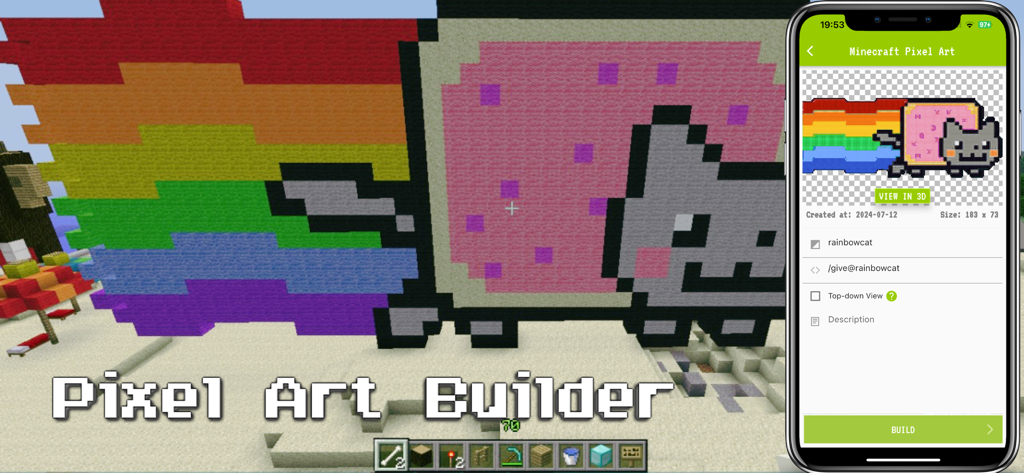
Minecraft pixel art builder app showing a nyan cat meme creation
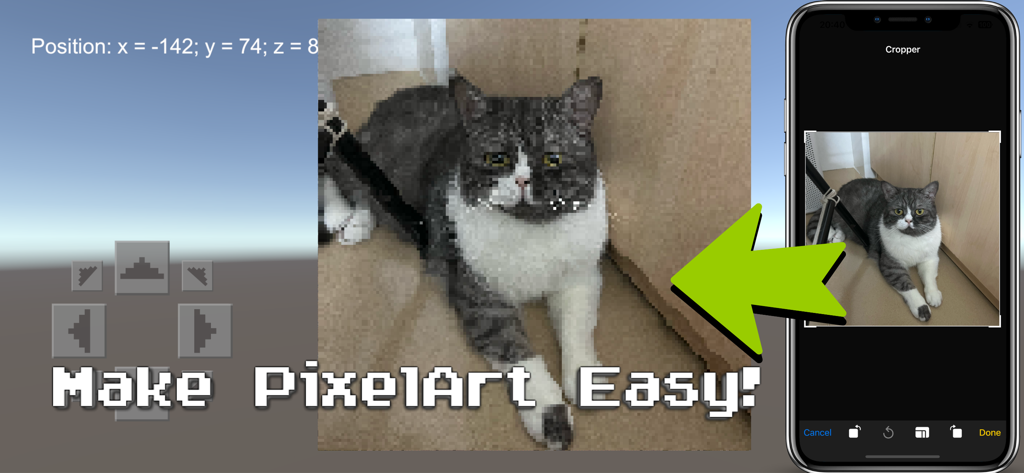
A demonstration of converting a cat photo into pixel art for Minecraft using the PixelArt Builder app
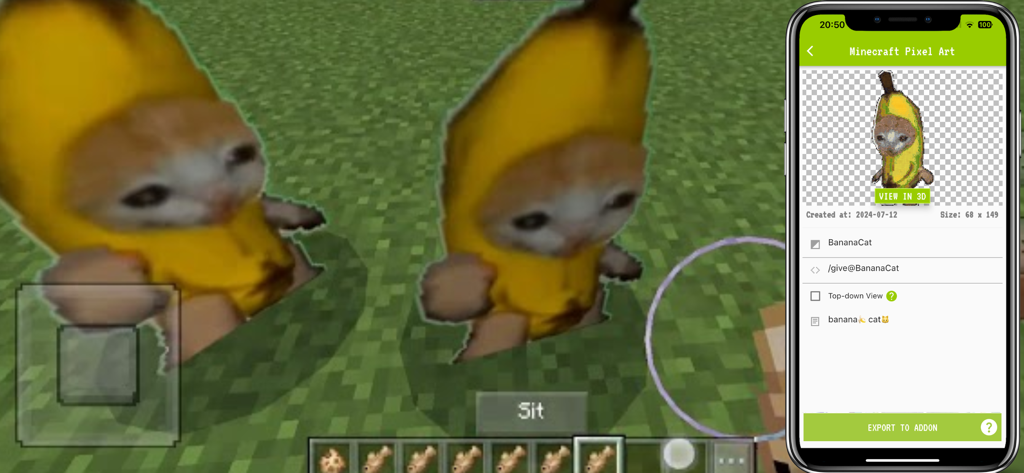
PixelArt Builder app creating a banana cat meme sprite for Minecraft
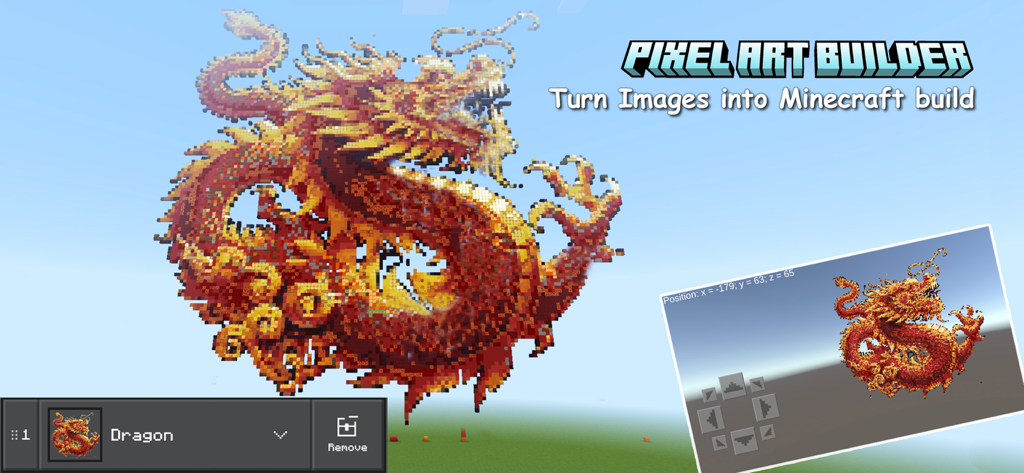
A large red dragon pixel art created in a Minecraft world using an image to block converter tool.
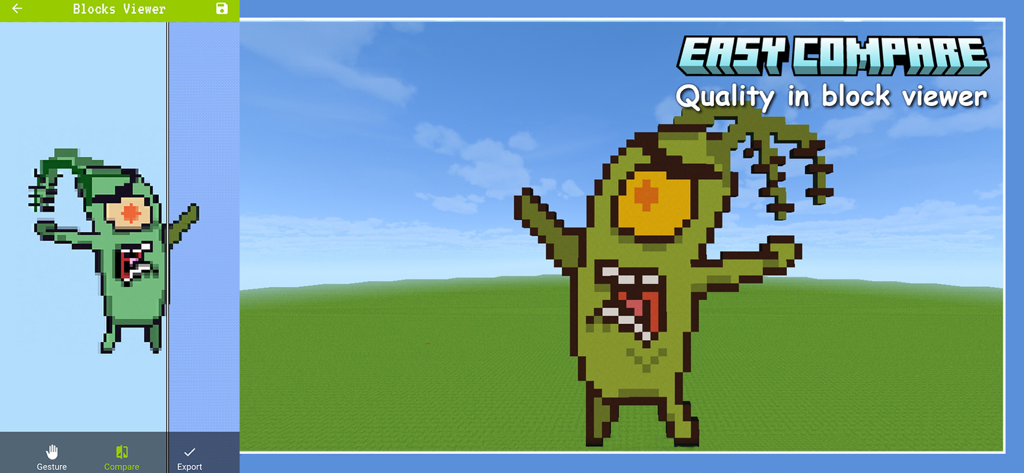
Side-by-side comparison of a cartoon character and its Minecraft pixel art recreation in the block viewer tool
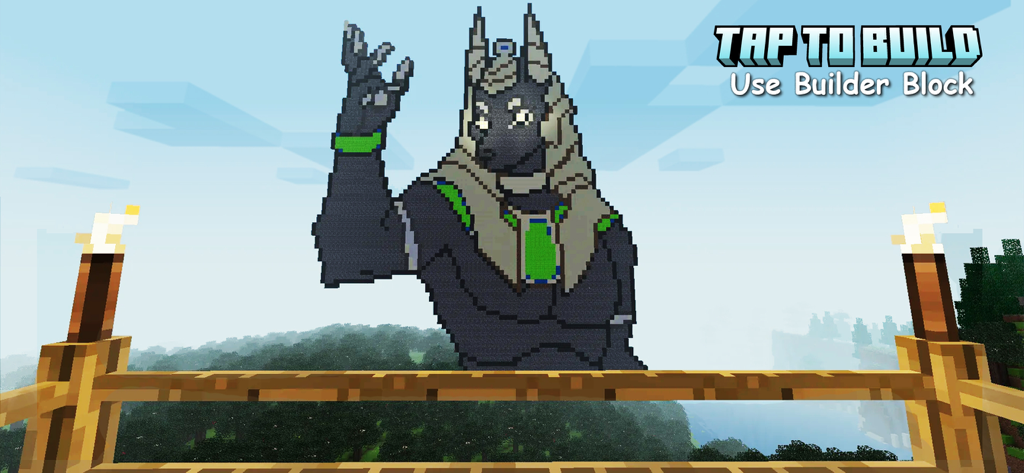
Large anime style pixel art of a jackal built in a Minecraft world
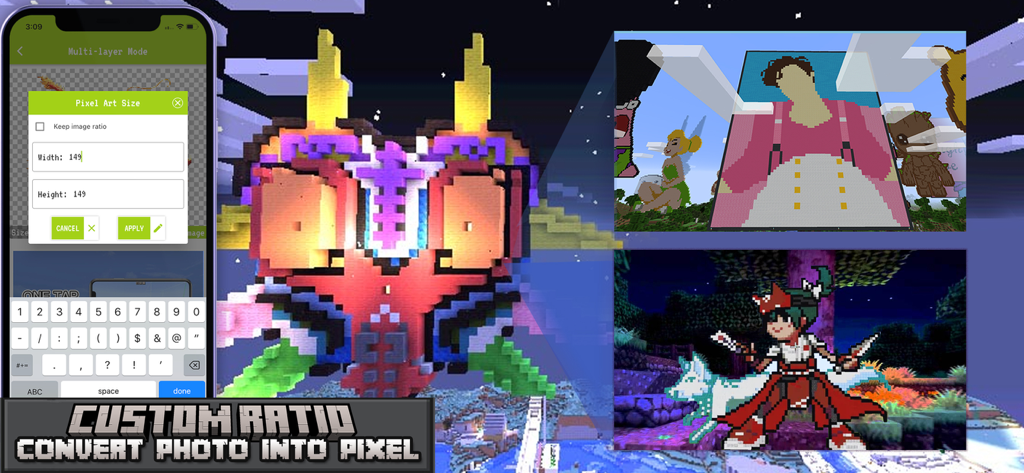
PixelArt Builder app interface showing custom size settings for converting photos into Minecraft pixel art blocks
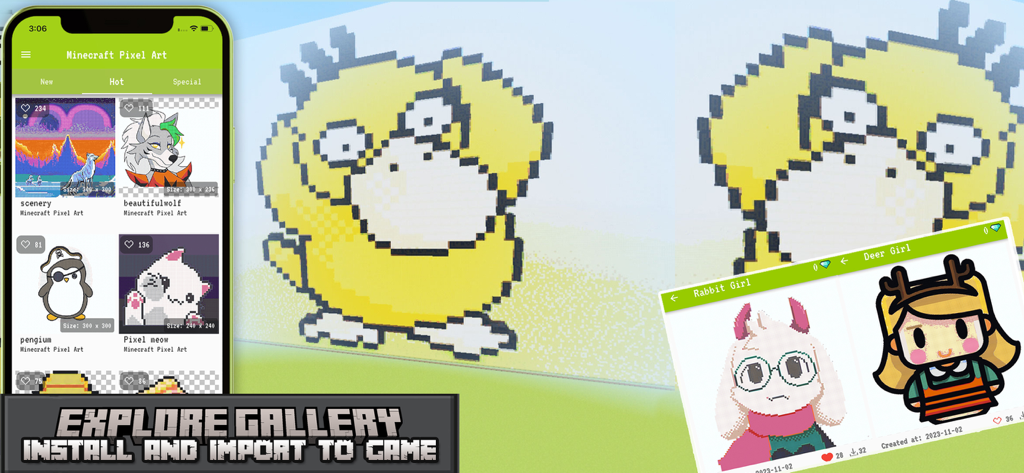
A mobile app showing a gallery of pixel art designs and a large character imported into a Minecraft world
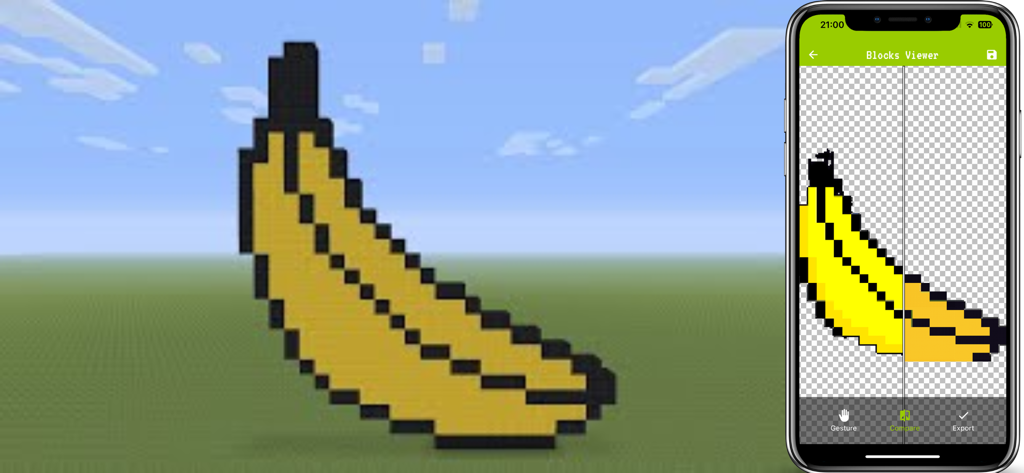
Banana pixel art comparison between the mobile app and Minecraft world
Description
Download
More Like This
Top-ranked apps in the same category

Google LLC

Google Chrome
Google LLC

中国移动(手机营业厅)
China Mobile Online Services Co., Ltd.

Google Authenticator
Google LLC

CNH do Brasil
Servicos e Informacoes do Brasil

Cleanup: Phone Storage Cleaner
DEEP FLOW SOFTWARE SERVICES - FZCO

gov.br
Servicos e Informacoes do Brasil

中国电信-全国统一官方服务平台
CHINA TELECOM Corporation Ltd.

Microsoft Edge: AI Browser
Microsoft Corporation
This page is not an official page of the app or its developer, but an independent editorial publication created for informational and commentary purposes. Unless expressly stated otherwise, neither the app nor its developer is affiliated with, endorsed by, sponsored by, authorized by, or otherwise officially connected with MWM, Apple, Google Play, the app publisher, or the app's developer, and nothing on this page implies that the app was developed using MWM's services. Any trademarks, logos, screenshots, and other content remain the property of their respective owners.