
This page is not an official page of the app or its developer, but an independent editorial publication created for informational and commentary purposes. Unless expressly stated otherwise, neither the app nor its developer is affiliated with, endorsed by, sponsored by, authorized by, or otherwise officially connected with MWM, Apple, Google Play, the app publisher, or the app's developer, and nothing on this page implies that the app was developed using MWM's services. Any trademarks, logos, screenshots, and other content remain the property of their respective owners.


PocketBook Reader
Break free from walled gardens. Enjoy total control over your library with support for 26 formats, seamless cloud sync, and professional-grade PDF tools—completely ad-free.
Downloads
2M+User Rating
Total Ratings
59K+Publisher
Category
BooksLocales
13Latest Version
5.20Size
109.7 MBFirst Released
Feb 16, 2014Your Entire Library in One Powerful App
Join over 2 million readers who demand more from their reading experience. From academic PDFs to evening novels, enjoy complete format freedom without a single ad.
Ultimate Format Freedom
Open 26 different book and audio formats, including EPUB, PDF, and specialized comic files like CBR and CBZ. No walled gardens, no restrictions.
Professional PDF Mastery
Read textbooks and research papers with ease using PDF Reflow, smart margin cropping, and advanced highlighting tools designed for deep focus.
Frequently Asked Questions
Everything you need to know about PocketBook Reader
What is PocketBook Reader?
PocketBook Reader is a free application for reading various content formats, including books, magazines, textbooks, comic books, and audiobooks. It supports 26 different file formats.
Does PocketBook Reader support EPUB files?
Yes, PocketBook Reader supports EPUB files. It is one of 19 book formats the app can open. Screenshot #1 and #2 display books in EPUB format.
Can I listen to audiobooks in PocketBook Reader?
Yes, PocketBook Reader allows users to listen to audiobooks and other audio files in MP3 and M4B formats. The app also features a built-in Text-to-speech engine.
How many book formats does PocketBook Reader support?
PocketBook Reader supports 19 book formats, including EPUB, FB2, MOBI, PDF, DJVU, DOCX, RTF, TXT, HTML, CBR, and CBZ. It also supports Adobe DRM protected books.
Does PocketBook Reader offer cloud synchronization?
Yes, PocketBook Reader offers free cloud synchronization via the PocketBook Cloud service. This syncs books, audiobooks, reading positions, notes, and bookmarks across all user devices.
Can PocketBook Reader connect to Dropbox or Google Books?
Yes, PocketBook Reader allows users to connect their Dropbox or Google Books accounts. This feature helps create a consolidated library within the app, supporting multiple accounts.
Is there a night-reading mode in PocketBook Reader?
Yes, PocketBook Reader provides two night-reading modes for enhanced reading comfort. Users can also customize interface color themes and other display settings.
Can I make notes and highlight text in PocketBook Reader?
Yes, PocketBook Reader allows users to make bookmarks, take notes, and add comments to their texts. Users can also highlight text and share notes.
Does PocketBook Reader have Text-to-speech functionality?
Yes, PocketBook Reader includes a built-in Text-to-speech (TTS) engine. This feature enables the app to voice text files for an alternative reading experience.
What customization options are available in PocketBook Reader?
PocketBook Reader offers extensive customization, including seven interface color themes, button reassignments, two night modes, and adjustments for font style, size, line spacing, and margins.
The following screenshots and description are sourced directly from the app's official store listing and are the property of the app developer.
App Store
Screenshots
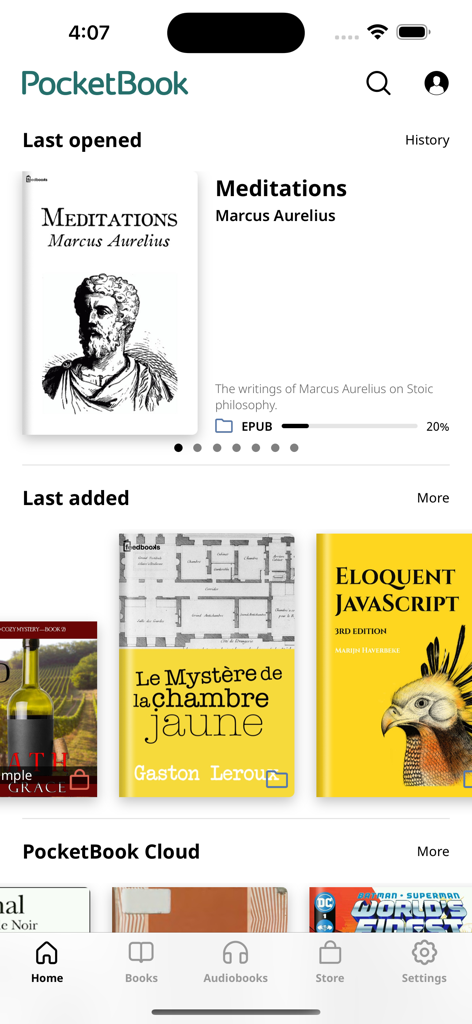
PocketBook Reader mobile app home screen showing a digital library with book covers and reading progress
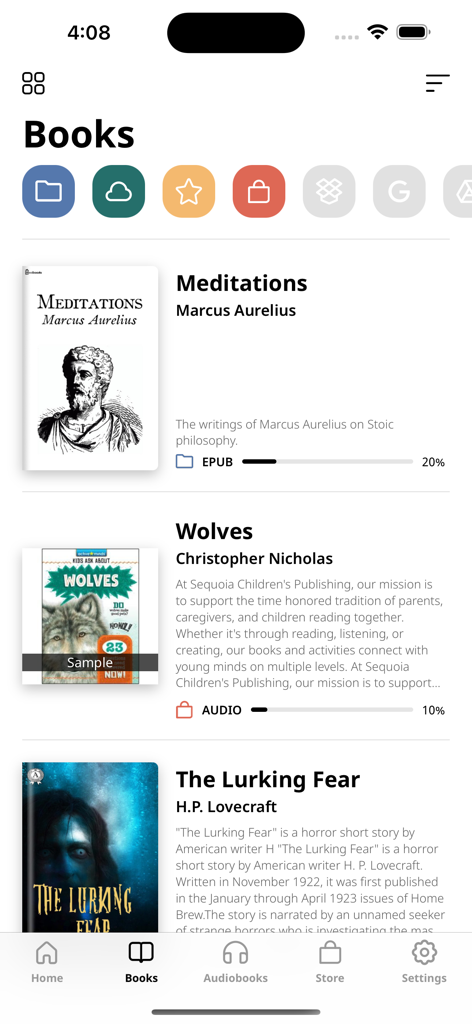
PocketBook Reader app library interface displaying ebook titles, reading progress, and cloud synchronization icons.
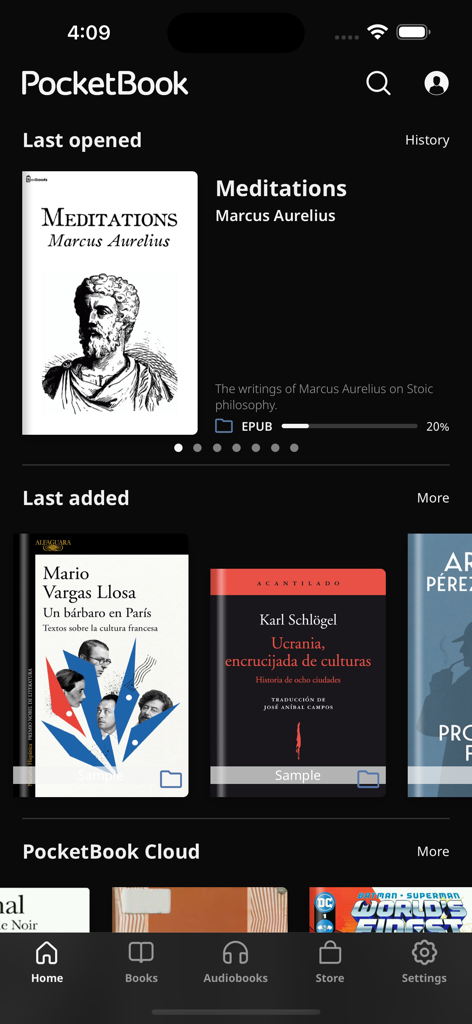
PocketBook Reader app home screen showing digital book library and last read books in dark mode interface.
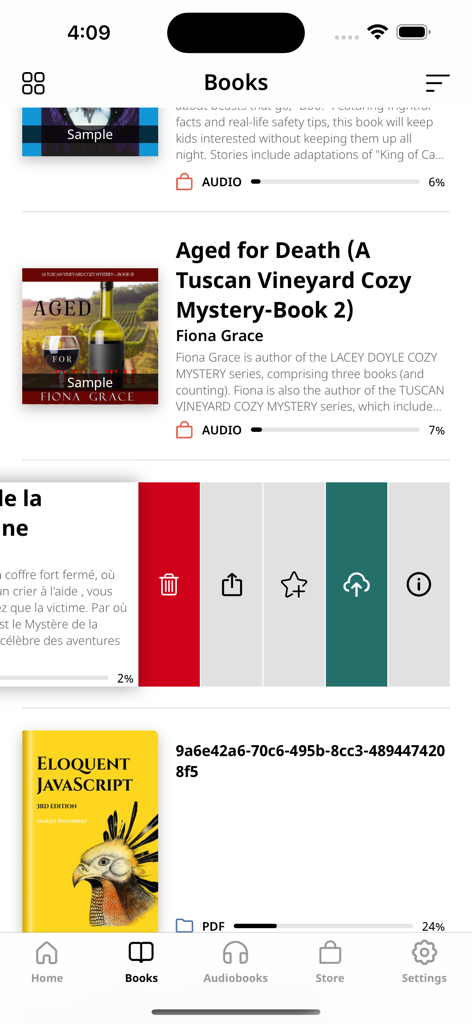
PocketBook Reader app library interface showing ebook and audiobook collections with file management options
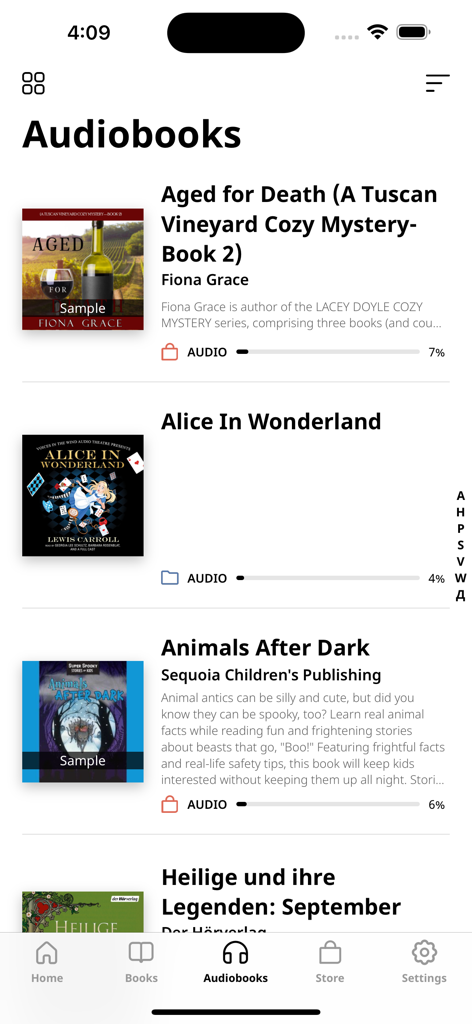
PocketBook Reader app displaying a list of audiobooks with reading progress
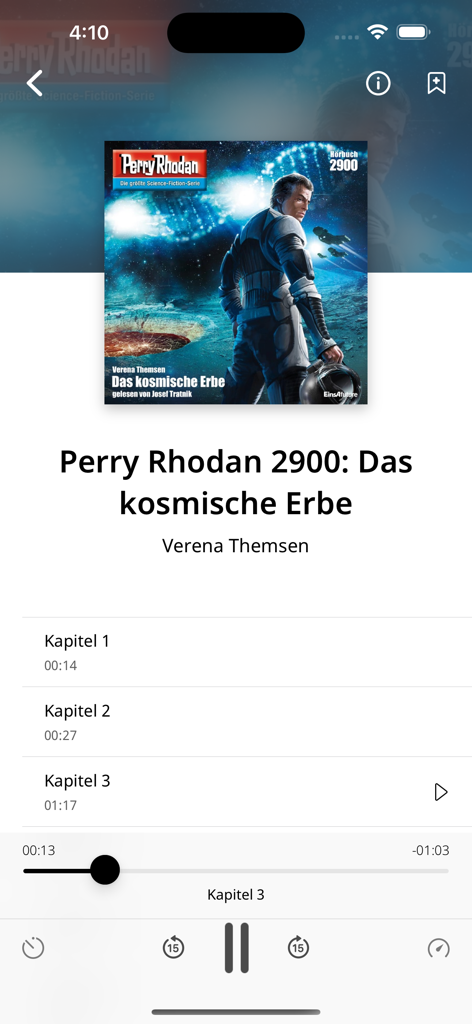
Audiobook playback screen with chapter selection and controls in the PocketBook Reader app
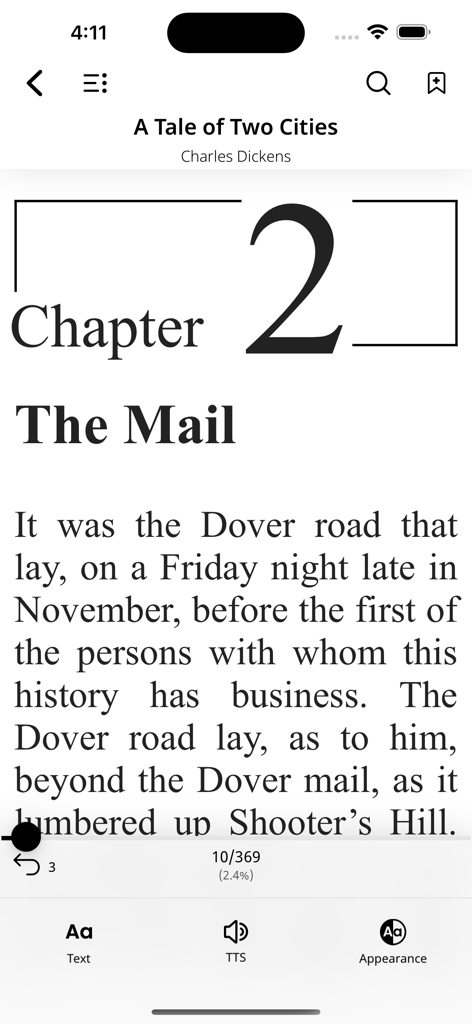
PocketBook Reader app displaying the book A Tale of Two Cities with reading and text settings icons at the bottom
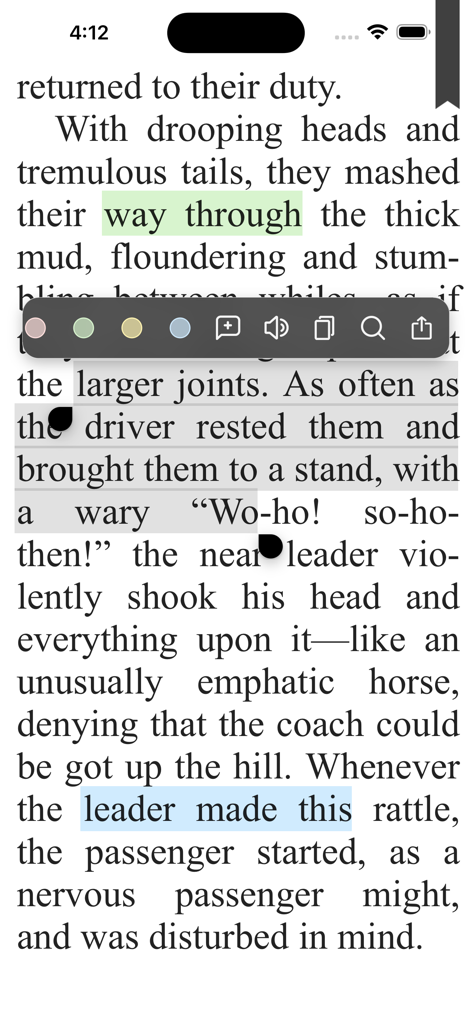
PocketBook Reader interface showing text selection and highlighting options in an ebook
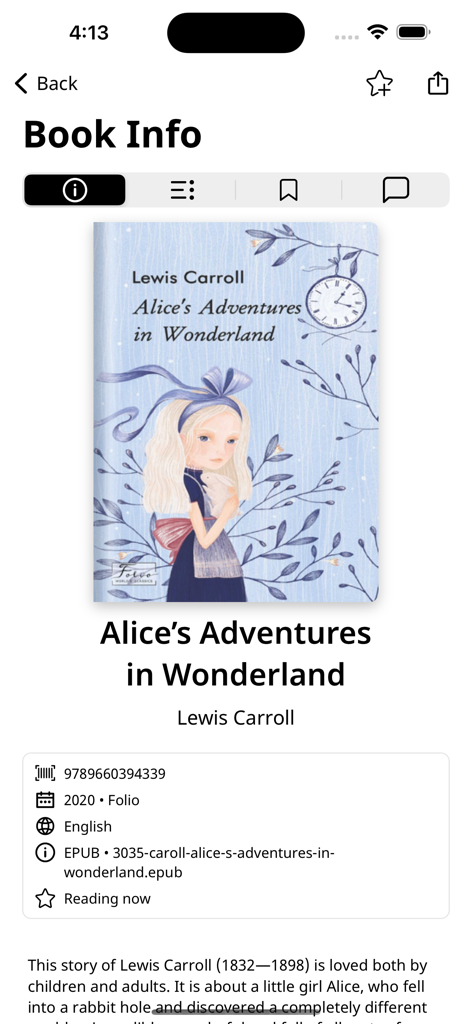
PocketBook Reader interface displaying book information and cover for Alice's Adventures in Wonderland
Description
Download
More Like This
Apps with similar features and user experience

eBoox - fb2 ePub book reader
REDIT, OOO

PureLibro: ebook reader
添欢 谢

Summit Reader
三英 郑

Readingo
哲魁 左

YACReader - Comic Reader
Luis Ángel San Martín

iComics
XD Digital Pty Ltd

KRed Reader
Kingjet Network Co., Ltd.

Epub Reader -read epub,chm,txt
俊杰 阮

Yomu EBook Reader
Beat Raess
This page is not an official page of the app or its developer, but an independent editorial publication created for informational and commentary purposes. Unless expressly stated otherwise, neither the app nor its developer is affiliated with, endorsed by, sponsored by, authorized by, or otherwise officially connected with MWM, Apple, Google Play, the app publisher, or the app's developer, and nothing on this page implies that the app was developed using MWM's services. Any trademarks, logos, screenshots, and other content remain the property of their respective owners.