
This page is not an official page of the app or its developer, but an independent editorial publication created for informational and commentary purposes. Unless expressly stated otherwise, neither the app nor its developer is affiliated with, endorsed by, sponsored by, authorized by, or otherwise officially connected with MWM, Apple, Google Play, the app publisher, or the app's developer, and nothing on this page implies that the app was developed using MWM's services. Any trademarks, logos, screenshots, and other content remain the property of their respective owners.

ProCam - Pro Camera
Take full command of your mobile photography with manual exposure, RAW capture, and 4K Max video. Experience a professional-grade interface designed for creators who refuse to settle for auto-mode.
Downloads
1M+User Rating
Total Ratings
147K+Publisher
Category
Photo & VideoLocales
13Latest Version
14.9.6Size
80.9 MBFirst Released
Oct 30, 2013Elevate Your Creative Workflow
Stop letting AI decide how your photos look. ProCam provides the manual tools and high-fidelity formats needed to turn your iPhone into a professional-grade production studio.
Total Manual Command
Ditch the auto-mode and master your exposure with DSLR-inspired manual controls for ISO, shutter speed, and white balance.
Professional RAW Formats
Shoot in RAW (DNG) or Lossless TIFF to preserve every bit of data, giving you the ultimate flexibility in Lightroom or Photoshop.
Frequently Asked Questions
Everything you need to know about ProCam - Pro Camera
What shooting modes does ProCam - Pro Camera offer?
ProCam - Pro Camera offers Photo, Burst Mode, Slow Shutter, Portrait Mode, 3D Photo, Video, and Time Lapse shooting modes. Portrait Mode and 3D Photo have specific device requirements.
Does ProCam - Pro Camera support RAW image capture?
Yes, ProCam - Pro Camera supports RAW (DNG) image capture. This feature is available on iPhone 6s / iPad Pro 9.7 and later devices running iOS 10 or newer.
Can I use manual camera controls in ProCam - Pro Camera?
Yes, ProCam - Pro Camera provides extensive manual controls. Users can adjust exposure, shutter speed, ISO, focus, and white balance. These controls are supported across all photo and video modes.
What video resolutions are available in ProCam - Pro Camera?
ProCam - Pro Camera supports VGA, 720p, and 1080p video resolutions. 4K Ultra HD and 4K Max resolutions are available, with device-specific native support or via in-app purchase.
Does ProCam - Pro Camera feature focus peaking?
Yes, ProCam - Pro Camera features true focus peaking. This manual control assists users by visually highlighting sharp edges within the frame to achieve precise focus.
What is the overexposure warning in ProCam - Pro Camera?
ProCam - Pro Camera includes a zebra stripes overexposure warning. This visual indicator highlights areas of the image that are overexposed, helping users optimize their settings.
Does ProCam - Pro Camera include an in-app photo and video editor?
Yes, ProCam - Pro Camera features a comprehensive photo and video editor. It offers nondestructive editing, 60 filters, 17 lenses, and 19 adjustment tools for precise modifications.
The following screenshots and description are sourced directly from the app's official store listing and are the property of the app developer.
App Store
Screenshots
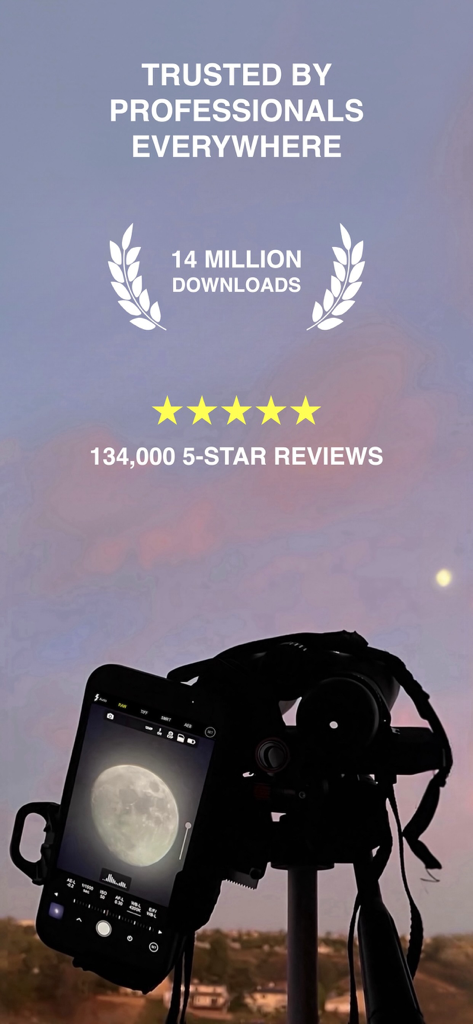
ProCam app on a tripod capturing a detailed photo of the moon with 14 million downloads and 5 star reviews text overlay
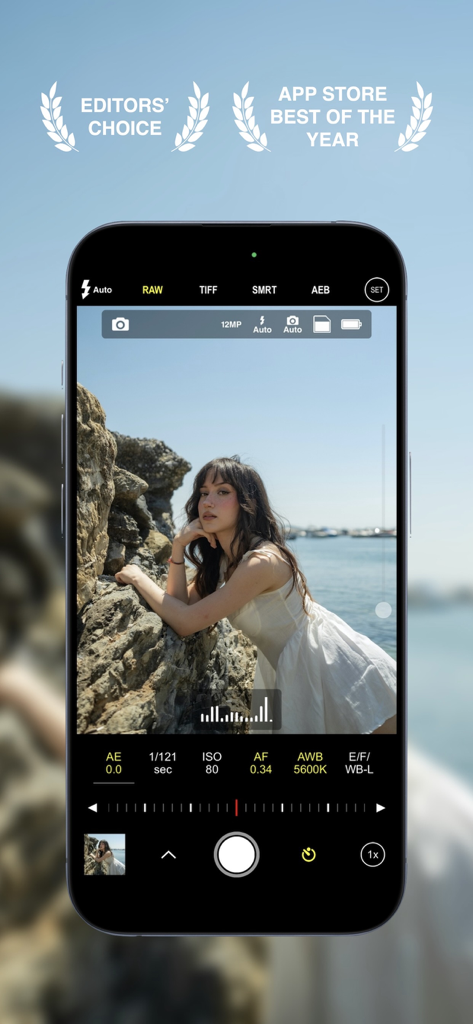
ProCam app interface on iPhone showing manual photography settings and App Store awards
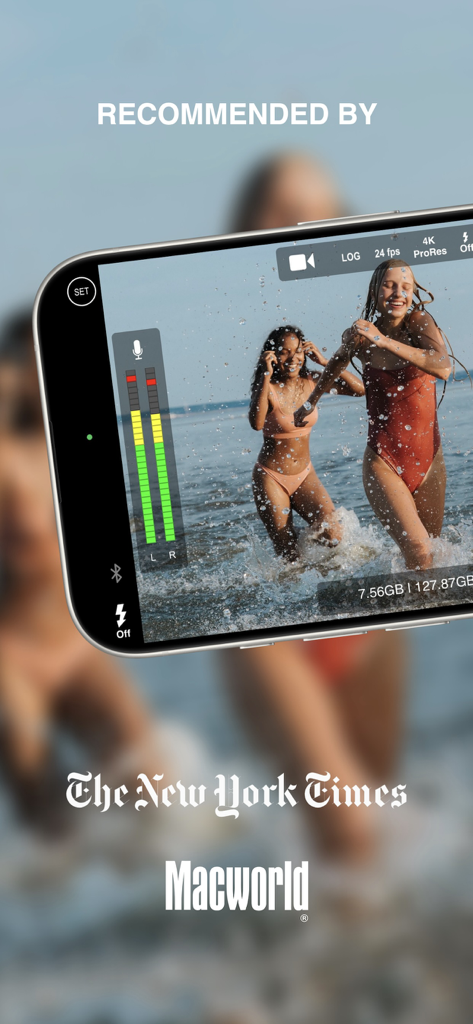
ProCam app interface showing professional video features and press reviews from The New York Times and Macworld.
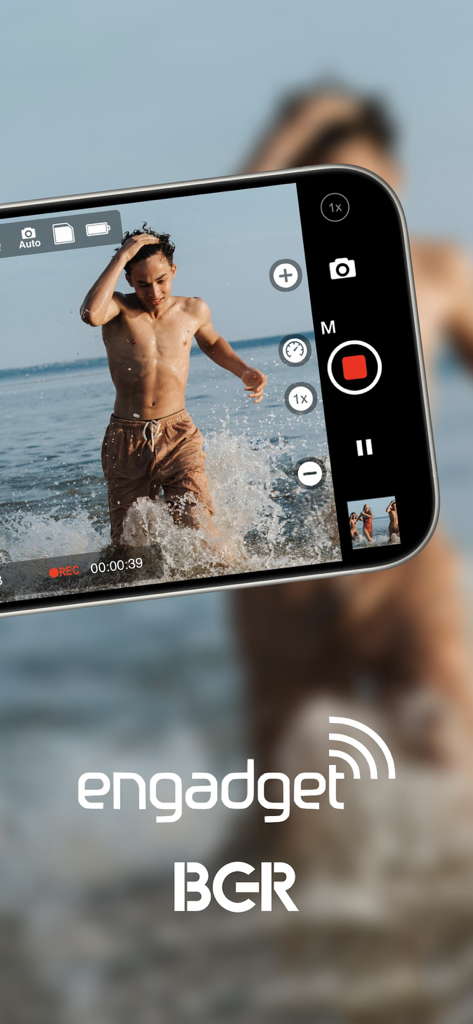
ProCam app interface showing manual video recording of a man at the beach with professional controls
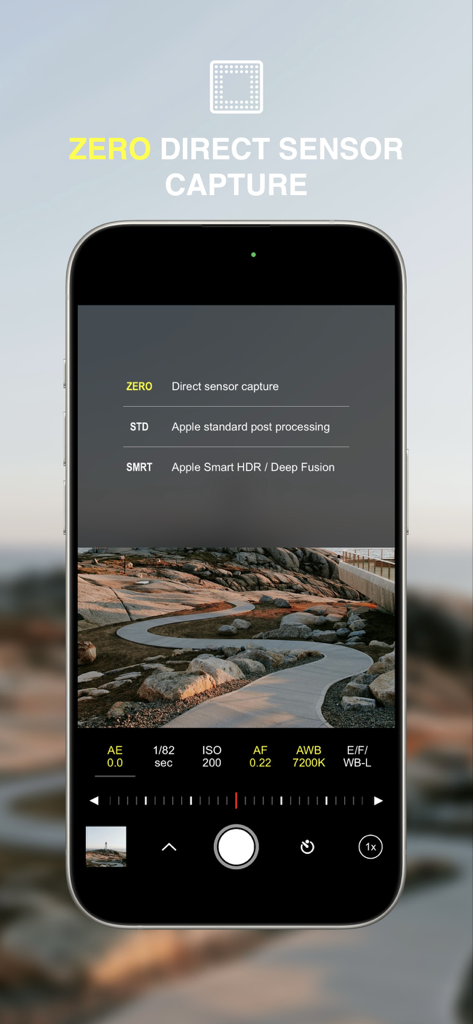
ProCam app screen showing the Zero Direct Sensor Capture menu and manual DSLR style camera controls
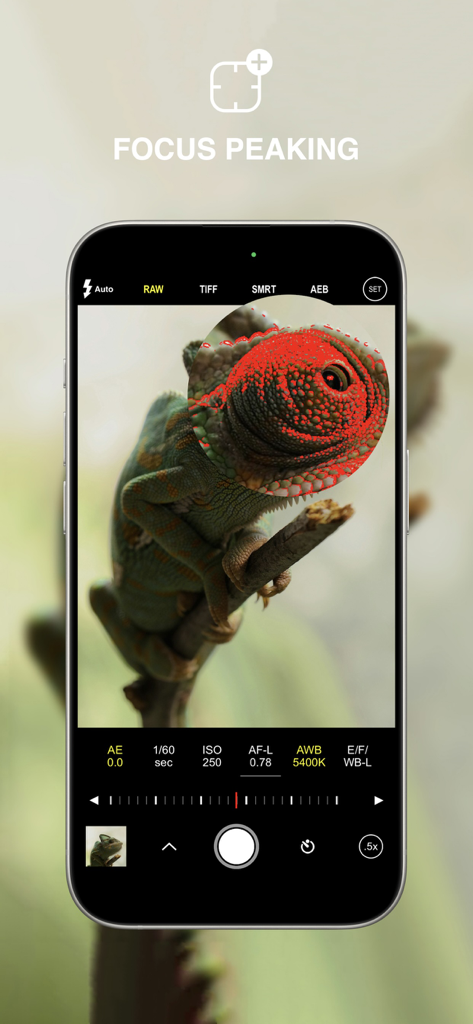
ProCam app screenshot showing the focus peaking feature and manual camera settings
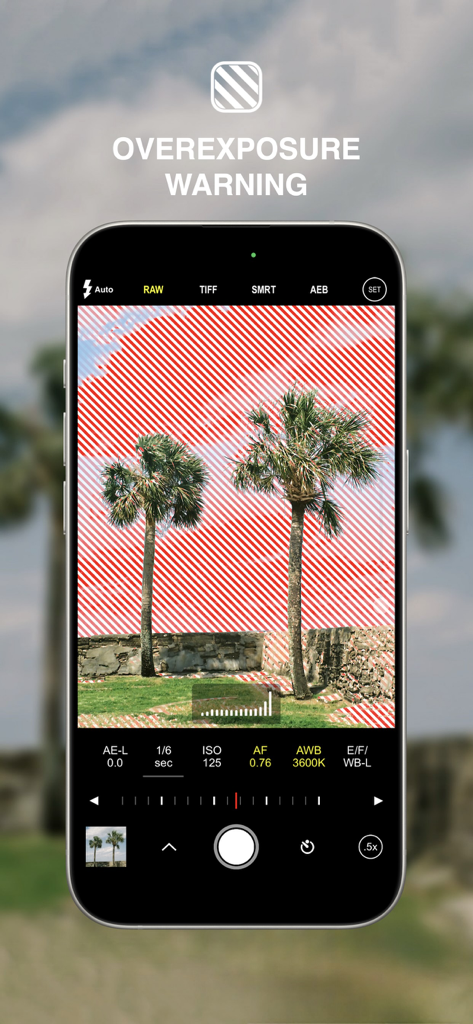
ProCam app interface showing the overexposure warning feature with red zebra stripes on a photo of palm trees
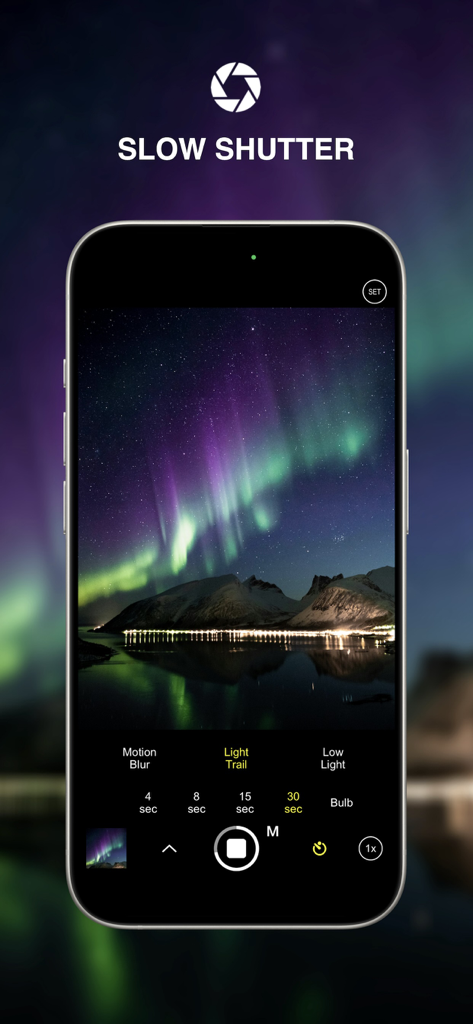
ProCam app slow shutter mode capturing the Northern Lights
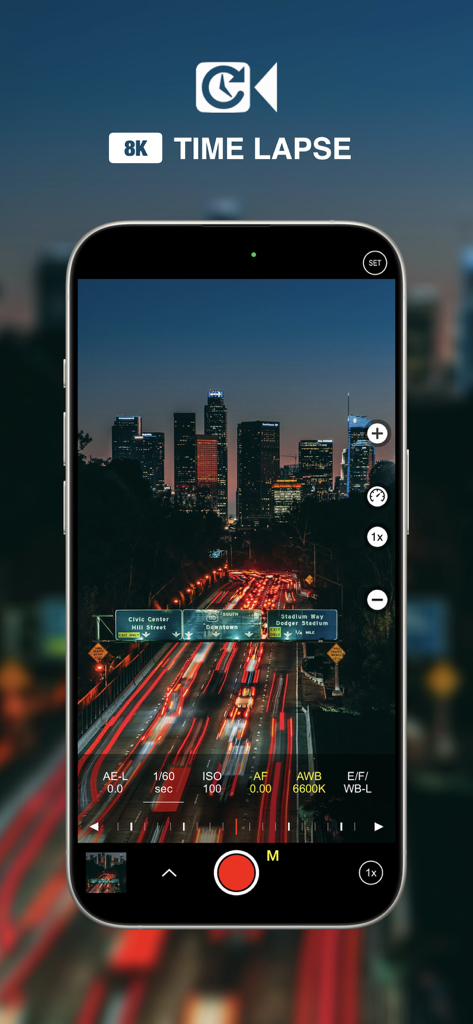
ProCam app interface recording an 8K time lapse of city night traffic with manual settings
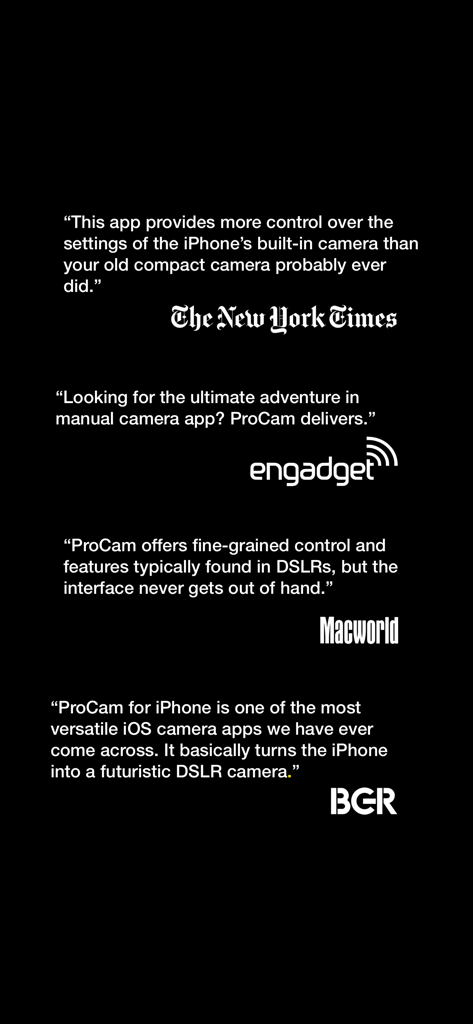
Positive press reviews for ProCam from The New York Times, Engadget, Macworld, and BGR highlighting its DSLR-like features.
Description
Download
More Like This
Apps with similar features and user experience

Blackmagic Camera
Blackmagic Design Inc

飓风相机
Hangzhou Ostar Media Co.,Ltd.

ProMovie Recorder
Panda Apps Limited

ReLens Camera-DSLR Portrait
Pixl Concerto Technology Limited

Leica LUX - Pro Manual Camera
Leica Camera AG

FotorGear - Camera in Pocket
Shenzhen Fotorgear Technology Co., Ltd.

Unsharp
北北 宋

ProCam:Professional RAW Camera
BRAND CELLAR HOLDINGS PTE LTD

Vibe Cam - Moments Never Fade
森 林
This page is not an official page of the app or its developer, but an independent editorial publication created for informational and commentary purposes. Unless expressly stated otherwise, neither the app nor its developer is affiliated with, endorsed by, sponsored by, authorized by, or otherwise officially connected with MWM, Apple, Google Play, the app publisher, or the app's developer, and nothing on this page implies that the app was developed using MWM's services. Any trademarks, logos, screenshots, and other content remain the property of their respective owners.