
This page is not an official page of the app or its developer, but an independent editorial publication created for informational and commentary purposes. Unless expressly stated otherwise, neither the app nor its developer is affiliated with, endorsed by, sponsored by, authorized by, or otherwise officially connected with MWM, Apple, Google Play, the app publisher, or the app's developer, and nothing on this page implies that the app was developed using MWM's services. Any trademarks, logos, screenshots, and other content remain the property of their respective owners.

ProCamera. Professional Camera
Unlock the full potential of your camera hardware. Capture, edit, and film with manual precision, ProRAW support, and cinematic video profiles used by experts worldwide.
Downloads
1M+User Rating
Total Ratings
45K+Publisher
Category
Photo & VideoLocales
16Latest Version
26.1.1Size
166.5 MBFirst Released
Sep 18, 2013Professional Power. Smartphone Simplicity.
Unlock your iPhone's full potential with the ultimate suite of manual controls, professional-grade formats, and cinematic video tools designed for creators who refuse to compromise on quality.
Total Creative Control
Master your shot with independent focus and exposure controls, manual white balance, and focus peaking for results that AI can't replicate.
Uncompromised Quality
Capture in RAW, ProRAW, and TIFF to preserve every detail, giving you the maximum flexibility needed for professional-level post-processing.
Frequently Asked Questions
Everything you need to know about ProCamera. Professional Camera
Does ProCamera offer a free trial?
Yes, ProCamera offers a free 7-day trial. This allows users to experience the app's ultimate photo and video capabilities before committing to a subscription.
Can users access manual camera controls in ProCamera?
Yes, ProCamera offers full manual controls, including independent focus, exposure, and manual white balance. Users can also choose between easy point-and-shoot or semi-automatic modes for versatile photography.
What photo formats does ProCamera support for capture?
ProCamera supports various high-quality photo formats for capture, including RAW, ProRAW, TIFF, JPG, and HEIF. This provides users with flexibility for professional-grade photography and editing workflows.
What video resolutions and frame rates does ProCamera offer?
ProCamera supports video recording at resolutions such as 4K, 1080p, 720p, and 480p VGA. It offers a wide range of frame rates from 24 to 240 frames per second for cinematic video capture.
Does ProCamera include an editing suite for photos?
Yes, ProCamera features a powerful editing suite. It includes tools like ProRAW/RAW editing, depth editing (bokeh), EDR and ISO HDR, over 100 photo filters, and Automatic Perspective Correction.
Does ProCamera offer features to protect user privacy?
Yes, ProCamera provides custom sharing options, allowing users to easily remove geo-tags from photos for increased privacy. It also offers a safeguarded Private Lightbox folder for secure storage.
Can ProCamera be accessed directly from the lock screen?
Yes, ProCamera includes a lock screen camera feature. This allows for instant access to the app directly from your iOS device's lock screen for quick photo and video capture.
Does ProCamera support external lenses and microphones?
Yes, ProCamera supports external lenses, including ultra-wide, wide, tele, and LiDAR. It also allows connecting Bluetooth, Lightning, and USB microphones for enhanced audio recording capabilities.
Does ProCamera integrate with Apple Watch?
Yes, ProCamera features an Apple Watch Remote Trigger. This functionality allows users to remotely control their iPhone's ProCamera app directly from their Apple Watch for convenient, hands-free capture.
Does ProCamera offer automatic perspective correction?
Yes, ProCamera includes Automatic Perspective Correction (APC) with Live Preview. This feature, a premium offering, helps create professional-looking photos free of perspective distortion.
The following screenshots and description are sourced directly from the app's official store listing and are the property of the app developer.
App Store
Screenshots
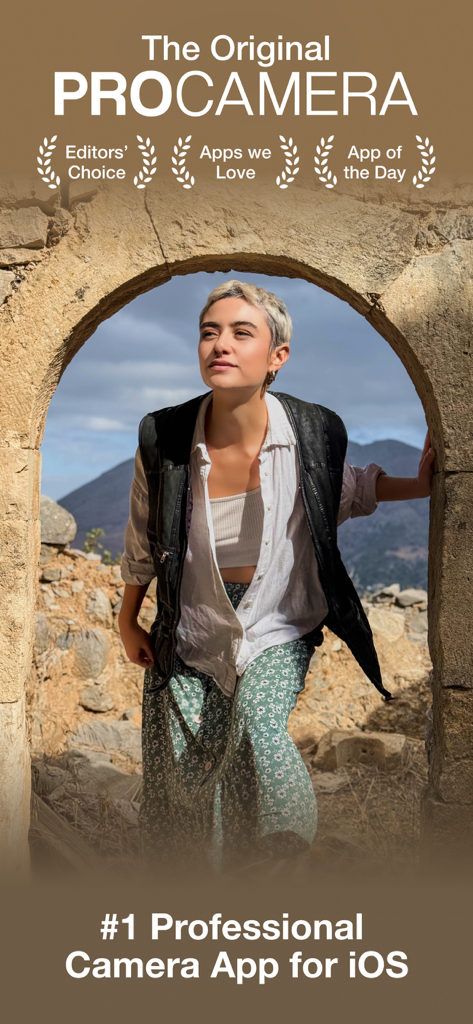
ProCamera app screenshot showing a woman framed in a stone archway with awards like Editors Choice and App of the Day.
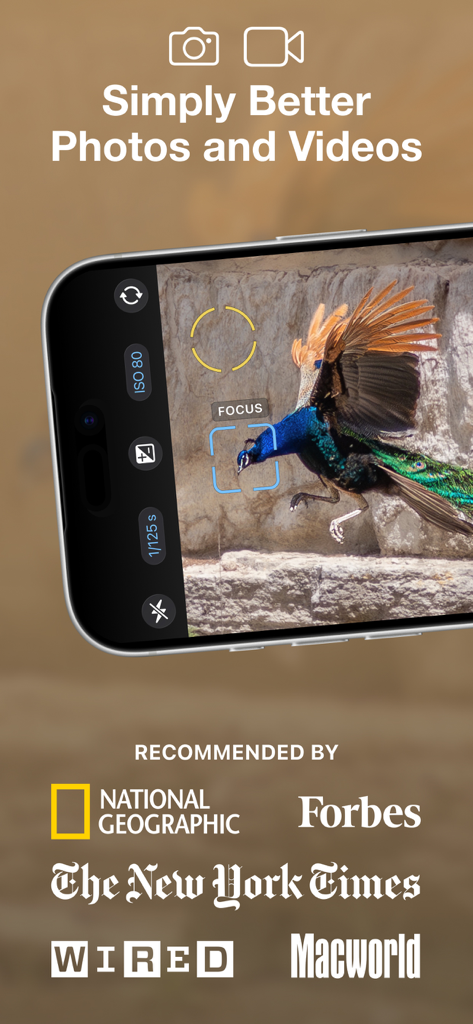
A smartphone screen displaying the ProCamera app with manual focus and exposure settings over a photo of a peacock, endorsed by National Geographic and Wired.
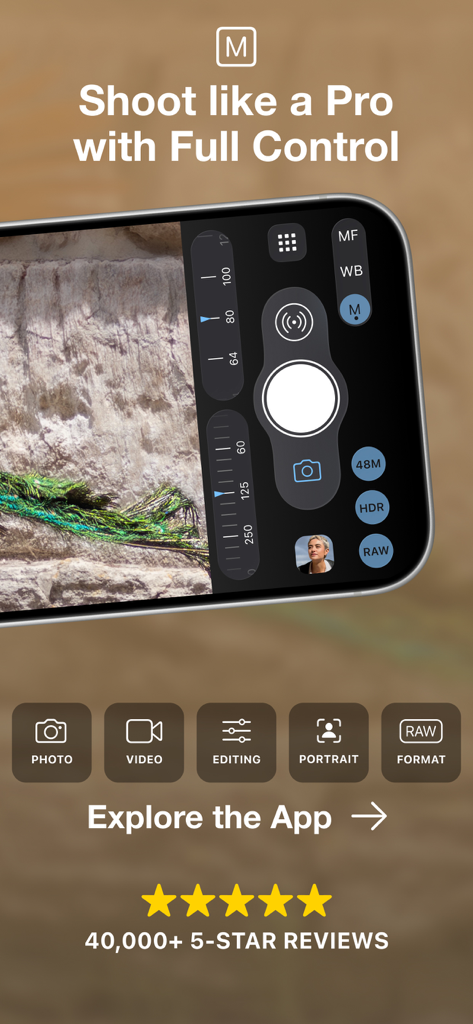
ProCamera app interface featuring manual control dials for ISO and shutter speed on an iPhone
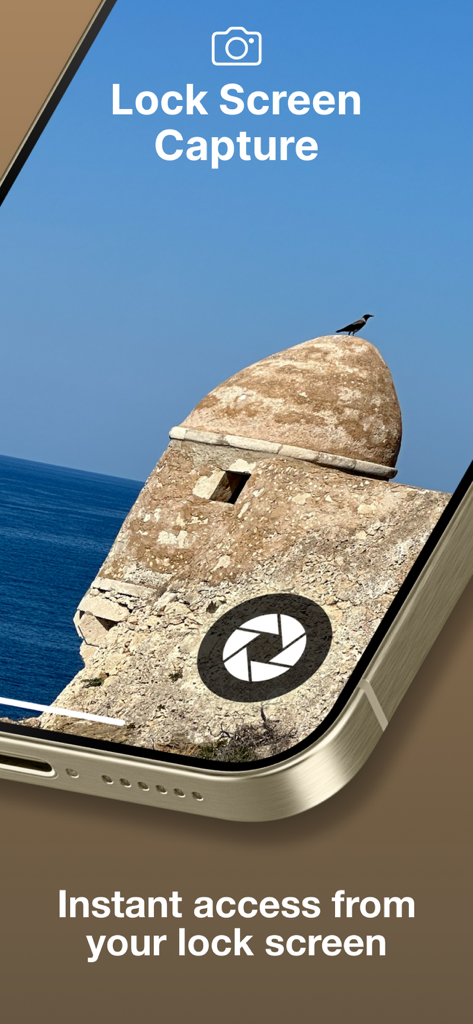
iPhone lock screen showing the ProCamera capture shortcut for instant access
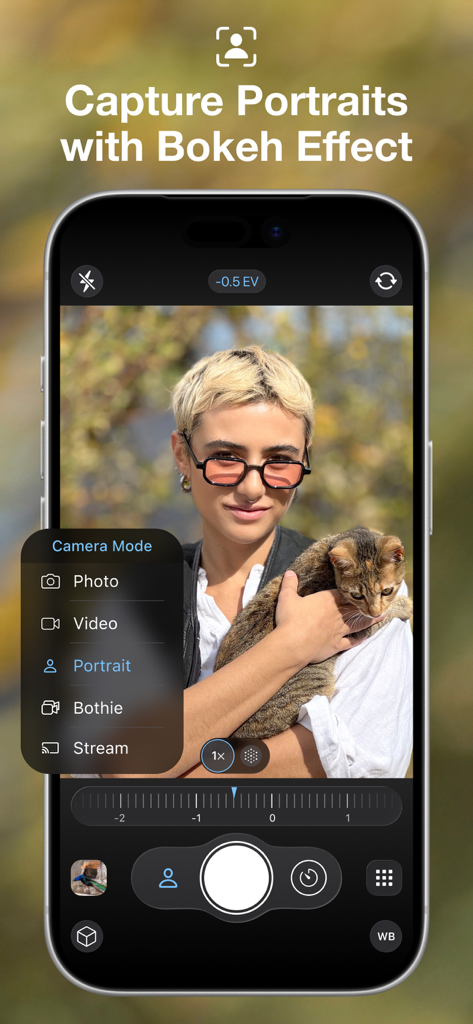
ProCamera app interface showing portrait mode selection and bokeh effect on a person holding a cat
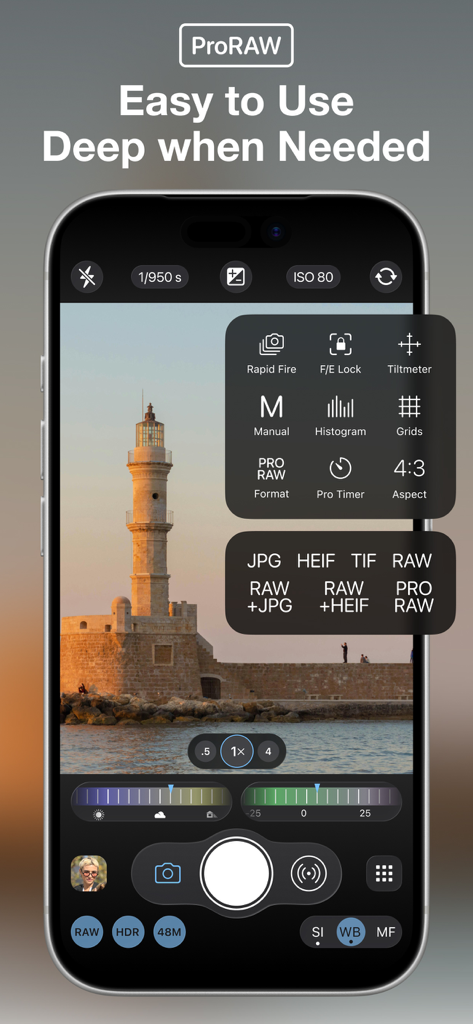
ProCamera app interface showing manual photo settings and ProRAW format selection on an iPhone screen.
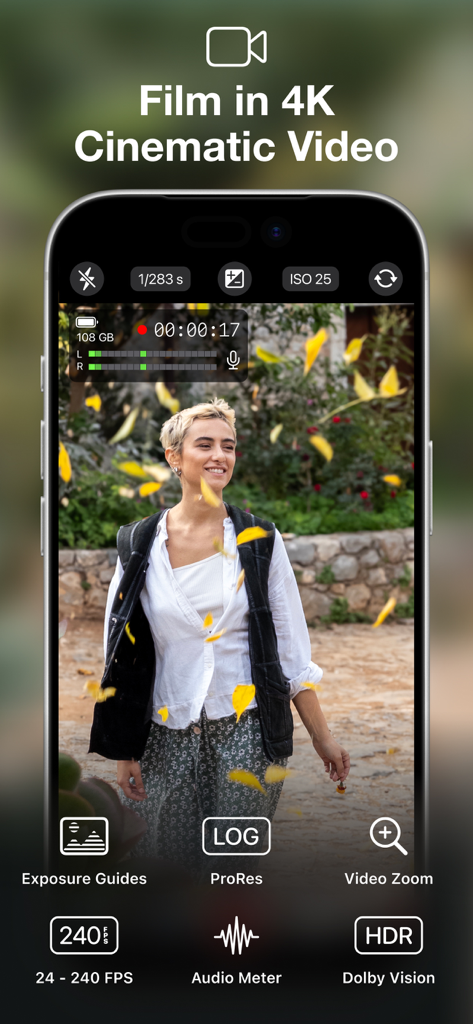
iPhone screen displaying ProCamera app video mode with manual controls and cinematic 4K recording features
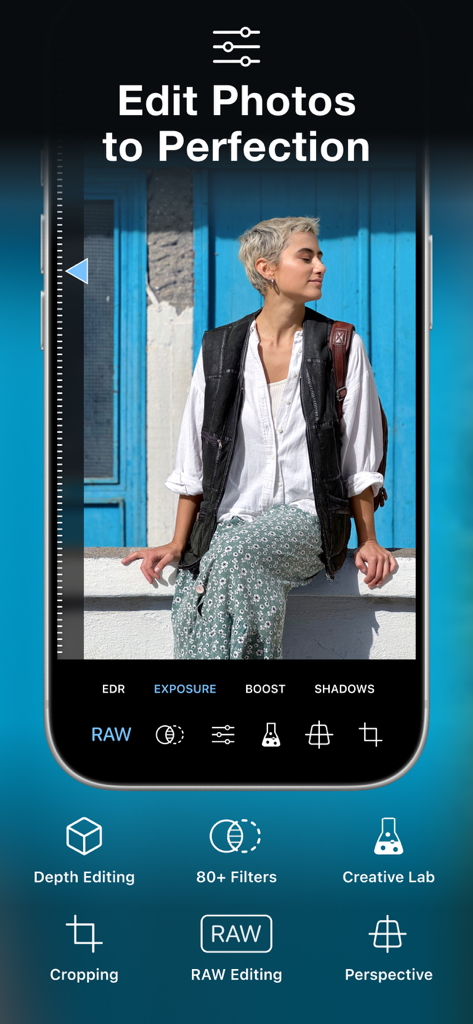
ProCamera mobile app interface for professional photo editing with RAW and depth tools
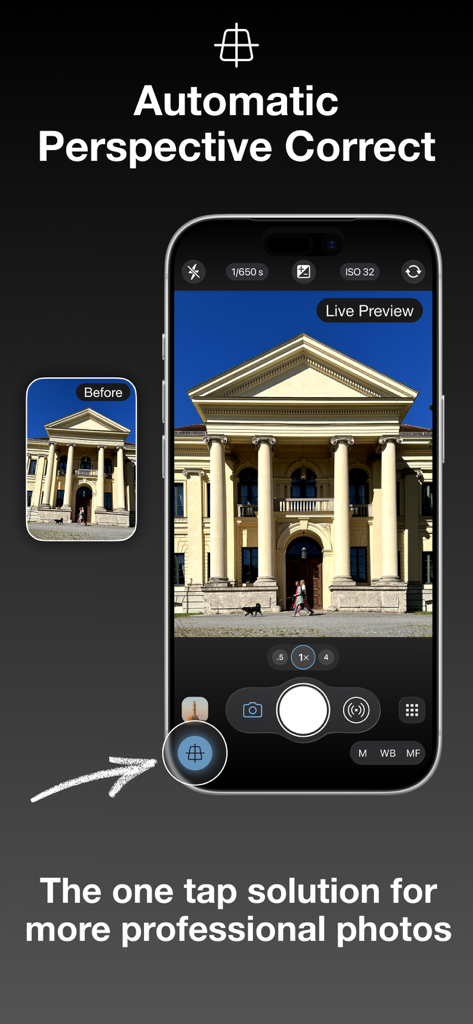
ProCamera app interface showing live automatic perspective correction for architectural photography
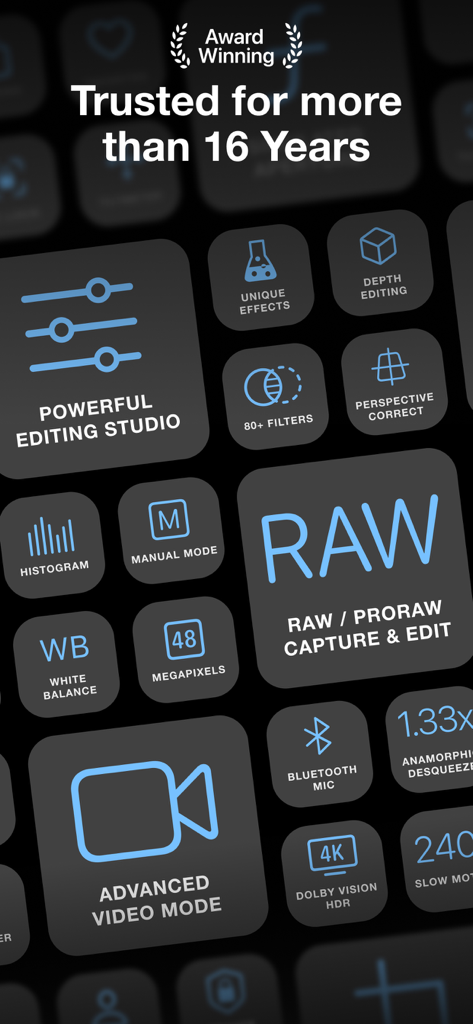
A grid of professional features for ProCamera app including RAW capture and manual controls
Description
Download
More Like This
Apps with similar features and user experience

Blackmagic Camera
Blackmagic Design Inc

飓风相机
Hangzhou Ostar Media Co.,Ltd.

ProMovie Recorder
Panda Apps Limited

ReLens Camera-DSLR Portrait
Pixl Concerto Technology Limited

Leica LUX - Pro Manual Camera
Leica Camera AG

FotorGear - Camera in Pocket
Shenzhen Fotorgear Technology Co., Ltd.

Unsharp
北北 宋

ProCam:Professional RAW Camera
BRAND CELLAR HOLDINGS PTE LTD

Vibe Cam - Moments Never Fade
森 林
This page is not an official page of the app or its developer, but an independent editorial publication created for informational and commentary purposes. Unless expressly stated otherwise, neither the app nor its developer is affiliated with, endorsed by, sponsored by, authorized by, or otherwise officially connected with MWM, Apple, Google Play, the app publisher, or the app's developer, and nothing on this page implies that the app was developed using MWM's services. Any trademarks, logos, screenshots, and other content remain the property of their respective owners.