
This page is not an official page of the app or its developer, but an independent editorial publication created for informational and commentary purposes. Unless expressly stated otherwise, neither the app nor its developer is affiliated with, endorsed by, sponsored by, authorized by, or otherwise officially connected with MWM, Apple, Google Play, the app publisher, or the app's developer, and nothing on this page implies that the app was developed using MWM's services. Any trademarks, logos, screenshots, and other content remain the property of their respective owners.

Protractor - Angle Measure
Get pinpoint accuracy for every project using your camera feed. Whether you are a professional contractor or a home DIYer, our freeze-frame technology makes measuring slopes and angles easier than ever.
Downloads
0User Rating
Total Ratings
0Publisher
Category
UtilitiesLocales
10Latest Version
1.10Size
21.3 MBFirst Released
Aug 13, 2024Master Every Angle with Professional Precision
Replace bulky tools with a powerful digital protractor. Designed for contractors, woodworkers, and DIY enthusiasts who demand accuracy, speed, and efficiency on the job site or in the workshop.
Live Camera Integration
Measure real-world objects instantly by overlaying digital lines on your live camera feed. Perfect for checking roof pitches, furniture slopes, or wall alignments without physical contact.
Precision Freeze Function
Lock your camera frame to take steady measurements in awkward or hard-to-reach spaces. Eliminate errors caused by shaky hands and ensure every cut is accurate the first time.
The following screenshots and description are sourced directly from the app's official store listing and are the property of the app developer.
App Store
Screenshots
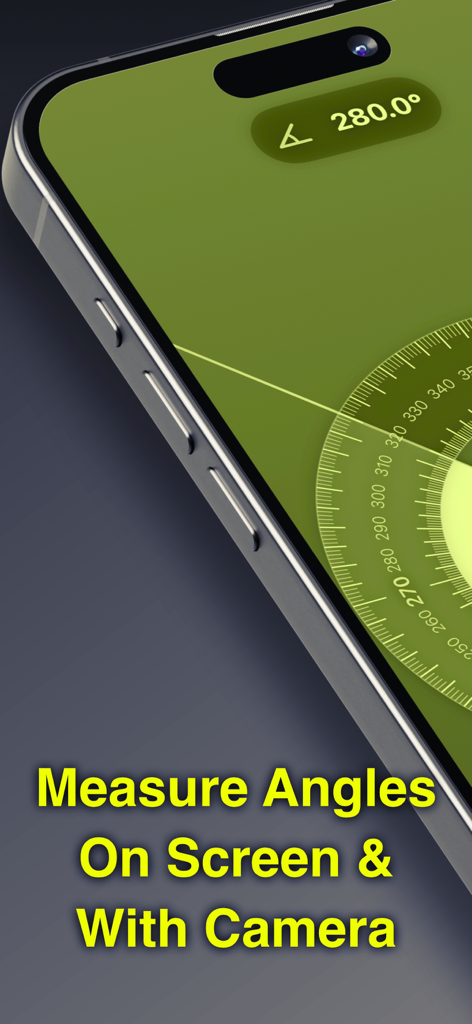
A smartphone screen displaying the Protractor app interface with a circular measurement scale and a 280 degree angle reading
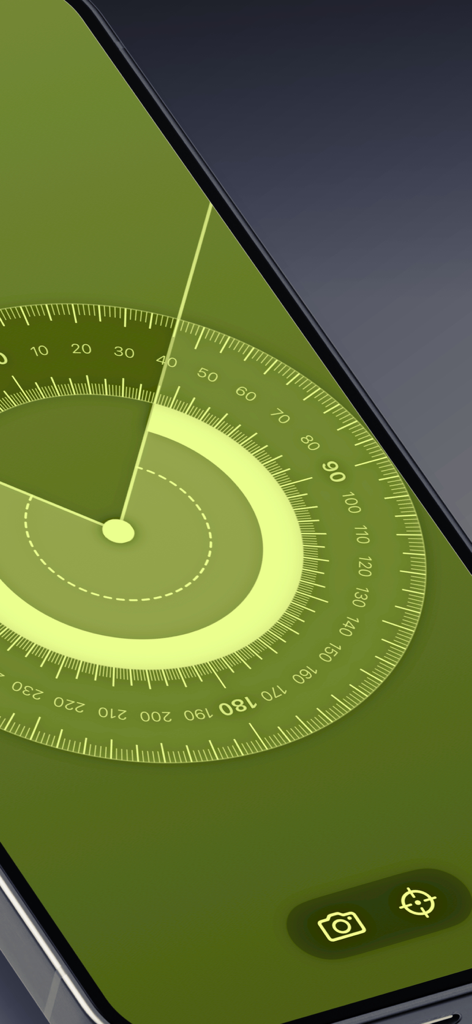
Digital protractor interface on a smartphone screen showing a circular angle measurement tool with a green background.
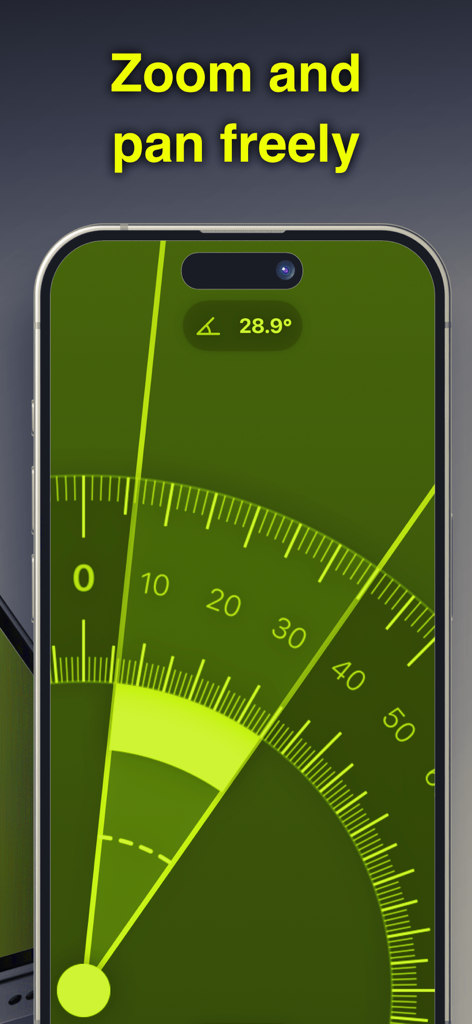
Smartphone screen showing the digital protractor app with zoom and pan functionality to measure precise angles
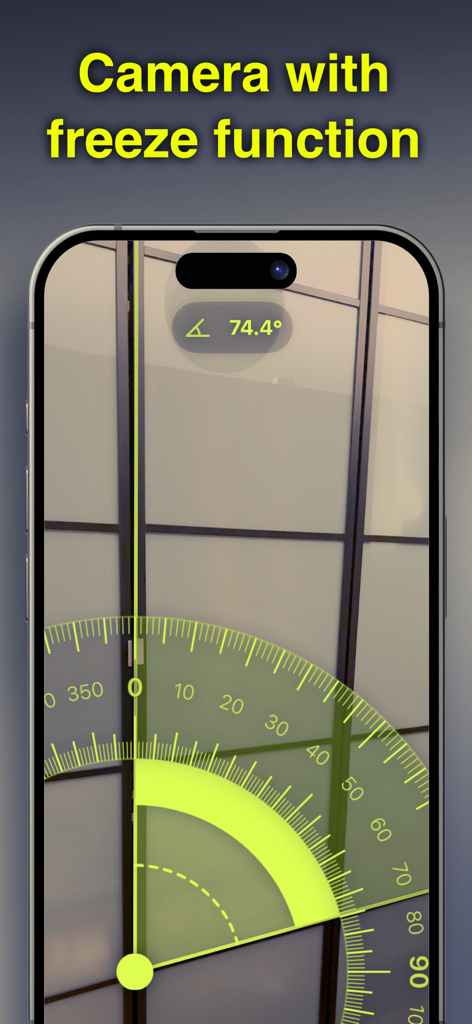
A smartphone screen displaying the Protractor app measuring a 74.4 degree angle on a window frame using the camera freeze function.
Description
Download
More Like This
Top-ranked apps in the same category

Google LLC

Google Chrome
Google LLC

中国移动(手机营业厅)
China Mobile Online Services Co., Ltd.

Google Authenticator
Google LLC

gov.br
Servicos e Informacoes do Brasil

Cleanup: Phone Storage Cleaner
DEEP FLOW SOFTWARE SERVICES - FZCO

Meu Social - Gás do Povo
Servicos e Informacoes do Brasil

百度-AI智能搜索
Beijing Baidu Netcom Science & Technology Co.,Ltd

Microsoft Edge: AI Browser
Microsoft Corporation
This page is not an official page of the app or its developer, but an independent editorial publication created for informational and commentary purposes. Unless expressly stated otherwise, neither the app nor its developer is affiliated with, endorsed by, sponsored by, authorized by, or otherwise officially connected with MWM, Apple, Google Play, the app publisher, or the app's developer, and nothing on this page implies that the app was developed using MWM's services. Any trademarks, logos, screenshots, and other content remain the property of their respective owners.