This page is not an official page of the app or its developer, but an independent editorial publication created for informational and commentary purposes. Unless expressly stated otherwise, neither the app nor its developer is affiliated with, endorsed by, sponsored by, authorized by, or otherwise officially connected with MWM, Apple, Google Play, the app publisher, or the app's developer, and nothing on this page implies that the app was developed using MWM's services. Any trademarks, logos, screenshots, and other content remain the property of their respective owners.
QR Code · Barcode Reader&Maker
Streamline your business and personal workflow with powerful scanning, custom code creation, and folder-based management. Export data to CSV and enjoy a clean, uninterrupted experience designed for the productivity-focused professional.
Key Figures
Downloads
200
User Rating
4.8/5
Total Ratings
0
Publisher
志勇 杨
Category
Utilities
Locales
10
Latest Version
1.0
Size
18.1 MB
First Released
Dec 16, 2024
Features
The Professional’s QR & Barcode Toolkit
Designed for efficiency and speed, our ad-free utility empowers small business owners and professionals to scan, create, and organize codes with professional-grade precision.
Smart Data Management
Categorize scans into custom folders and export your entire history to CSV for seamless integration with Excel, Numbers, or Google Drive.
Ad-Free Productivity
Experience a clean, beautiful interface with zero intrusive ads, allowing you to focus on managing your business without interruptions.
The following screenshots and description are sourced directly from the app's official store listing and are the property of the app developer.
App Store
Screenshots
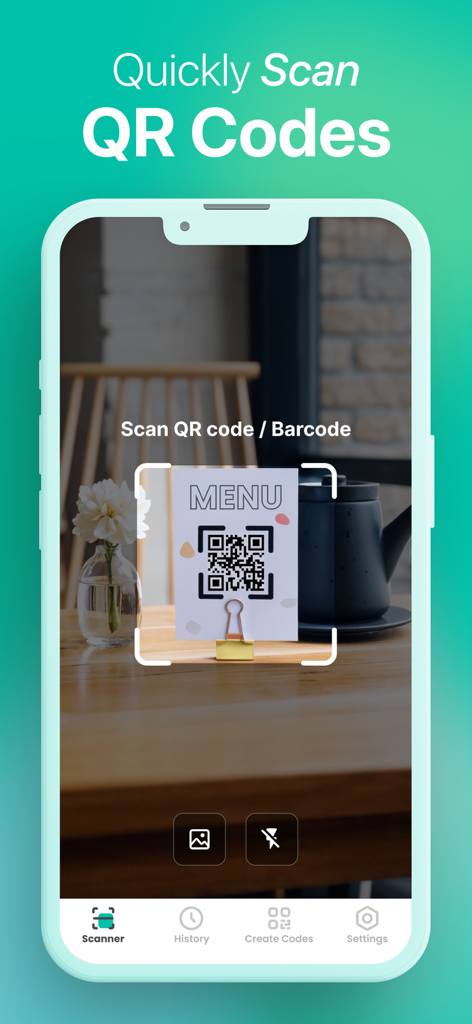
Mobile app interface scanning a QR code on a restaurant menu
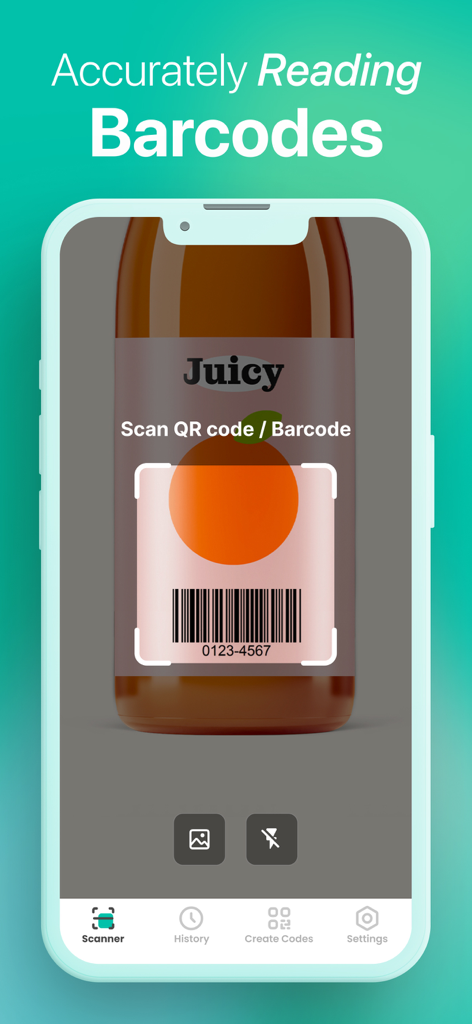
A mobile app interface demonstrating accurate barcode scanning on a juice bottle product label.
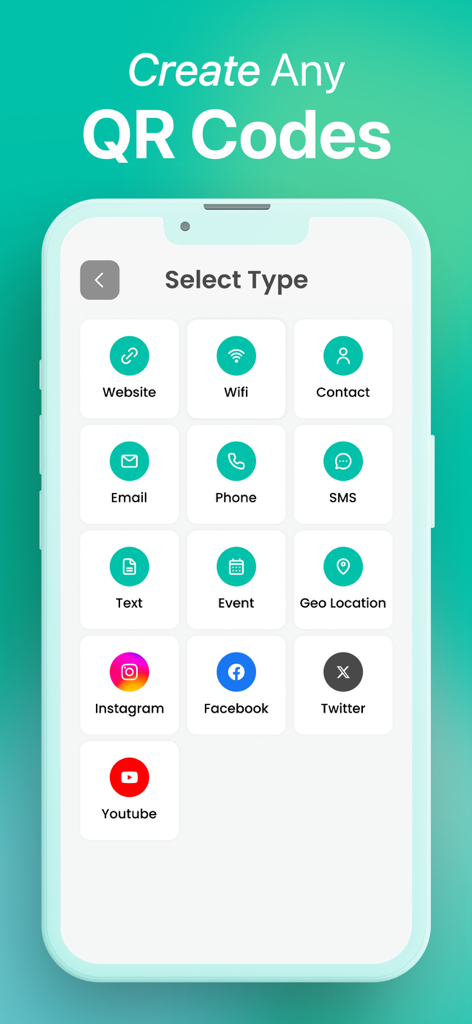
Select type screen for creating various QR codes like Website, Wifi, and social media links
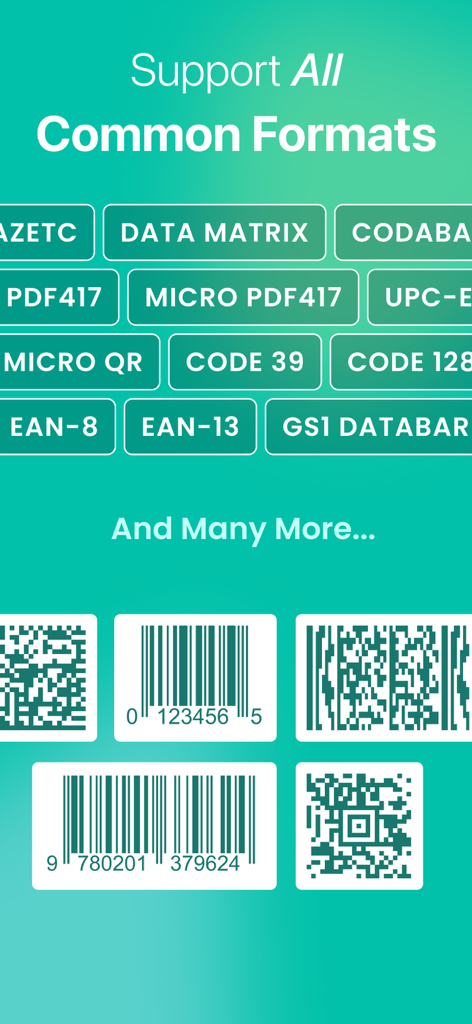
A list of supported QR and barcode formats including EAN-13, UPC-E, and Code 128 displayed on a green background
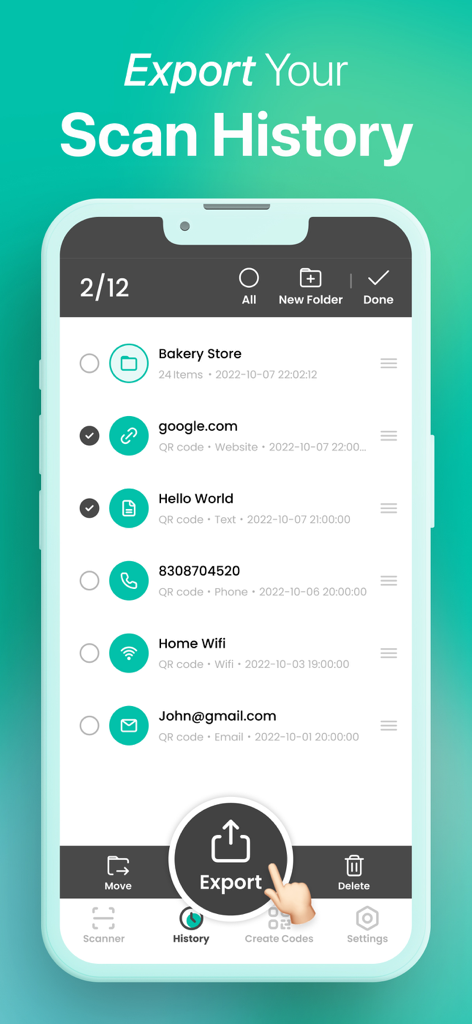
Mobile app screen displaying organized scan history with an export button for QR codes and barcodes.
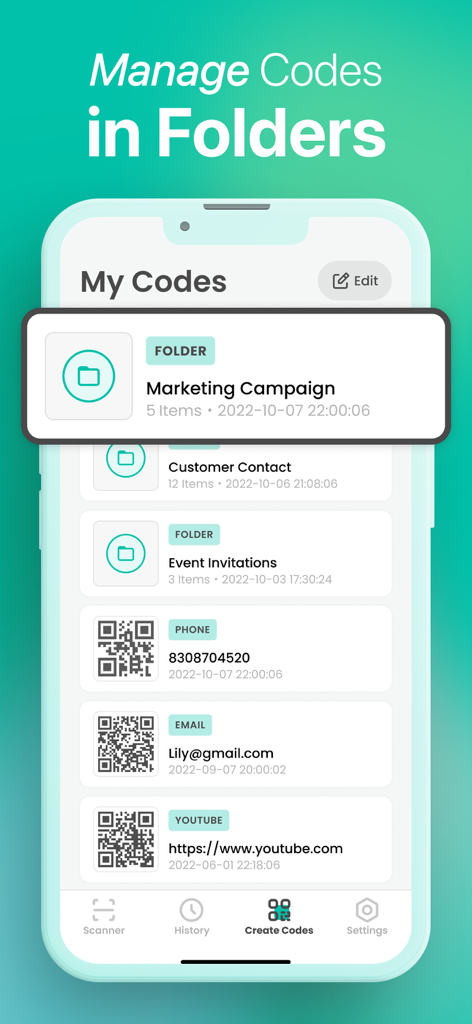
A mobile interface showing QR codes and barcodes organized into categorized folders for business management
Description
In today's digital age, whether you're dining out and need to scan a QR code to access the menu and place your order, or you're a business owner trying to manage inventory efficiently with barcode tracking, or you're a social butterfly sharing contact details or event invites through QR codes, often struggle with complex apps that are cluttered with ads or have limited functionality for code handling. You need a simple yet powerful tool that can handle various code-related tasks smoothly.
Discover the ultimate QR code and barcode utility app for iOS! Our app is designed to make scanning, creating, and managing codes a breeze, all while offering a seamless and ad-free experience.
POWERFUL SCANNING CAPABILITIES:
●Our app provides convenient ways to scan QR codes and barcodes. You can easily scan them via your device's camera. Once scanned, you can instantly access a lot of useful information. If it's a URL-based QR code, you'll be directed right to the corresponding website, enabling you to quickly reach online resources without manually typing the web address. When it comes to WiFi passwords, scanning the relevant QR code can automatically connect your device to the network, saving you the trouble of entering the password manually. For contact details encoded in a code like a VCard QR code, you can add the contact information to your address book immediately by just one scan. Besides, it supports scanning code pictures from your media library so that you can easily access the code information.
●Support a wide range of code formats including QR Code, Aztec, DataMatrix, Micro PDF417, Micro QR, PDF417, Codabar, Code 39, Code 39 mod 43 , Code 93, Code 128, EAN-8, EAN-13, GS1 DataBar, GS1 DataBar Limited, GS1 DataBar Expanded, Interleaved 2 of 5, ITF14, UPC-E, and many more.
CODE CREATION MADE SIMPLE:
●Create custom QR codes to open URLs, connect to WiFi hotspots, add events, read VCards, and so much more. You can also generate personalized barcodes for various purposes.
●Share your created codes with friends, colleagues, or use them for your personal or business needs in just a few taps.
EFFICIENT HISTORY MANAGEMENT:
●Keep track of all your scan history and creation history in an organized way. You can create folders to categorize them based on different projects, events, or purposes. For example, if you're running a small business, you can create separate folders for inventory management codes, marketing campaign codes, and customer contact codes. Or for personal use, you can have folders for codes related to home Wi-Fi sharing, event invitations, and favorite website bookmarks. This way, you can quickly locate the specific codes you need whenever you want, saving you time and improving efficiency.
●Export your scan history and creation history with ease. You can save them as CSV files and import them into your preferred spreadsheet applications such as Excel or Numbers. You also have the option to store these files in popular cloud storage platforms like Dropbox or Google Drive, facilitating easy access and sharing of your code records across different devices and with others.
BEAUTIFUL AND INTUITIVE UI:
●Our app features a simple yet beautiful user interface that makes navigation a joy. With its user-friendly design, you'll find it easy to access all the functions, whether you're a novice or an experienced user.
●No ads mean an uninterrupted and clean user experience, allowing you to focus solely on the task at hand.
Whether you're looking to manage inventory for your small business, quickly access information on the go, or simply share useful content as QR codes, our app is the perfect choice. Download it now and unlock the full potential of QR codes and barcodes on your iOS device!
If you have any questions, please contact us at feedback_help@outlook.com ! We are looking forward to your feedback and we will continue to provide you with better products and experience.
This page is not an official page of the app or its developer, but an independent editorial publication created for informational and commentary purposes. Unless expressly stated otherwise, neither the app nor its developer is affiliated with, endorsed by, sponsored by, authorized by, or otherwise officially connected with MWM, Apple, Google Play, the app publisher, or the app's developer, and nothing on this page implies that the app was developed using MWM's services. Any trademarks, logos, screenshots, and other content remain the property of their respective owners.









