
This page is not an official page of the app or its developer, but an independent editorial publication created for informational and commentary purposes. Unless expressly stated otherwise, neither the app nor its developer is affiliated with, endorsed by, sponsored by, authorized by, or otherwise officially connected with MWM, Apple, Google Play, the app publisher, or the app's developer, and nothing on this page implies that the app was developed using MWM's services. Any trademarks, logos, screenshots, and other content remain the property of their respective owners.


QR Code - QR Reader & Scanner
Instantly bridge the physical and digital. This app hands users the power to unlock hidden data, making the invisible, visible.
Downloads
2.5M+User Rating
Total Ratings
425Publisher
Category
UtilitiesLocales
1Latest Version
1.0.5Size
22.2 MBFirst Released
Dec 6, 2016A detailed evaluation of the application's essential features for everyday digital interaction.
Core Capabilities Analysis: QR Code - QR Reader & Scanner
Instant QR & Barcode Scanning
The app provides instant scanning capabilities for both QR codes and barcodes, ensuring a swift and efficient experience for users needing quick access to information.
Versatile Code Type Recognition
It automatically decodes a wide array of QR code and barcode types, including URLs, contact details, emails, text, phone numbers, and locations, making it a highly adaptable tool for various digital interactions.
Seamless In-App Functionality
The app allows users to perform relevant actions directly after scanning, such as opening web links or map locations, without needing to exit the application, enhancing convenience and efficiency.
Custom QR Code Creator
This tool features the ability to easily generate custom QR codes, empowering users to share their own contact details, website links, or other data effectively.
Image-Based Scanning
It allows users to scan barcodes and QR codes directly from images stored in their Photo Roll, offering flexibility when a physical code isn't available for direct camera scanning.
Unlimited Scan History
The app provides unlimited storage for scan history, enabling users to revisit previously scanned codes and retrieve information whenever needed.
The following screenshots and description are sourced directly from the app's official store listing and are the property of the app developer.
App Store
Screenshots
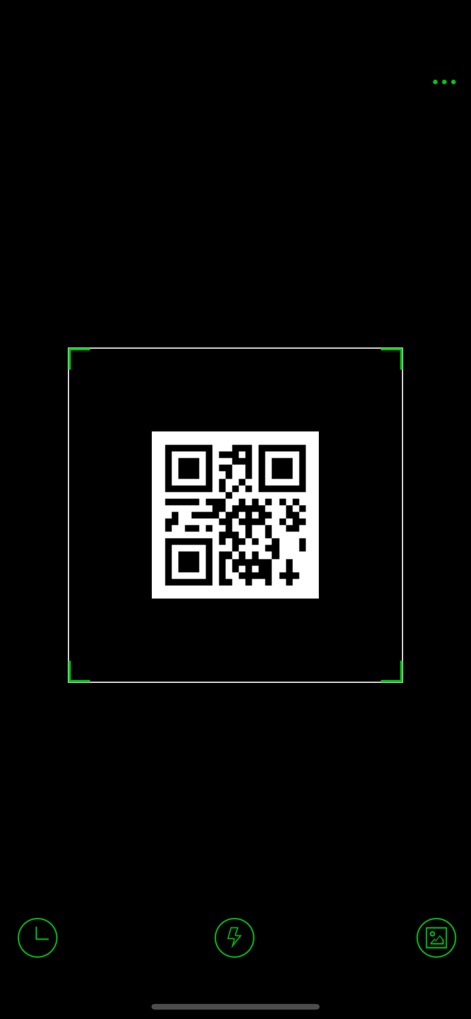
Observe the app's streamlined scanning interface, featuring a prominent QR code detection frame and an easily accessible flashlight icon for low-light conditions.
Instant QR Scan
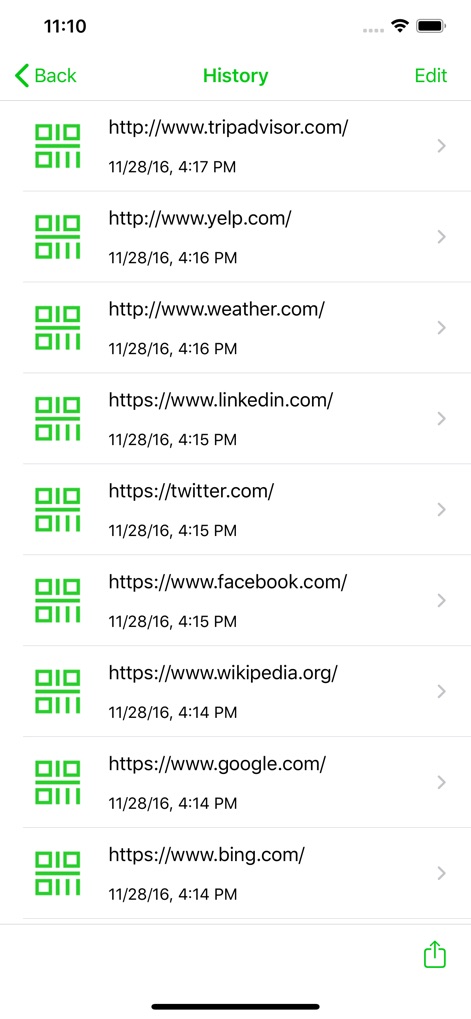
Explore the organized history log, where users can review all past scanned QR code results and effortlessly access previous website URLs.
Comprehensive Scan History
Description
Download
More Like This
Top-ranked apps in the same category

Google LLC

Google Chrome
Google LLC

中国移动(手机营业厅)
China Mobile Online Services Co., Ltd.

Google Authenticator
Google LLC

CNH do Brasil
Servicos e Informacoes do Brasil

Cleanup: Phone Storage Cleaner
DEEP FLOW SOFTWARE SERVICES - FZCO

gov.br
Servicos e Informacoes do Brasil

中国电信-全国统一官方服务平台
CHINA TELECOM Corporation Ltd.

Microsoft Edge: AI Browser
Microsoft Corporation
This page is not an official page of the app or its developer, but an independent editorial publication created for informational and commentary purposes. Unless expressly stated otherwise, neither the app nor its developer is affiliated with, endorsed by, sponsored by, authorized by, or otherwise officially connected with MWM, Apple, Google Play, the app publisher, or the app's developer, and nothing on this page implies that the app was developed using MWM's services. Any trademarks, logos, screenshots, and other content remain the property of their respective owners.