
This page is not an official page of the app or its developer, but an independent editorial publication created for informational and commentary purposes. Unless expressly stated otherwise, neither the app nor its developer is affiliated with, endorsed by, sponsored by, authorized by, or otherwise officially connected with MWM, Apple, Google Play, the app publisher, or the app's developer, and nothing on this page implies that the app was developed using MWM's services. Any trademarks, logos, screenshots, and other content remain the property of their respective owners.


Quick Start - widget
Transform your lock screen into a high-speed launchpad for apps, web pages, and smart home scenes with custom widgets designed for the efficiency-obsessed.
Downloads
1K+User Rating
Total Ratings
0Publisher
Category
UtilitiesLocales
2Latest Version
3.1Size
2.7 MBFirst Released
Oct 27, 2022Master Your Workflow with One Tap
Stop digging through folders. Transform your lock screen and desktop into a personalized command center designed for speed, automation, and style.
Frictionless Quick Launch
Skip the home screen entirely. Launch your most-used apps, websites, and custom shortcuts directly from your lock screen for instant access.
Smart Home Command Center
Control your entire environment without unlocking your phone. Trigger smart home scenes and devices through integrated, high-performance widgets.
Frequently Asked Questions
Everything you need to know about Quick Start - widget
What is Quick Start - widget?
Quick Start - widget is a lightweight quick launch program. It enables users to rapidly launch customized operations, including applications, web pages, and shortcuts, directly from their lock screen or desktop.
Does Quick Start - widget allow custom app icons?
Yes, Quick Start - widget supports custom application icons, names, and content for desktop components. It also allows icon size adjustment and hiding icons on the lock screen.
Can Quick Start - widget link with smart home devices?
Yes, Quick Start - widget supports smart home linkage. It allows adding smart home operations to the lock screen, widgets, and desktop for convenient, rapid access.
From where can Quick Start - widget launch operations?
Quick Start - widget launches operations from both the lock screen and the desktop. This provides immediate access to customized applications, web pages, and shortcuts from these key device interfaces.
Can users share launchers created with Quick Start - widget?
Yes, users can quickly share their created launchers with others. Quick Start - widget also allows sharing these launchers within its dedicated launcher store.
Does Quick Start - widget limit the number of startup projects?
No, Quick Start - widget provides unlimited creation of startup projects. These projects can be applied without restriction to lock screen and desktop components, and custom application icons.
Is iCloud sync supported by Quick Start - widget?
Yes, Quick Start - widget supports iCloud synchronization. All user configurations are automatically synced across all devices, ensuring consistent access and settings.
The following screenshots and description are sourced directly from the app's official store listing and are the property of the app developer.
App Store
Screenshots
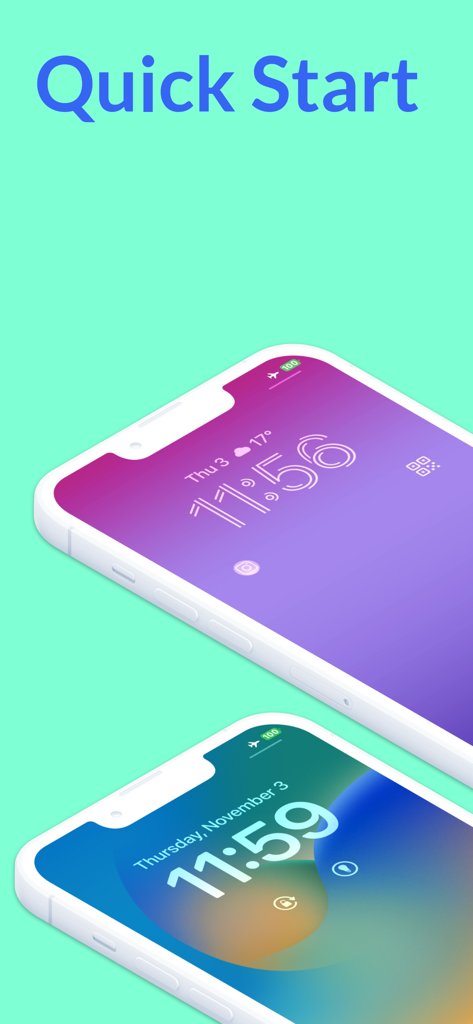
Two iPhones showcasing customized lock screens with quick start widgets on a mint background.
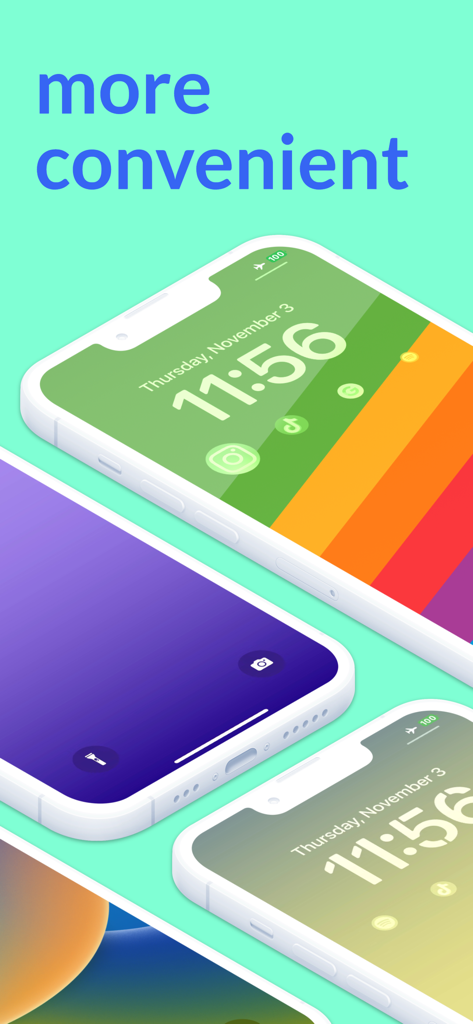
Three iPhones showcasing custom lock screen widgets and aesthetic wallpapers for quick app access
An iPhone with a colorful lock screen displayed under the word faster highlighting quick app access
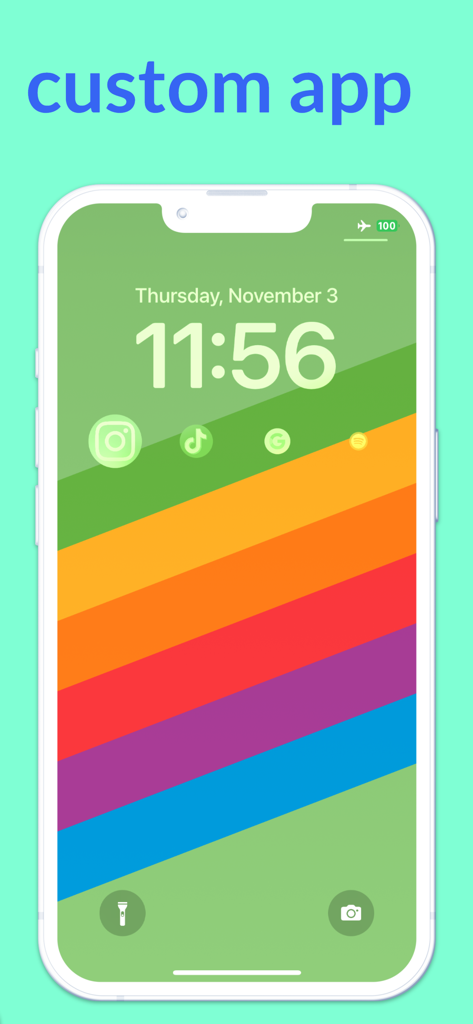
iPhone lock screen displaying custom application shortcut icons on a colorful background
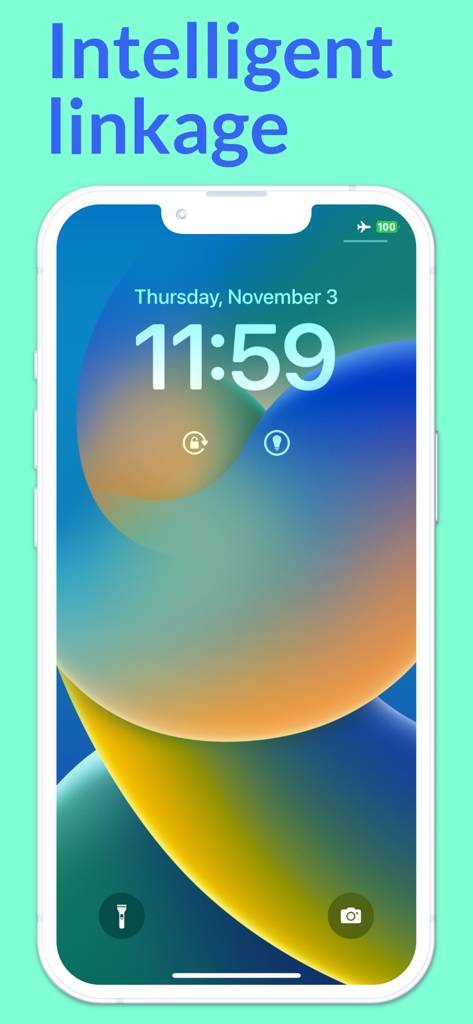
iPhone lock screen featuring smart home widgets for lights and locks with a colorful background and Intelligent linkage text.
Description
Download
More Like This
Top-ranked apps in the same category

Google LLC

Google Chrome
Google LLC

中国移动(手机营业厅)
China Mobile Online Services Co., Ltd.

Google Authenticator
Google LLC

CNH do Brasil
Servicos e Informacoes do Brasil

Cleanup: Phone Storage Cleaner
DEEP FLOW SOFTWARE SERVICES - FZCO

gov.br
Servicos e Informacoes do Brasil

中国电信-全国统一官方服务平台
CHINA TELECOM Corporation Ltd.

Microsoft Edge: AI Browser
Microsoft Corporation
This page is not an official page of the app or its developer, but an independent editorial publication created for informational and commentary purposes. Unless expressly stated otherwise, neither the app nor its developer is affiliated with, endorsed by, sponsored by, authorized by, or otherwise officially connected with MWM, Apple, Google Play, the app publisher, or the app's developer, and nothing on this page implies that the app was developed using MWM's services. Any trademarks, logos, screenshots, and other content remain the property of their respective owners.