
This page is not an official page of the app or its developer, but an independent editorial publication created for informational and commentary purposes. Unless expressly stated otherwise, neither the app nor its developer is affiliated with, endorsed by, sponsored by, authorized by, or otherwise officially connected with MWM, Apple, Google Play, the app publisher, or the app's developer, and nothing on this page implies that the app was developed using MWM's services. Any trademarks, logos, screenshots, and other content remain the property of their respective owners.

QuickTools Media & Files
Stop switching between apps and reclaim your storage. The ultimate Swiss Army Knife for converting media, managing PDFs, and optimizing your device in seconds.
Downloads
500+User Rating
Total Ratings
0Publisher
Category
UtilitiesLocales
1Latest Version
1.0.6Size
49.9 MBFirst Released
Jan 12, 2026Master Your Files in One Tap
Stop juggling dozens of apps and subscriptions. QuickTools puts professional-grade conversion, compression, and media tools right at your fingertips for your busy, on-the-go lifestyle.
Social Media Content Hub
Turn Live Photos into viral GIFs, extract trending audio from videos, and capture perfect high-res frames for your next TikTok or Instagram post in seconds.
Pro Office & Side-Hustle Tools
Transform documents to PDF on the fly, manage password-protected ZIP files, and generate custom QR codes for your brand without ever needing a laptop.
The following screenshots and description are sourced directly from the app's official store listing and are the property of the app developer.
App Store
Screenshots
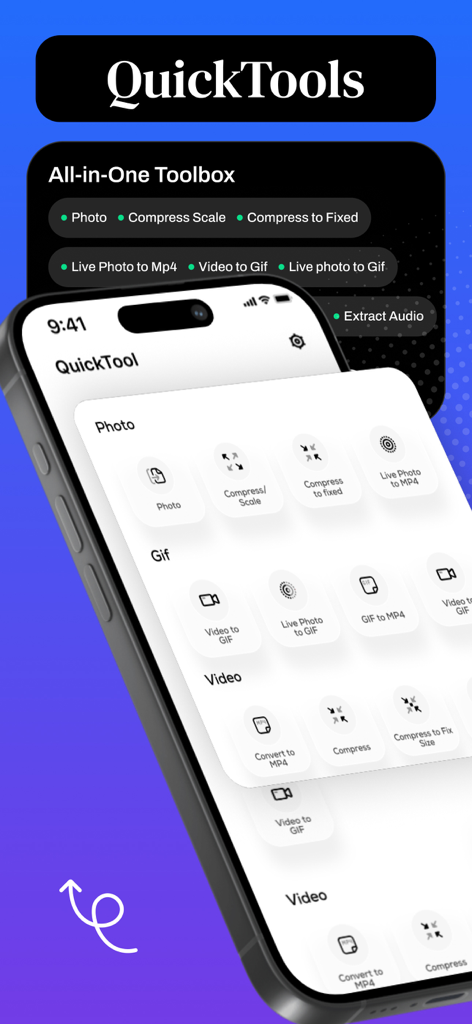
QuickTools app interface showing a comprehensive toolbox for converting and compressing photos videos and GIFs
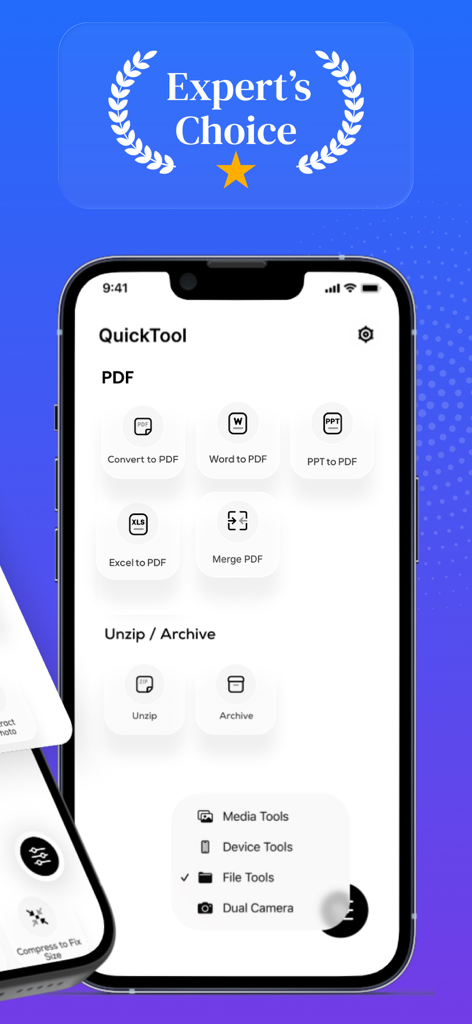
Interface of QuickTools Media and Files app displaying PDF conversion and archive management features
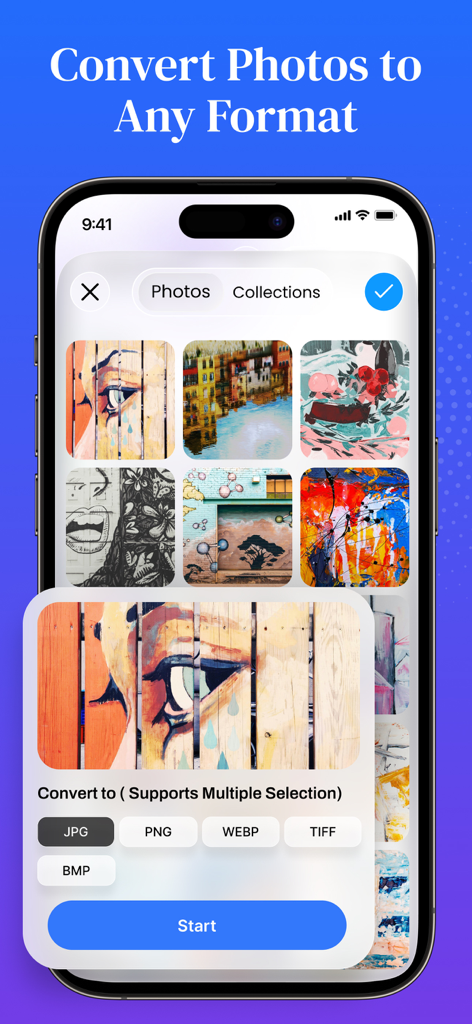
QuickTools app interface showing options to convert photos to different formats including JPG PNG and WEBP
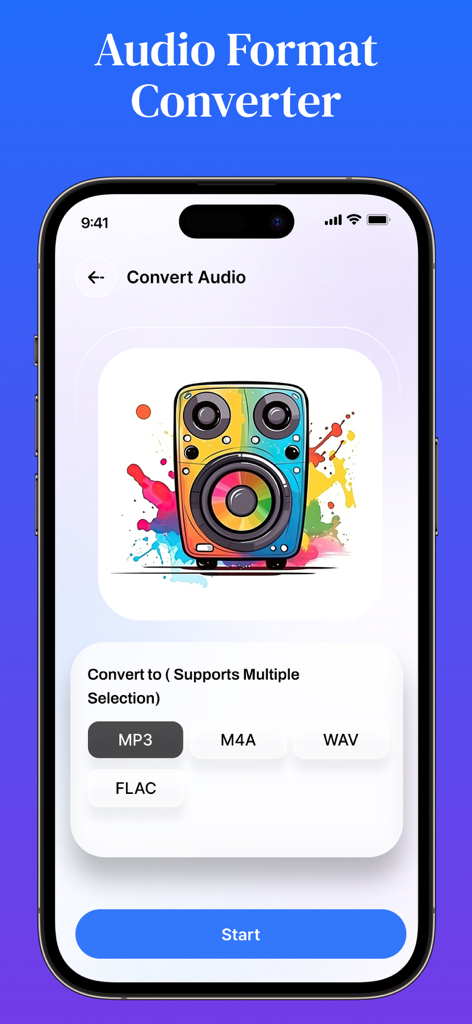
Smartphone screen showing the audio format converter interface with options to convert to MP3 M4A WAV and FLAC
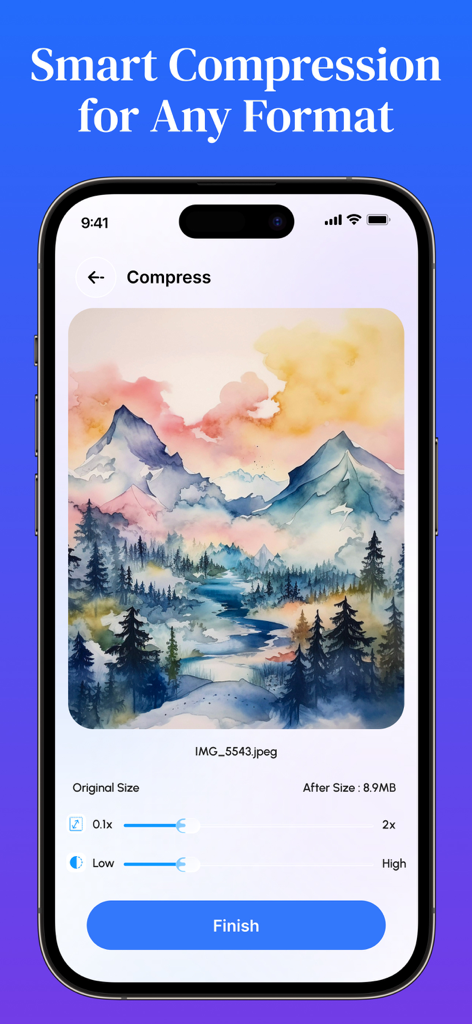
Interface of the QuickTools app showing smart compression settings for a photo
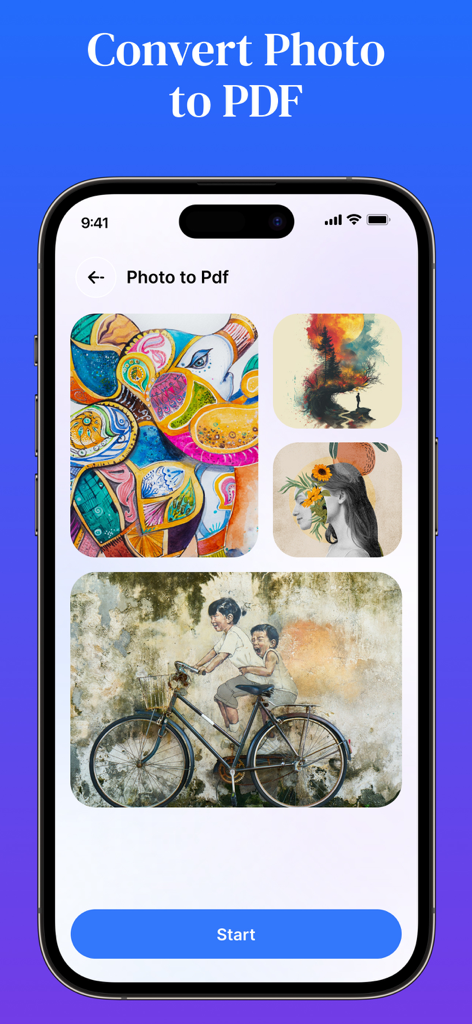
QuickTools app interface showing the Photo to PDF conversion tool with a selected gallery of images.
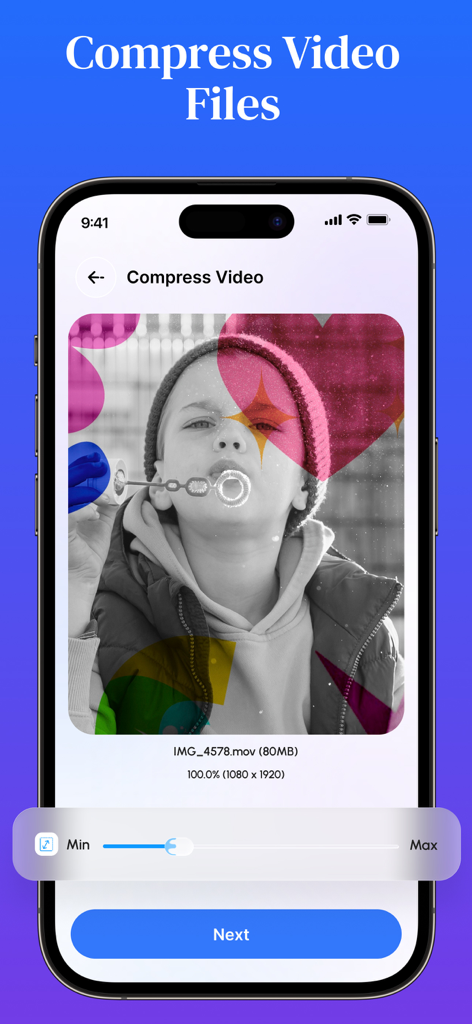
Interface of the QuickTools app showing the video compression tool with an adjustable slider for file size
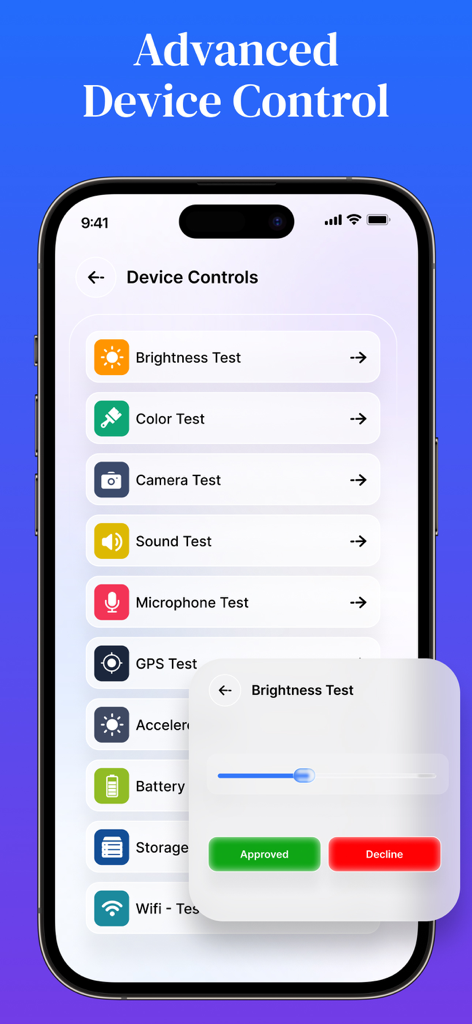
Smartphone screen displaying advanced device hardware diagnostic tests for brightness camera and audio
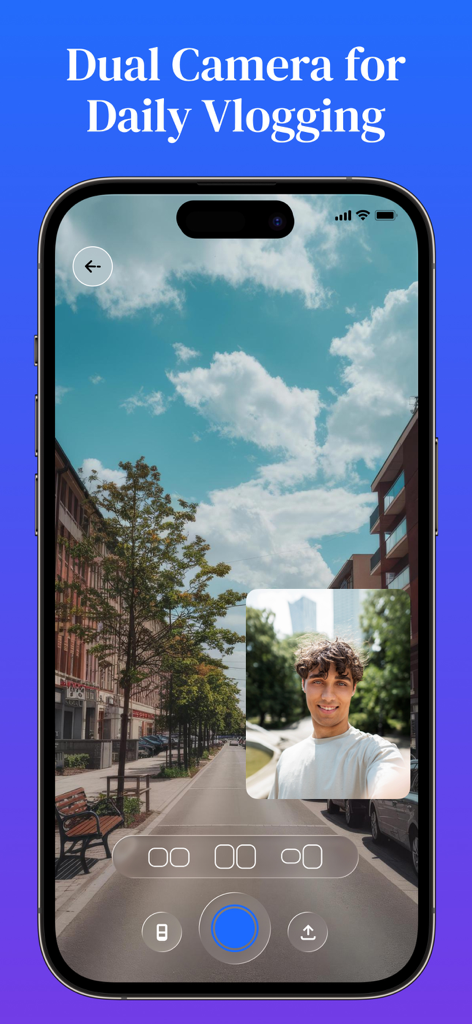
iPhone screen showing the dual camera vlogging feature with front and back camera views in the QuickTools app.
Description
Download
More Like This
Top-ranked apps in the same category

Google LLC

Google Chrome
Google LLC

中国移动(手机营业厅)
China Mobile Online Services Co., Ltd.

Google Authenticator
Google LLC

gov.br
Servicos e Informacoes do Brasil

Buddy VPN
Frederic Hennes Sprl

Microsoft Edge: AI Browser
Microsoft Corporation

Meu Social - Gás do Povo
Servicos e Informacoes do Brasil

Cleanup: Phone Storage Cleaner
DEEP FLOW SOFTWARE SERVICES - FZCO
This page is not an official page of the app or its developer, but an independent editorial publication created for informational and commentary purposes. Unless expressly stated otherwise, neither the app nor its developer is affiliated with, endorsed by, sponsored by, authorized by, or otherwise officially connected with MWM, Apple, Google Play, the app publisher, or the app's developer, and nothing on this page implies that the app was developed using MWM's services. Any trademarks, logos, screenshots, and other content remain the property of their respective owners.