
This page is not an official page of the app or its developer, but an independent editorial publication created for informational and commentary purposes. Unless expressly stated otherwise, neither the app nor its developer is affiliated with, endorsed by, sponsored by, authorized by, or otherwise officially connected with MWM, Apple, Google Play, the app publisher, or the app's developer, and nothing on this page implies that the app was developed using MWM's services. Any trademarks, logos, screenshots, and other content remain the property of their respective owners.


RecCloud - AI Speech to Text
Automate your workflow with instant speech-to-text, realistic AI dubbing, and smart video creation. Turn your ideas into polished content and save hours of manual work.
Downloads
283K+User Rating
Total Ratings
100Publisher
Category
ProductivityLocales
8Latest Version
1.6.7Size
124.1 MBFirst Released
Mar 27, 2024Supercharge Your Productivity with AI-Driven Tools
Whether you're streamlining corporate meetings or building a viral social media brand, RecCloud automates the heavy lifting of audio and video creation.
Smart Transcription & Summaries
Convert voice notes or meetings into text instantly. Use AI to polish and summarize your recordings for effortless professional documentation.
Global Content with AI Dubbing
Reach a worldwide audience with multi-voice AI dubbing and automatic subtitles in 99+ languages. No expensive studio or translators required.
Frequently Asked Questions
Everything you need to know about RecCloud - AI Speech to Text
What is RecCloud - AI Speech to Text?
RecCloud is an AI-powered platform designed to streamline audio and video processing. It provides features like AI Speech-to-Text, AI Text-to-Speech, AI Subtitle Generator, AI Video Translator, AI Text-to-Video, and a Screen Recorder.
Does RecCloud provide AI Speech-to-Text transcription?
Yes, RecCloud offers AI Speech-to-Text to convert real-time voice, audio files, or videos into text. This feature includes dialogue transcription, text polishing, summarization, and translation services.
Can RecCloud generate human-like speech from text?
Yes, RecCloud's AI Text-to-Speech transforms any notes or text into natural, human-like speech. It supports multi-language translation, narration, and offers creative modes with a variety of voice options.
How does RecCloud generate subtitles for videos?
RecCloud's AI Subtitle Generator instantly creates video subtitles and allows style customization. It supports precise AI translation for 99 languages, including Chinese, English, Japanese, German, and French.
Can RecCloud translate video content into multiple languages?
Yes, RecCloud's AI Video Translator adds accurate voiceovers and generates multilingual videos quickly. This feature enables smooth viewing and sharing by breaking down language barriers.
Does RecCloud create videos from text input?
Yes, RecCloud's AI Text-to-Video feature generates videos by simply entering text. It also includes an "AI Write" feature to quickly produce complete video scripts, simplifying the video creation process.
Does RecCloud offer a screen recording function?
Yes, RecCloud includes a Screen Recorder feature. Users can easily record their mobile screen in high definition, capturing every detail. This is perfect for sharing and reviewing key moments.
Does RecCloud support multi-voice dubbing for videos and novels?
Yes, RecCloud offers AI Multi-Voice Dubbing. Users upload text, and the AI voice generator intelligently matches and assigns hundreds of voice options for effortless multi-voice dialogues, ideal for various content types.
Does RecCloud provide cloud storage for user files?
Yes, RecCloud provides "My Space" for convenient uploading and managing audio and video files. This includes cloud storage, allowing users to organize playlists, enjoy full-screen playback, and share content quickly.
What additional AI features are available on the RecCloud website?
The RecCloud website offers additional AI features. These include AI Vocal Remover, AI real-time audio recording transcription, and AI audio and video summarization, expanding the platform's capabilities for intelligent content creation.
The following screenshots and description are sourced directly from the app's official store listing and are the property of the app developer.
App Store
Screenshots
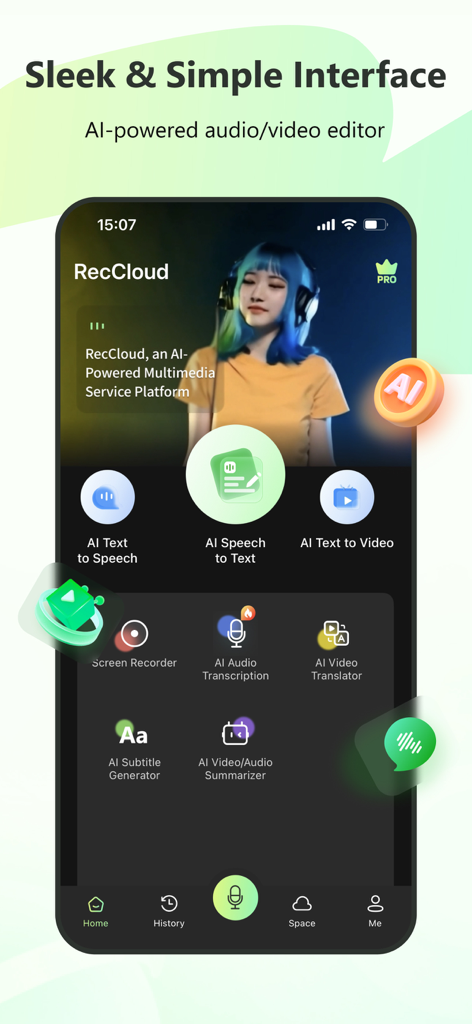
Sleek mobile interface of RecCloud showing AI audio and video editing tools
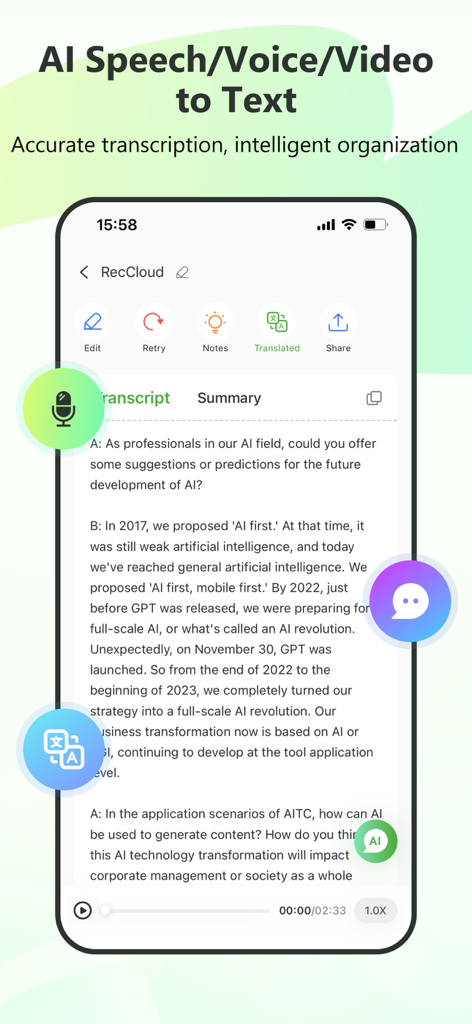
RecCloud app interface displaying AI speech-to-text transcription and conversation summary.
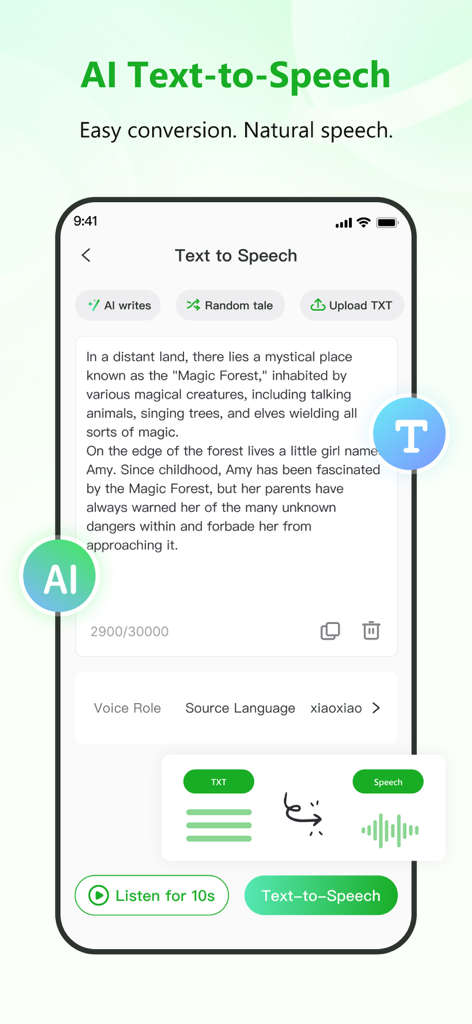
RecCloud mobile app interface for AI text to speech conversion
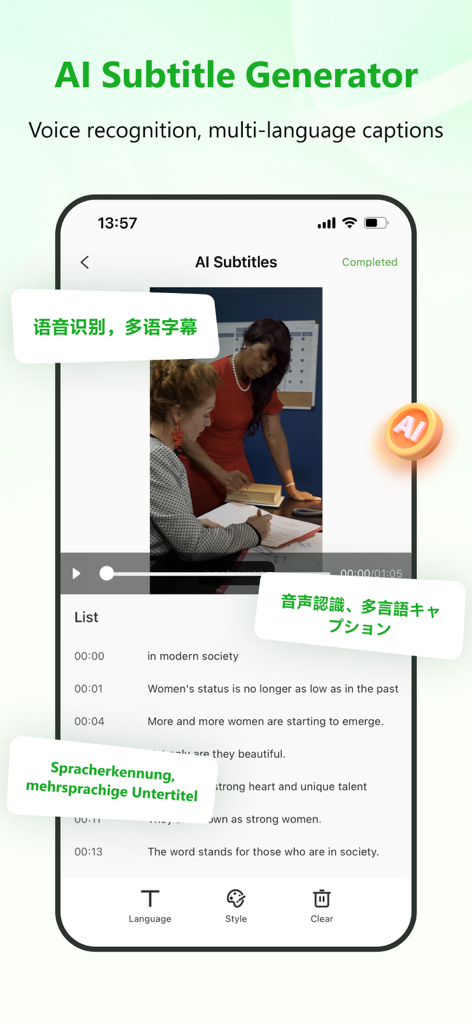
AI subtitle generator interface in RecCloud app showing multi-language voice recognition and video captions
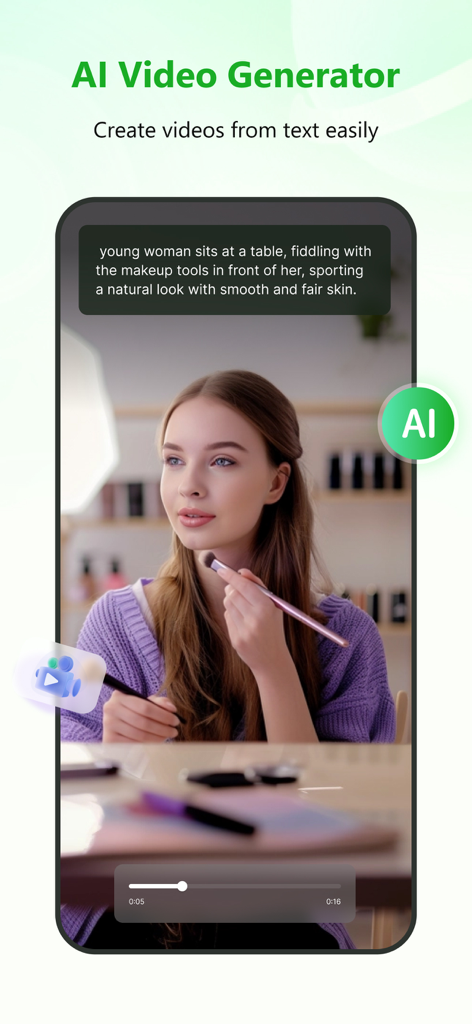
RecCloud mobile app screen showing AI text to video generation feature
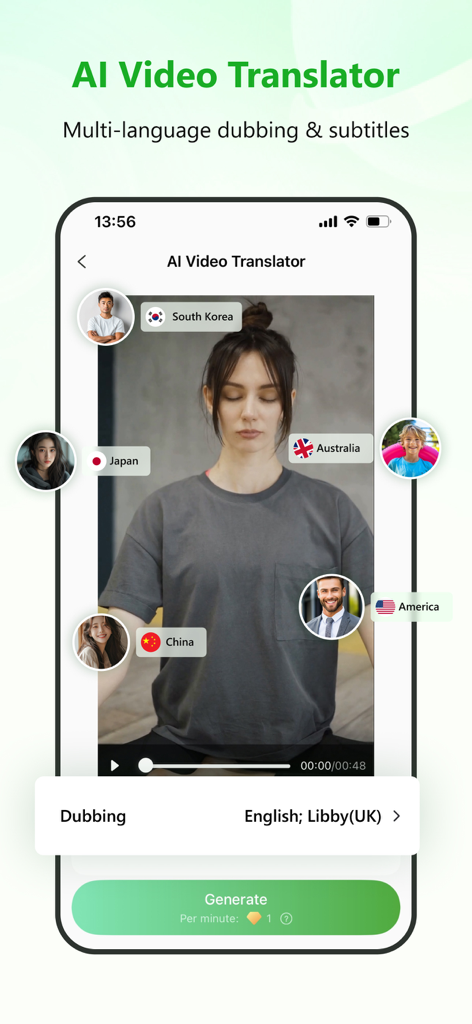
RecCloud mobile app screenshot showing the AI Video Translator feature with options for multi-language dubbing and subtitles
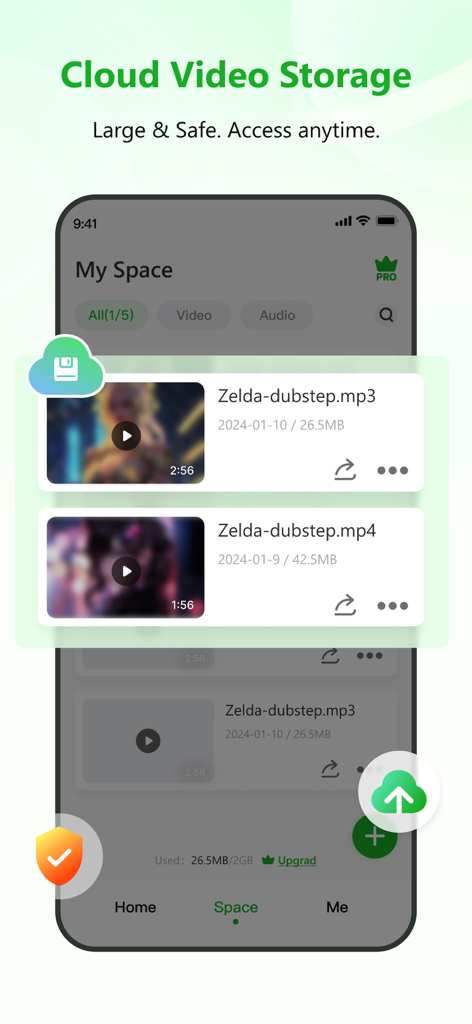
RecCloud app interface showing cloud video storage and secure media file management.
Description
Download
More Like This
Apps with similar features and user experience

Gen AI Video Generator
CoreMoose, LLC

会影 - 爆款视频创作
Beijing Baiwang Intelligence Technology Co., Ltd.

Jars AI
JARS AI Corporation

NanoBanana: AI Video Generator
FURKAN ARSLAN

Nano Banana - AI Photo Maker
鑫涛 冯

AI Studio - AI Video Generator
Generative AI Teknoloji Anonim Sirketi

Bananai: AI Photo Editor
MWM

Flashloop: AI Video Generator
15557640 Canada Inc.

Flow AI - Video Generator
UNIVERLIST TEKNOLOJI SANAYI VE TICARET ANONIM SIRKETI
This page is not an official page of the app or its developer, but an independent editorial publication created for informational and commentary purposes. Unless expressly stated otherwise, neither the app nor its developer is affiliated with, endorsed by, sponsored by, authorized by, or otherwise officially connected with MWM, Apple, Google Play, the app publisher, or the app's developer, and nothing on this page implies that the app was developed using MWM's services. Any trademarks, logos, screenshots, and other content remain the property of their respective owners.