
This page is not an official page of the app or its developer, but an independent editorial publication created for informational and commentary purposes. Unless expressly stated otherwise, neither the app nor its developer is affiliated with, endorsed by, sponsored by, authorized by, or otherwise officially connected with MWM, Apple, Google Play, the app publisher, or the app's developer, and nothing on this page implies that the app was developed using MWM's services. Any trademarks, logos, screenshots, and other content remain the property of their respective owners.

Recipe Keeper: RecipeSnap
Stop scrolling and start cooking. Instantly turn TikToks, Reels, and Pinterest pins into clean, actionable recipes with smart grocery lists and nutritional tracking.
Downloads
15K+User Rating
Total Ratings
300Publisher
Category
Food & DrinkLocales
8Latest Version
v1.6.9Size
65.2 MBFirst Released
Sep 22, 2025Your Kitchen, Fully Digitized
Transform viral TikToks, Reels, and food blogs into a clean, organized cookbook. RecipeSnap streamlines everything from meal planning to the grocery aisle.
One-Tap Social Capture
Instantly convert recipes from TikTok, Instagram, and Pinterest into clean, ad-free recipe cards. No more digging through 'Saved' folders or long blog intros.
Aisle-Sorted Grocery Lists
Save time at the store with shopping lists automatically organized by supermarket aisle. Get in and out of the grocery store in record time.
Frequently Asked Questions
Everything you need to know about Recipe Keeper: RecipeSnap
What is RecipeSnap?
RecipeSnap is a recipe organizer and kitchen companion. It allows users to save, organize, and manage recipes from various online sources like social media, websites, and personal notes, all in one centralized place.
How can I save recipes into RecipeSnap?
You can save recipes into RecipeSnap by sharing a link from social media platforms (Instagram, YouTube, TikTok, Pinterest), websites, or even your own notes. RecipeSnap's smart-capture technology extracts ingredients and instructions.
Which platforms does RecipeSnap support for recipe capture?
RecipeSnap supports capturing recipes from Instagram, YouTube, TikTok, Pinterest, Facebook, other food blogs, and websites. It also allows saving from personal notes like Evernote and Google Docs.
Does RecipeSnap create grocery lists?
Yes, RecipeSnap creates smart grocery lists. It automatically sorts ingredients by supermarket aisle for efficient shopping. Users can also add custom items and paste lists from other applications.
Can I plan meals with RecipeSnap?
Yes, RecipeSnap offers effortless meal planning. You can organize your saved recipes into daily meals like breakfast, lunch, and dinner to create a meal plan that fits your personal schedule.
Does RecipeSnap provide nutrition information for recipes?
Yes, RecipeSnap can calculate comprehensive nutrition information for any saved recipe. This includes details such as calories, protein, carbohydrates, and fats, allowing users to understand their dietary intake.
How can I organize recipes within RecipeSnap?
RecipeSnap allows you to organize recipes into custom cookbooks. You can group them by various criteria such as cuisine type, meal type, or specific dietary needs like vegan or gluten-free.
Is my RecipeSnap recipe collection synchronized across devices?
Yes, your RecipeSnap recipe collection is always in sync. It is saved to the cloud, allowing you to access it on all your devices and share it with family members from a single account.
What advanced features does the RecipeSnap premium subscription unlock?
The RecipeSnap premium subscription unlocks unlimited recipe captures from social media and websites, alongside unlimited private recipes in your personal collection, enhancing your recipe management experience.
Does RecipeSnap offer a free trial for premium features?
Yes, RecipeSnap offers a free trial for premium features. Users are only charged at the end of the trial period unless they cancel at least 24 hours beforehand.
How do I cancel my RecipeSnap subscription?
To cancel your RecipeSnap subscription, you must do so at least 24 hours before the trial ends or the current period renews. Deleting the app does not automatically cancel your subscription.
Can RecipeSnap generate recipes from text input?
Yes, RecipeSnap can instantly generate recipes from a few words. Users input text, and the app uses AI to create a recipe, as shown with examples like "Summer pasta with lemon and zucchini."
The following screenshots and description are sourced directly from the app's official store listing and are the property of the app developer.
App Store
Screenshots
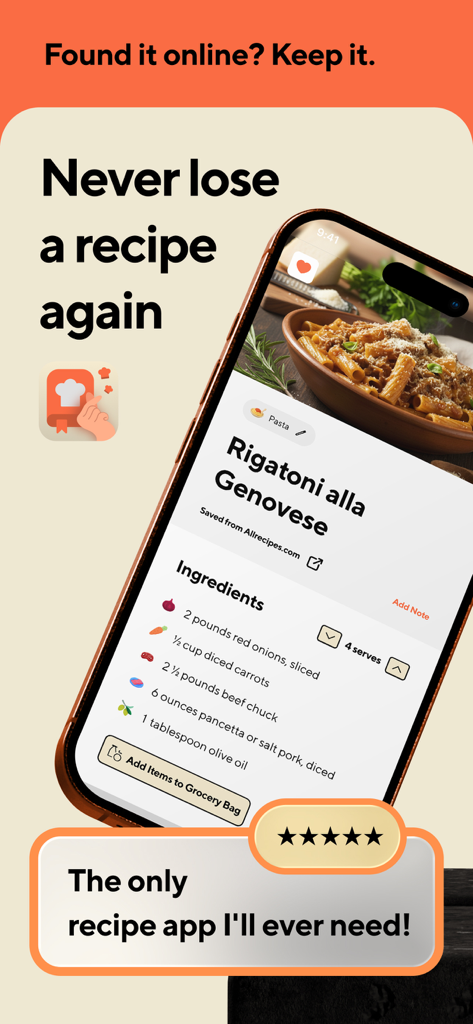
Smartphone display showing a saved rigatoni recipe with ingredients list in the Recipe Keeper app interface
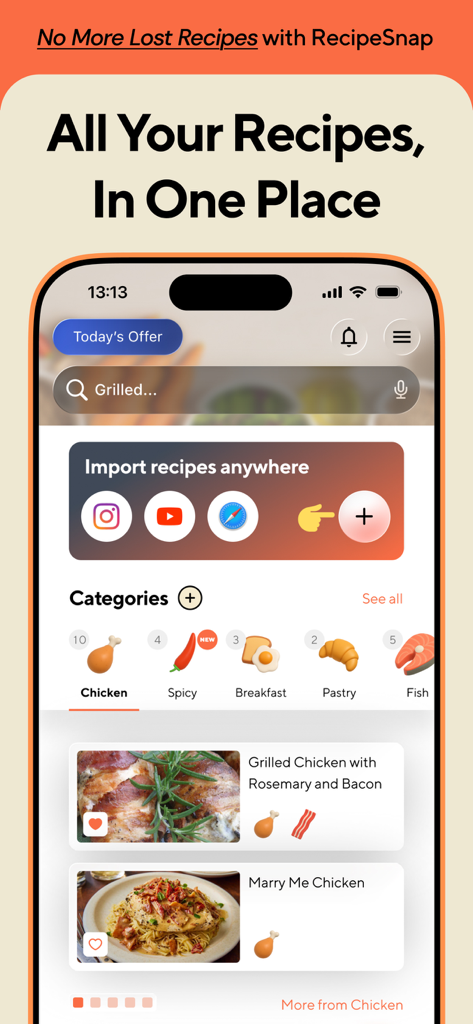
RecipeSnap app dashboard featuring recipe categories and import tools for social media platforms
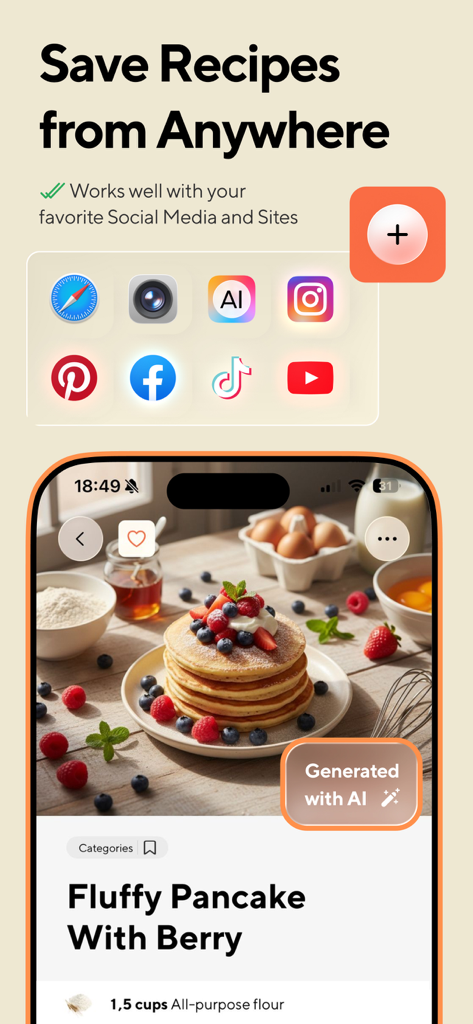
Mobile app interface for Recipe Keeper showing a pancake recipe and social media icons for recipe capture.
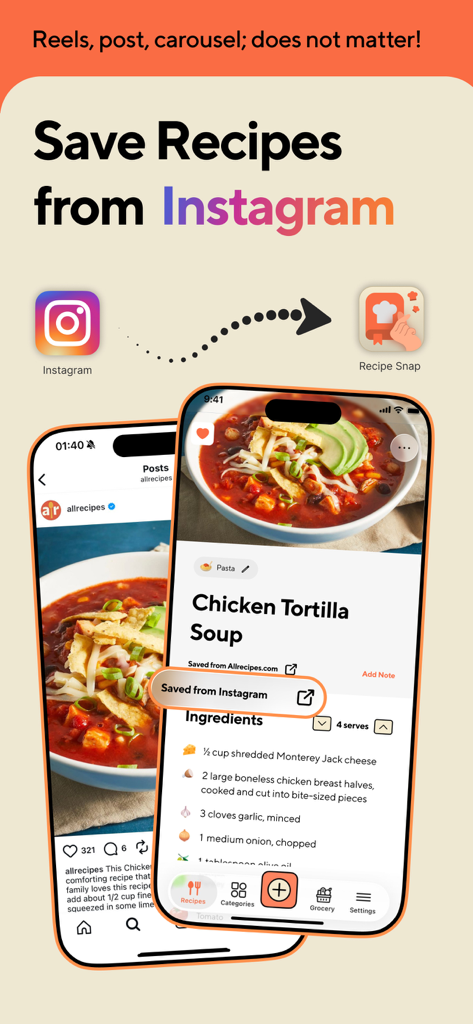
An iPhone screen demonstrating how to save a Chicken Tortilla Soup recipe from an Instagram post directly into the RecipeSnap app.
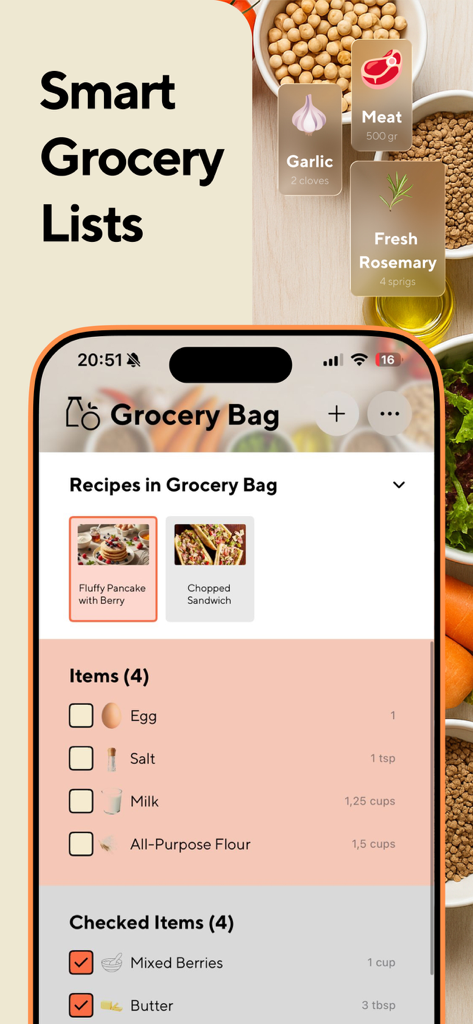
Smart grocery list interface in the RecipeSnap app featuring ingredient checklists and recipe categorization
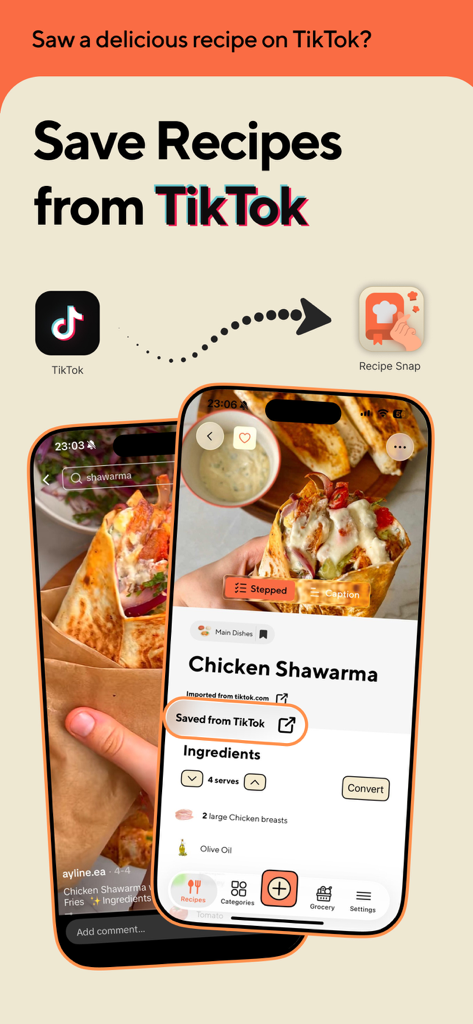
RecipeSnap app showing a chicken shawarma recipe imported from TikTok
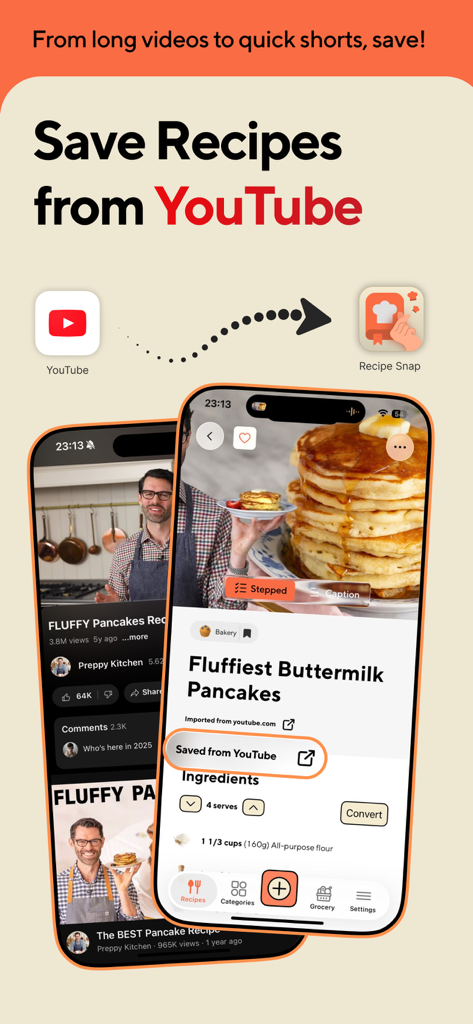
Interface showing how to save a pancake recipe from a YouTube video into the RecipeSnap app
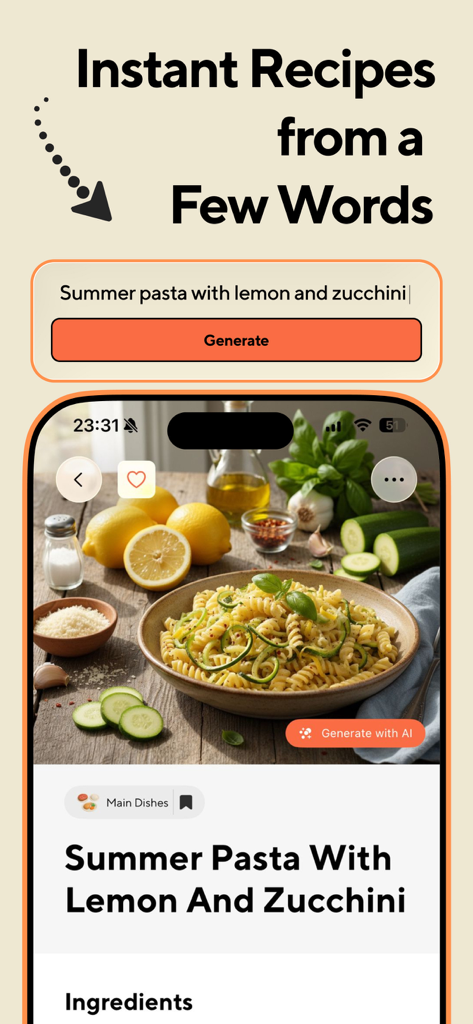
Recipe Keeper app interface showing AI generation of a summer pasta recipe from a short text prompt
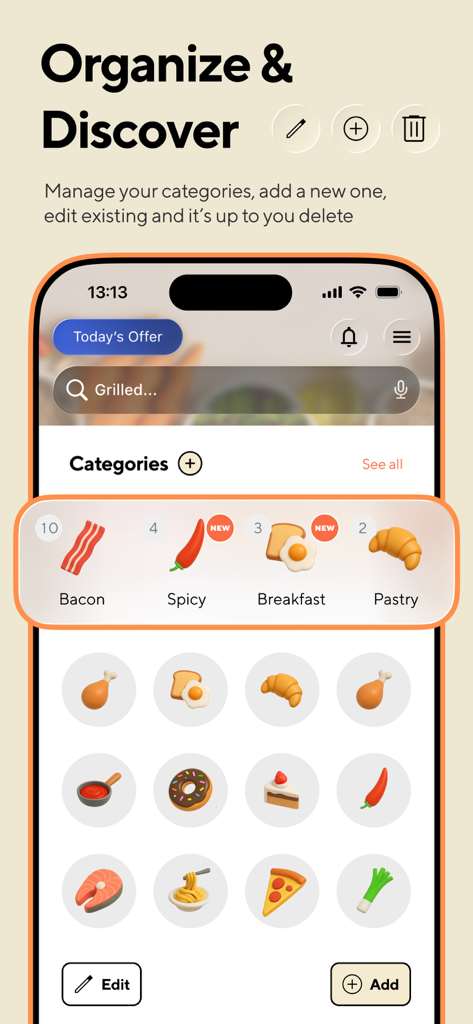
Interface of the Recipe Keeper app showing organized food categories like bacon and breakfast with edit and add options
Description
Download
More Like This
Apps with similar features and user experience

ReciMe: Recipes & Meal Planner
ReciMe Pty Ltd

NYT Cooking: Quick Tasty Meals
The New York Times Company

Jow - easy recipes & groceries
Jow

Tasty: Recipes, Cooking Videos
BuzzFeed

Recipe Keeper
Tudorspan Limited

Cookpad Recipes, homemade food
COOKPAD INC. (CA)

Pepper - Recipe Organizer
Pepper App Inc.

AnyList: Grocery Shopping List
Purple Cover, Inc.

Kitchen Stories Easy Recipes
AJNS New Media GmbH
This page is not an official page of the app or its developer, but an independent editorial publication created for informational and commentary purposes. Unless expressly stated otherwise, neither the app nor its developer is affiliated with, endorsed by, sponsored by, authorized by, or otherwise officially connected with MWM, Apple, Google Play, the app publisher, or the app's developer, and nothing on this page implies that the app was developed using MWM's services. Any trademarks, logos, screenshots, and other content remain the property of their respective owners.