RedApp Browser
RedApp Browser
Download on App Store

This page is not an official page of the app or its developer, but an independent editorial publication created for informational and commentary purposes. Unless expressly stated otherwise, neither the app nor its developer is affiliated with, endorsed by, sponsored by, authorized by, or otherwise officially connected with MWM, Apple, Google Play, the app publisher, or the app's developer, and nothing on this page implies that the app was developed using MWM's services. Any trademarks, logos, screenshots, and other content remain the property of their respective owners.


Logo of RedApp Browser
Download on App Store

RedApp Browser

Break free from rigid browsing. Experience lightning speed, ad-free background media play, and a built-in file manager—all secured with FaceID and advanced tracking protection.

Key Figures

Downloads

65K+

User Rating

4.7/5

Total Ratings

2K+

Publisher

Minh Tran

Category

Utilities

Locales

60

Latest Version

4.0.1

Size

95.9 MB

First Released

Aug 4, 2018
Features

The Ultimate All-in-One Power Browser

Stop app-switching. Experience lightning-fast browsing with integrated media tools, elite privacy, and total aesthetic control designed for your digital lifestyle.

Ad-Free Background Media

Stream video and audio links in the background without interruptions or expensive subscriptions, even while multitasking in other apps.

Ironclad Privacy Vault

Secure your tabs with FaceID and block intrusive trackers automatically, ensuring your personal data stays invisible to advertisers.

The following screenshots and description are sourced directly from the app's official store listing and are the property of the app developer.

App Store

Screenshots
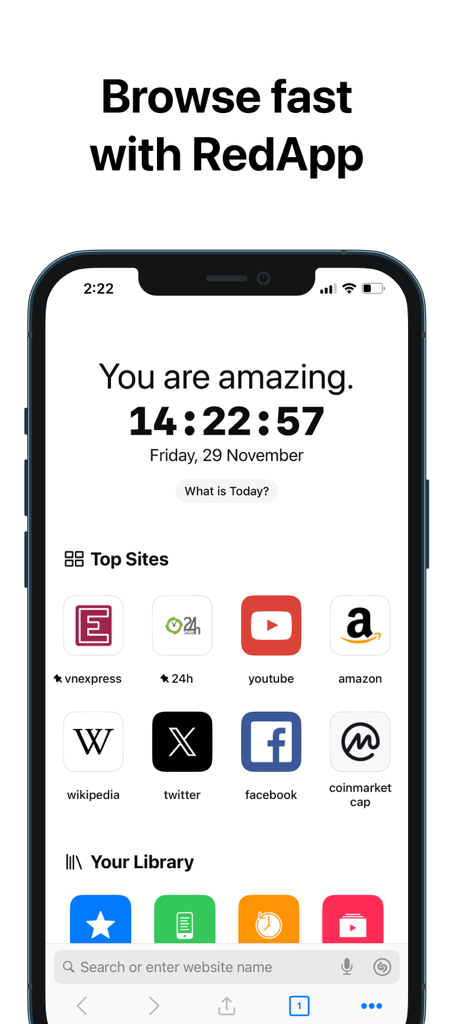
RedApp Browser - RedApp Browser home screen showing top sites and library on a smartphone
RedApp Browser home screen showing top sites and library on a smartphone

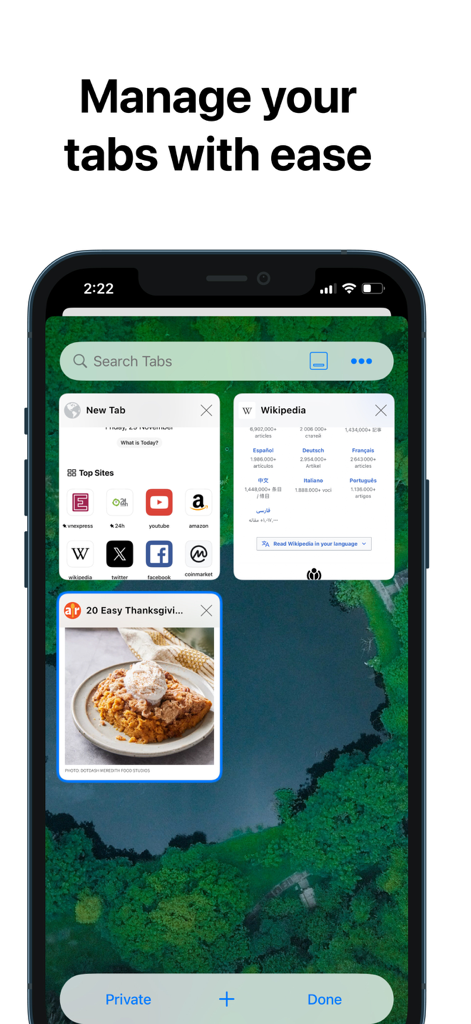
RedApp Browser - RedApp Browser tab management interface showing a grid of open web pages and a search bar
RedApp Browser tab management interface showing a grid of open web pages and a search bar

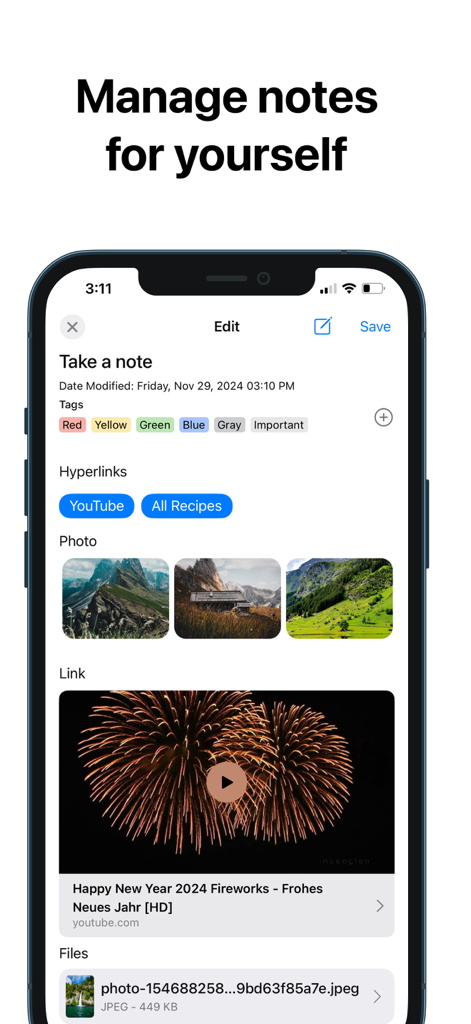
RedApp Browser - RedApp Browser interface for managing notes with tags photos and hyperlinks
RedApp Browser interface for managing notes with tags photos and hyperlinks

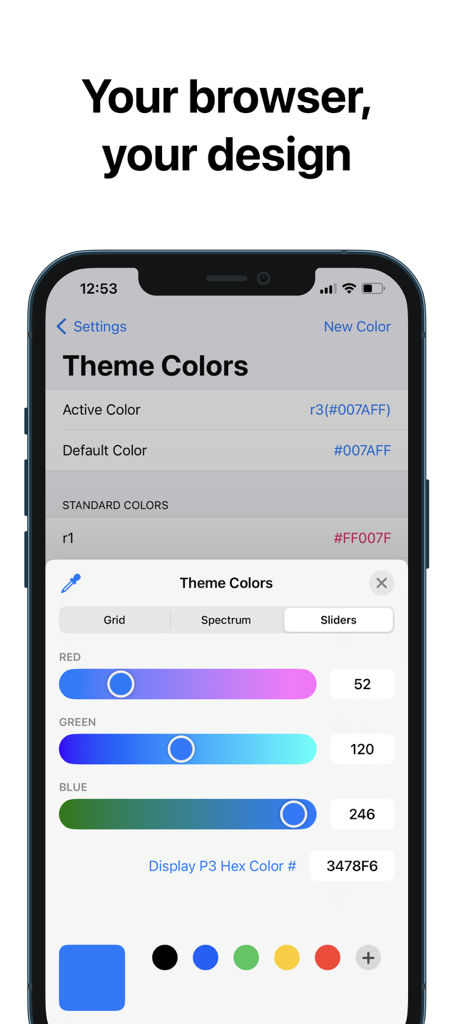
RedApp Browser - Interface for customizing browser theme colors with RGB sliders and hex codes in RedApp Browser
Interface for customizing browser theme colors with RGB sliders and hex codes in RedApp Browser

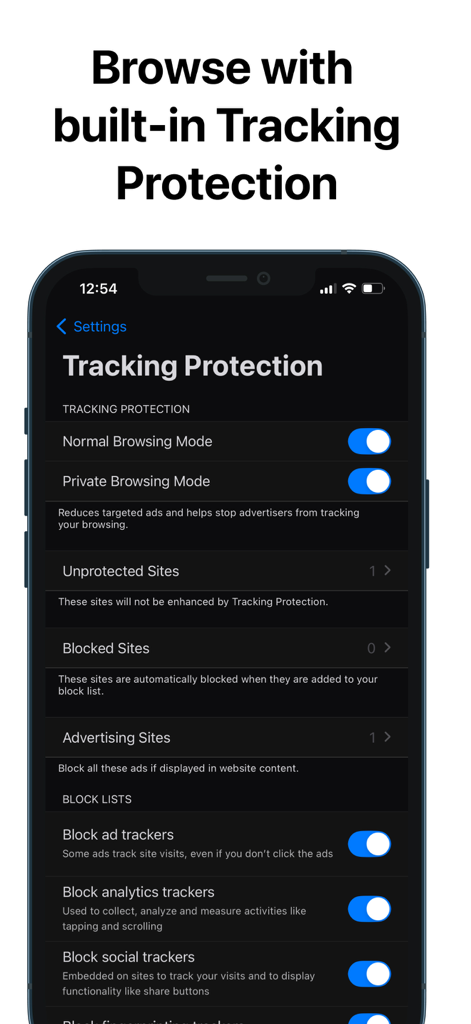
RedApp Browser - RedApp Browser interface showing built in tracking protection settings for private browsing and blocking ad trackers
RedApp Browser interface showing built in tracking protection settings for private browsing and blocking ad trackers

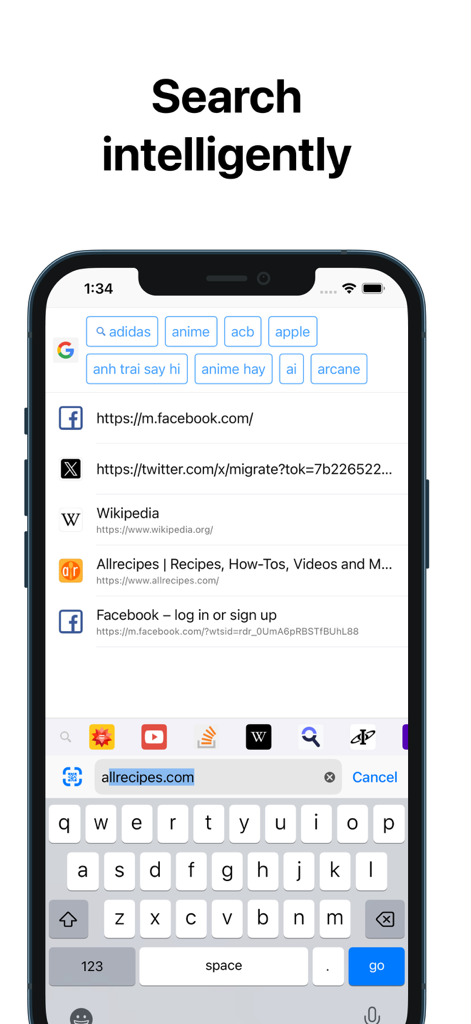
RedApp Browser - RedApp Browser intelligent search screen showing smart search suggestions and a customized quick access toolbar.
RedApp Browser intelligent search screen showing smart search suggestions and a customized quick access toolbar.

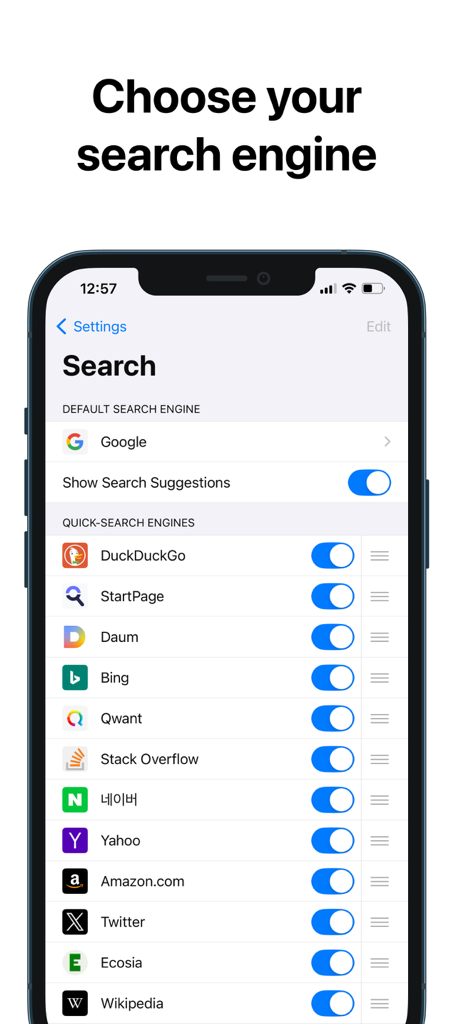
RedApp Browser - RedApp Browser settings screen showing options to choose a default search engine and customize quick search engines like Google and DuckDuckGo
RedApp Browser settings screen showing options to choose a default search engine and customize quick search engines like Google and DuckDuckGo

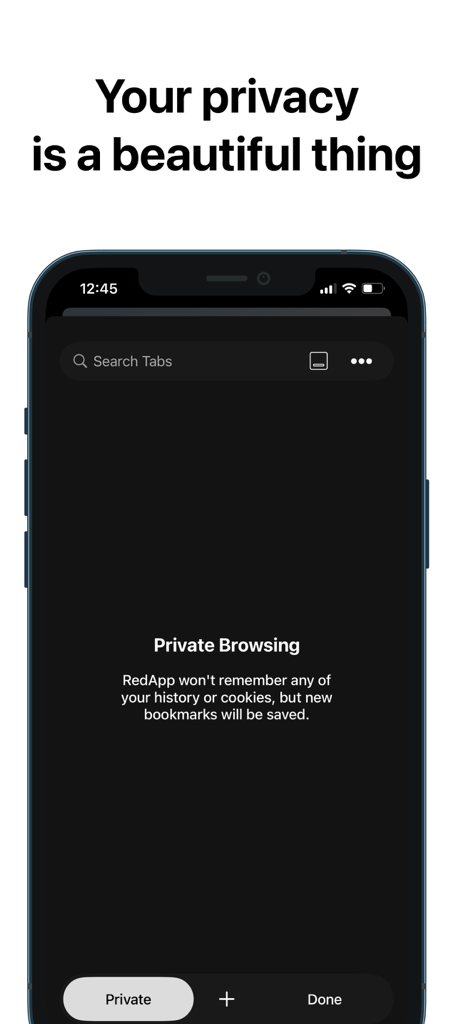
RedApp Browser - RedApp Browser's private browsing screen featuring privacy protection text and a dark mode interface.
RedApp Browser's private browsing screen featuring privacy protection text and a dark mode interface.

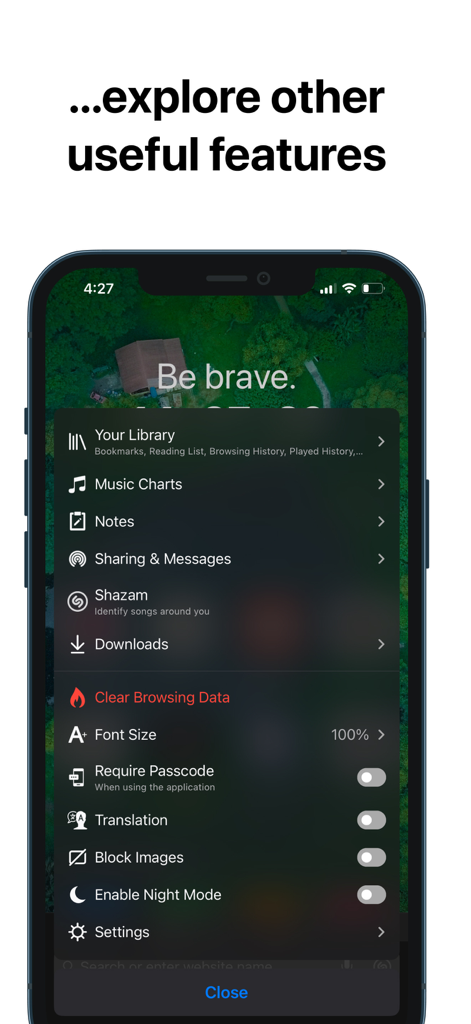
RedApp Browser - A list of RedApp Browser features including Library Music Charts Notes and Privacy Settings
A list of RedApp Browser features including Library Music Charts Notes and Privacy Settings

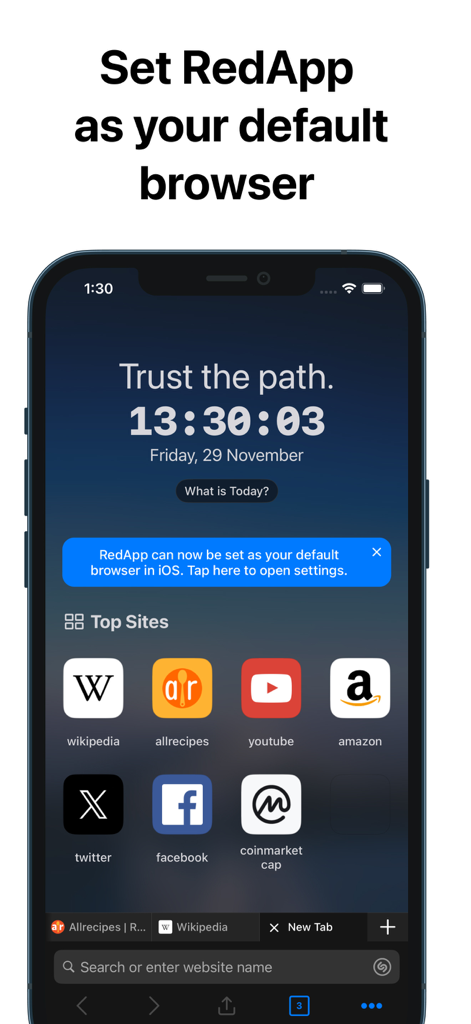
RedApp Browser - RedApp Browser interface on iPhone showing a prompt to set it as the default browser and a list of top sites

RedApp Browser interface on iPhone showing a prompt to set it as the default browser and a list of top sites

Description

RedApp browser is super fast, safe with the highest privacy capabilities, cool interface and many great useful features. Most importantly, RedApp provides the best customization capabilities for users in a way never seen before in any other browser application. Now, let's start exploring RedApp together! Main features: • Fast, smart, integrates many great add-ons, security and energy efficiency than other browsers. • Search intelligently. Easily access shortcuts to search providers including Wikipedia, Twitter, YouTube, Amazon etc. • Private browsing. Using Passcode/TouchID or FaceID protection helps you keep more privacy and security in your business. • Tracking Protection. Let you identify advertisers and others who track your online behavior, and remove the cross‑site tracking data they leave behind. • Privacy Protection. Be protected with leading privacy and security features such as HTTPS Everywhere (encrypted data traffic), script blocking, cookie blocking, and private tabs. • Notes. Allows you to organize and manage notes when you need to note down any content you need while browsing. • Music Charts. Allows you to explore iTunes Charts with Top Songs, Top Albums, Top Playlists, Top Videos... • Player Manager. You can play video links from YouTube, Vimeo while browsing. Play audio in background and without any annoying ads. • Download Manager, File Manager and Sharing Manager. Let you download, manage files or links and share them to nearby devices. Use Wi-Fi or WebDAV sharing to let you transfer files directly to other nearby devices (mobile or PC). In addition, it also allows you to instantly send messages and files to anyone around you (Nearby Chat). • Widgets. Supports many useful widgets such as Calendar, Top Sites, Your Library, Music Charts, Notes, Video Meetings, Tracking Protection, Website Redirects, URL Shortcuts... • Default Browser. From iOS 14, set RedApp as your default browser! Select Settings - scroll down to select RedApp - select RedApp as the Default Browser App. Additional Features: • Appearance. Use system Light/Dark mode or choose a predefined theme. • Theme Color. Change any text color you want. • Toolbar Color. Select a color-coded predefined toolbar. • Customize the toolbar. Allows adding or removing menu buttons. • Address Bar. Displayed at Top or Bottom. • Wallpapers. Set background image for New Tab. • Allows customization of font-size • Reader Mode. Always on. • Require Passcode/TouchID or FaceID when the screen is locked. • Pop-up blocker. • Saves battery and data. • HTTPS everywhere (for security). • Script blocking. • Browsing history/Reading List/Bookmarks. • Private and recent tabs. • Night Mode. Easily read in low light. • Blocks cookie consent notifications by default. • Use voice search in the browser. • Import/export bookmarks to another browser. AND you can explore other useful features in Settings. With the idea of creating an all-in-one app, it means that when you use the RedApp browser, you will have all you need. Therefore, RedApp always tries, always discovers useful features, always improves, always listens to suggestions from all users... to make RedApp better and better! You will feel RedApp is yours and very safe to use. Love the app? Rate us! Your feedback is music to our ears, and it helps us make RedApp even better. Got a question? Please drop us a line at: mqmedia29@gmail.com

Download

Download on App Store

This page is not an official page of the app or its developer, but an independent editorial publication created for informational and commentary purposes. Unless expressly stated otherwise, neither the app nor its developer is affiliated with, endorsed by, sponsored by, authorized by, or otherwise officially connected with MWM, Apple, Google Play, the app publisher, or the app's developer, and nothing on this page implies that the app was developed using MWM's services. Any trademarks, logos, screenshots, and other content remain the property of their respective owners.








