
This page is not an official page of the app or its developer, but an independent editorial publication created for informational and commentary purposes. Unless expressly stated otherwise, neither the app nor its developer is affiliated with, endorsed by, sponsored by, authorized by, or otherwise officially connected with MWM, Apple, Google Play, the app publisher, or the app's developer, and nothing on this page implies that the app was developed using MWM's services. Any trademarks, logos, screenshots, and other content remain the property of their respective owners.


Remo・Remove Objects from Photo
Effortlessly erase distractions, swap outfits, and try new hairstyles in seconds. From cleaning up backgrounds to extending your horizons, get professional-quality edits with one-tap precision.
Downloads
0User Rating
Total Ratings
0Publisher
Category
Graphics & DesignLocales
1Latest Version
1.2.1Size
92.8 MBFirst Released
Jul 2, 2025Professional AI Editing Made Effortless
Transform ordinary shots into professional-grade masterpieces with one-tap AI tools designed for the modern creator.
Erase the Distractions
Instantly remove photobombers, trash cans, or clutter. Our AI reconstructs your background perfectly to keep the focus entirely on you.
Switch Your Style
Experiment with new outfits and hairstyles without the commitment. Get photorealistic results for your next viral look in just one tap.
The following screenshots and description are sourced directly from the app's official store listing and are the property of the app developer.
App Store
Screenshots
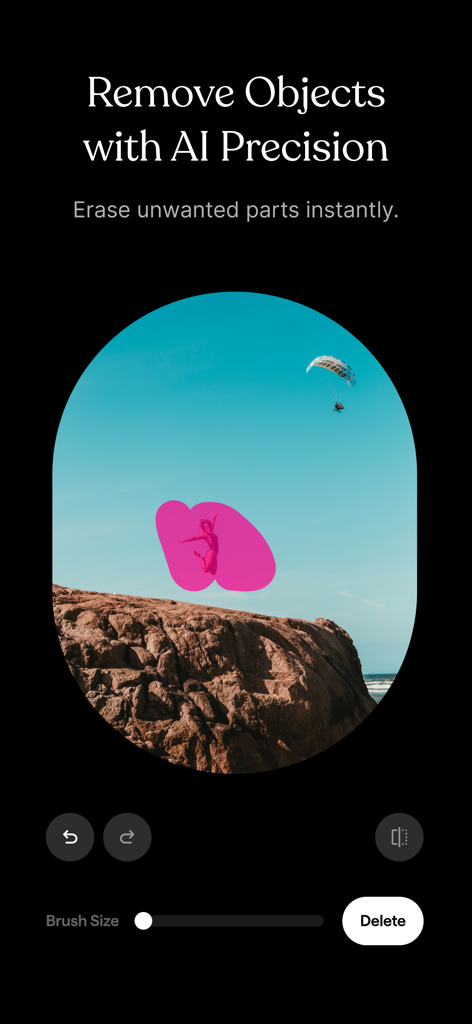
Mobile app interface of Remo showing the AI object removal tool erasing a person from a landscape photo with precision.
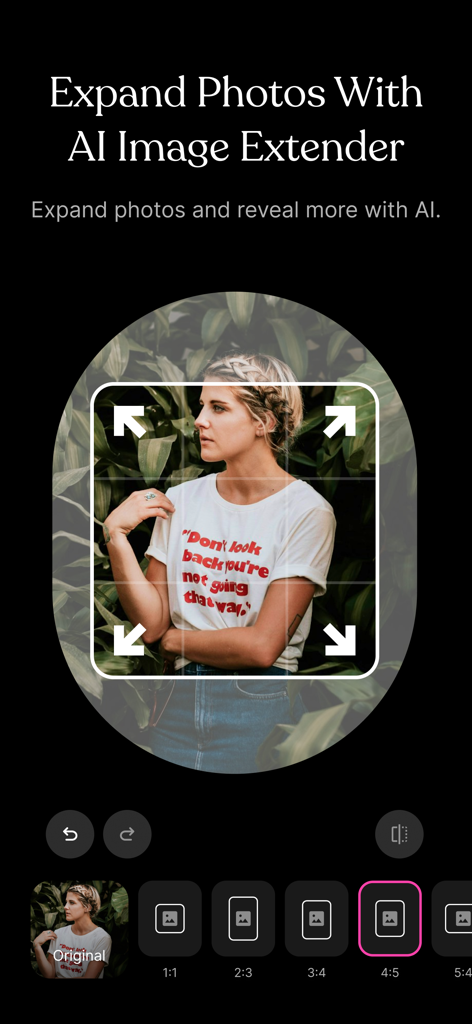
AI image extender tool in the Remo app interface showing a photo of a woman being expanded into a new aspect ratio.
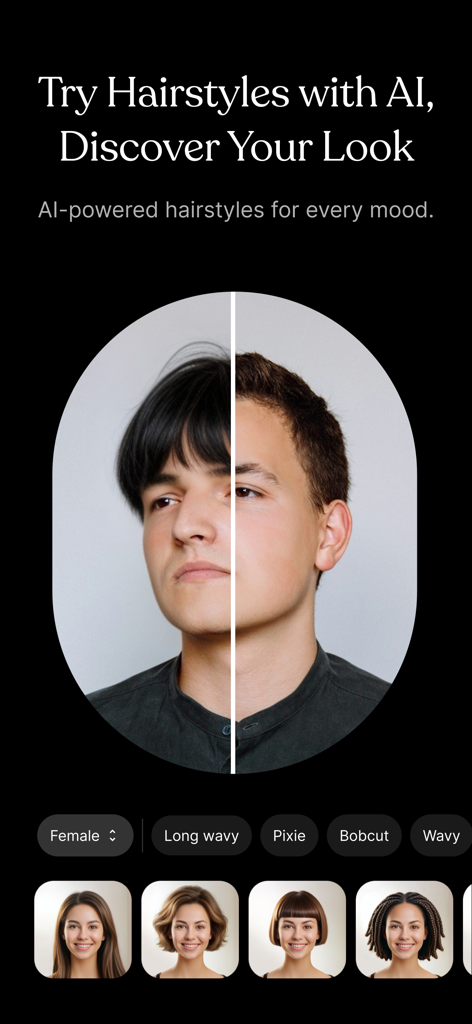
AI powered hairstyle editor with before and after comparison
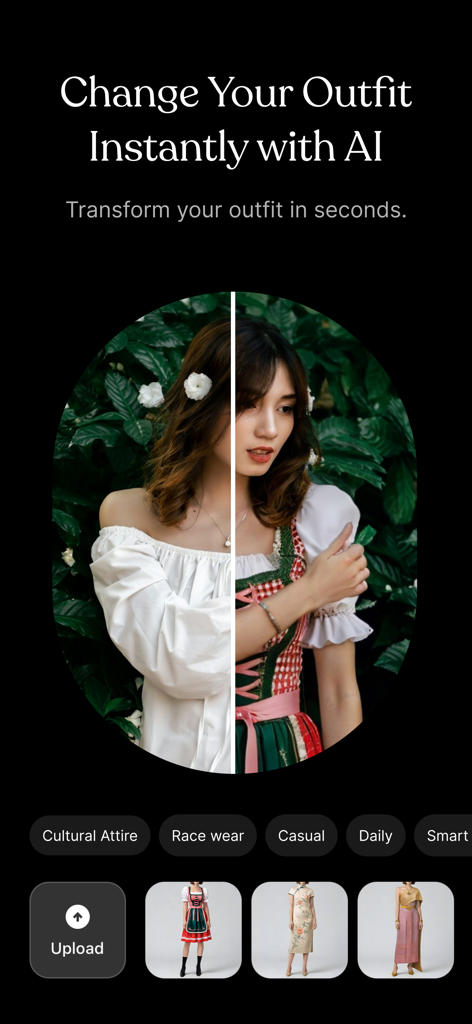
AI outfit changer feature in Remo app showing a before and after comparison of a womans clothing
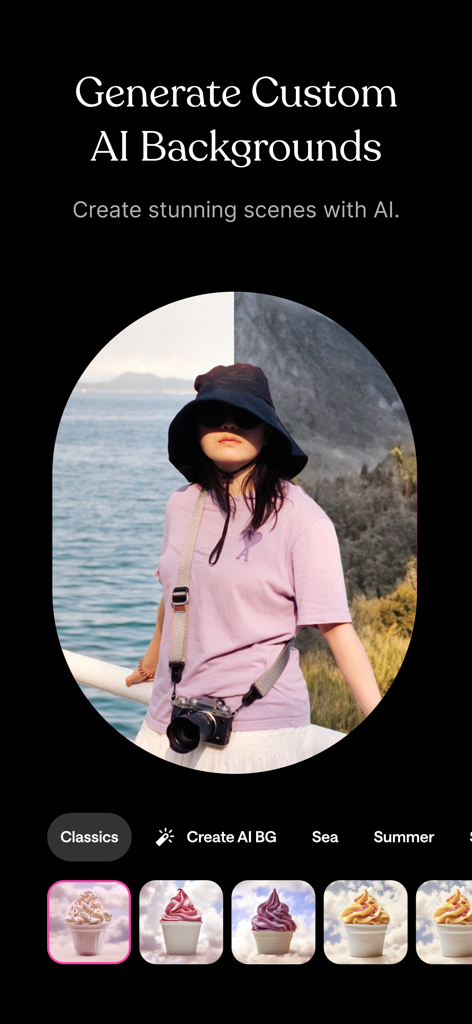
Interface of the Remo app showing the generate custom AI backgrounds feature with a split screen preview on a portrait photo
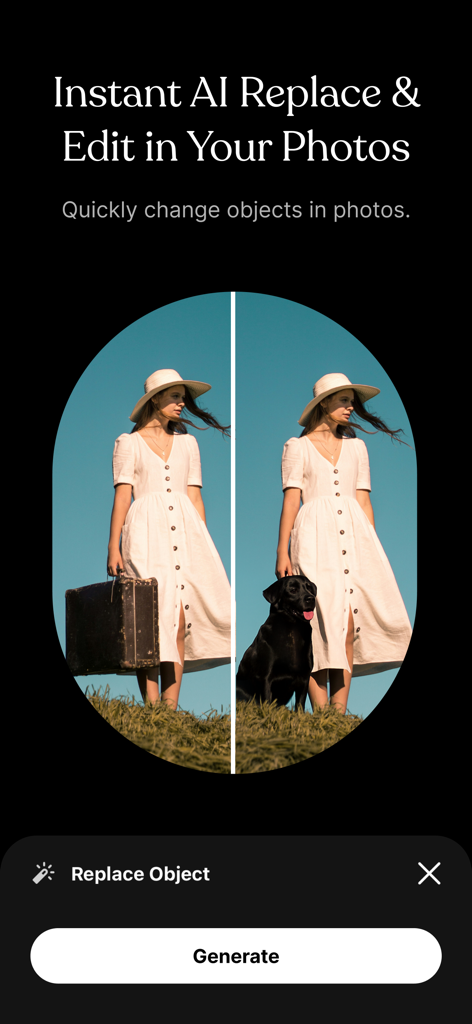
Before and after comparison of replacing a suitcase with a dog using Remo AI
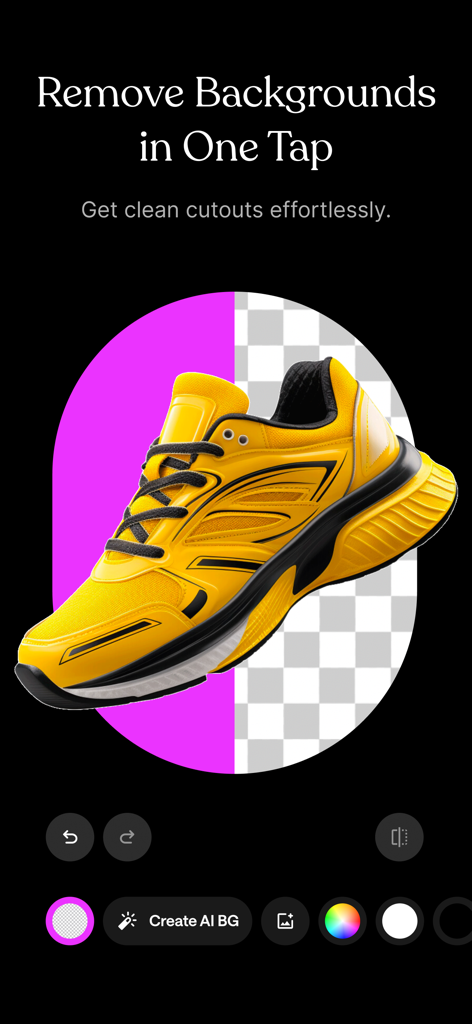
A yellow sneaker being edited with the Remo app background removal tool
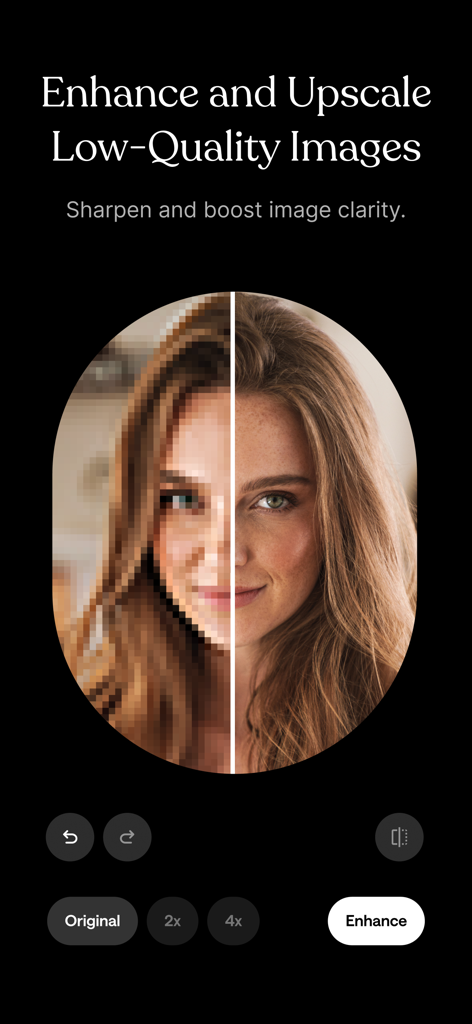
AI photo enhancer showing before and after comparison of a low quality portrait
Description
Download
More Like This
Apps with similar features and user experience

EPIK - AI Photo & Video Editor
SNOW Corporation

Citrus 1 Tap Photo Enhancer AI
Wemagine.ai LLP

SnapEdit: Photo Editor AI
SilverAI Joint Stock Company

PhotoScan by Google Photos
Google LLC

Magic Eraser - Remove Object
Creatix Technology Global Limited

Magic Eraser Background Editor
Honk Honk Punch Pty Ltd

ProKnockOut-Cut Paste Photos
Shenzhen Qianhai Happy Tour Network Technology Co., Ltd.
Background Eraser - Remove BG*
SHANTANU PTE. LTD.

Remove Objects: Pic Retouch AI
SHANTANU PTE. LTD.
This page is not an official page of the app or its developer, but an independent editorial publication created for informational and commentary purposes. Unless expressly stated otherwise, neither the app nor its developer is affiliated with, endorsed by, sponsored by, authorized by, or otherwise officially connected with MWM, Apple, Google Play, the app publisher, or the app's developer, and nothing on this page implies that the app was developed using MWM's services. Any trademarks, logos, screenshots, and other content remain the property of their respective owners.