
This page is not an official page of the app or its developer, but an independent editorial publication created for informational and commentary purposes. Unless expressly stated otherwise, neither the app nor its developer is affiliated with, endorsed by, sponsored by, authorized by, or otherwise officially connected with MWM, Apple, Google Play, the app publisher, or the app's developer, and nothing on this page implies that the app was developed using MWM's services. Any trademarks, logos, screenshots, and other content remain the property of their respective owners.

RemoteZap: Universal TV Remote
Instantly transform your iPhone into a sleek, universal controller. Seamlessly pair with any major TV brand or streaming device for a clutter-free and effortless viewing experience.
Downloads
700User Rating
Total Ratings
0Publisher
Category
UtilitiesLocales
1Latest Version
1.0Size
26.0 MBFirst Released
Mar 20, 2025Master Your Home Entertainment
Stop hunting for lost remotes and simplify your setup. RemoteZap transforms your iPhone into a powerful, universal command center for every Smart TV in your home.
One Remote for Every Room
Consolidate your controls. Seamlessly pair with major brands like Samsung, Sony, and Roku to manage all your devices from a single, intuitive interface.
Instant Pairing, Zero Clutter
Forget extra hardware or messy wires. Connect instantly via your Wi-Fi network and enjoy immediate control over power, volume, and channel navigation.
Frequently Asked Questions
Everything you need to know about RemoteZap: Universal TV Remote
What is RemoteZap?
RemoteZap transforms your smartphone into a universal remote. It allows seamless control of Smart TVs and streaming devices without additional hardware.
Does RemoteZap require additional hardware?
No, RemoteZap does not require any additional hardware. It uses your smartphone to control Smart TVs and streaming devices.
Is RemoteZap a free app to use?
Yes, RemoteZap is free to download and install. However, certain features are exclusively available through paid subscriptions.
What subscription plans does RemoteZap offer?
RemoteZap provides premium features through two subscription options: a Weekly Plan and an Annual Plan.
How do RemoteZap subscriptions renew?
RemoteZap subscriptions automatically renew. Users must turn off auto-renew at least 24 hours before the current period ends to prevent renewal.
What TV brands can RemoteZap pair with?
RemoteZap offers easy pairing with major TV brands. It connects and controls Smart TVs and various streaming devices.
What controls are available in the RemoteZap app interface?
The RemoteZap app interface provides quick access to volume, channels, power, navigation, and dedicated buttons for popular streaming services.
The following screenshots and description are sourced directly from the app's official store listing and are the property of the app developer.
App Store
Screenshots
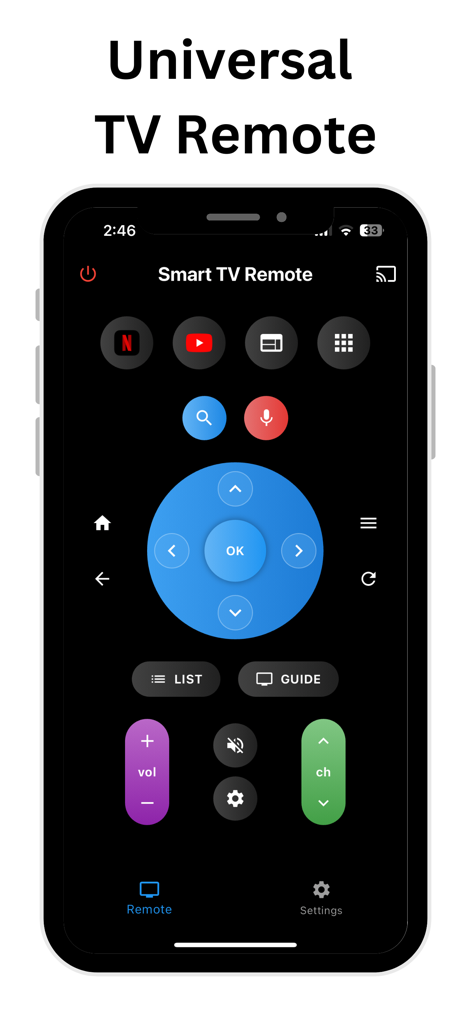
Interface of the RemoteZap universal TV remote app on an iPhone showing volume and channel controls
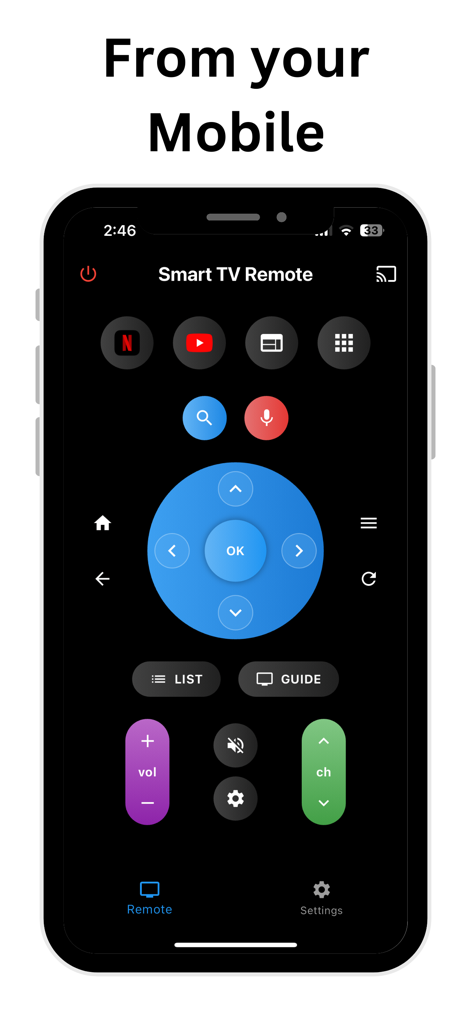
Smartphone screen showing a universal smart TV remote control app with navigation and media buttons
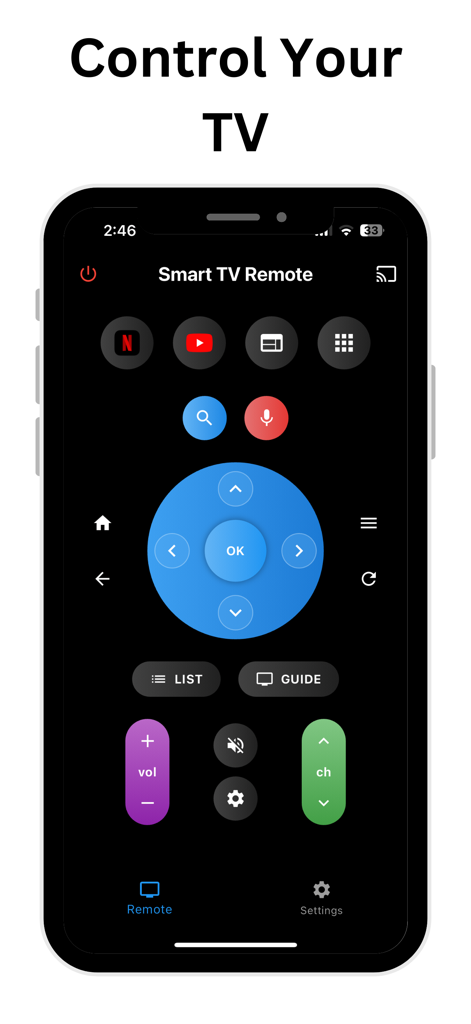
Smart TV remote interface on a smartphone featuring volume, channel, navigation, and streaming app shortcut buttons.
Description
Download
More Like This
Top-ranked apps in the same category

Google LLC

Google Chrome
Google LLC

中国移动(手机营业厅)
China Mobile Online Services Co., Ltd.

Google Authenticator
Google LLC

CNH do Brasil
Servicos e Informacoes do Brasil

Cleanup: Phone Storage Cleaner
DEEP FLOW SOFTWARE SERVICES - FZCO

gov.br
Servicos e Informacoes do Brasil

中国电信-全国统一官方服务平台
CHINA TELECOM Corporation Ltd.

Microsoft Edge: AI Browser
Microsoft Corporation
This page is not an official page of the app or its developer, but an independent editorial publication created for informational and commentary purposes. Unless expressly stated otherwise, neither the app nor its developer is affiliated with, endorsed by, sponsored by, authorized by, or otherwise officially connected with MWM, Apple, Google Play, the app publisher, or the app's developer, and nothing on this page implies that the app was developed using MWM's services. Any trademarks, logos, screenshots, and other content remain the property of their respective owners.