
This page is not an official page of the app or its developer, but an independent editorial publication created for informational and commentary purposes. Unless expressly stated otherwise, neither the app nor its developer is affiliated with, endorsed by, sponsored by, authorized by, or otherwise officially connected with MWM, Apple, Google Play, the app publisher, or the app's developer, and nothing on this page implies that the app was developed using MWM's services. Any trademarks, logos, screenshots, and other content remain the property of their respective owners.

RFID Wallet EasyTrip AutoSweep
Ditch the physical cards and manage multiple vehicle accounts with ease. Scan barcodes for instant reloading, check balances, and get real-time traffic updates for a stress-free drive.
Downloads
24K+User Rating
Total Ratings
200Publisher
Category
UtilitiesLocales
1Latest Version
5.7.5Size
6.8 MBFirst Released
Jan 5, 2021Master Your Philippine Road Trips
From balance checks to digital card storage, RFID Wallet brings all your tollway essentials into one powerful, paperless app designed for the modern driver.
Secure Digital Card Vault
Ditch the physical cards and the risk of losing them. Access machine-readable QR and barcodes instantly for seamless reloading at any station.
Unified Fleet Organization
The perfect solution for multi-vehicle owners. Manage unlimited EasyTrip and AutoSweep accounts in one streamlined, clutter-free dashboard.
The following screenshots and description are sourced directly from the app's official store listing and are the property of the app developer.
App Store
Screenshots
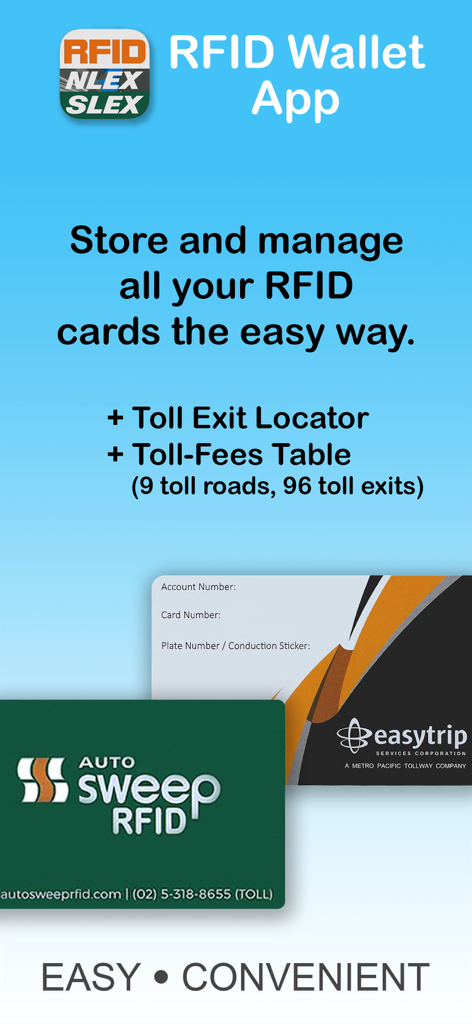
RFID Wallet app showing features for managing AutoSweep and EasyTrip toll cards
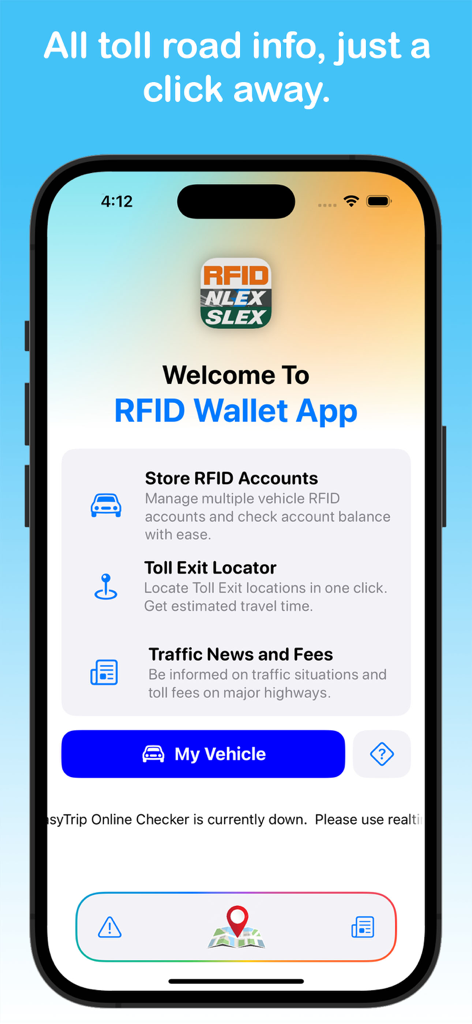
Welcome screen of the RFID Wallet App showing features for managing toll accounts and traffic information
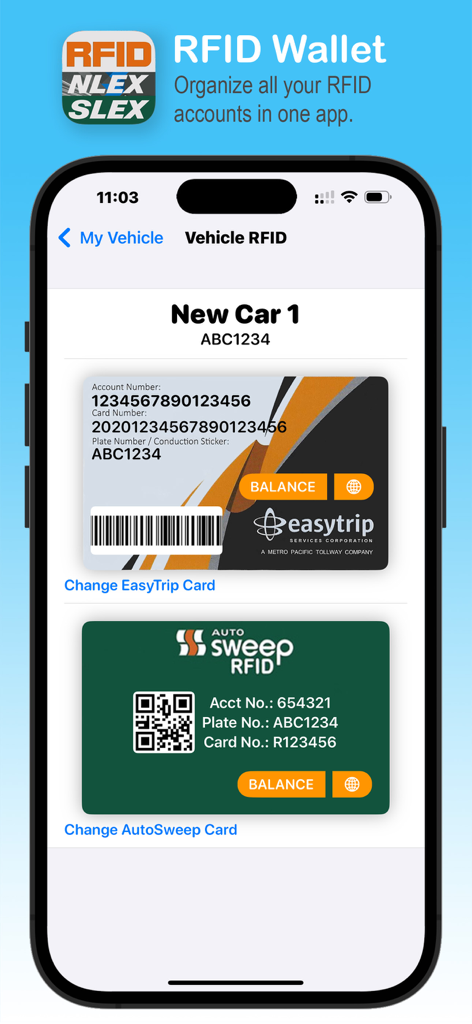
RFID Wallet mobile app interface showing digital EasyTrip and AutoSweep cards for vehicle management
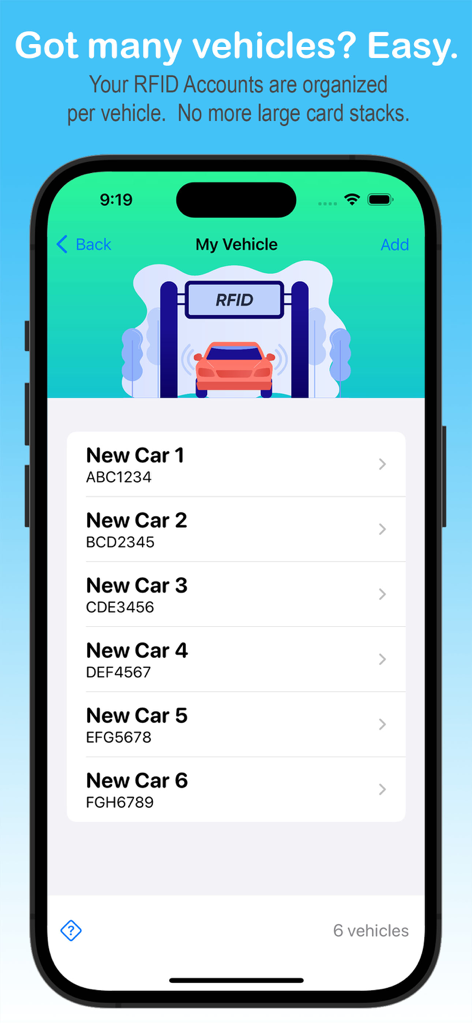
Mobile app screen showing a list of multiple vehicles with organized RFID accounts
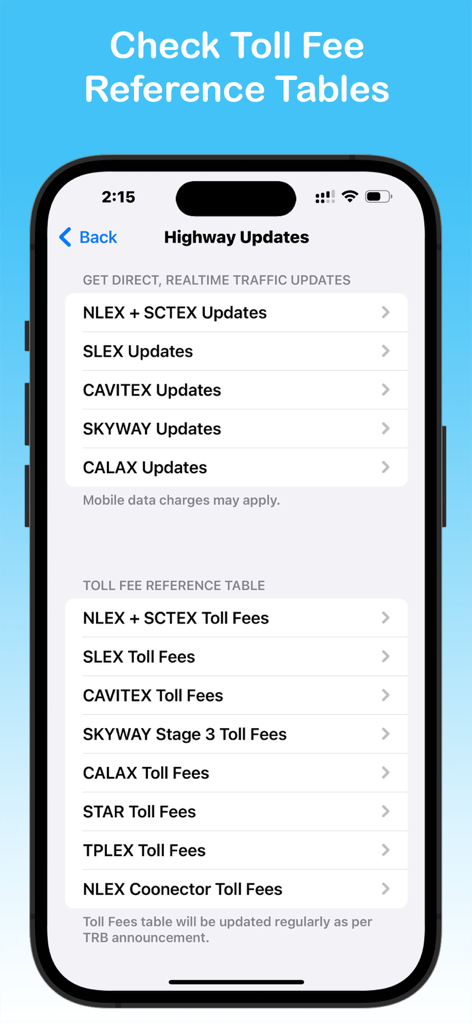
A mobile app screen displaying highway traffic updates and toll fee reference tables for Philippine expressways
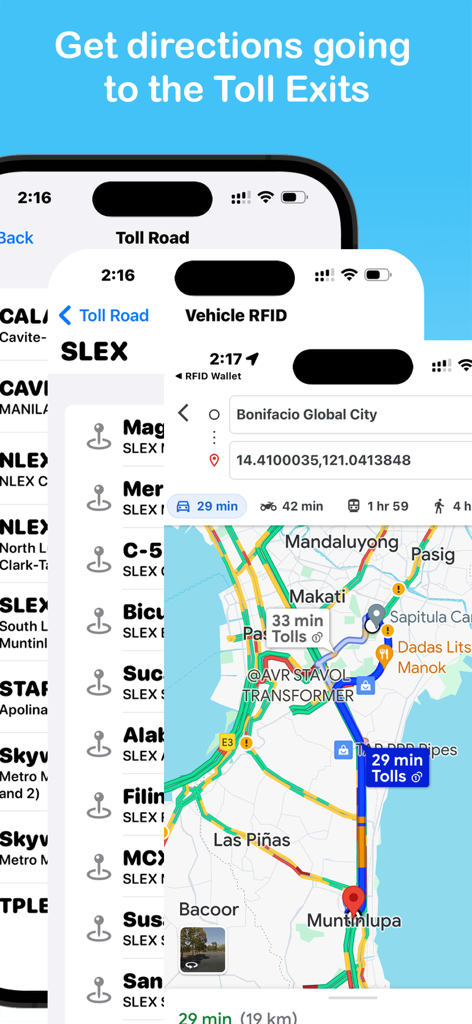
RFID Wallet app screenshots showing GPS navigation and directions to Philippine toll exits on a map
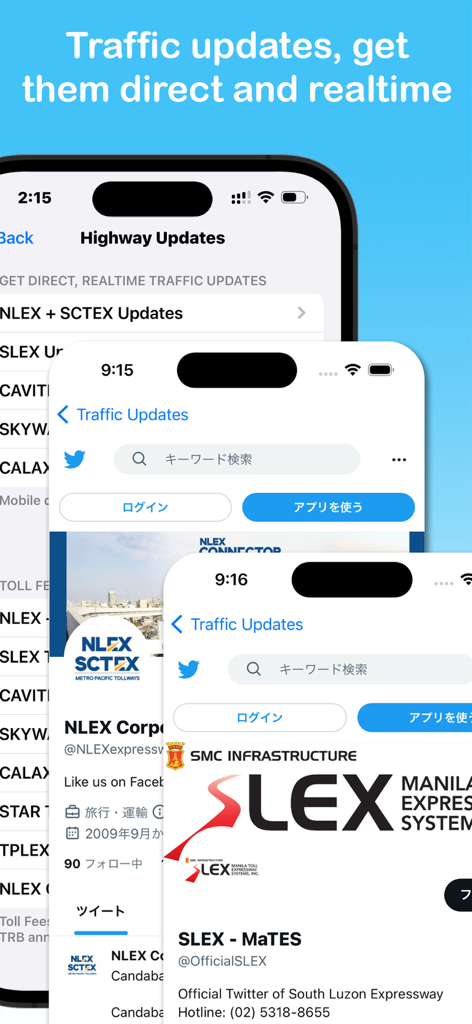
Three smartphone screens displaying real-time traffic updates for NLEX SCTEX and SLEX tollways in the RFID Wallet app
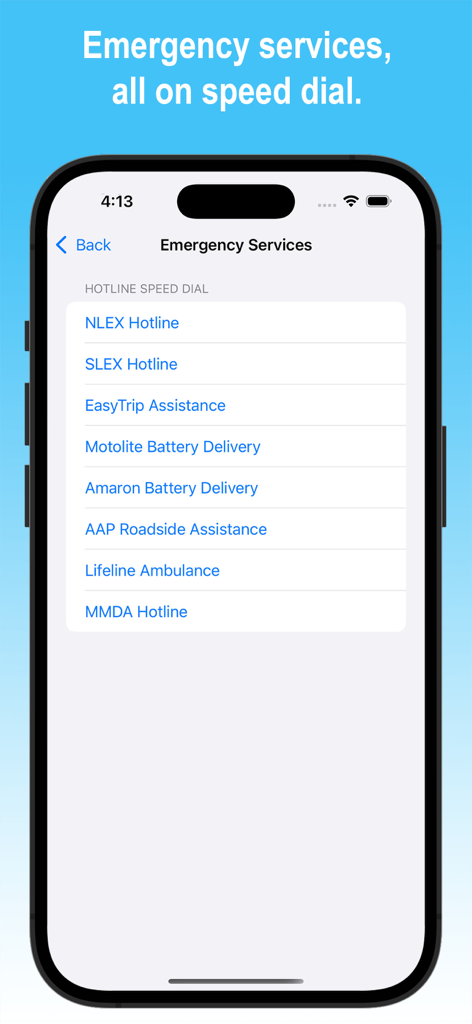
A screenshot of the RFID Wallet app displaying a list of emergency hotline speed dials for Philippine tollways and roadside assistance.
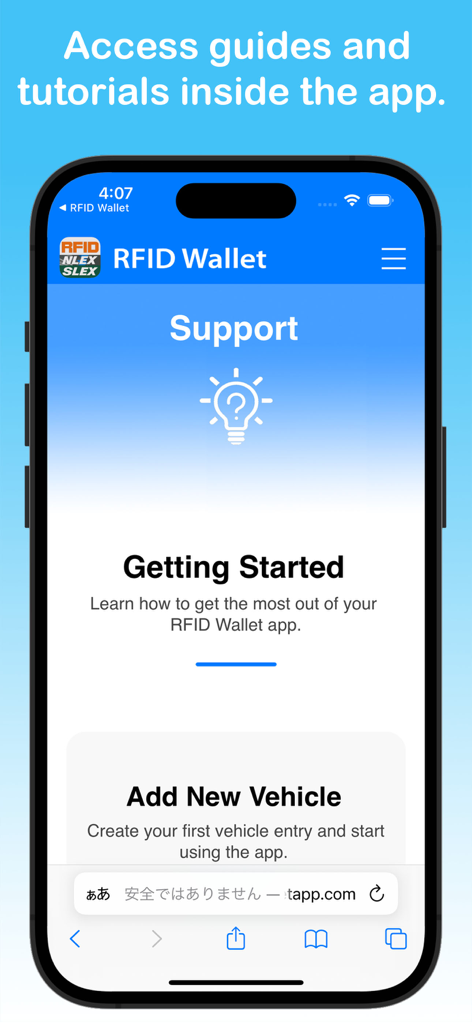
RFID Wallet app support screen showing getting started tutorials and new vehicle setup options
Description
Download
More Like This
Top-ranked apps in the same category

Google LLC

Google Chrome
Google LLC

中国移动(手机营业厅)
China Mobile Online Services Co., Ltd.

Google Authenticator
Google LLC

CNH do Brasil
Servicos e Informacoes do Brasil

Cleanup: Phone Storage Cleaner
DEEP FLOW SOFTWARE SERVICES - FZCO

gov.br
Servicos e Informacoes do Brasil

中国电信-全国统一官方服务平台
CHINA TELECOM Corporation Ltd.

Microsoft Edge: AI Browser
Microsoft Corporation
This page is not an official page of the app or its developer, but an independent editorial publication created for informational and commentary purposes. Unless expressly stated otherwise, neither the app nor its developer is affiliated with, endorsed by, sponsored by, authorized by, or otherwise officially connected with MWM, Apple, Google Play, the app publisher, or the app's developer, and nothing on this page implies that the app was developed using MWM's services. Any trademarks, logos, screenshots, and other content remain the property of their respective owners.