
This page is not an official page of the app or its developer, but an independent editorial publication created for informational and commentary purposes. Unless expressly stated otherwise, neither the app nor its developer is affiliated with, endorsed by, sponsored by, authorized by, or otherwise officially connected with MWM, Apple, Google Play, the app publisher, or the app's developer, and nothing on this page implies that the app was developed using MWM's services. Any trademarks, logos, screenshots, and other content remain the property of their respective owners.

RFR901 APP
The essential SDK sandbox for developers and IT professionals to explore API functionality, verify hardware performance, and accelerate enterprise-grade deployments.
Downloads
0User Rating
Total Ratings
0Publisher
Category
Developer ToolsLocales
1Latest Version
4.5.1Size
4.7 MBFirst Released
Jan 17, 2025Accelerate Your RFID & Barcode Integration
The essential sandbox for developers and IT managers to validate hardware performance and explore the full Bluebird RFR901 SDK capabilities in real-time.
Full SDK API Exploration
Test every API call and parameter in a live environment to ensure seamless integration into your enterprise iOS applications.
High-Precision Dual Scanning
Evaluate real-world read ranges and scan speeds for both RFID tags and barcodes directly through the RFR901 hardware.
The following screenshots and description are sourced directly from the app's official store listing and are the property of the app developer.
App Store
Screenshots
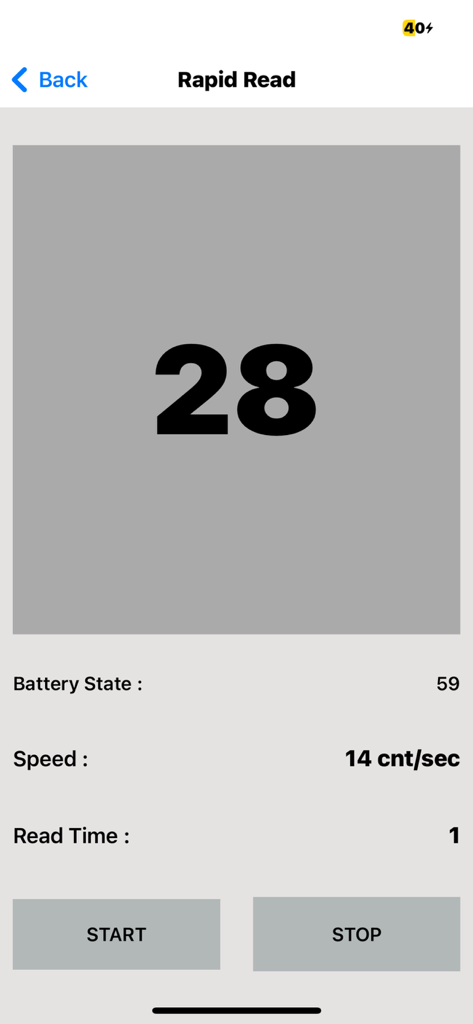
The Rapid Read screen of the RFR901 app showing tag count and scanning speed metrics
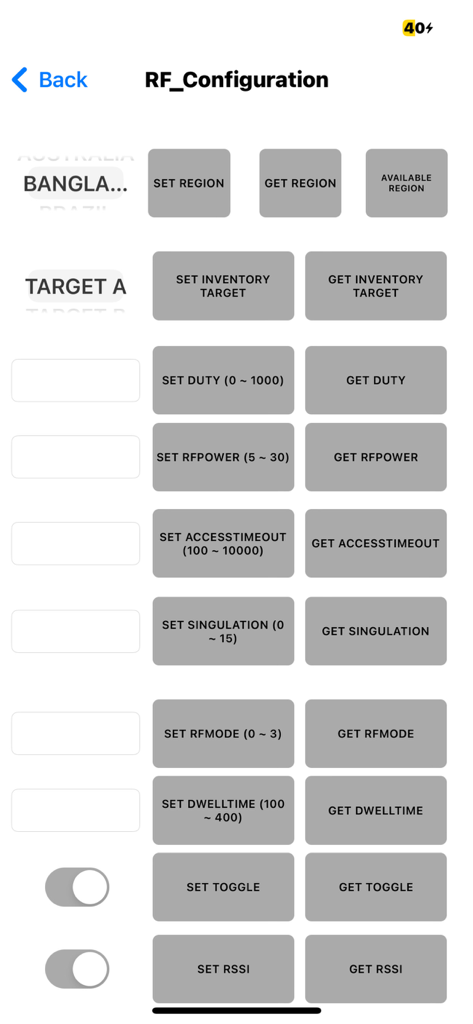
RF configuration settings screen in the RFR901 app for managing RFID reader parameters.
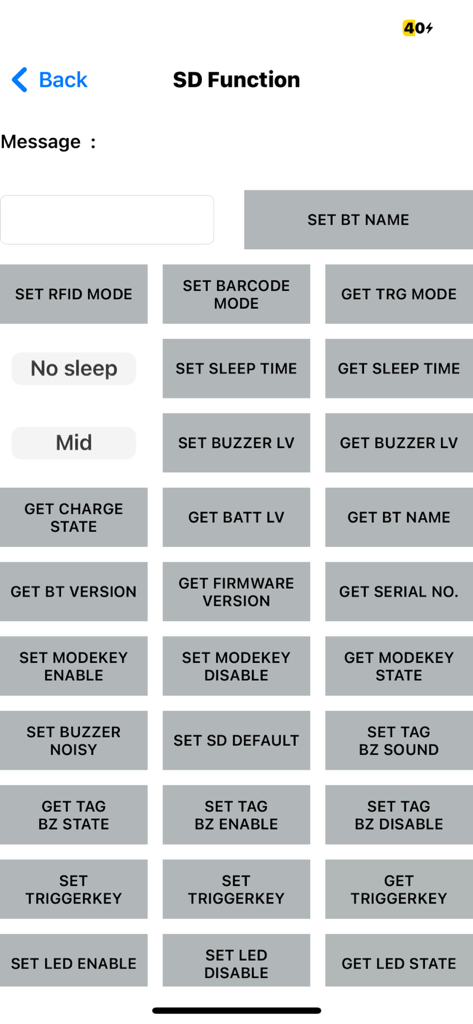
SD Function configuration screen in the RFR901 app showing various RFID and barcode hardware settings buttons.
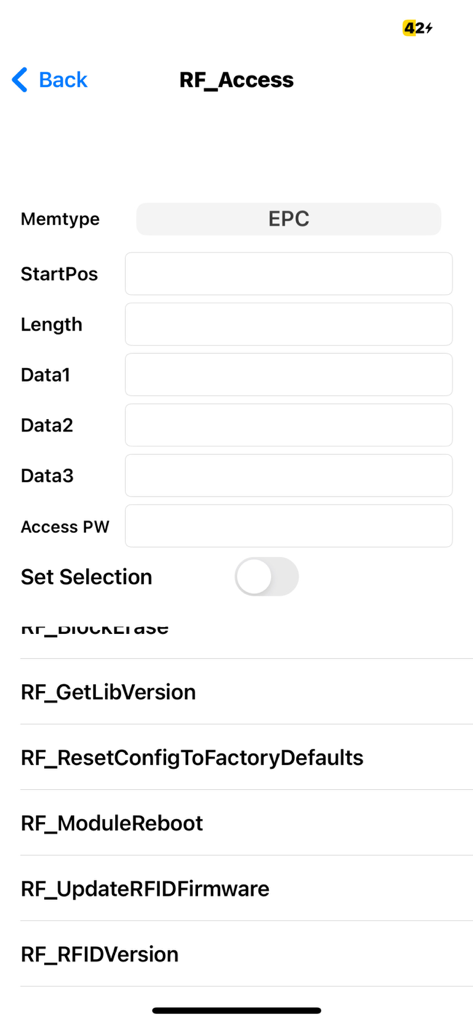
Technical interface of RFR901 app showing RF access parameters and device management options
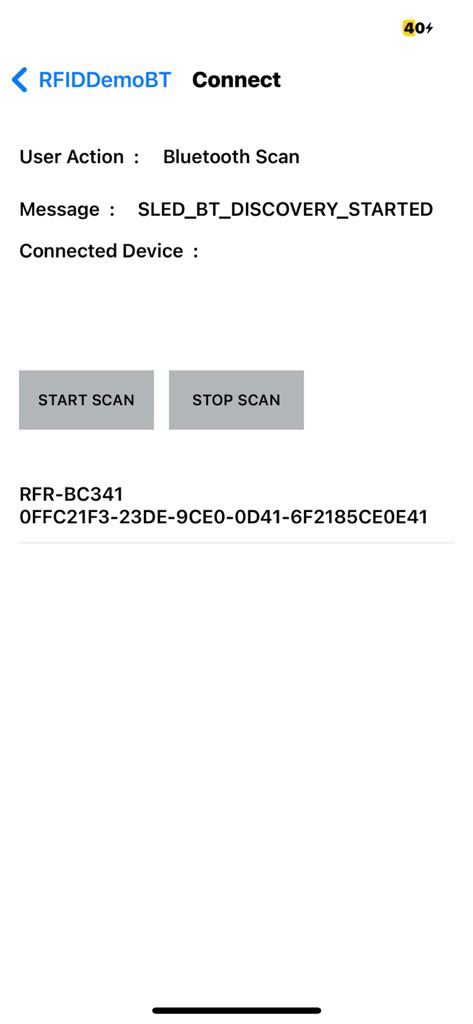
RFR901 app screen for Bluetooth device scanning and connection
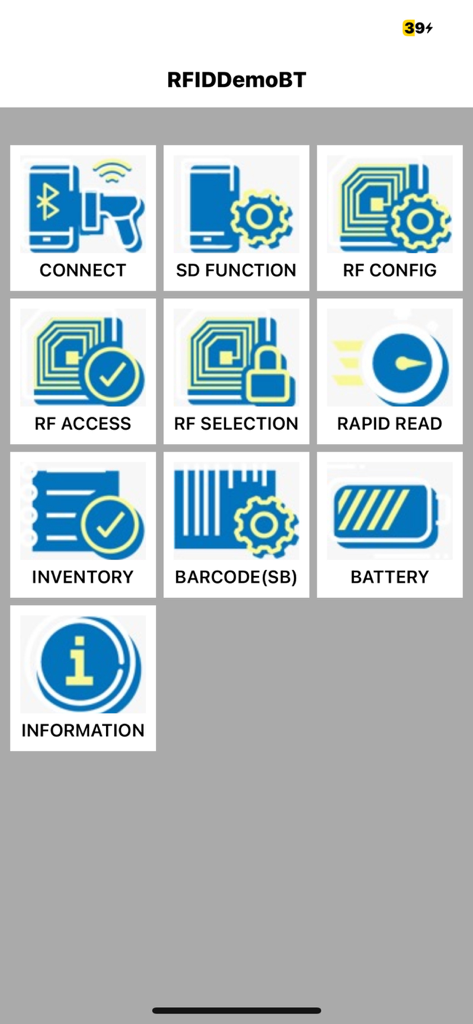
Main menu of the RFR901 app showing RFID and barcode configuration options like connect, rapid read, and inventory
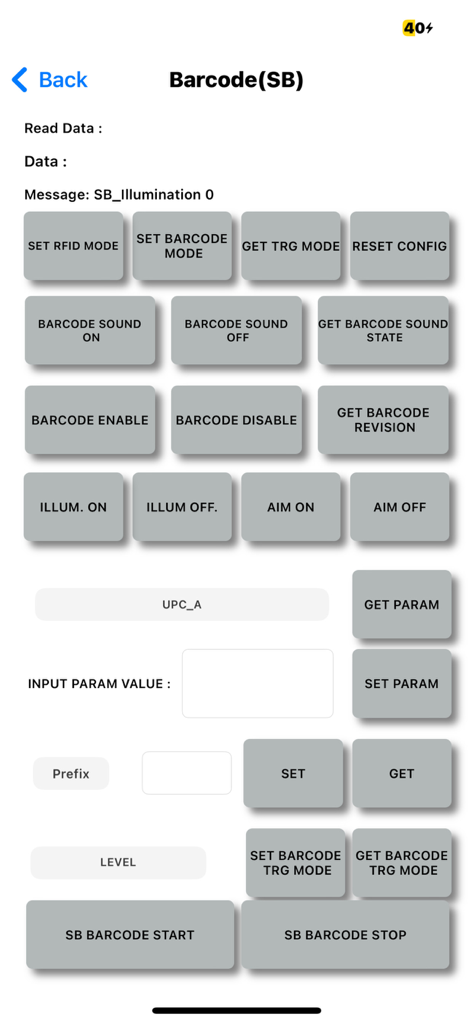
Developer interface for configuring barcode scanner settings and testing scan functionality in the RFR901 app.
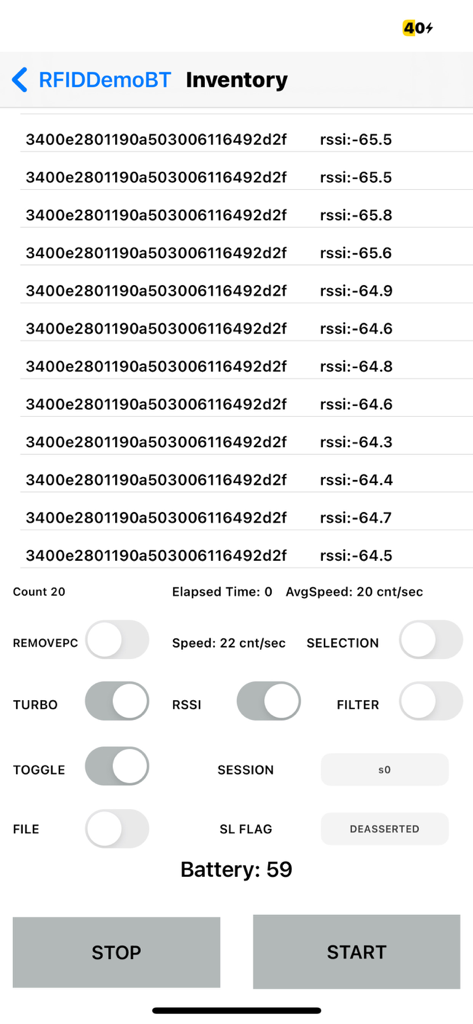
Screenshot of the RFR901 app inventory interface showing RFID tag hex codes RSSI values and scanning controls.
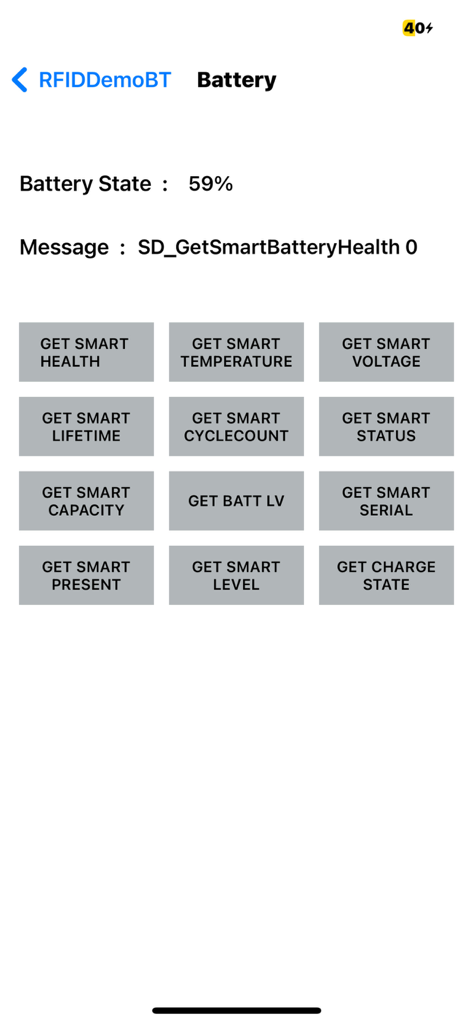
The battery diagnostic screen of the RFR901 app showing various smart battery test options.
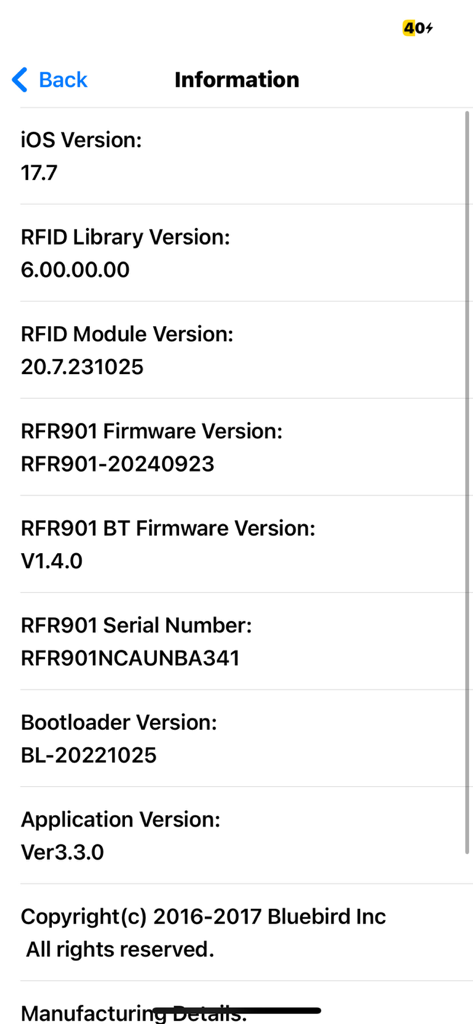
Technical information screen for RFR901 APP showing system versions and serial numbers
Description
Download
More Like This
Top-ranked apps in the same category

TestFlight
Apple Inc.

Replit: Vibe Code Apps
Replit, Inc
GitHub
GitHub

O-KAM Pro
Shenzhen VeePai IoT Intelligent Technology LLC

Apple Developer
Apple Inc.

Expo Go
650 Industries, Inc.

Scriptable
Simon Stovring

Stream - Network Debug Tool
Stream Lab Inc.

ProxyPin - Open Source Capture
Minimalist Network Co., Ltd.
This page is not an official page of the app or its developer, but an independent editorial publication created for informational and commentary purposes. Unless expressly stated otherwise, neither the app nor its developer is affiliated with, endorsed by, sponsored by, authorized by, or otherwise officially connected with MWM, Apple, Google Play, the app publisher, or the app's developer, and nothing on this page implies that the app was developed using MWM's services. Any trademarks, logos, screenshots, and other content remain the property of their respective owners.