
This page is not an official page of the app or its developer, but an independent editorial publication created for informational and commentary purposes. Unless expressly stated otherwise, neither the app nor its developer is affiliated with, endorsed by, sponsored by, authorized by, or otherwise officially connected with MWM, Apple, Google Play, the app publisher, or the app's developer, and nothing on this page implies that the app was developed using MWM's services. Any trademarks, logos, screenshots, and other content remain the property of their respective owners.


Rogers Xfinity (Shaw)
Easily manage your WiFi, set parental controls, and protect every device with advanced security—all from one intuitive app designed for your peace of mind.
Downloads
1M+User Rating
Total Ratings
45K+Publisher
Category
ProductivityLocales
4Latest Version
5.65Size
357.5 MBFirst Released
Jun 14, 2022Total Control Over Your Connected Home
Simplify your digital life with powerful tools designed to manage your WiFi, protect your family, and secure your devices from the palm of your hand.
Smart Digital Parenting
Create a healthy balance with Downtime Schedules and Active Time Limits to manage your family's screen time effortlessly.
Proactive 24/7 Security
Keep your personal data safe with Advanced Security that automatically blocks cyber threats across all your connected devices.
The following screenshots and description are sourced directly from the app's official store listing and are the property of the app developer.
App Store
Screenshots
Rogers Xfinity app welcome screen for home wifi and device management
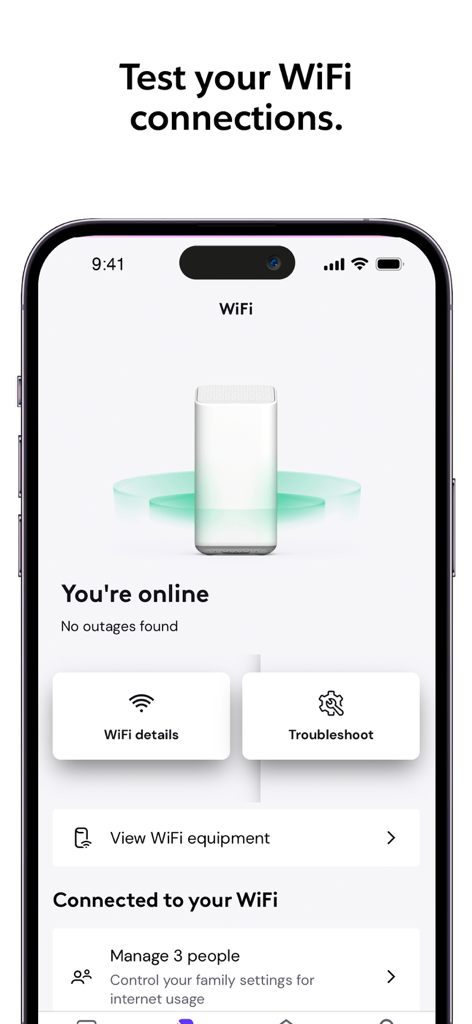
Rogers Xfinity app dashboard showing home network status and wifi troubleshooting tools
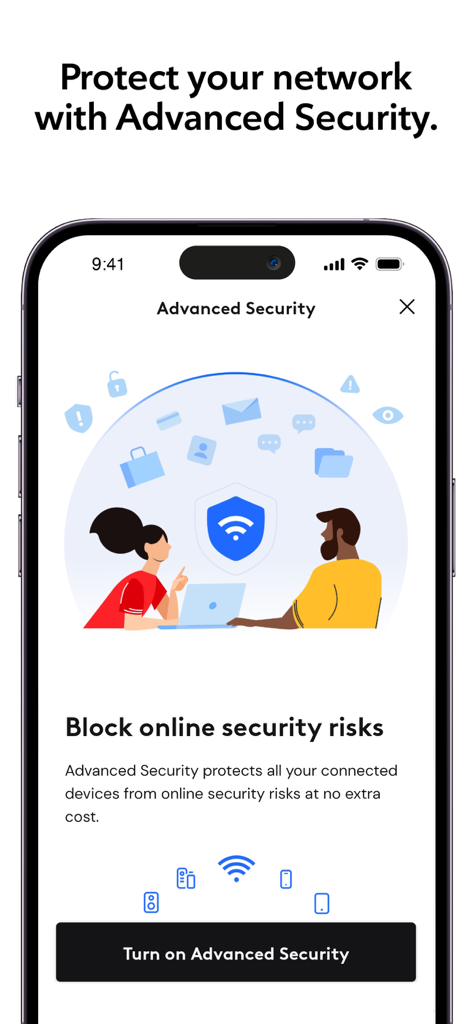
Rogers Xfinity app screenshot showing Advanced Security feature to block online risks
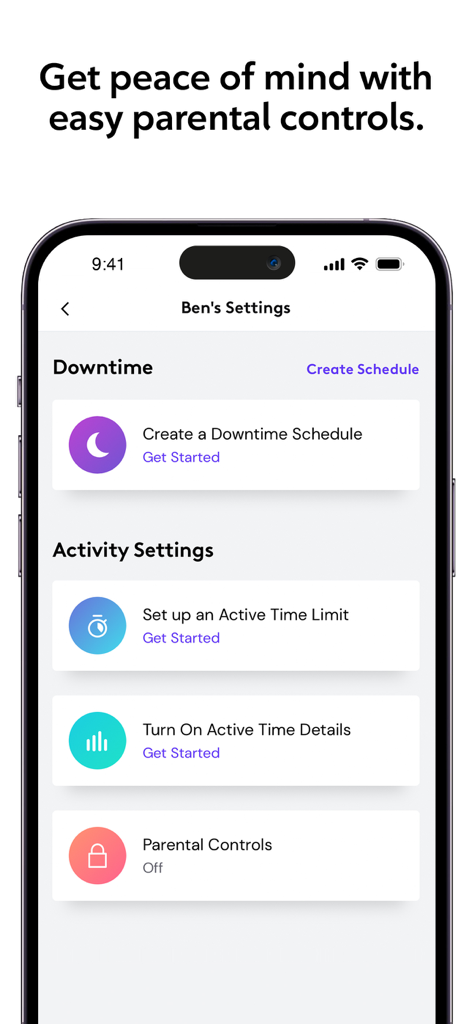
Parental control settings in the Rogers Xfinity app including downtime schedules and active time limits
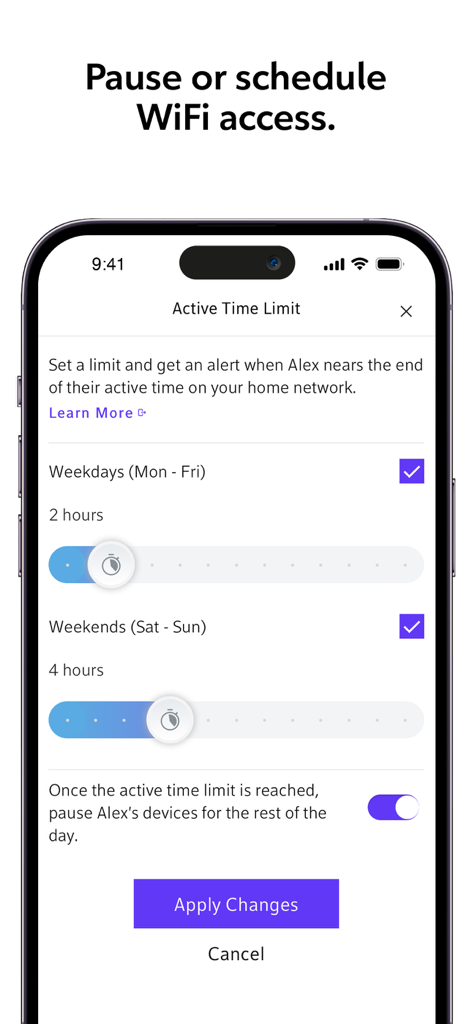
Rogers Xfinity app interface showing parental controls for setting daily wifi active time limits and schedules.
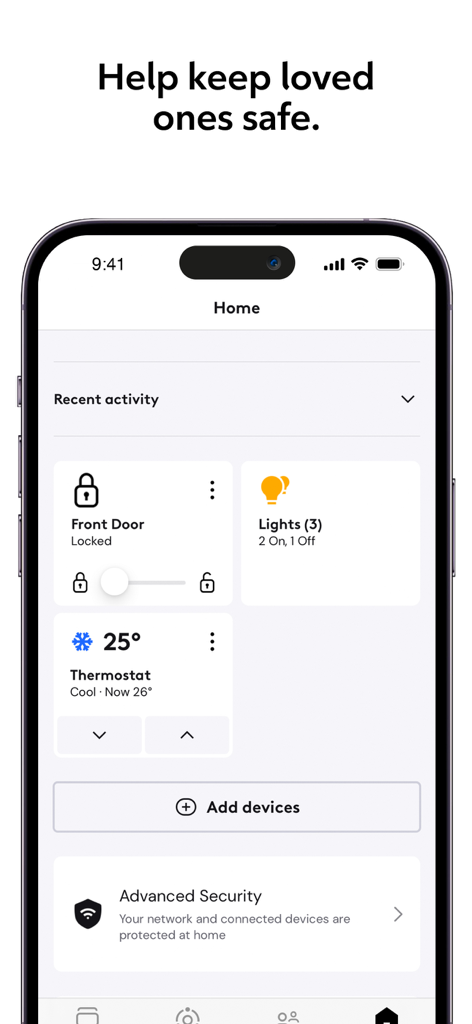
Rogers Xfinity app home screen showing smart home controls for lights door locks and thermostat management
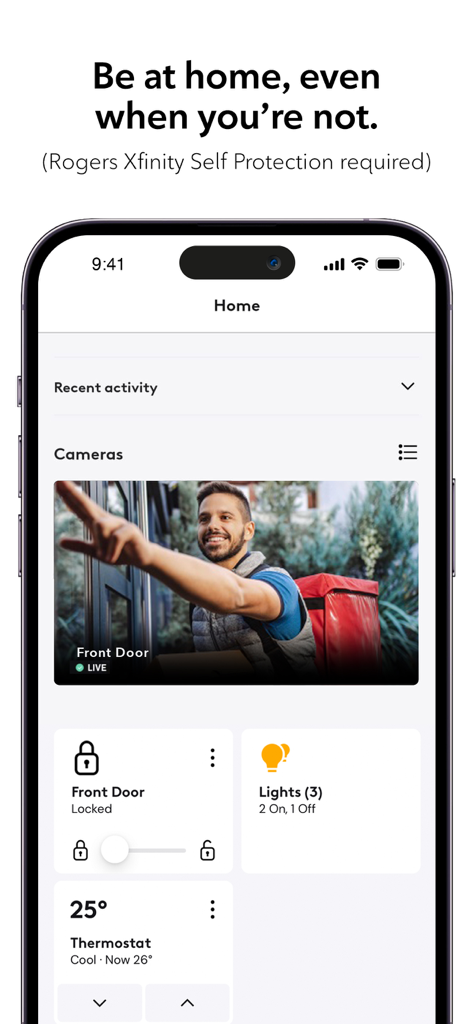
Interface of the Rogers Xfinity app showing live door camera and controls for lights and thermostat.
Description
Download
More Like This
Apps with similar features and user experience

TP-Link Tether
TP-Link Systems Inc.

Smart Home Manager
AT&T Services, Inc.

TP-Link Deco
TP-Link Systems Inc.

eero wifi system
eero LLC

MERCUSYS
MERCUSYS Technologies Co., Ltd.

TP-Link Aginet
TP-Link Systems Inc.

T-Mobile Fiber: eero
eero LLC

NETGEAR Nighthawk - WiFi App
NETGEAR, Inc.

UniFi
Ubiquiti Inc.
This page is not an official page of the app or its developer, but an independent editorial publication created for informational and commentary purposes. Unless expressly stated otherwise, neither the app nor its developer is affiliated with, endorsed by, sponsored by, authorized by, or otherwise officially connected with MWM, Apple, Google Play, the app publisher, or the app's developer, and nothing on this page implies that the app was developed using MWM's services. Any trademarks, logos, screenshots, and other content remain the property of their respective owners.